
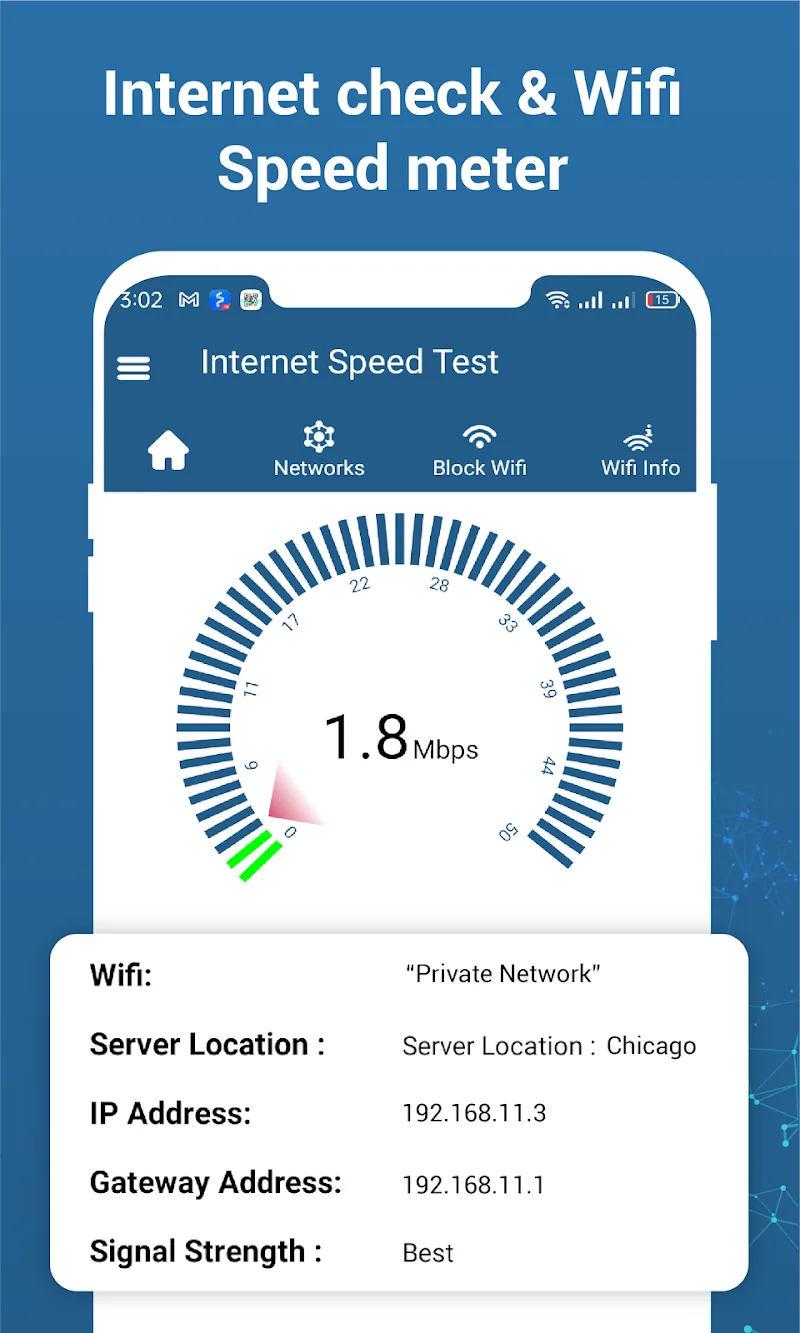
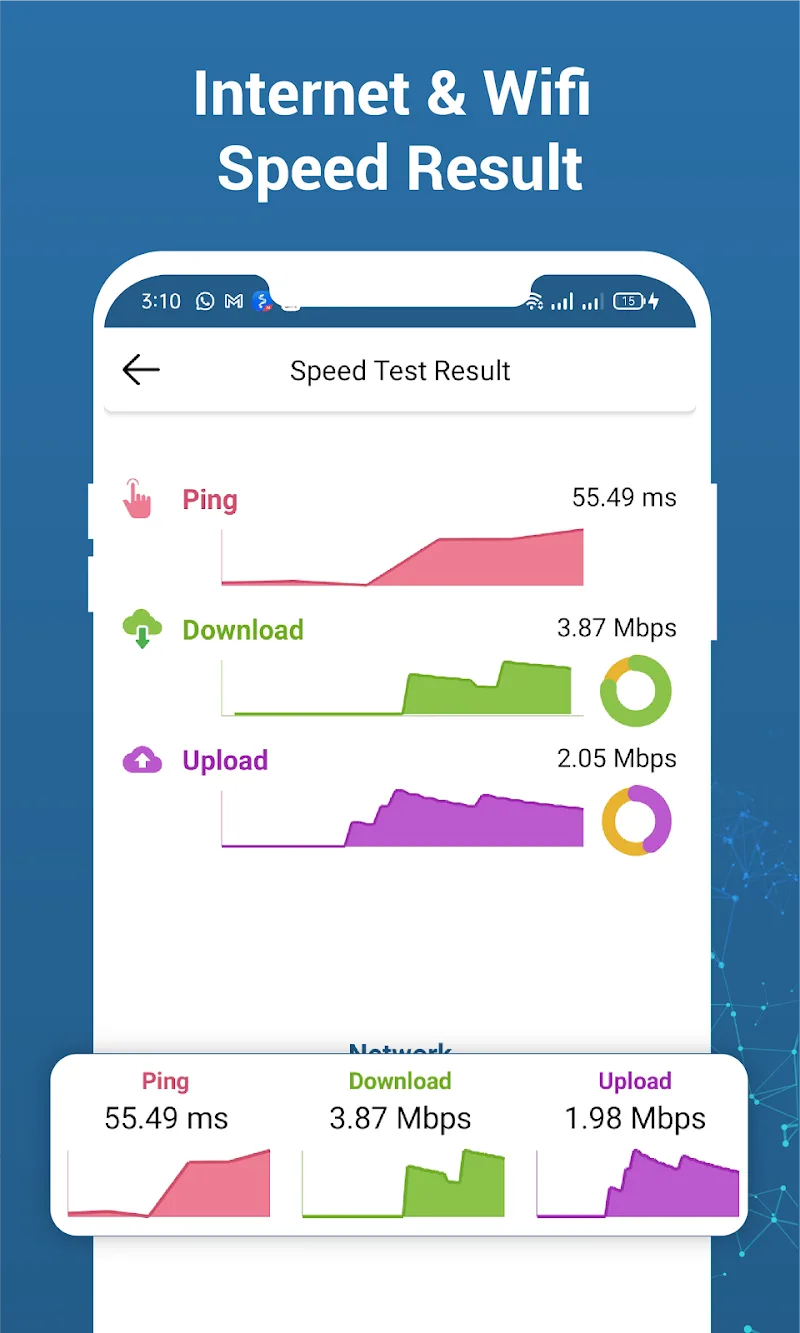
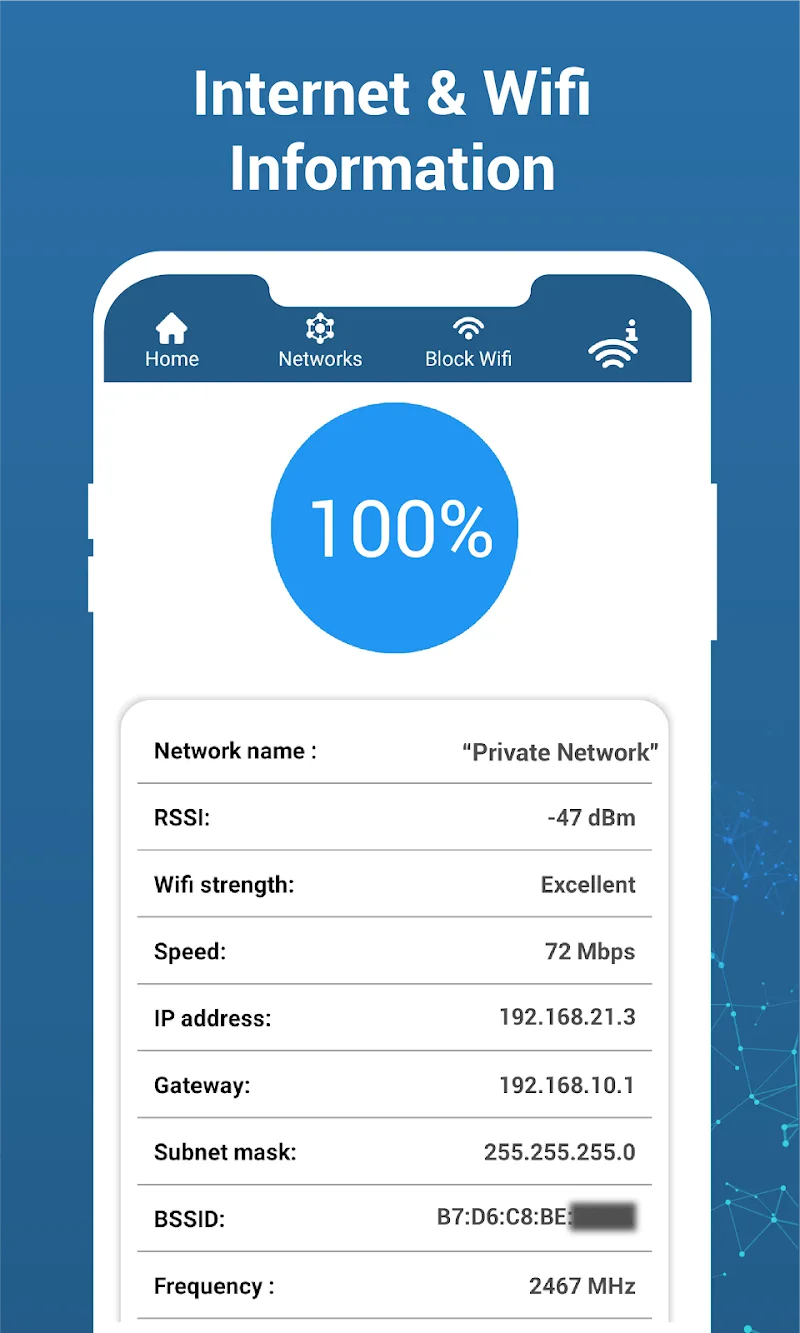
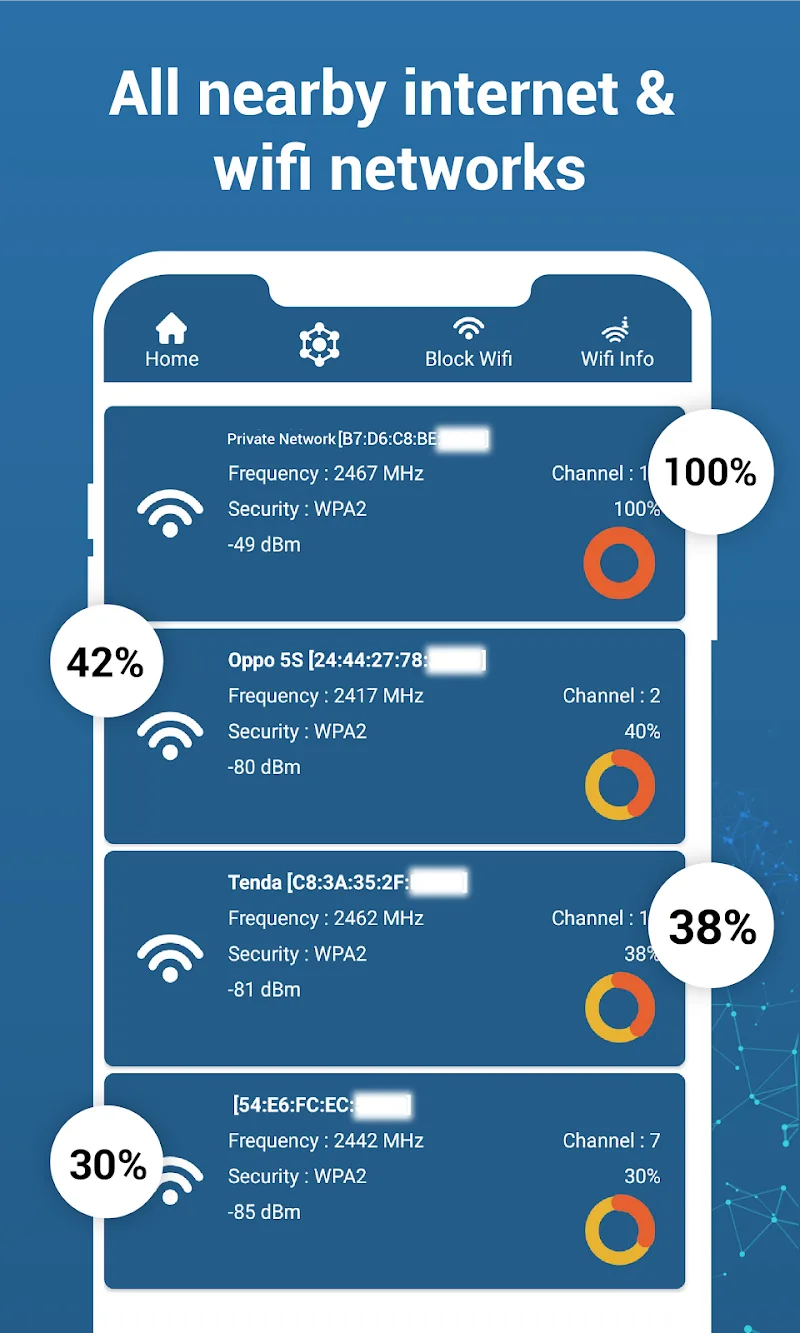
Internet connections in general and Wi-Fi connections in particular are now one of the standard daily necessities that everyone has. Customers can easily optimize their home connection quality thanks to the comprehensive measurement tool Wifi Info – Internet Networks. Nevertheless, the interface design still ensures absolute compactness, helping you quickly perform operations with just a single click. As a result, anyone can obtain the best results in the shortest possible time. In this way, all metrics regarding download speed or ping latency are reflected in the most transparent and accurate manner. Users can completely take the initiative to check the performance of advanced mobile networks from 3G and 4G to 5G.
SPEED MEASUREMENT AND SIGNAL ANALYSIS
Because of this, users can always select the smoothest connection channel for their router. The system automatically stores the entire measurement history to help you conveniently track connection fluctuations over time. In addition, the app supports scanning for devices accessing anonymously to protect local network security. Any areas with weak signals in your home or office will be detected extremely quickly.
- Check: Measure standard internet speed
- History: Store measurement results
- Analysis: Scan for strong signal locations
CONNECTION MANAGEMENT AND MAXIMUM FOCUS
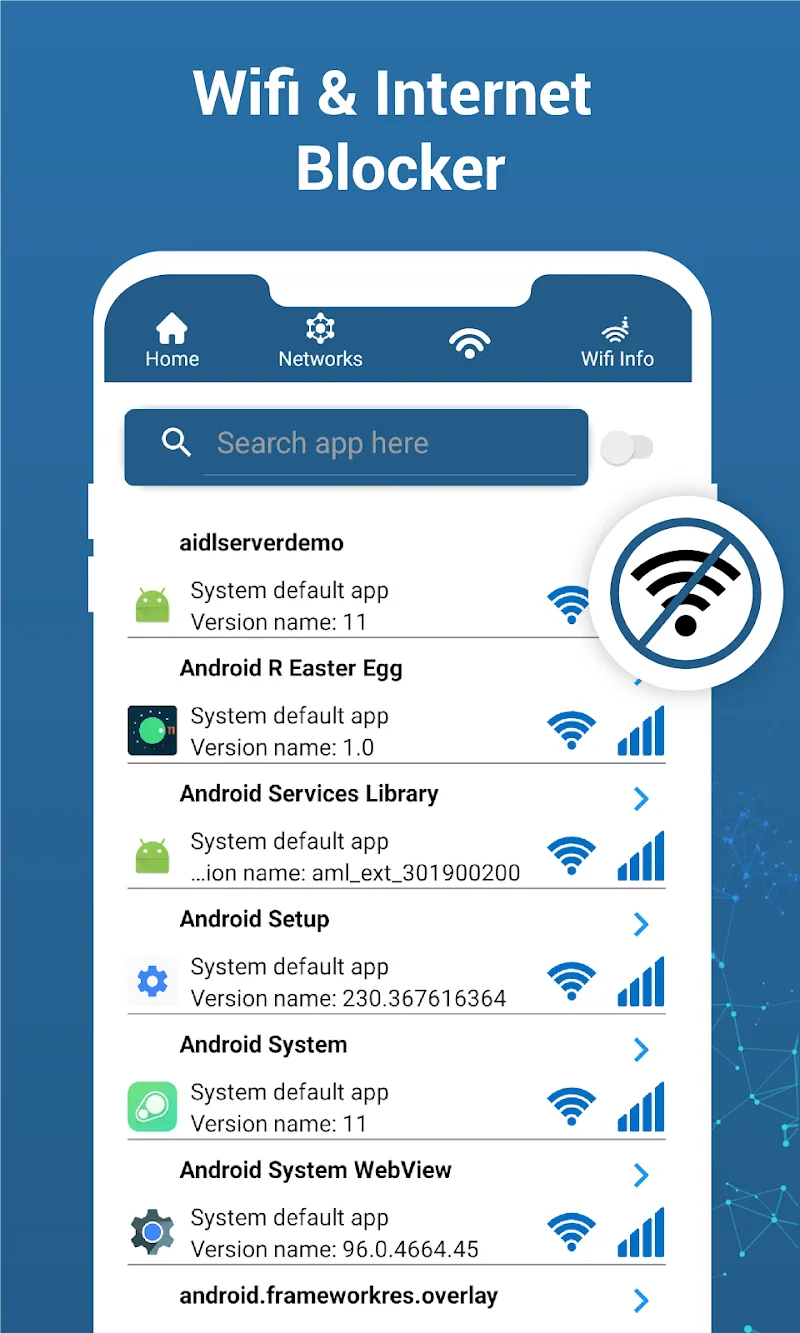
The app helps you completely eliminate distractions from social media to focus deeply on work. As a result, the dedicated VPN feature will proactively cut off the internet for selected software without affecting the entire device. Customers can freely set block time periods to enhance daily study performance. Therefore, the user connection experience becomes safer, more convenient, and more disciplined than ever.
- Optimization: Find less congested Wi-Fi channels
- Focus: Selectively block app networks
- Security: Check connected devices






![Disk & Storage Analyzer [PRO]](https://liteapks.com/wp-content/uploads/2023/03/disk-storage-analyzer-pro-150x150.jpg)



Comments (0)
No comments yet. Be the first!