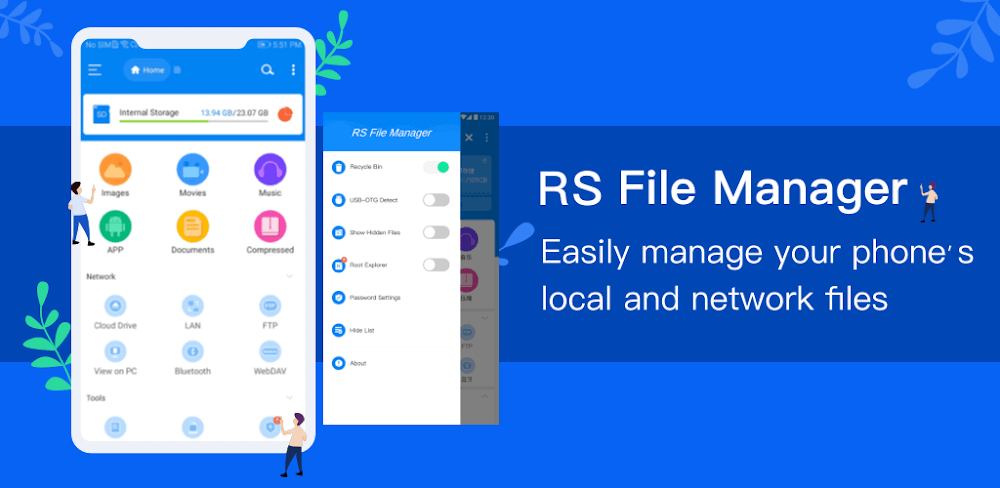

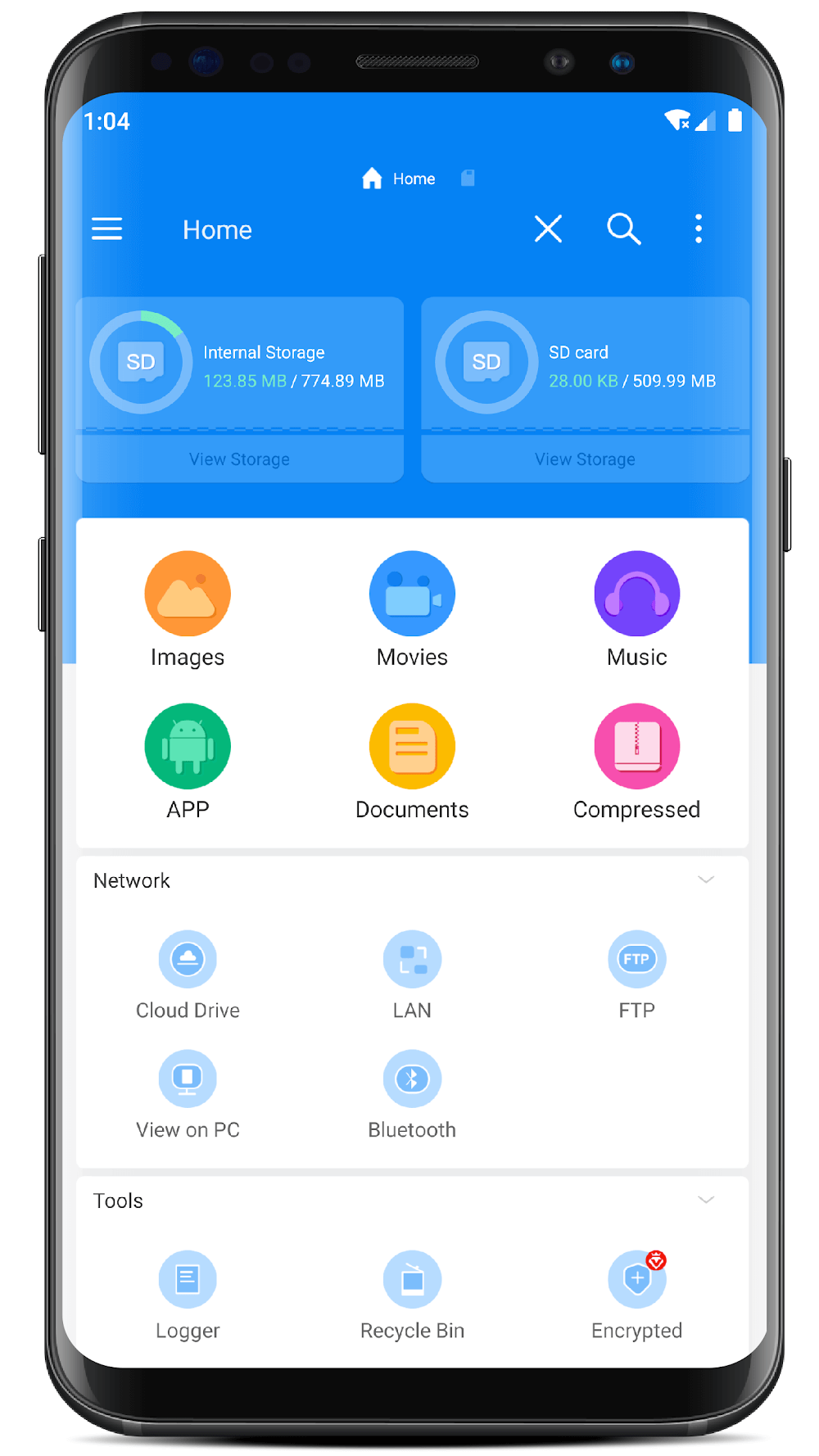
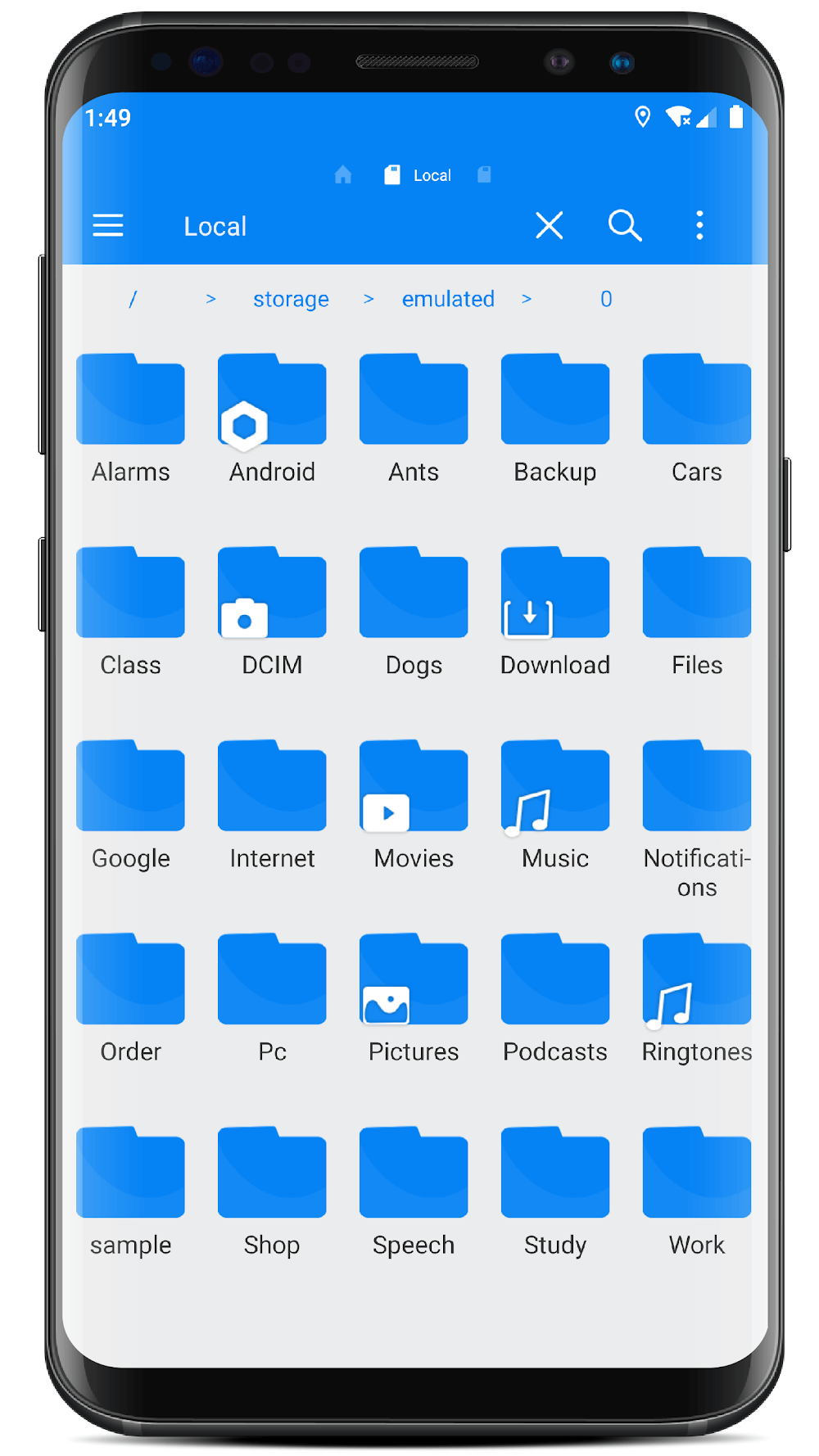
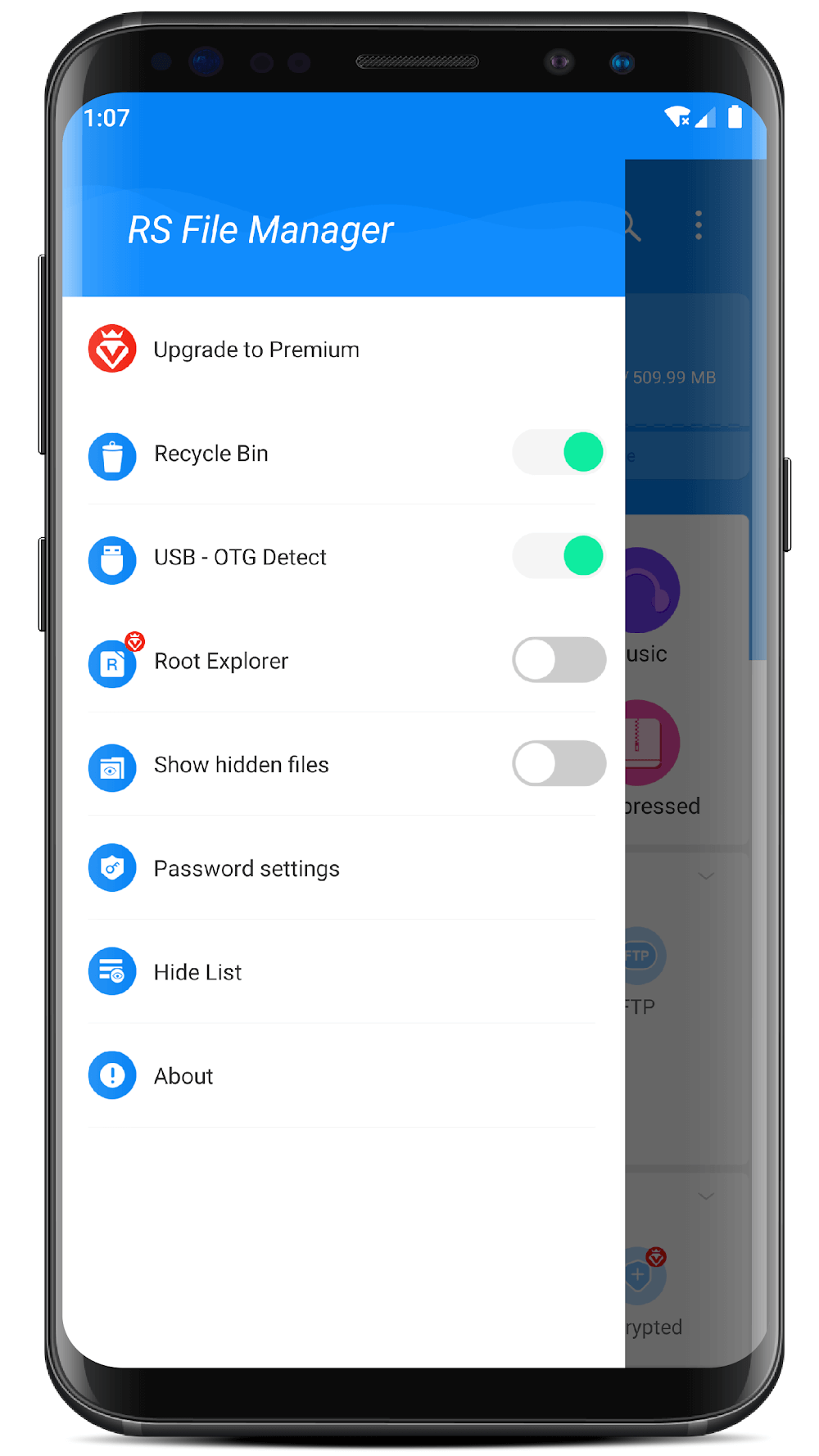
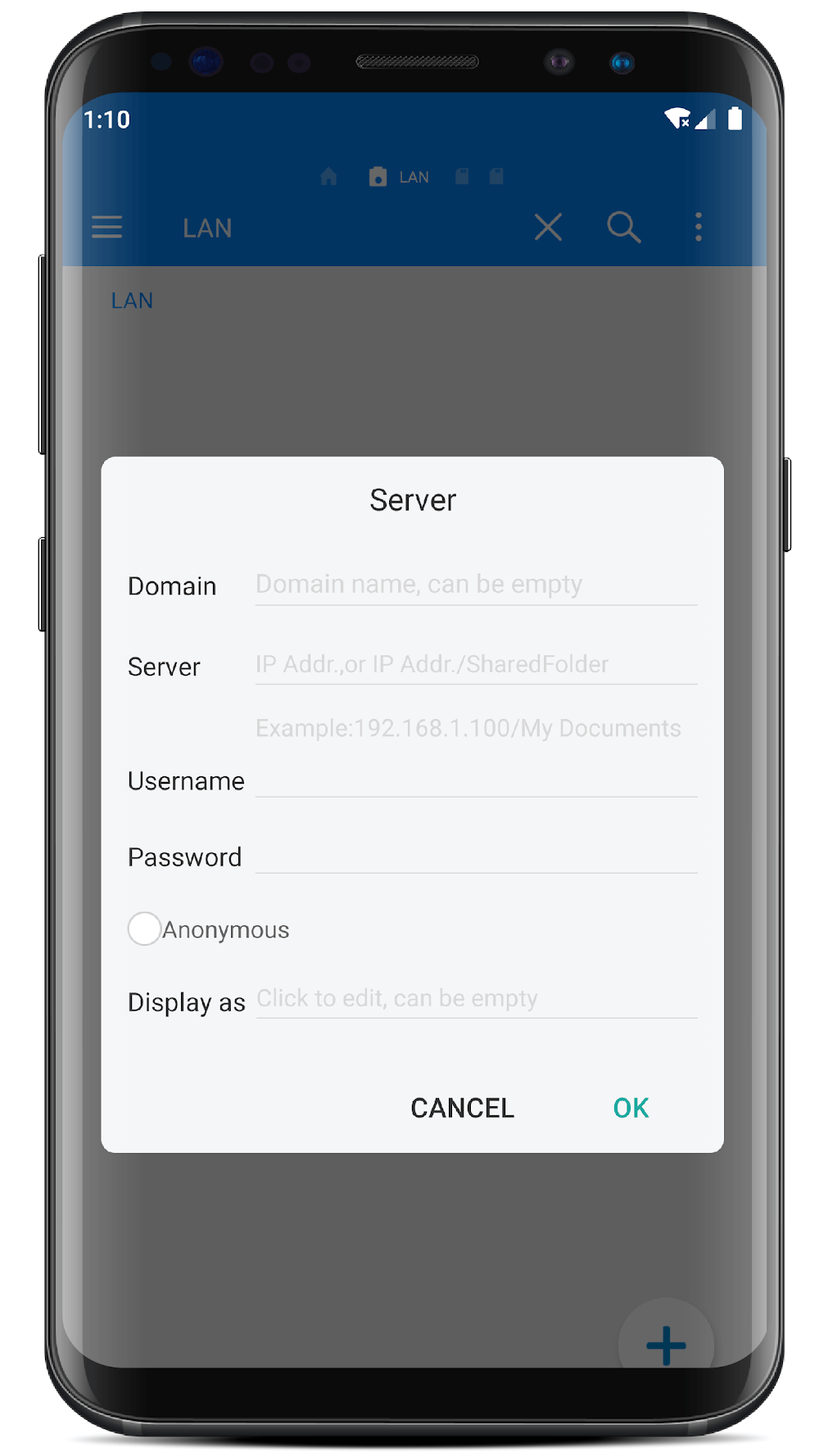
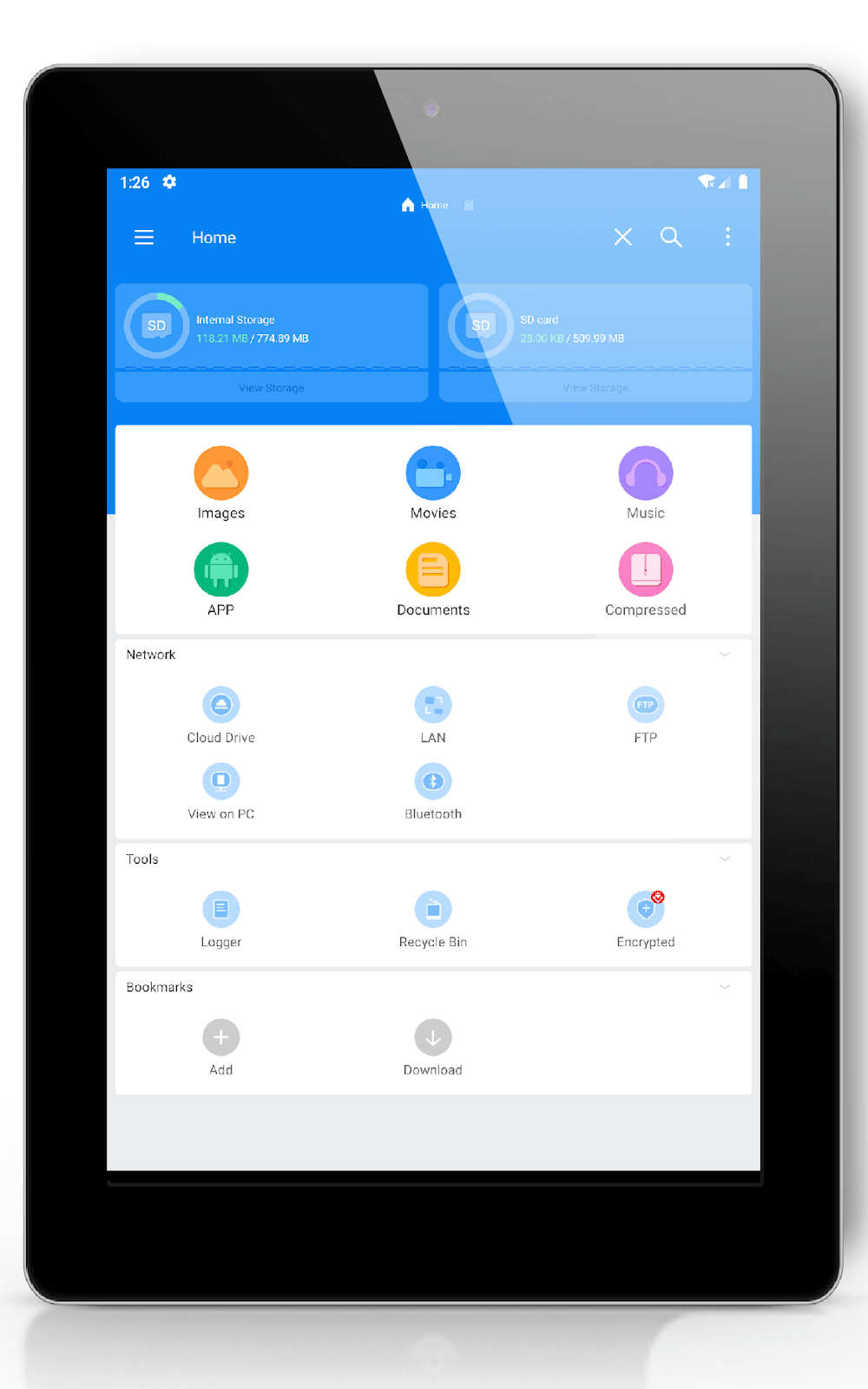
RS File Manager: File Explorer is a file management application specifically for your phone. The app allows you to easily manage your files and folders on your device and cloud storage. Additionally, you can also find the number of files and apps you have on your device right after opening the app.
CLOUD DRIVE ACCESS
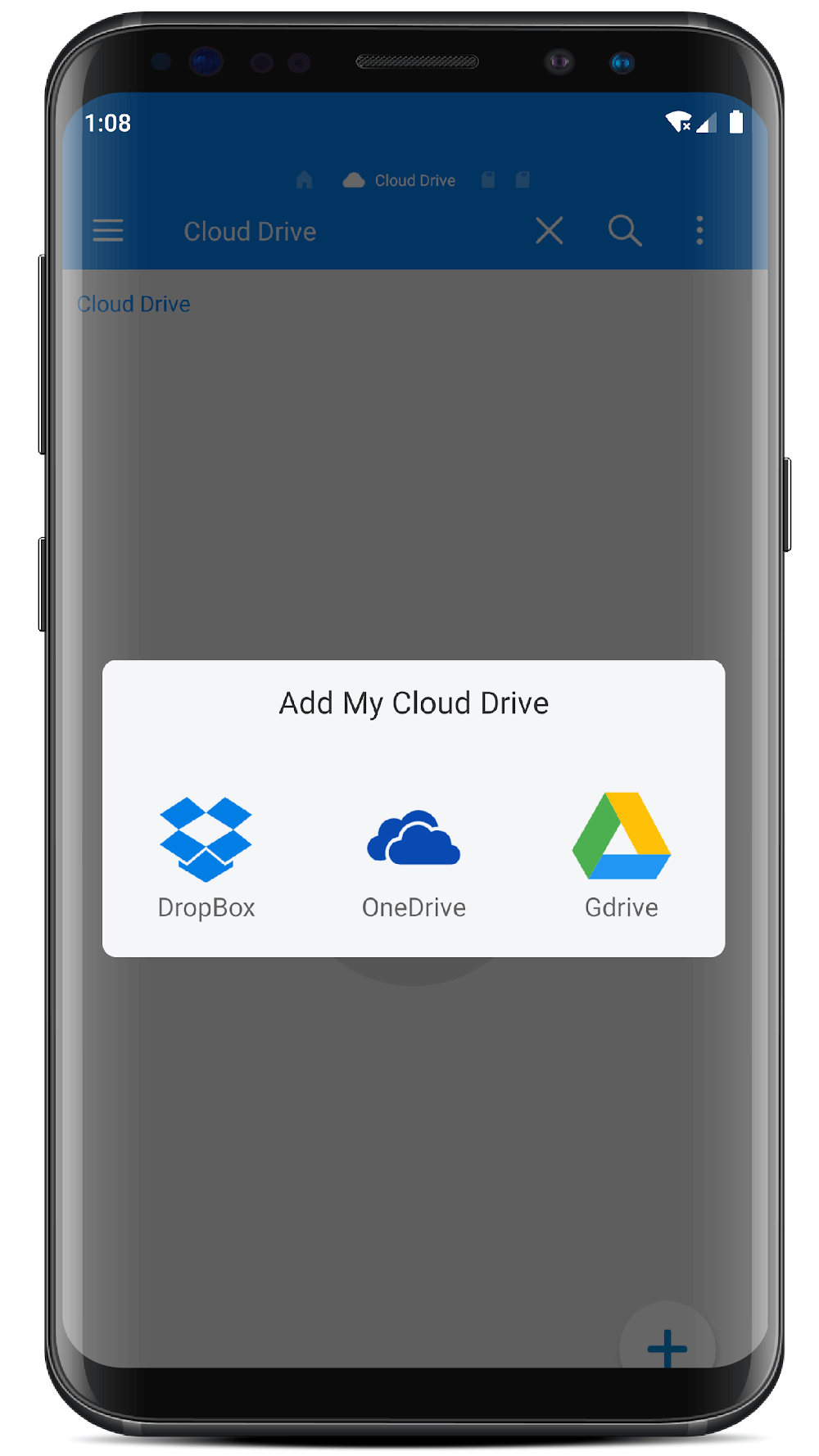
The application will allow you to easily manage your files and folders on your device and cloud storage. You can also link and store your files on Google Drive, Dropbox, etc. This will help you save space on your device. You can view them anywhere and anytime quickly without having to spend too much time uploading or downloading files.
- Seamless Access: The application allows you to store your files on Google Drive and Dropbox,… this helps you to seamlessly access and view the files you have stored anywhere.
- Cloud File Management: You can also manage files effectively using the cloud without having to spend a lot of time downloading files to your computer.
- Storage Space Savings: You will not need to worry about your device running out of storage space, because your device will save a lot of space by storing files in the cloud.
ADVANCED SEARCH CAPABILITIES
The application also has advanced and smart search capabilities. It will automatically search for and find the files you need, no matter where they are stored or if you forgot to save them. To make searching easier and faster, save files by type, name, size, etc. This helps you locate where the files are saved quickly and also saves time.
- Quick File Location: You will be able to find and locate the files you need by finding them according to the folders you have pre-classified, this will be much faster than having to find them one by one.
- Intelligent Search: The application will automatically search and find the files you need as quickly as possible even if you forgot where they were saved.
- Customizable Filters: You can also simplify your searches by sorting and saving them by format or job name. This helps you find the files you need quickly and saves a lot of time.
COMPRESS AND DECOMPRESS
The application also supports you to format OBB RAR, 7ZIP and Android files. You can also extract and open ZIP files to save and share easily. The application also allows you to open and save ZIP files like normal folders.
- Open Zips as Folders: Or the application will also allow you to open and store ZIP files like other normal folders.
- Broad Format Support: In addition, the application also supports OBB RAR, 7ZIP, and Android file formats for you conveniently and quickly.
FILE SHARING AND TRANSFER
You don’t need to manually share the files you want, nor do you need a USB or cable to connect the devices together. You can completely share the files you want quickly and conveniently by Bluetooth, email, and messaging applications on social networking sites, or you can also access files from a remote PC via a local network.
- Easy Sharing: You can share the files you want via Bluetooth, email, text messages,… quickly and extremely conveniently.
- No Cables Needed: You don’t need to use cables to connect devices together or share the files you want manually. The application will help you share the files you want to share in the fastest and most convenient way.
- Quick Transfers: Transferring between files across devices is processed extremely quickly in just a split second, you won’t have to spend much time waiting.
- Remote Access: Or you can also access files remotely from your PC over a local network.





![Disk & Storage Analyzer [PRO]](https://liteapks.com/wp-content/uploads/2023/03/disk-storage-analyzer-pro-150x150.jpg)



Comments (0)
No comments yet. Be the first!