
In an age where our smartphones are the Swiss Army knives of technology, a new app has fluttered into the digital ecosystem, promising to make our lives just a tad bit easier. Text Fairy is not your average run-of-the-mill application; it’s a wizard in the realm of text recognition, offering a plethora of features that seem to have cast a spell on its users. From extracting text from images to managing scanned documents with a touch of magic, this app is the digital fairy godmother we didn’t know we needed.
MAGIC OF TEXT EXTRACTION
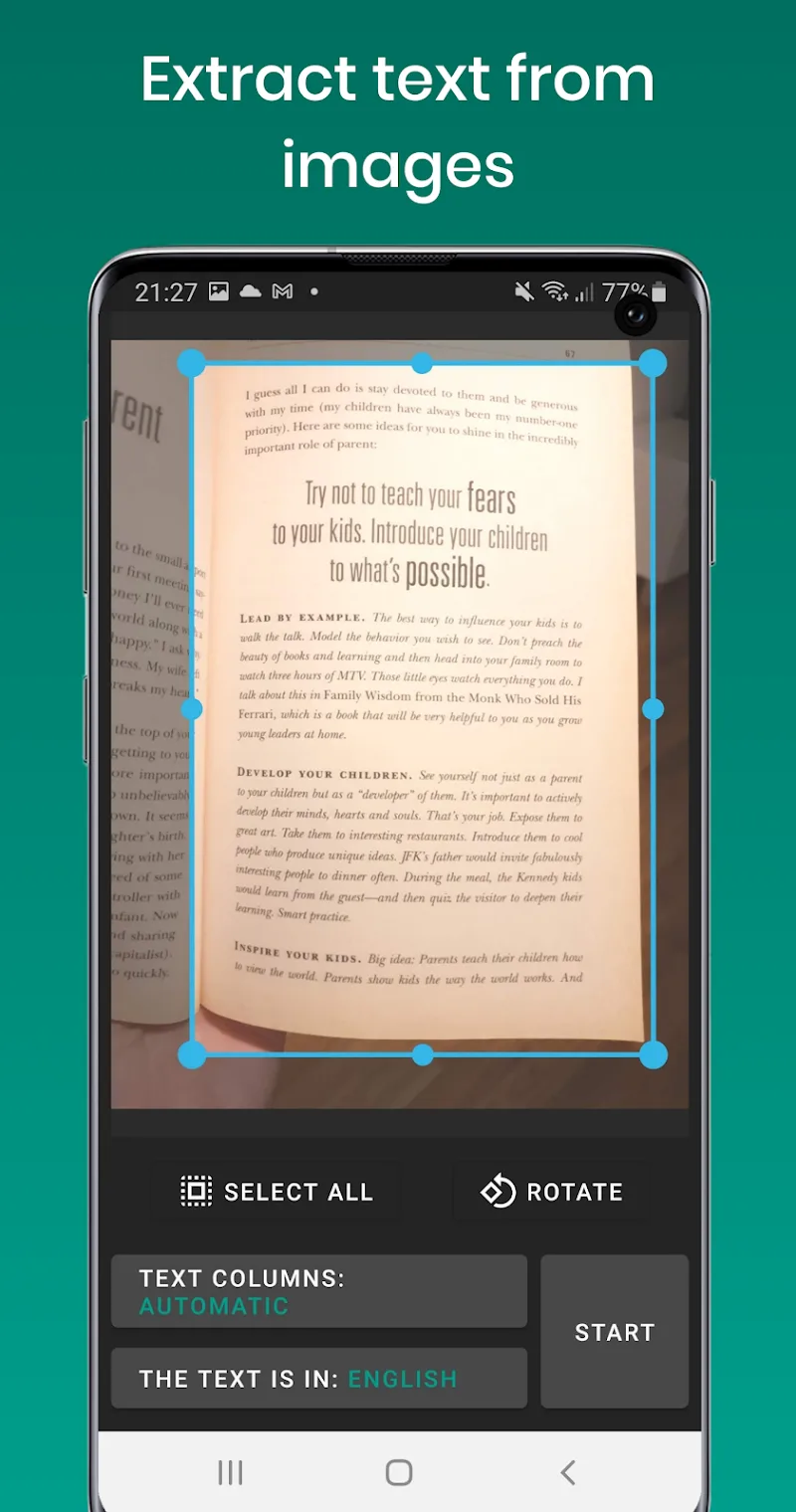
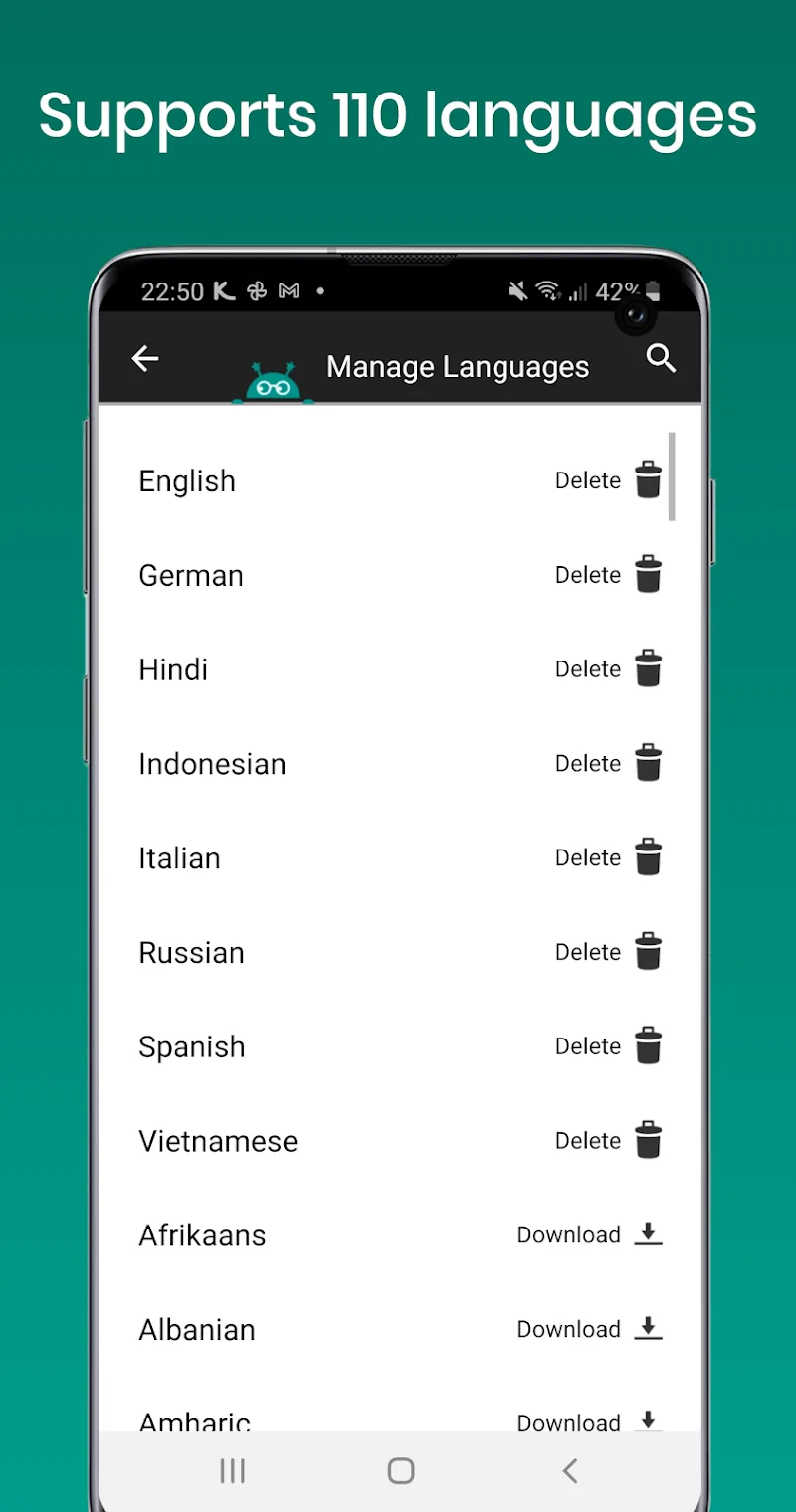
Text Fairy doesn’t just extract text from images; it conjures it. Imagine pointing your device at a piece of paper, and presto, the words leap from the page and into your phone as editable text. This isn’t just a party trick; it’s a productivity powerhouse. With the ability to recognize printed text from over 110 languages, it’s like having a United Nations interpreter in your pocket. Whether you’re deciphering a menu in Mandarin or a brochure in Bulgarian, Text Fairy gets the job done with a flick of its digital wand.
FROM IMAGES TO PDFS WITH A TAP
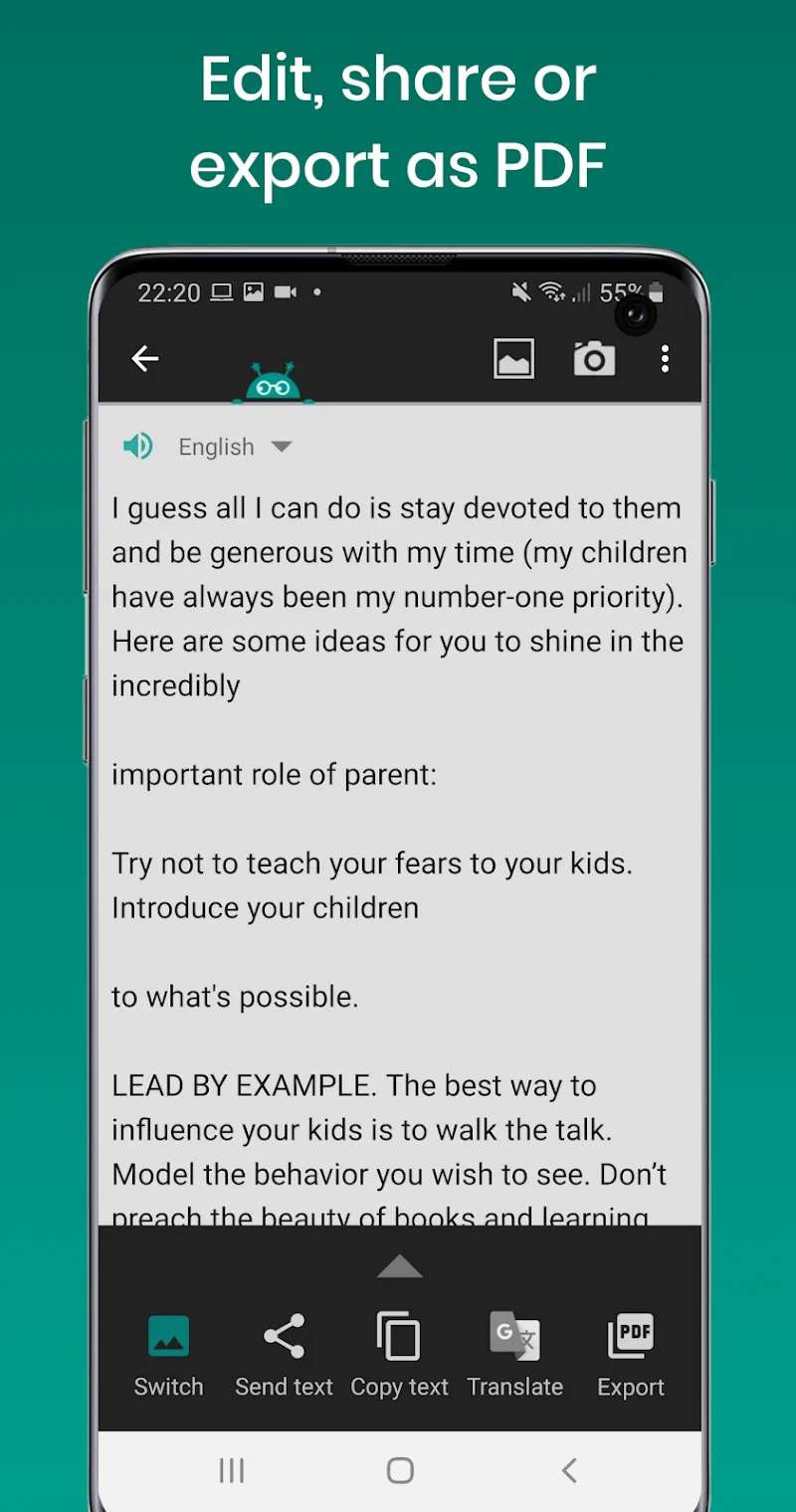
The transformation doesn’t stop at text extraction. With a simple tap, Text Fairy allows you to edit, share, or export your newly digital text as a PDF. This feature is a lifesaver for anyone who’s ever battled with a scanner or wrestled with formatting issues. It’s like having a tiny, efficient office assistant who lives in your phone and doesn’t take coffee breaks. The ability to go from picture to PDF in seconds is not just impressive; it’s a modern-day miracle for the paperwork-plagued masses.
OFFLINE PRIVACY CHARM
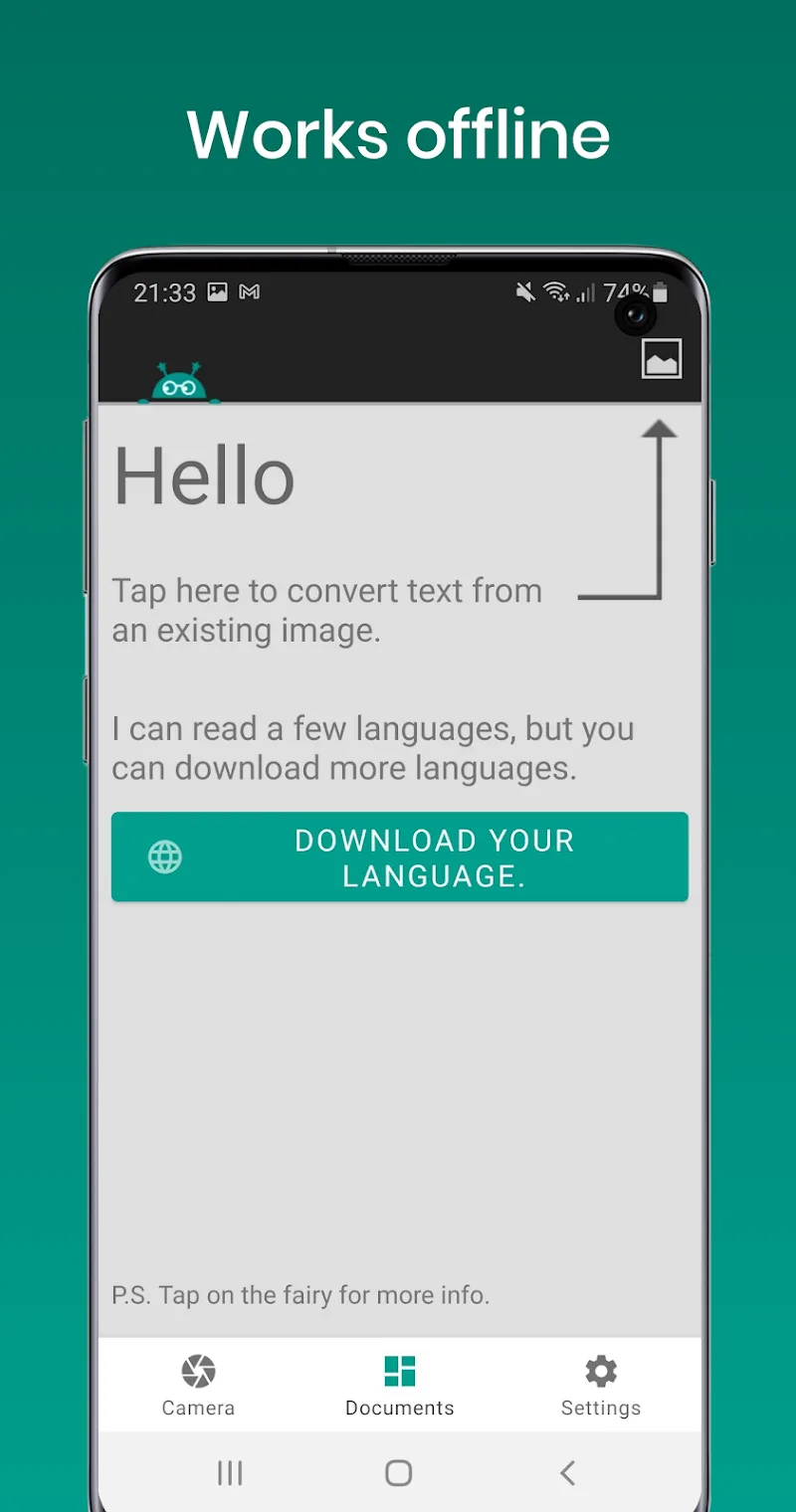
In a world where online privacy is as elusive as a unicorn, Text Fairy offers a sanctuary. It works its magic offline, ensuring that your documents remain your eyes only. This isn’t just a feature; it’s a fortress of solitude for your data. In an era where every app seems to want a piece of your personal information, Text Fairy is the rare gem that just wants to help you, no strings attached.
SPEAKING TEXT ALOUD
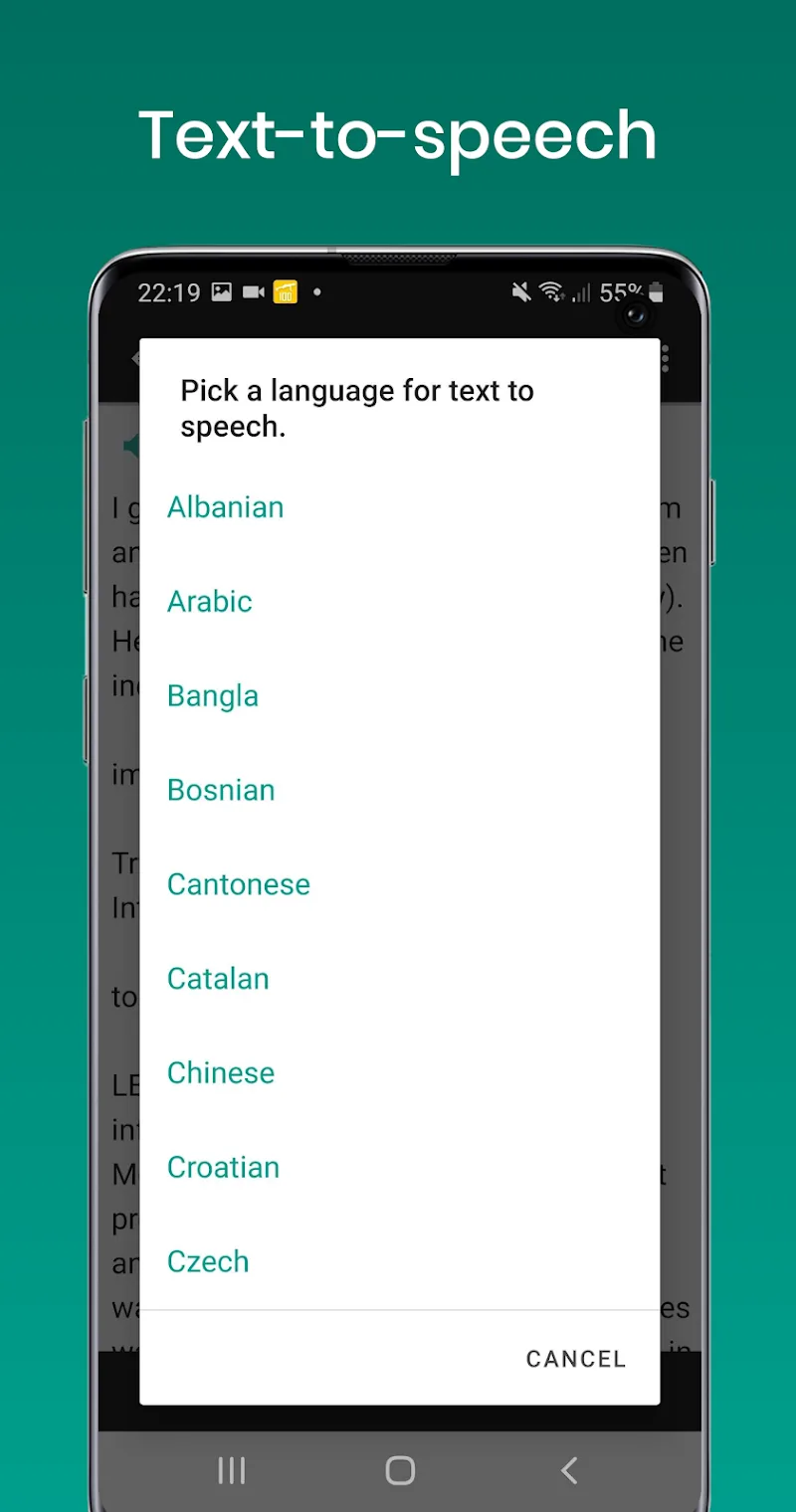
Text Fairy doesn’t just read text; it speaks it. With text-to-speech capabilities, it breathes life into the written word. This feature is a boon for multitaskers and those who prefer to listen rather than read. Whether you’re learning a new language or just want to hear how that email sounds out loud, Text Fairy’s TTS is like having a personal narrator for the story of your life.
MULTILINGUAL DOCUMENT SCANNING
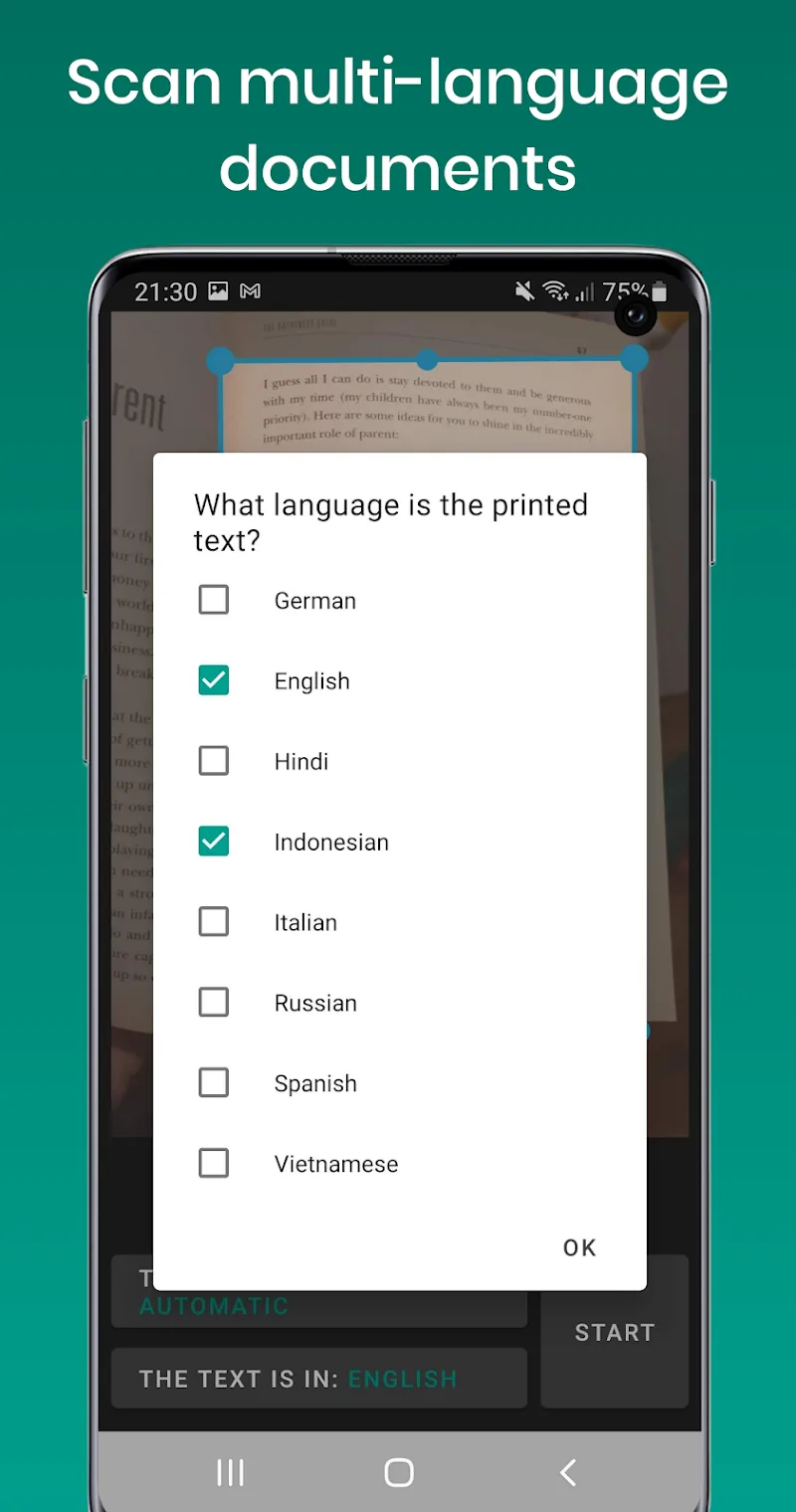
Scanning documents with text in multiple languages is like hosting an international conference on your phone. Text Fairy handles it with the grace of a seasoned diplomat. It’s not just a scanner; it’s a polyglot in your pocket. For the world traveler or the curious linguist, this feature is a bridge across language barriers, turning Babel into a harmonious choir.
FILE MANAGEMENT WIZARDRY
Managing your scanned files with Text Fairy is like having an enchanted library at your fingertips. You can edit, join, or delete files with the ease of a magician waving a wand. This isn’t just file management; it’s file mastery. For those who have ever felt overwhelmed by digital clutter, Text Fairy is the Marie Kondo of apps, helping you tidy up your textual life with joy-sparking efficiency.
AUTOMATIC IMAGE ENHANCEMENT
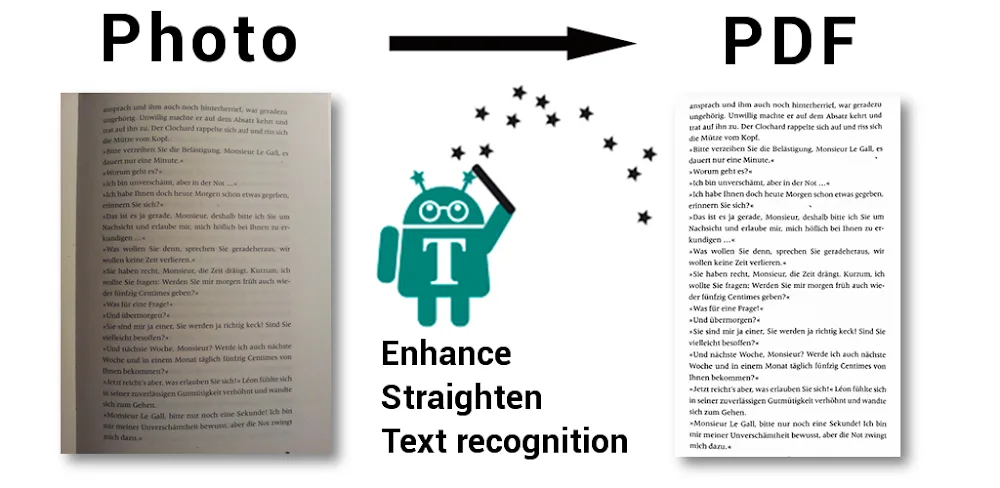
Text Fairy doesn’t just scan images; it beautifies them. It automatically cleans up the image, corrects the viewpoint, and straightens text lines. It’s like having a digital cosmetic surgeon for your documents. And with the ability to detect text columns in complex documents, it’s more like a detective uncovering the secrets of your scribbles. This feature doesn’t just enhance images; it transforms chaos into order, one pixel at a time.







![Disk & Storage Analyzer [PRO]](https://liteapks.com/wp-content/uploads/2023/03/disk-storage-analyzer-pro-150x150.jpg)


Comments (0)
No comments yet. Be the first!