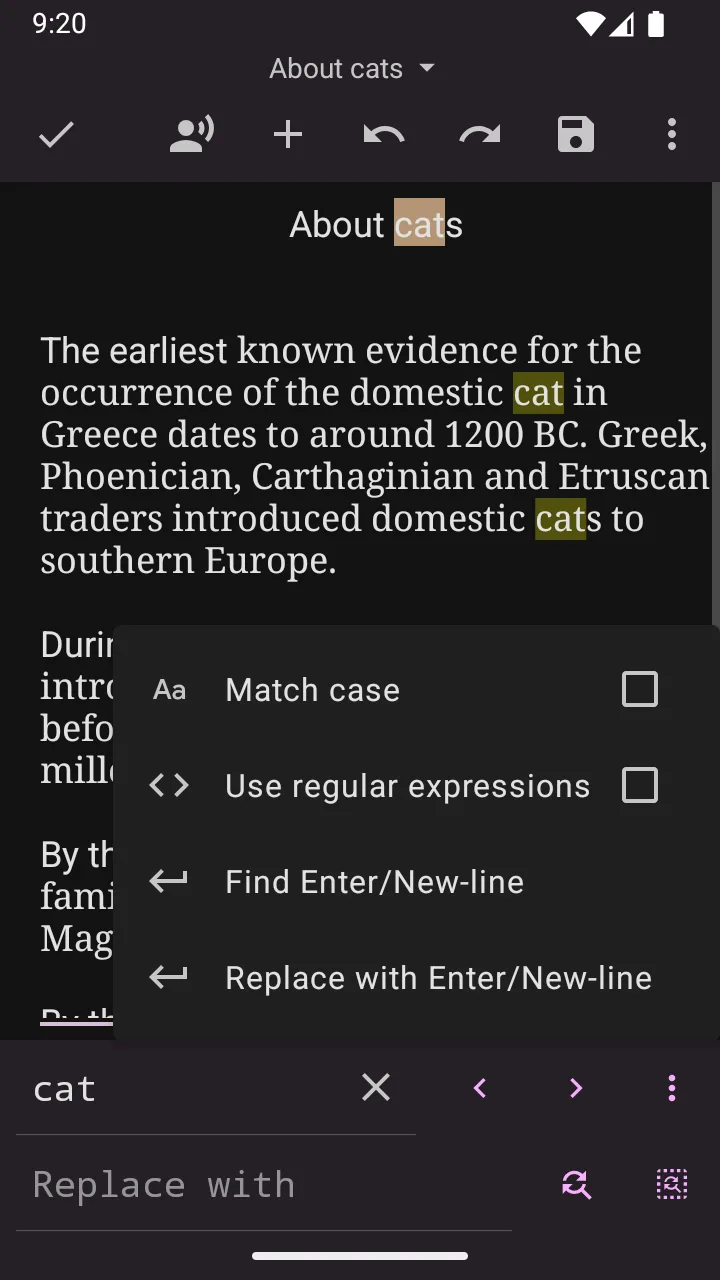
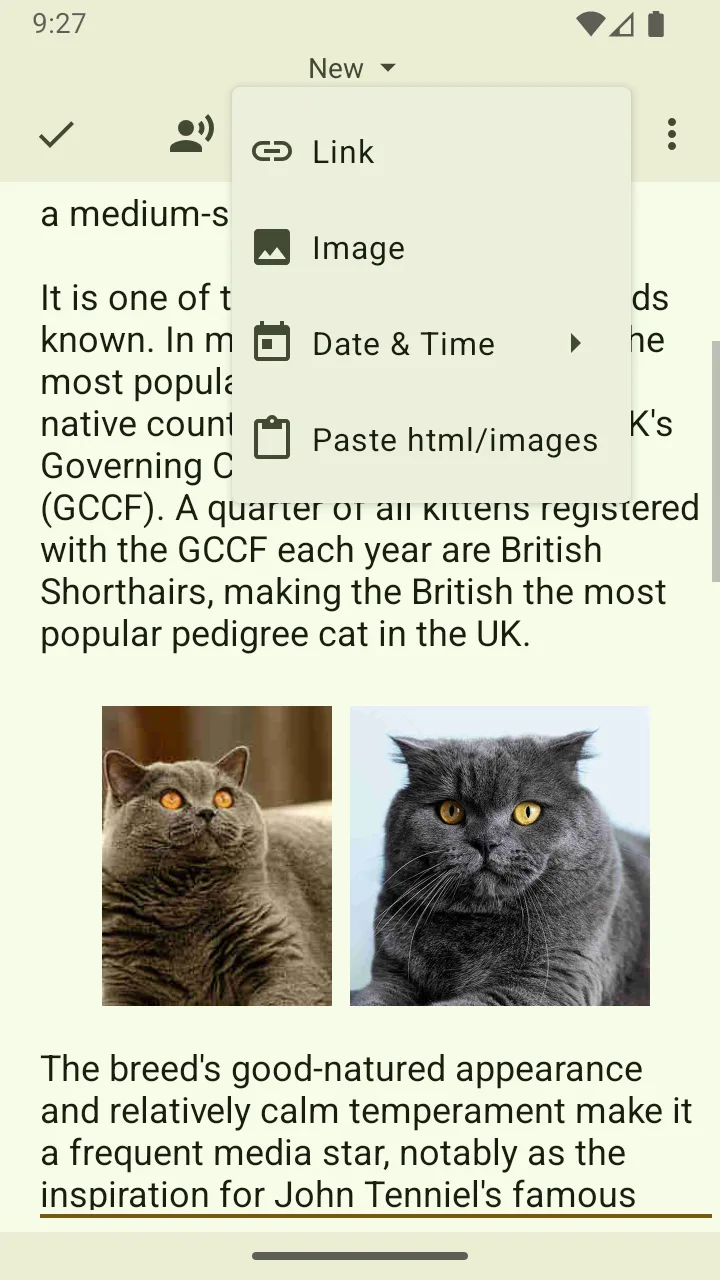
Working with raw documents on a phone is often difficult because of the limited screen space and poor editing features. Almost everything you can do on a phone is limited to the simplest tasks. However, that is no longer enough to meet today’s demands. Now, people need to work even when they are away from the office and their PCs. Oojao Text Editor enhances the mobile editing experience with powerful file management capabilities completely free of charge. Using this app feels much like working on a PC.
EDITING AND MULTITASKING DOCUMENTS
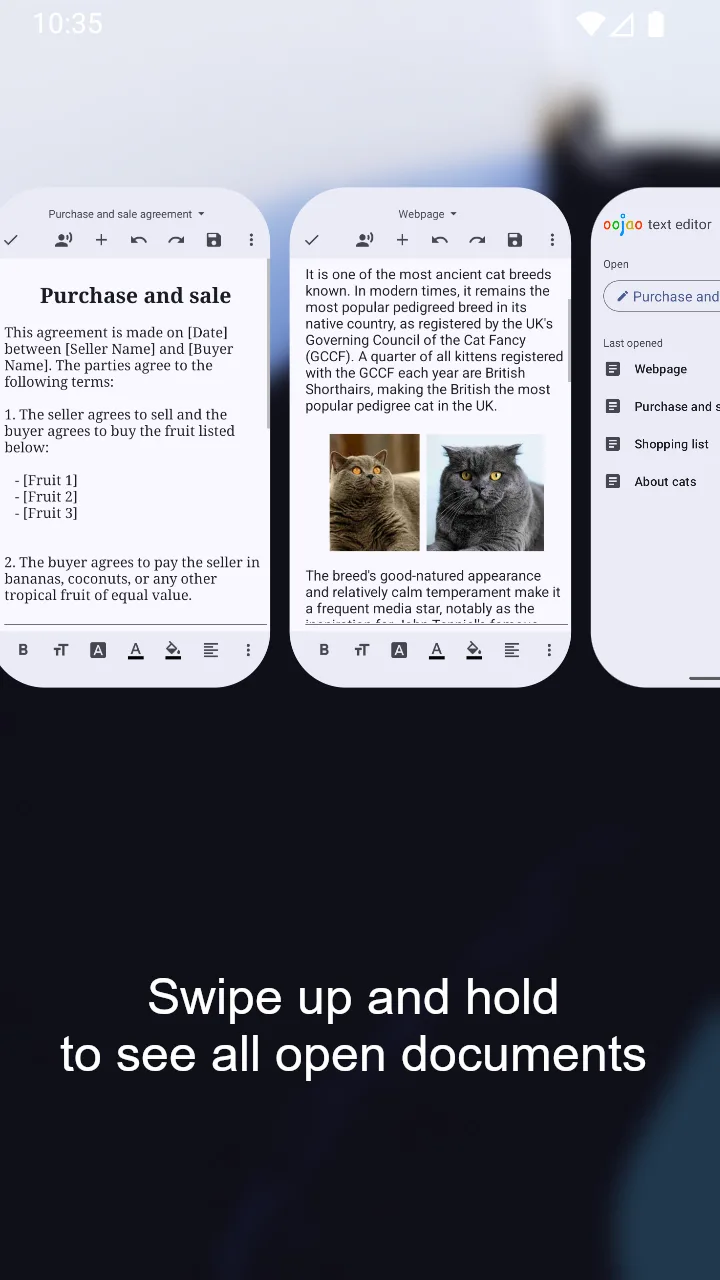
Constantly switching back and forth between files can be frustrating and significantly reduce your productivity. Those files may also be lost if you are not careful at some point. The app completely solves this inconvenience by allowing you to work on multiple documents simultaneously within the same interface. Moreover, users can quickly access the history of previously opened files in case they accidentally lose track of them.
- Split Screen: Edit two documents side by side at the same time.
- Multi-Window: Open and manage multiple files independently.
- Quick Access: Save and revisit your recently opened files.
FORMATTING AND VISUAL OPTIMIZATION
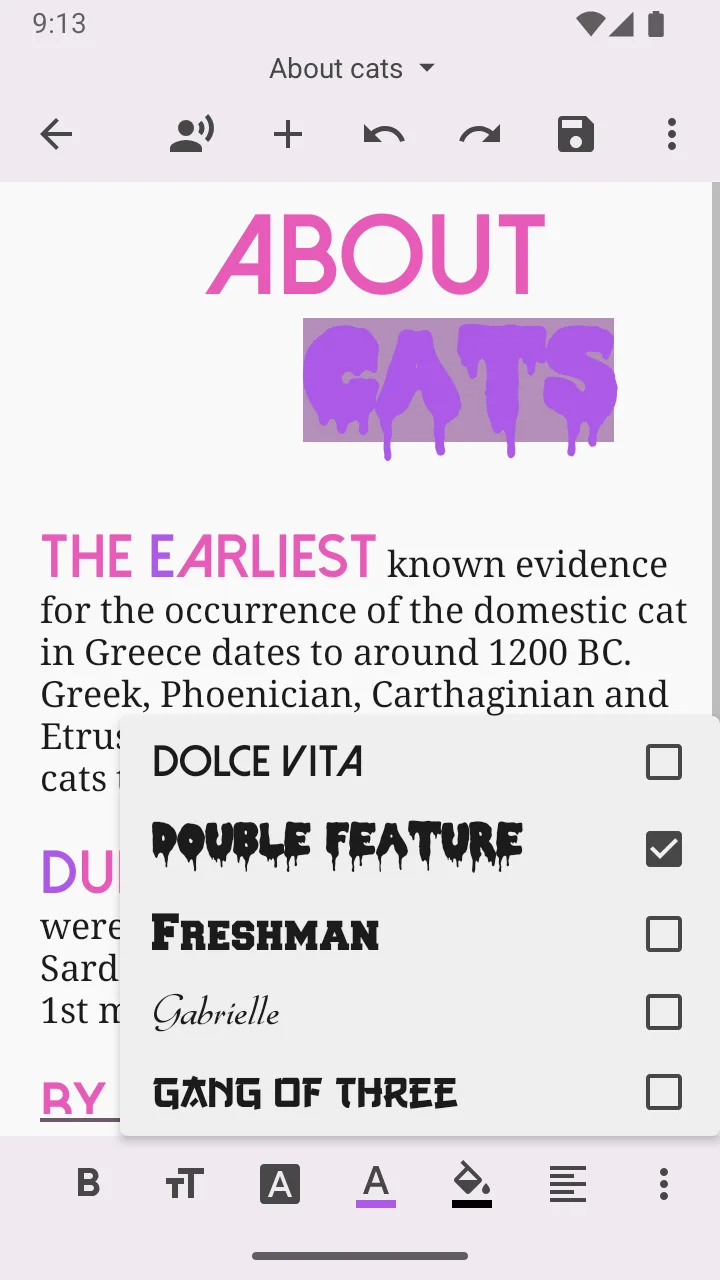
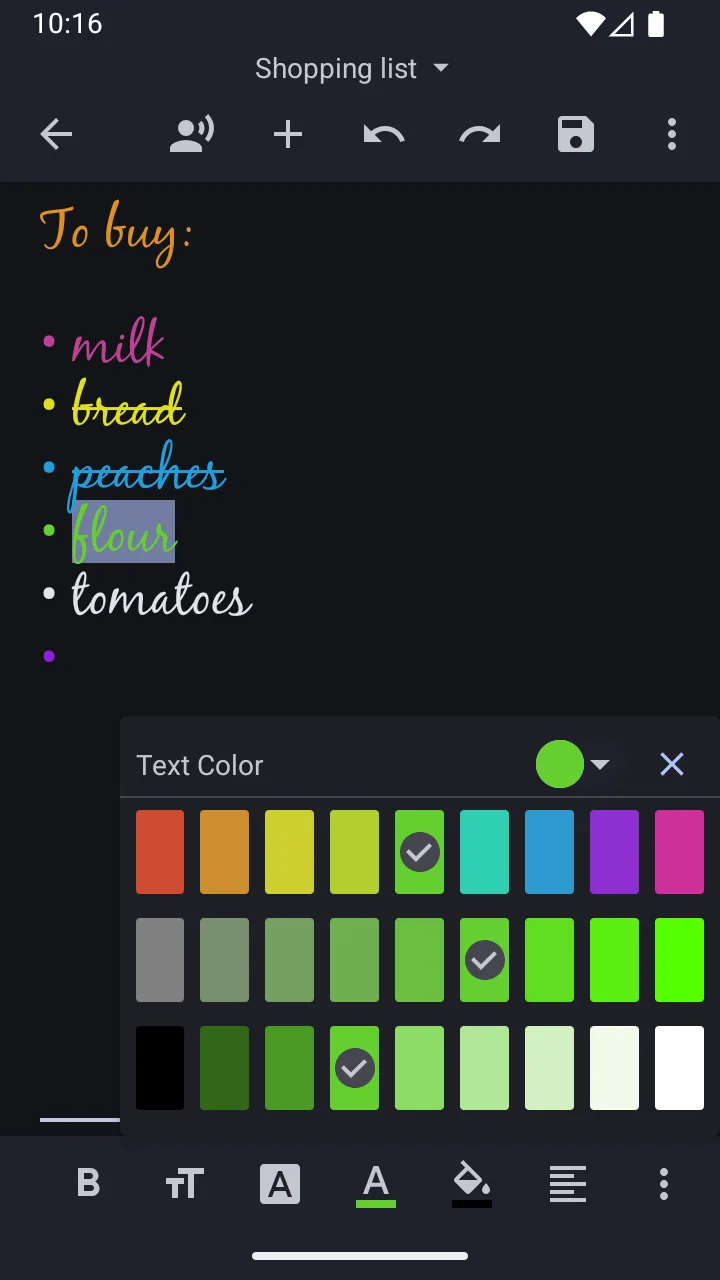
Plain and unorganized notes often make it difficult to structure important information. Furthermore, you may not be able to clearly see the highlights you need in your documents. The app completely removes this obstacle by providing a rich set of text formatting tools. In addition, if users do not want to read the text themselves, they can convert it into speech.
- Rich Formatting: Customize font size, color, and style.
- Text-to-Speech: Convert text into intelligent voice narration.
- Versatile Tools: Support word counting, image insertion, and printing.



![Disk & Storage Analyzer [PRO]](https://liteapks.com/wp-content/uploads/2023/03/disk-storage-analyzer-pro-150x150.jpg)


Comments (0)
No comments yet. Be the first!