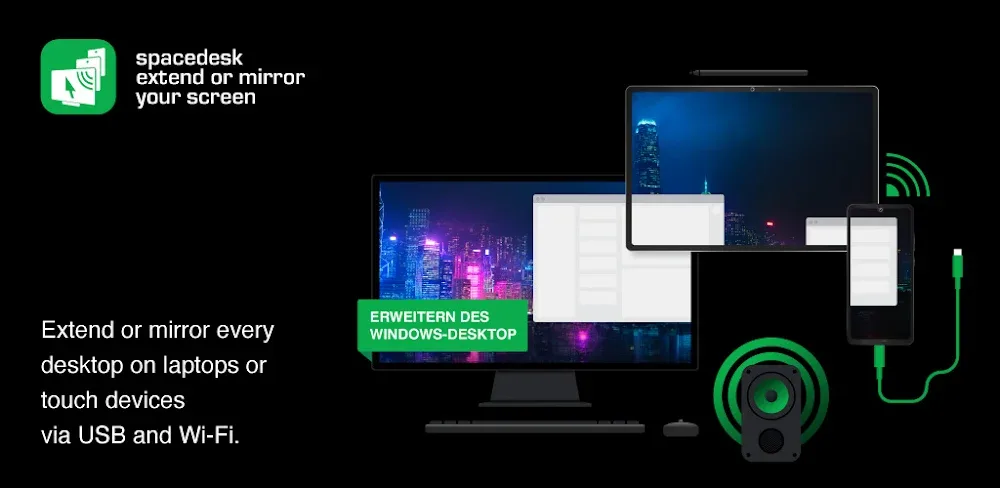
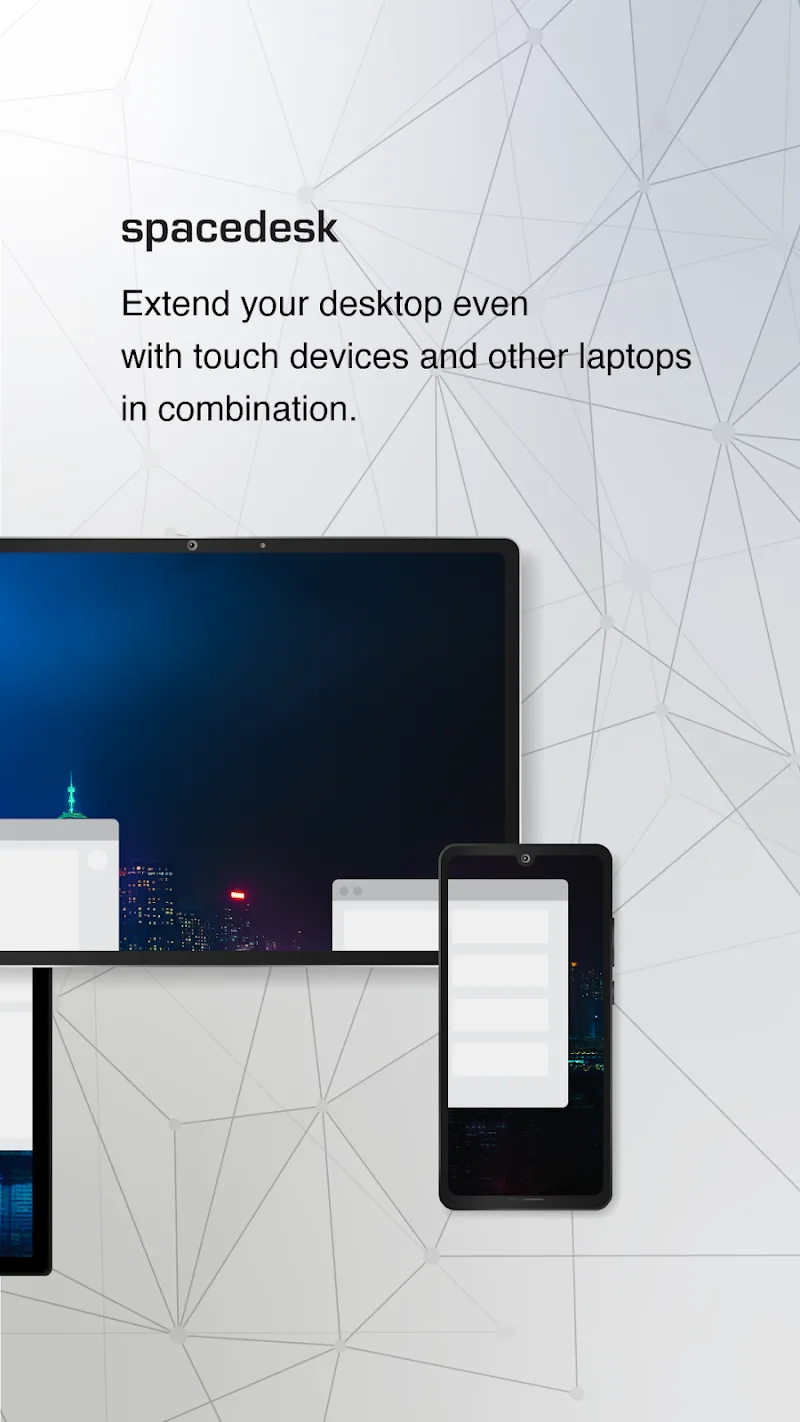
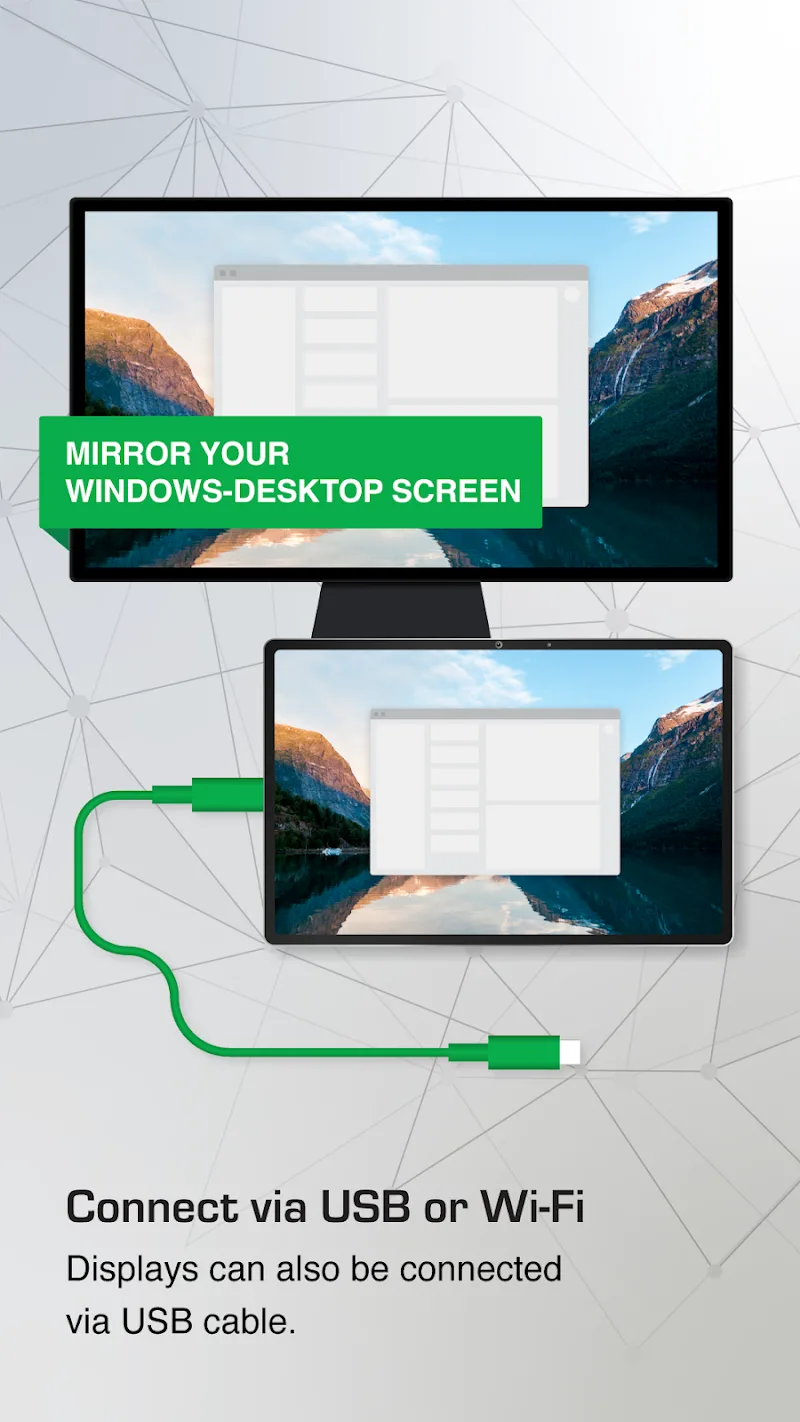
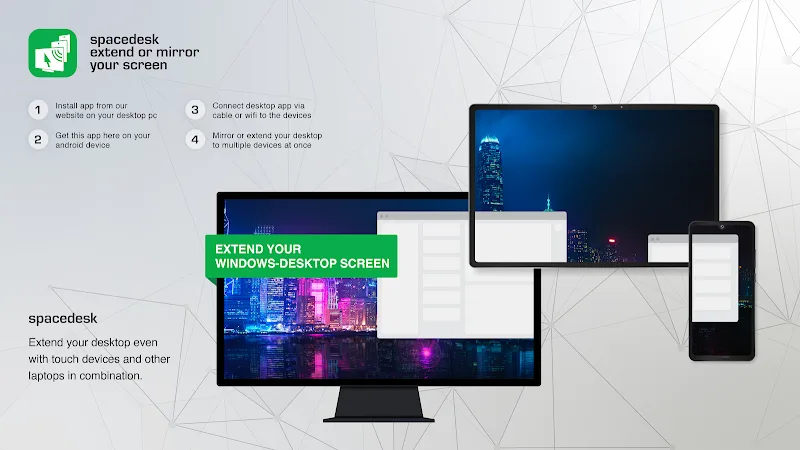
Your computer workspace will be flexibly expanded thanks to the solution of turning mobile devices into a second screen from Spacedesk. It allows users to project their phone screen onto the computer and perform control-related tasks. This modern utility allows customers to easily connect Android phones or tablets to Windows PCs via WiFi, LAN, or USB cables. Beyond image mirroring and audio streaming, the tool also supports users in leveraging touchscreens and digitizer pens for digital art.
SPACE OPTIMIZATION AND PERIPHERAL SUPPORT
Optimizing the user experience across devices is extremely necessary. The flexibility to switch between landscape and portrait viewing modes helps customers actively arrange side-by-side workspaces. By fully supporting multi-touch gestures, keyboards, and pressure-sensitive styluses, the software transforms secondary devices into an extremely convenient input control panel. Customers can use a direct USB cable connection to achieve superior display speeds without worrying about lag.
- Connection: Support for USB, LAN, and WiFi
- Feature: Screen extension and mirroring
- Peripherals: Touch and digitizer pen support
EASY SETUP AND BROAD COMPATIBILITY
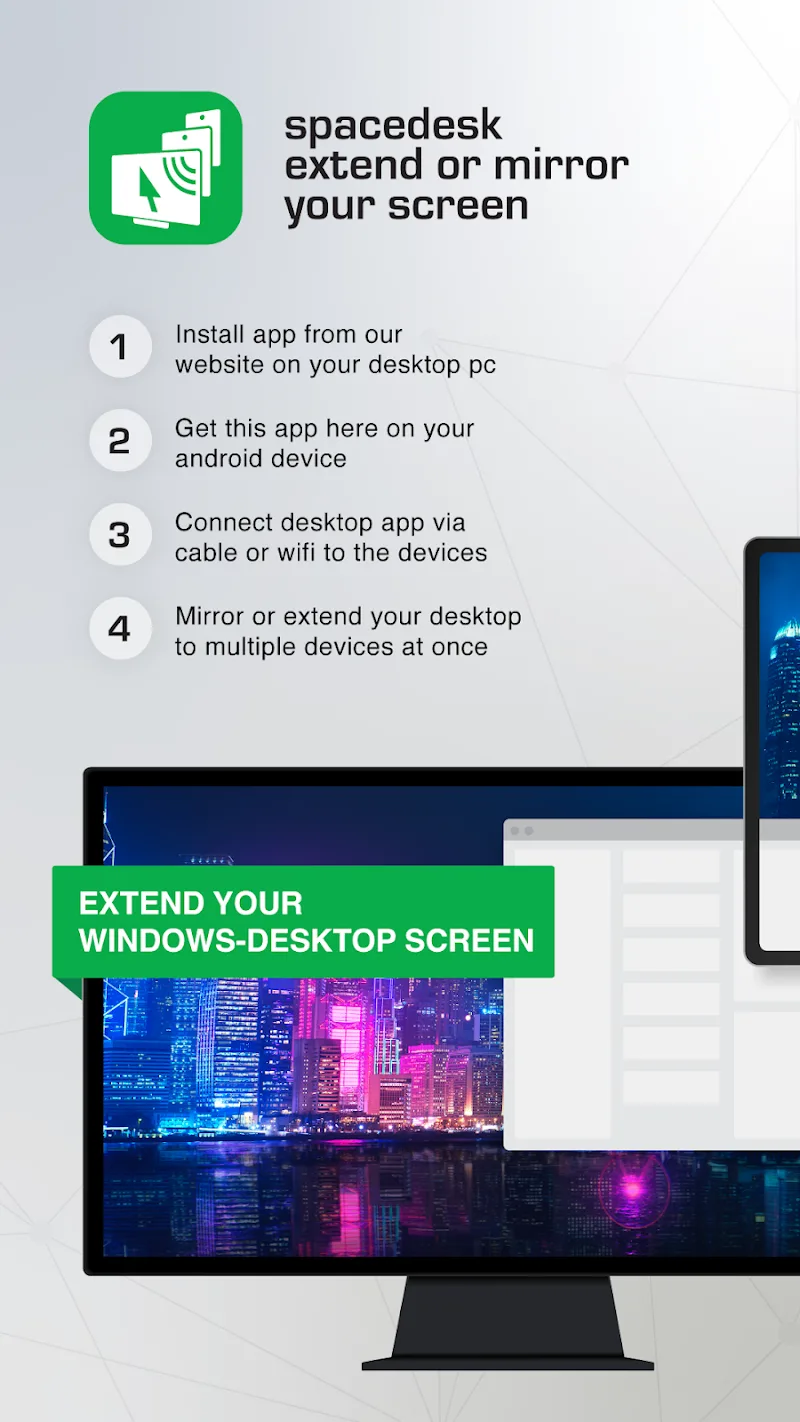
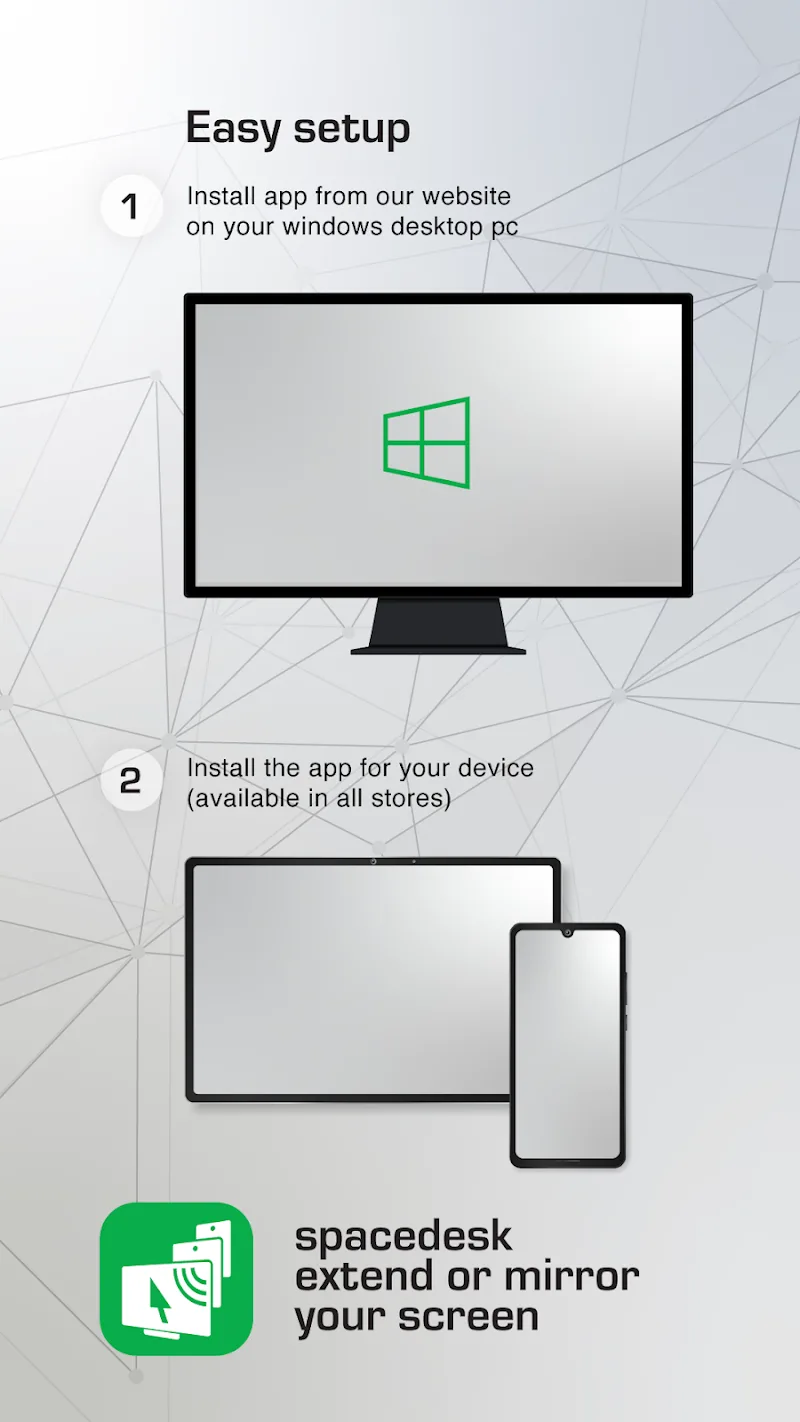
Users can quickly access this application without encountering too many difficulties getting used to it. The installation process is exceptionally simple, as users only need to download the driver on Windows and launch the app on Android. Thanks to an independent operating mechanism requiring no internet, the application helps you comfortably set up a secondary screen even on the go. Smooth compatibility with Windows 10 and 11 operating systems ensures the transmission signal is always stable.
- Setup: Simple operation in 3 steps
- Operation: No internet connection required
- Compatibility: Support for Windows 10 and 11



![Disk & Storage Analyzer [PRO]](https://liteapks.com/wp-content/uploads/2023/03/disk-storage-analyzer-pro-150x150.jpg)


Comments (0)
No comments yet. Be the first!