



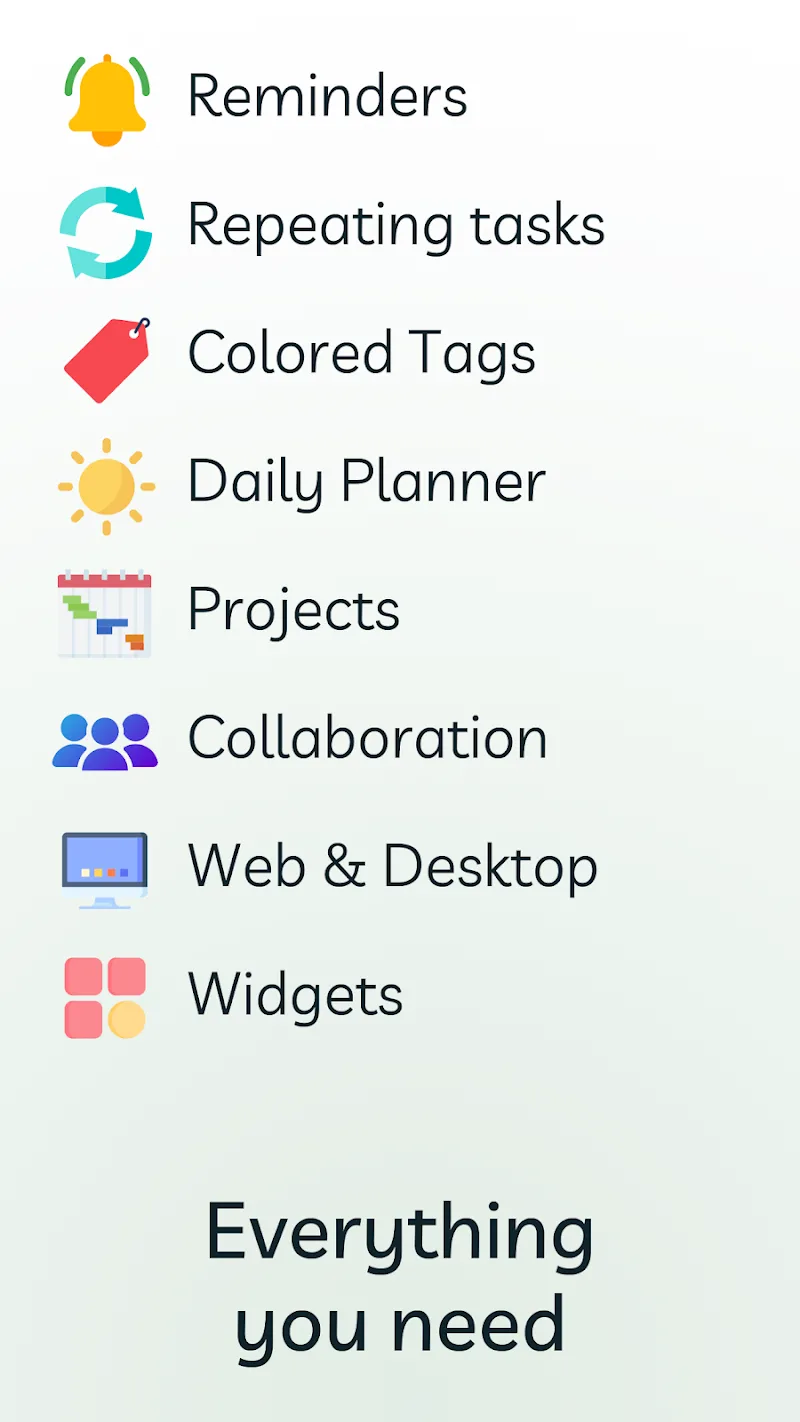


Ping: AI To-Do List & Planner is an extremely convenient application for you. You no longer need to manually record your tasks or appointments or have to sit and make a to-do list that makes you feel extremely bored. You just need to go to this application, select the date you have a task or appointment to note it, and the application will automatically update and notify you when the date comes. What are you waiting for? Come and enjoy this convenience.
AI-POWERED TASK MANAGEMENT
The application will bring you an extremely intelligent AI system, with this system it will automatically manage all your schedules and tasks carefully and effectively without encountering any difficulties.
- Smart Automation: This AI system will play the role of a virtual assistant, and this assistant will manage and support you without taking any costs. You will be reminded when your work and appointments are due, and you will create summaries quickly without having to use manual operations as before.
- Context-Aware Assistance: The system will automatically recognize the time and date of the workload and suggest deadlines for you so that you can arrange and complete your work in the most optimal and efficient way.
CROSS-PLATFORM ACCESSIBILITY
The application also has cross-platform accessibility. The application can easily access all your other work applications to synchronize information quickly, and you will not need to synchronize your work manually anymore.
- Universal Sync: You can also use the application to access various devices, from Mac to Windows or even Android, without being blocked or lagging.
- Integrated Calendar: The application will automatically integrate all your multi-platform tasks so you can manage and understand your tasks on one application without having to switch back and forth between applications, giving you the perfect, convenient, and easy experience so you can handle your tasks well.







![Disk & Storage Analyzer [PRO]](https://liteapks.com/wp-content/uploads/2023/03/disk-storage-analyzer-pro-150x150.jpg)


Comments (0)
No comments yet. Be the first!