


SAFEIN CLOUD 2 : ALL-IN-ONE PASSWORD MANAGER
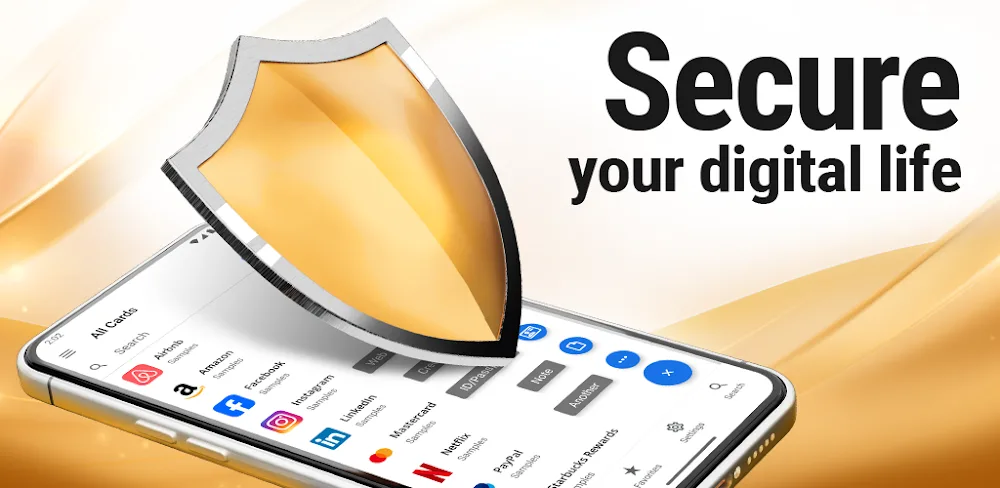
Password Manager SafeInCloud 2 is an all-in-one solution for storing passwords, credit card information, and other sensitive data. With robust encryption, cloud syncing capabilities, and support across platforms, SafeInCloud provides convenience without compromising security.
EASY TO USE IN TER FACE
SafeInCloud prides itself on an intuitive user interface that makes storing and accessing private information simple. The streamlined design enables effortless navigation while robust features empower users to securely manage data. Whether using the mobile app or desktop program, SafeInCloud’s thoughtful layout abounds in usability.
STRONG 256 – BITEN CRYPTION
At the foundation of SafeInCloud’s security is 256-bit AES encryption, the same trusted by financial institutions and government agencies. Passwords and data remain protected both locally and when synced to the cloud. Users can rest assured private information stays confidential.
CLOUD SYNCHRONIZATION
A key advantage of SafeInCloud is easy cloud sync across devices. After configuring cloud storage via Google Drive, Dropbox, OneDrive or WebDAV, the entire SafeInCloud database auto-syncs. This enables streamlined restoration if a device is lost or upgraded. Syncing also allows seamless access to saved login credentials, passwords and notes across desktop, mobile and wearables.
L OGIN WITH BIOMETRICS
For fast, secure access without memorizing passwords, SafeInCloud allows biometric login including fingerprint and facial recognition. After an initial Master Password, users can instantly unlock the app via fingerprint making password management almost effortless.
AUTOFILL PASSWORDS
Eliminating cumbersome password copying and pasting, SafeInCloud offers autofill directly into apps and browsers. After granting accessibility permissions, passwords auto-populate login fields for smooth authentication across websites and applications.
PASSWORD GENERATOR
Creating and remembering secure passwords presents a challenge. SafeInCloud simplifies the process with a built-in random password generator. Configurable parameters including length, case, symbols and memorability aid constructing strong, unique passwords for every login.
IN TEGRATED 2FA
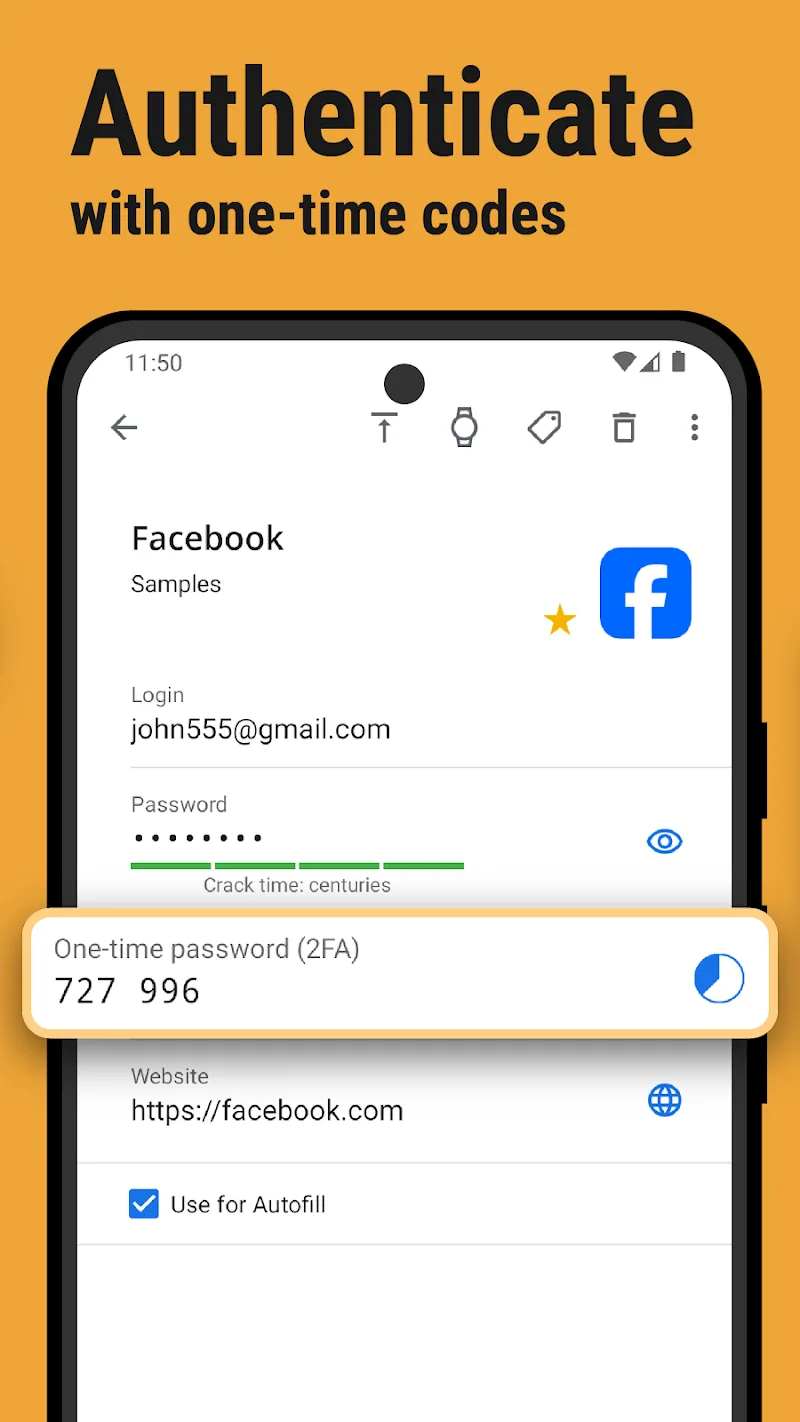
As threats escalate, two-factor authentication bolsters account security with an additional credential alongside passwords. Rather than relying on a separate 2FA app, SafeInCloud delivers authentication codes supporting major providers like Microsoft, Google, Amazon and more.
SafeInCloud packs robust encryption, biometric access and cloud sync into an elegantly designed password manager bolstering both security and convenience. User-friendly features provide peace of mind that passwords, financial data and personal information remain private while still close at hand when needed. For those seeking an all-in-one cross-platform solution to password fatigue, SafeInCloud delivers.







![Disk & Storage Analyzer [PRO]](https://liteapks.com/wp-content/uploads/2023/03/disk-storage-analyzer-pro-150x150.jpg)


Comments (0)
No comments yet. Be the first!