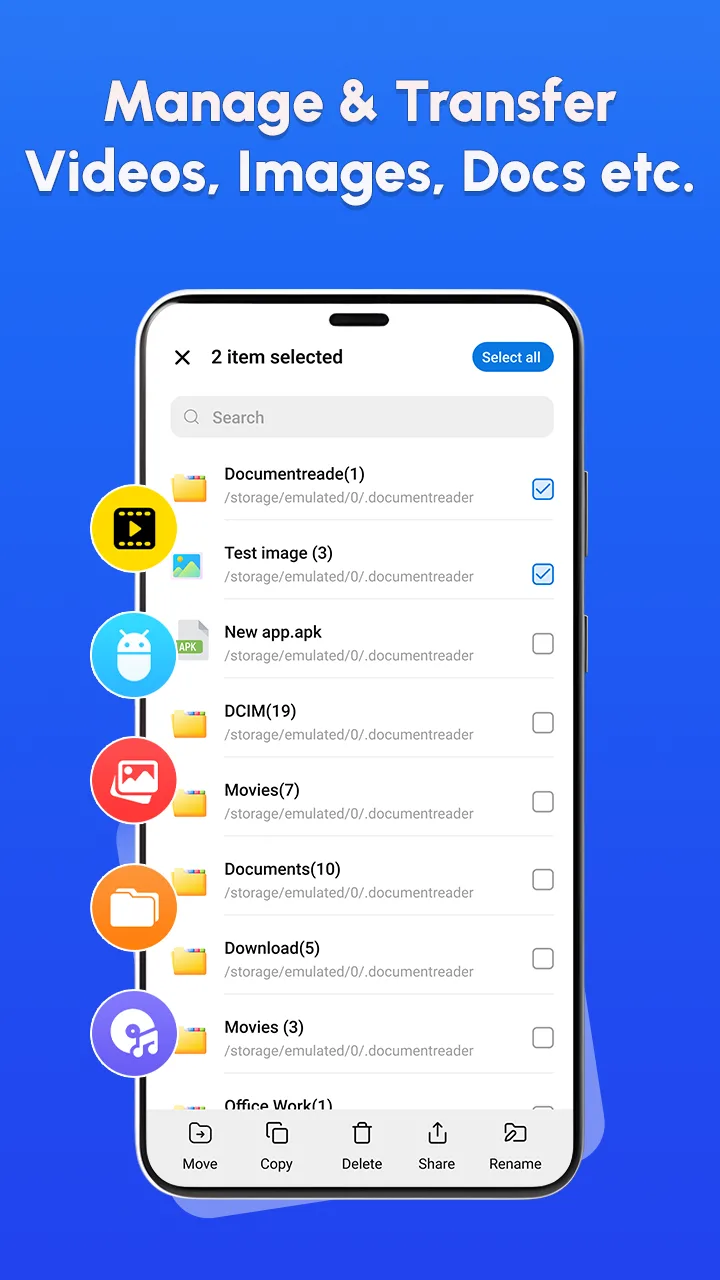
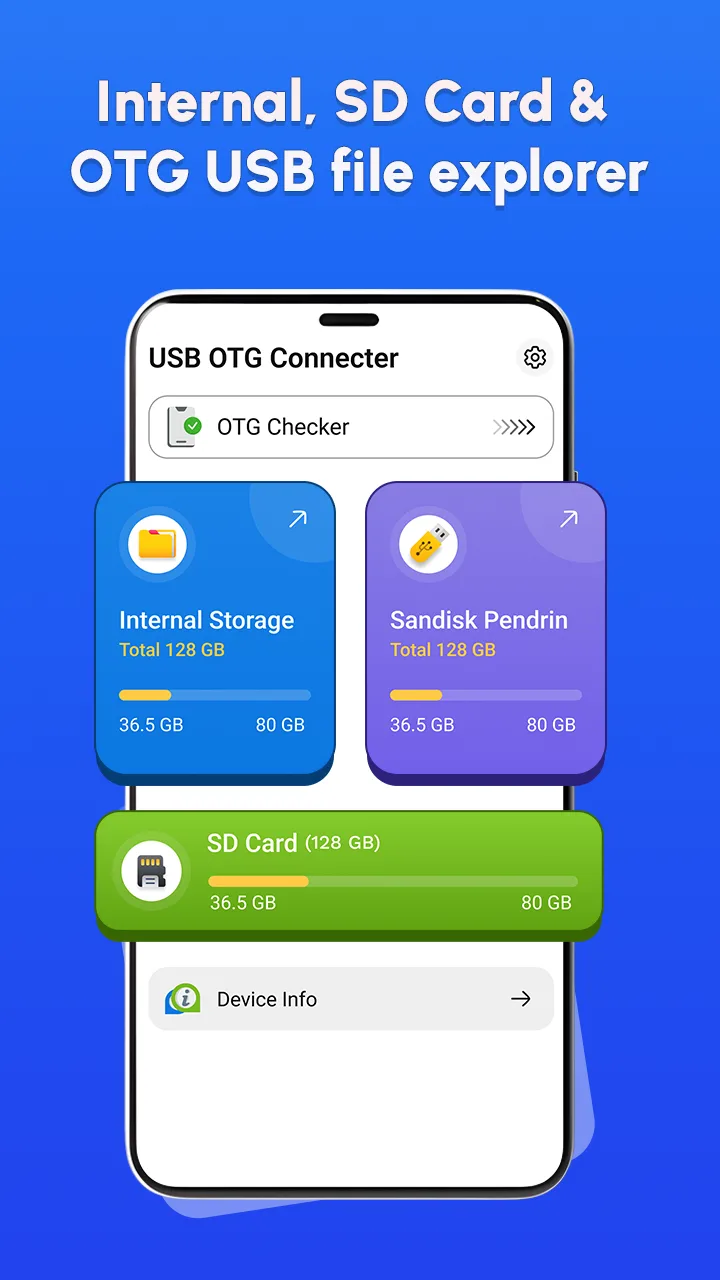
Connecting peripheral devices to phones sometimes is like a game of chance, where you are not sure whether your smartphone really “understands” the hard drive or USB being plugged in or not. I have once fallen into a situation both crying and laughing when having prepared a file of important document in the USB but yet could not open on the phone right before the meeting. OTG Checker: USB OTG Connector appears like a true lifesaver, helping to clear that ambiguity by quickly identifying the compatibility of the hardware before you start performing complex data transfer operations.
ADVANCED OTG COMPATIBILITY CHECK
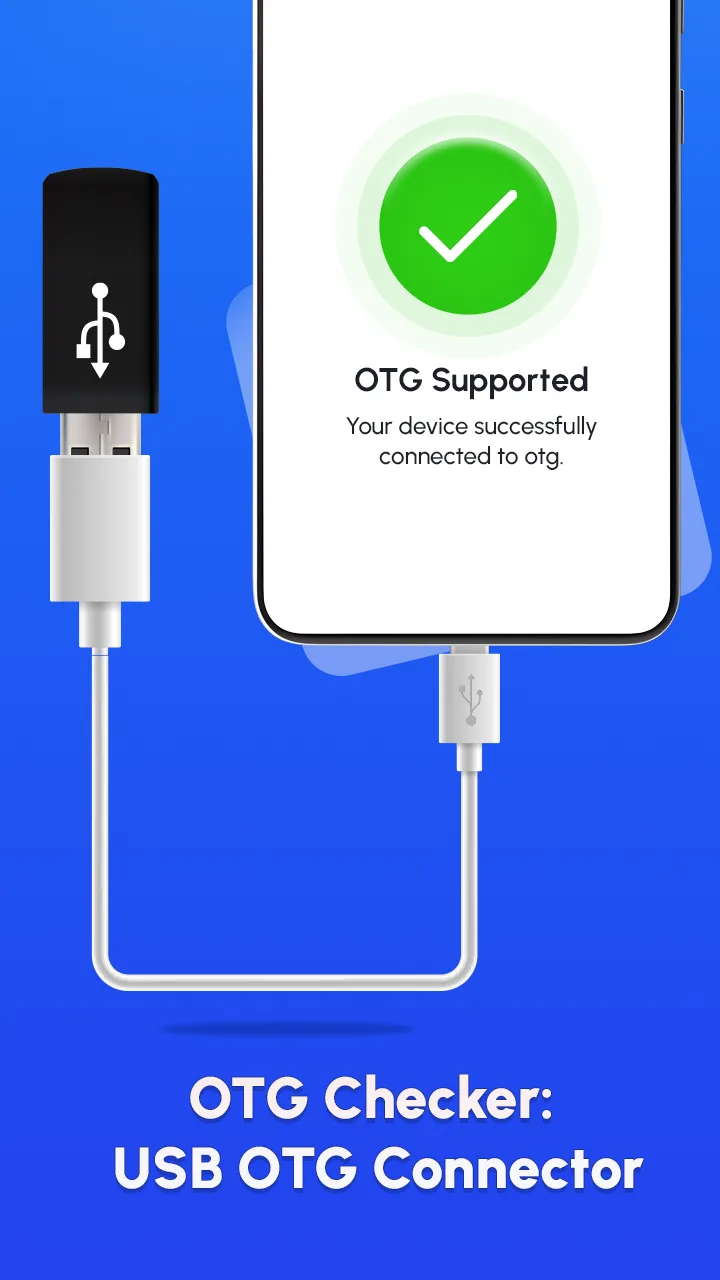
This application provides an instant diagnostic solution, completely eliminating cumbersome manual check operations that Android users often have to face. Instead of having to look up dry technical specifications on the internet, you only need one touch to know exactly if your device supports this connection standard or not.
- Instant compatibility verify: The system will scan the entire hardware and software configuration of the phone to give a green or red conclusion about the OTG support capability immediately.
- Detailed system insights: Besides checking connection, the application also provides in-depth information about system versions and hardware details related to communication ports.
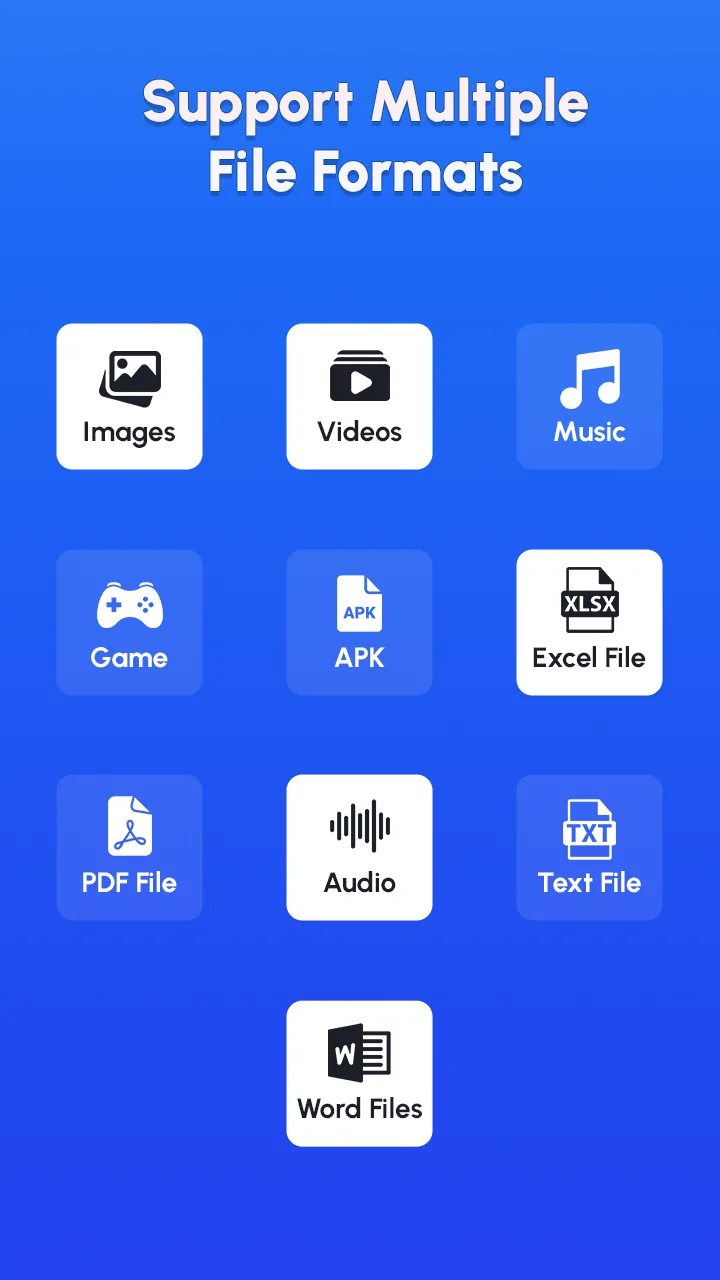
- Universal adapter support: It is designed to recognize and work smoothly with most types of OTG cables, card readers, and flash drives popular on the market today.
SMART USB FILE MANAGEMENT
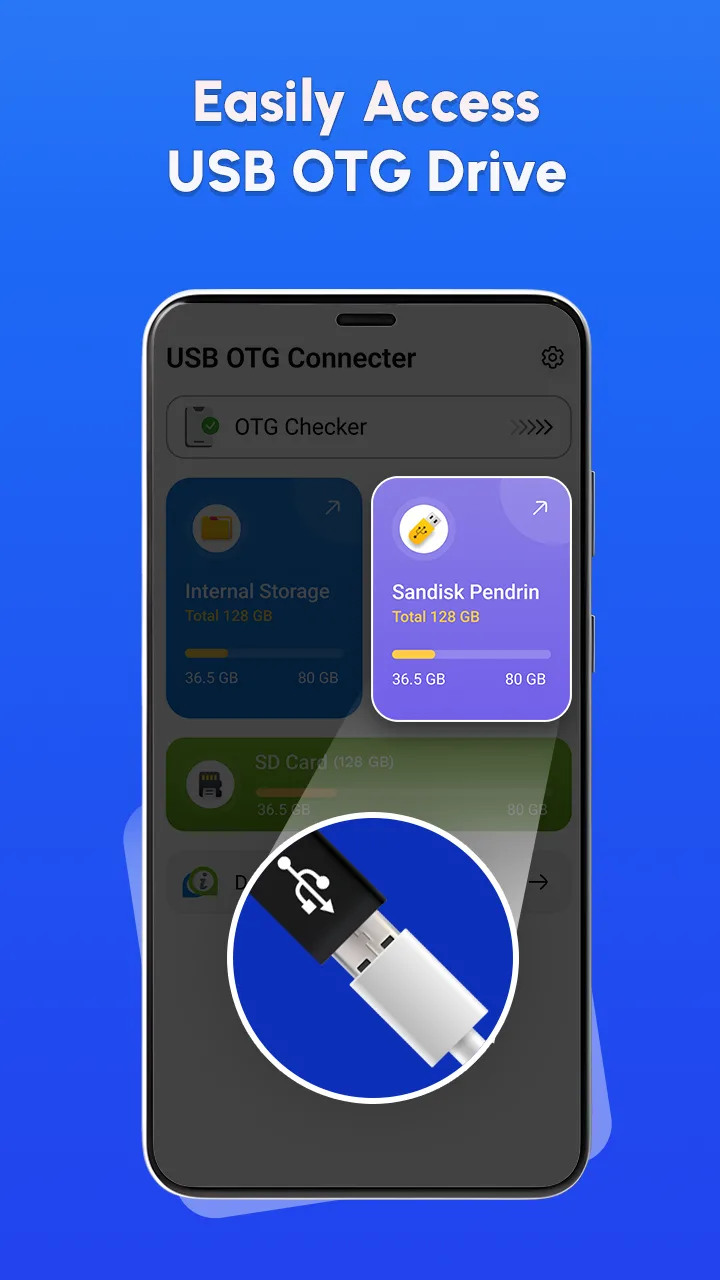
Not stopping at checking, this application also plays the role of an extremely powerful file manager, allowing you to operate directly with data on external storage like using a computer. I am truly impressed with the way it handles large capacity files, the data moving speed between phone and USB takes place very stably and smoothly.
- Seamless data transfer: You can copy, move, or share important videos, photos, and documents from phone to USB or vice versa with just a few simple drag and drop operations.
- Integrated file explorer: The integrated file browser allows users to view media content directly, rename, or delete unnecessary data to optimize storage space.
- Empty folder cleaner: A small tool but extremely useful helping you clean up empty folders, keeping the memory structure always neat and easy to control.







![Disk & Storage Analyzer [PRO]](https://liteapks.com/wp-content/uploads/2023/03/disk-storage-analyzer-pro-150x150.jpg)


Comments (0)
No comments yet. Be the first!