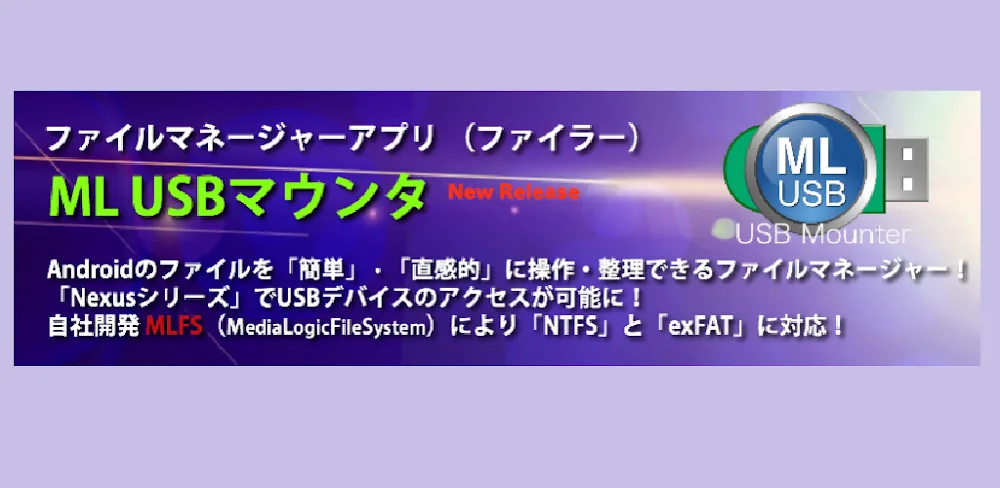
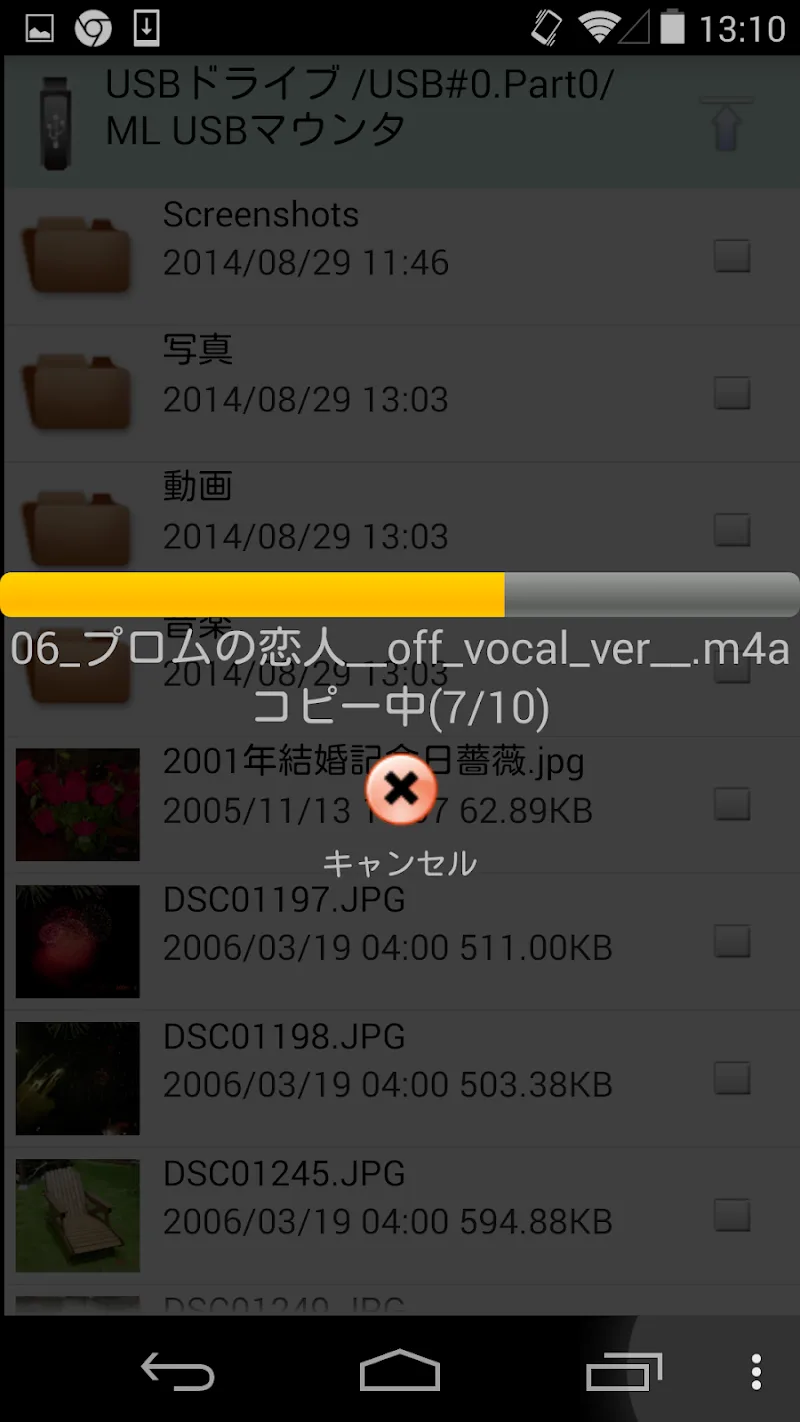
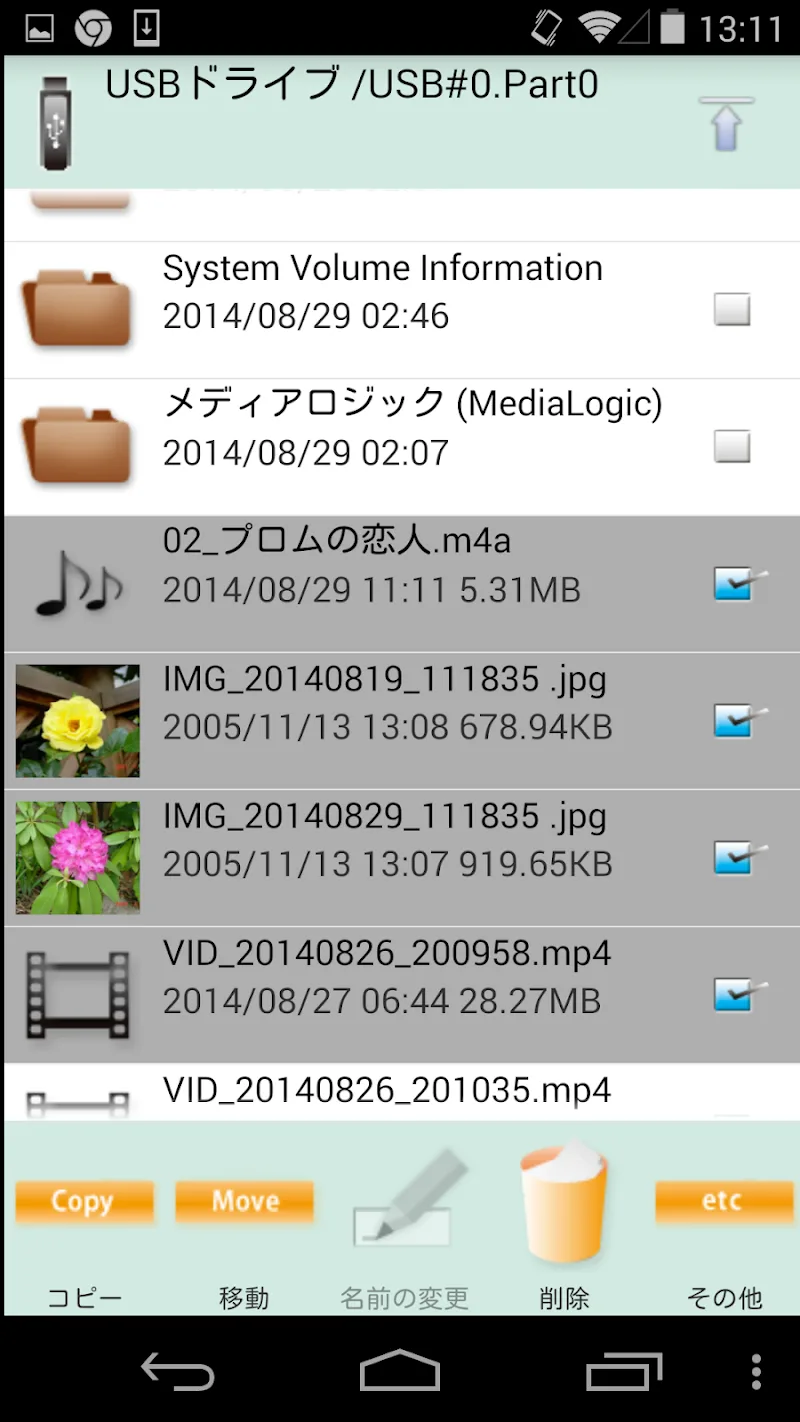
MLUSB Mount provides an extremely powerful data management and connection solution for Android mobile devices. If you are using a terminal device, this is definitely one of the most essential apps you need to manage your existing files. Users can perform all operations, such as copying or transferring files, at maximum speed. Connecting an OTG cable allows the application to bypass operating system limitations to read and write complex file formats. This convenient external data access capability completely resolves the need for expanding storage and managing documents in daily work.
DIVERSE FILE SYSTEMS AND DATA MANAGEMENT
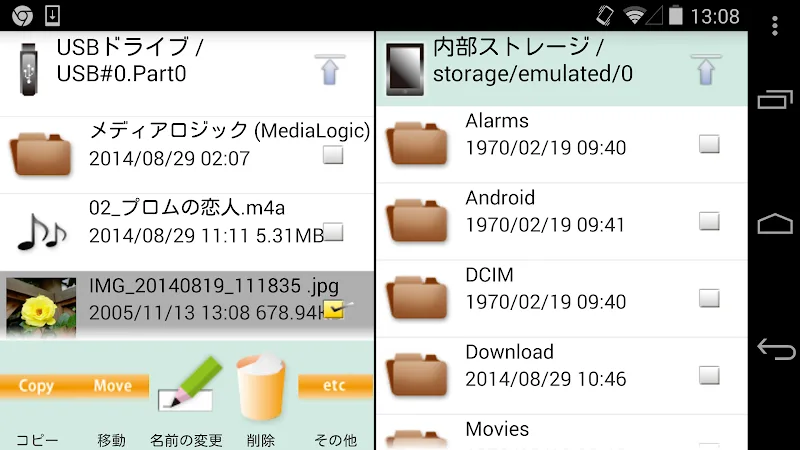
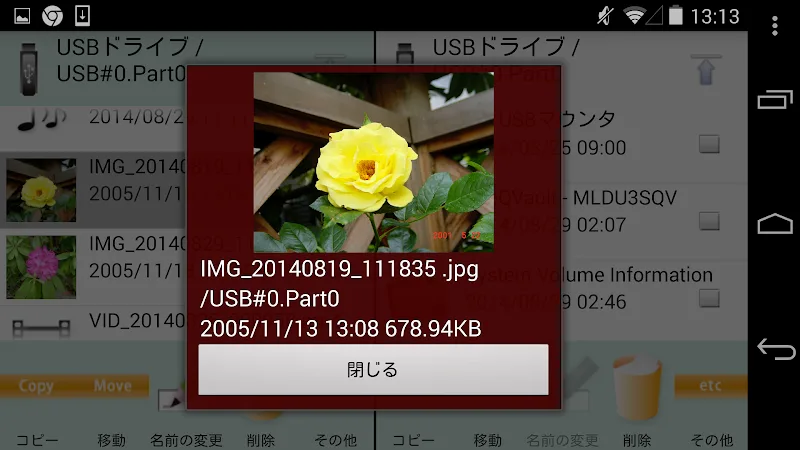
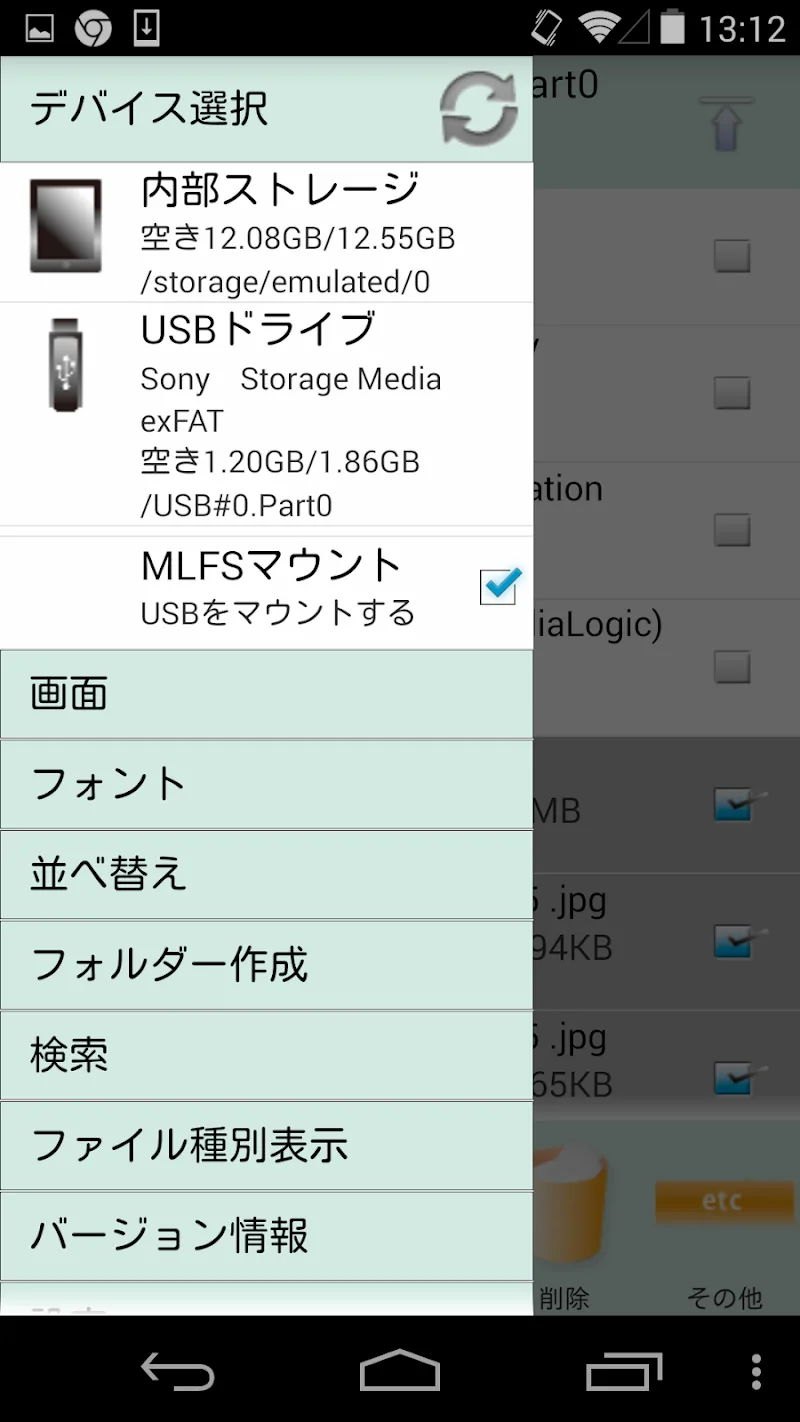
Proprietary MLFS technology supports flexible reading and writing on file systems such as NTFS, exFAT, or ISO. Operations are also compared side-by-side using two separate screens to give users a visual overview of their actions. The WebDAV client feature allows mobile devices to directly access internal cloud storage servers. Built-in disk formatting and checking tools ensure absolute safety for all your personal data.
- NTFS/exFAT support: Diverse read and write.
- Dual-screen display: Convenient operation.
- WebDAV client integration: Server access.
MULTIMEDIA TRANSFER AND AUTOMATIC BACKUP
The automatic backup function supports storing all images, videos, and music to an external hard drive upon connection. Reading and writing ISO image files from DVD or Blu-ray drives lets you comfortably enjoy high-quality movies. Streaming capabilities via Chromecast turn your home TV screen into a vibrant multimedia presentation space. Experience the app now to transform your phone into an all-powerful data management hub!
- Automatic data backup: Safe and fast.
- DVD/Blu-ray writing: Diverse storage.
- Cast via Chromecast: Convenient entertainment.

![Disk & Storage Analyzer [PRO]](https://liteapks.com/wp-content/uploads/2023/03/disk-storage-analyzer-pro-150x150.jpg)


Comments (0)
No comments yet. Be the first!