


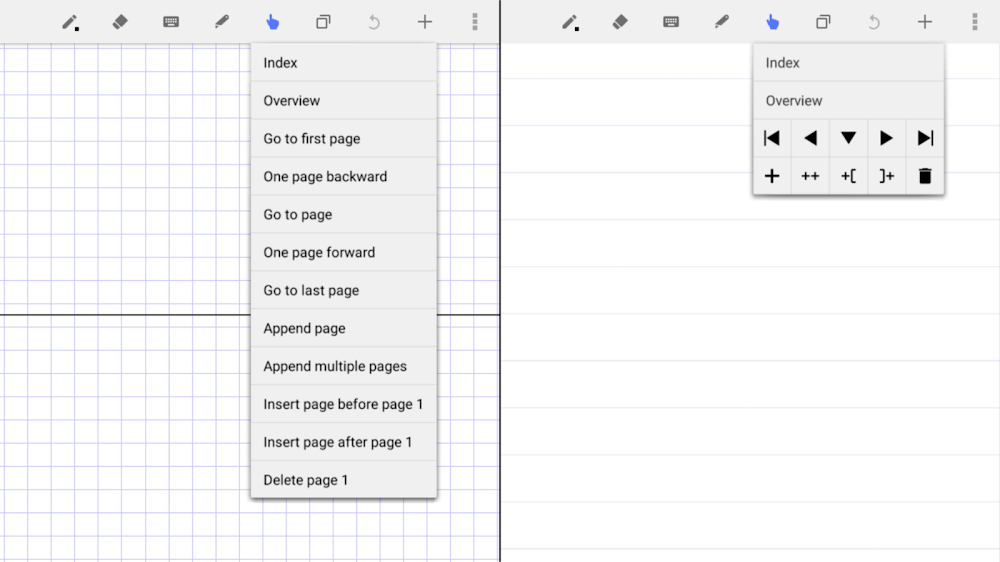
The Android app LectureNotes was made with the note-taking needs of both students and teachers in mind. It’s a novel app with a stylus that lets people write notes on their phones or tablets. The fantastic functionality of this app has made it widely used.
PAGE FLIPPING
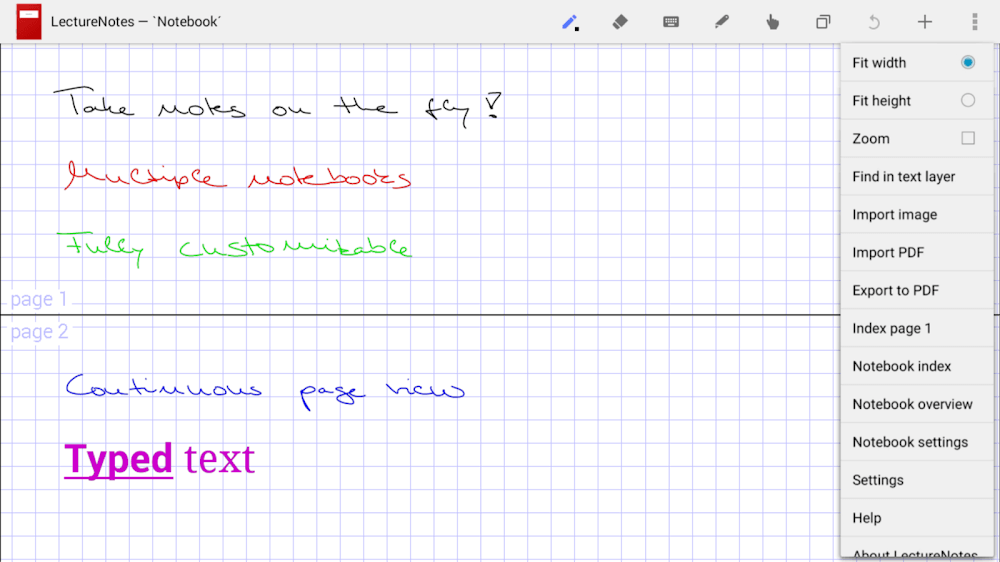
LectureNotes’ ability to display multiple pages side by side is a great time-saving feature. Students who need to refer to their notes during exams or assignments will appreciate the continuous page view feature. It also enables professors to make their lecture notes ahead of time and have them projected onto screens during class.
ZOOMING AND WRITING WITH EASE
Using a stylus, users of LectureNotes can write naturally on their devices, and it’s meant to replicate the feel of writing on paper as closely as possible. Users can also zoom in and out of their notes, making it simpler to either zero in on specifics or get a bird’s-eye view.
IMPORTING PICTURES AND PDFS
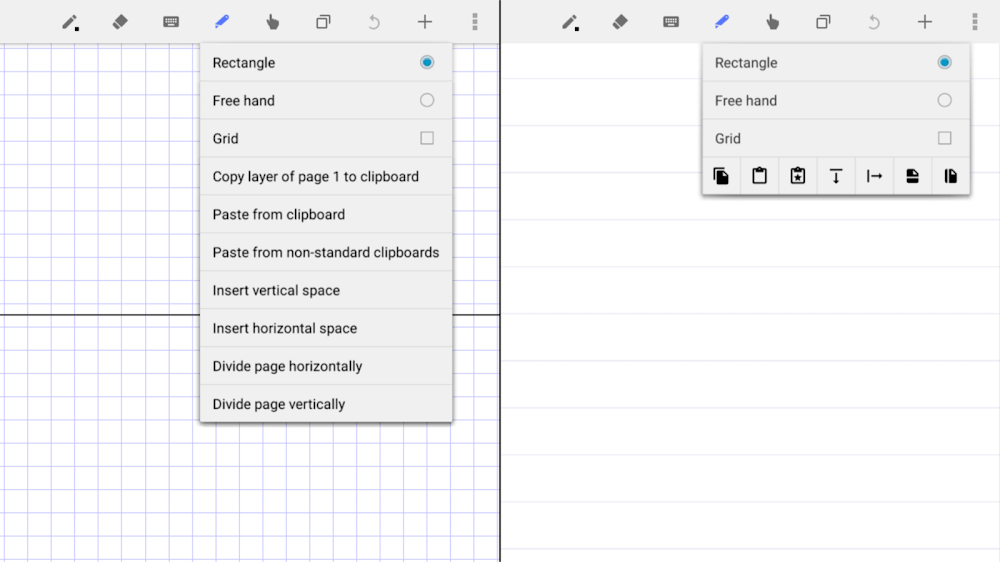
LectureNotes also has the handy capability of importing images straight into the user’s notebooks. Artists who want to make sketches or drawings greatly appreciate this function. Users of LectureNotes can also insert PDFs of any size into their notebooks. Students can benefit from this function if they wish to incorporate outside materials into their notes, such as articles or research papers.
DISTRIBUTION AND EXPORT
Users can save their notebooks in PDF format and share them with others. Students who wish to show their notes to their peers or teachers will find this function useful. Users can also export their notebooks to Evernote or Microsoft OneNote from within LectureNotes. A user’s notebook pages can also be emailed or shared via other messaging apps with others. For collaborative efforts, this function is very useful.
INDEXING WITH A FOCUS ON KEYWORDS
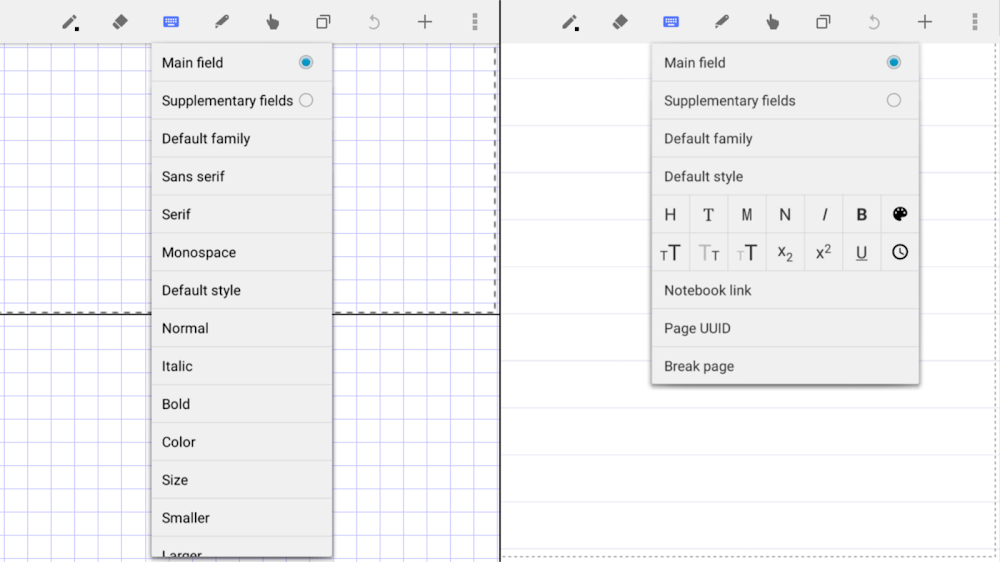
Users of LectureNotes can annotate their notebook pages with search terms. Students who prefer to sort their notes by subject or topic will appreciate this function. LectureNotes also indexes the keywords automatically, making looking for specific topics in the notebooks simpler.







![Disk & Storage Analyzer [PRO]](https://liteapks.com/wp-content/uploads/2023/03/disk-storage-analyzer-pro-150x150.jpg)


Comments (0)
No comments yet. Be the first!