
Repeating boring touch and swipe actions on the phone screen sometimes makes me feel like a machine rather than a real technology user. If you have also ever fallen into that feeling when performing repetitive tasks, FRep2 is exactly the lifesaving solution to turn everything into complete automation. Instead of having to “plow” manually, this application allows you to record accurately each movement of fingers and reproduce them smoothly with only one touch. This is not merely a recording tool, but a miniature RPA (Robotic Process Automation) system lying right in the palm of your hand.
ADVANCED TOUCH AUTOMATION
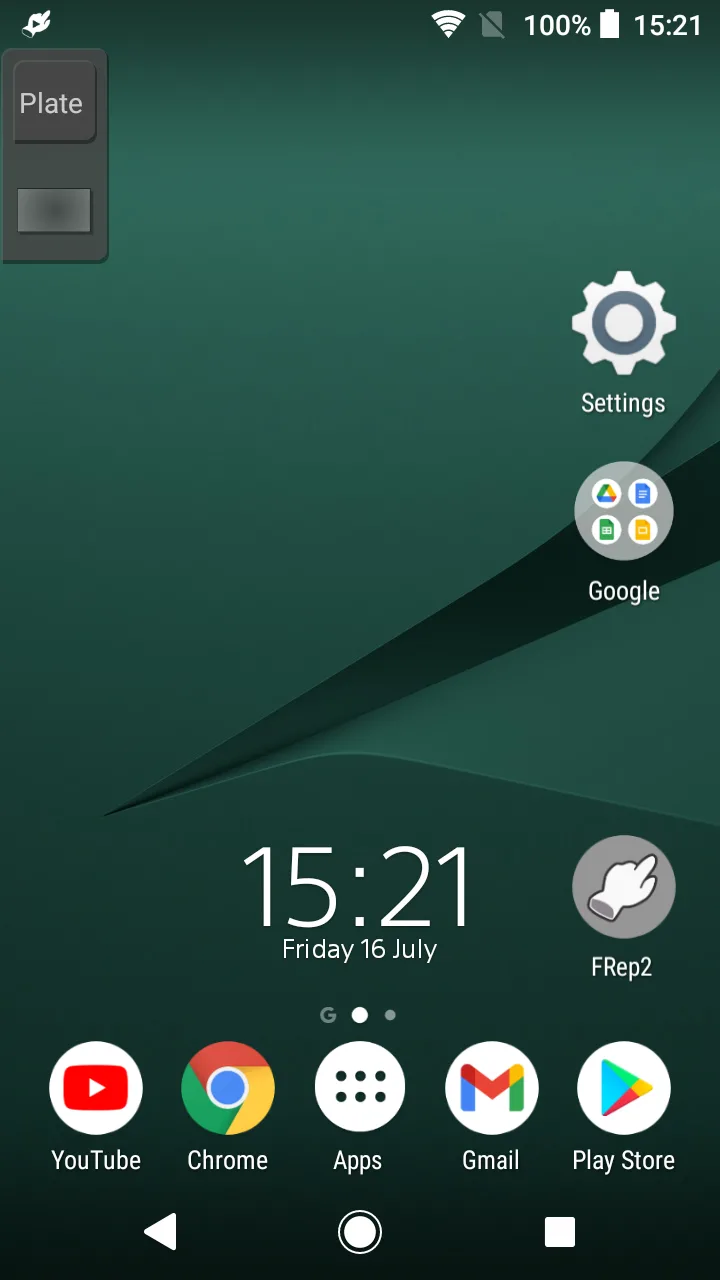
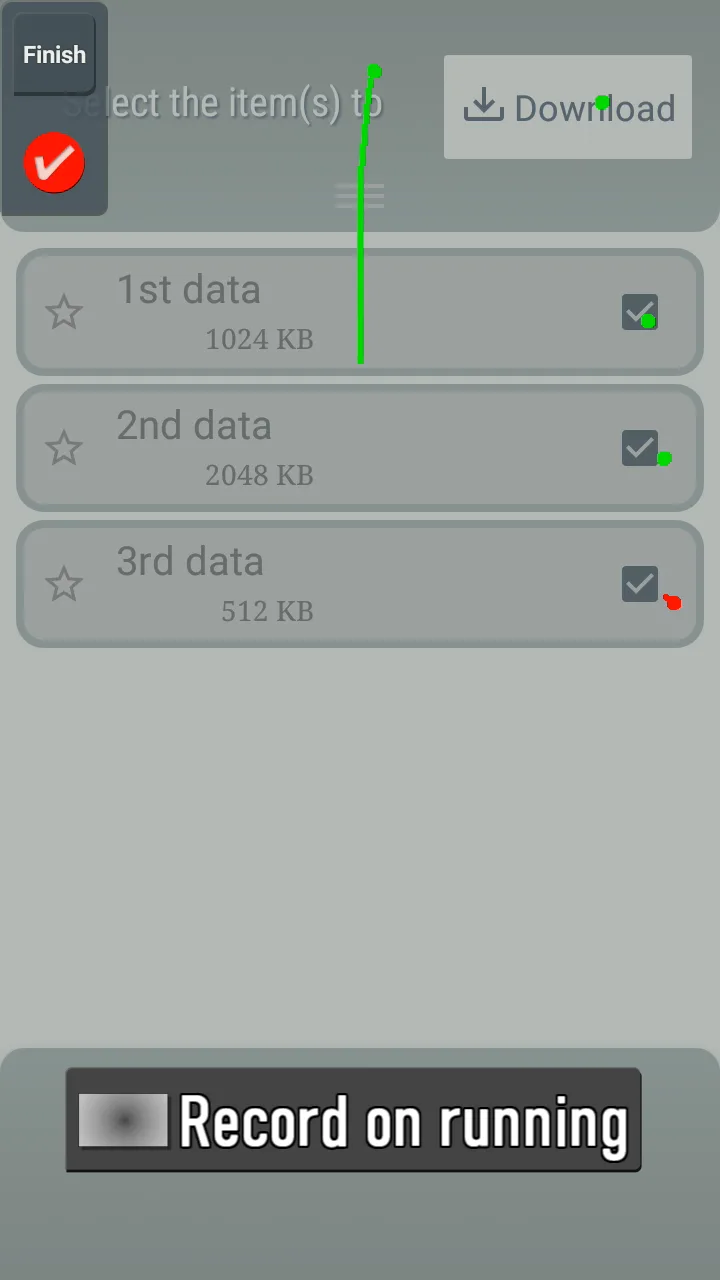
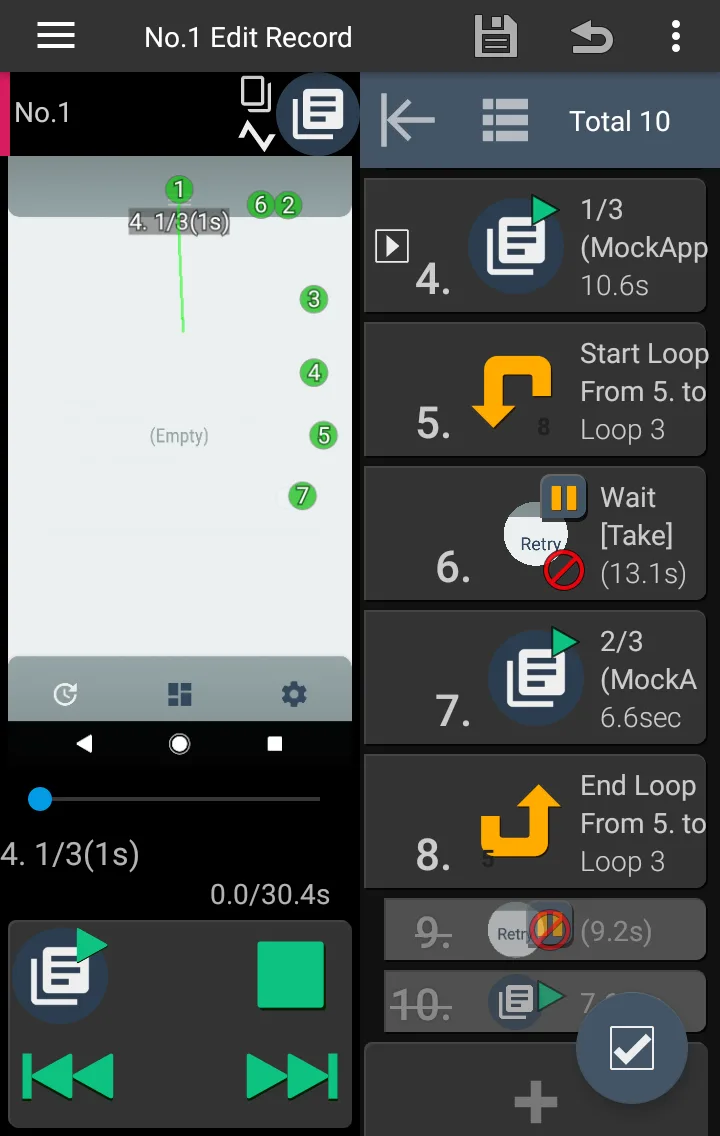
The real power of the application lies in the ability to copy user behavior accurately to each millisecond. I have tried recording a complex action sequence including both swipes, flicks and long presses, and the result is FRep2 reproduced not wrong one bit through an extremely convenient floating panel.
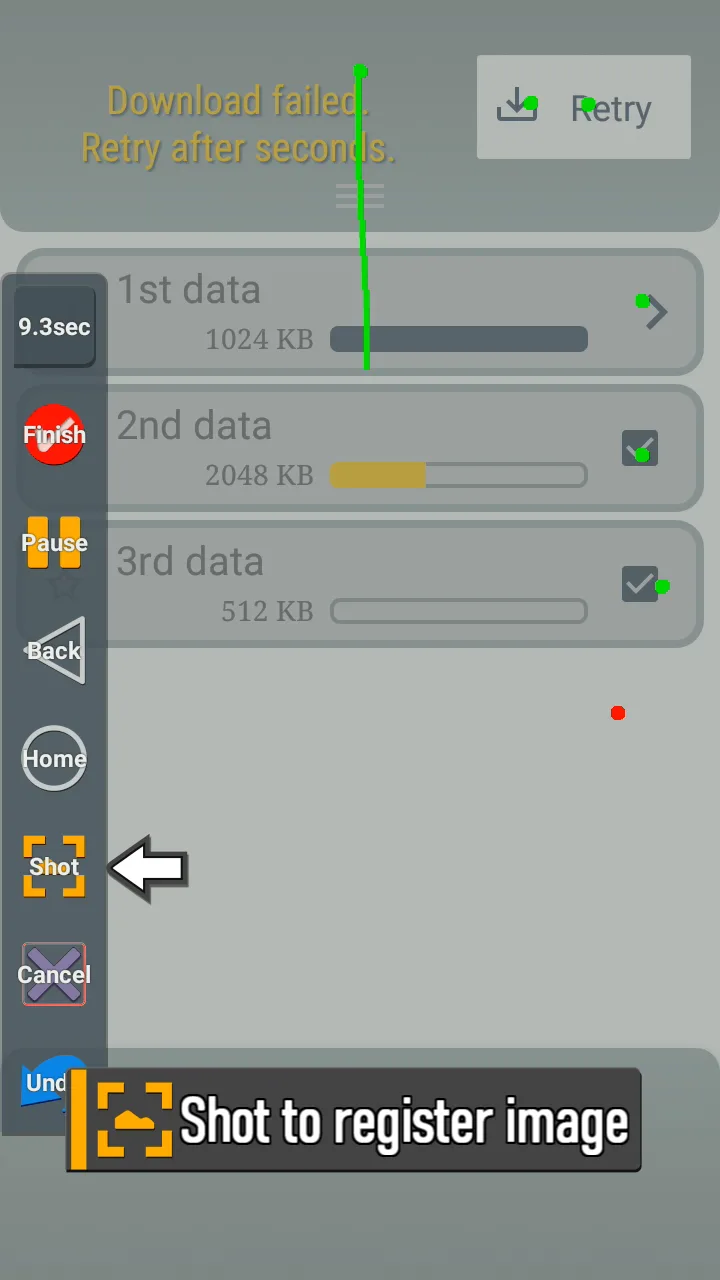
- Easy macro recording: You can start recording every gesture on the screen immediately through a flexible floating button, helping the macro setup process become more intuitive than ever.
- Adaptive floating panel: The smart control panel of the application will automatically show or hide depending on whether you have any available records for the current application or not.
- Precise gesture playback: The ability to recreate actions like swipe or flick helps users avoid errors due to system latency or inaccurate hand operations.
INTELLIGENT IMAGE RECOGNITION
The thing that makes FRep2 different compared to ordinary operation recorders is exactly the image analysis “brain”. Instead of just playing back mechanically, the application can recognize what is happening on the screen to give processing decisions suitable for the actual situation. Truly very impressive.
Smart image matching: Players can set up branches in the automation process based on image matching, helping the macro work stably even when the network is slow or the application changes interface.
- Wait control management: To ensure high feasibility, you easily edit the action sequence to add reasonable delays, helping the application “wait” for the system to finish loading data before performing the next step.
- Powerful Tasker integration: If you own the Unlock Key version, the customization capability will be pushed to the maximum level through Tasker plugins and the full of power OCR character recognition feature.







![Disk & Storage Analyzer [PRO]](https://liteapks.com/wp-content/uploads/2023/03/disk-storage-analyzer-pro-150x150.jpg)


Comments (0)
No comments yet. Be the first!