
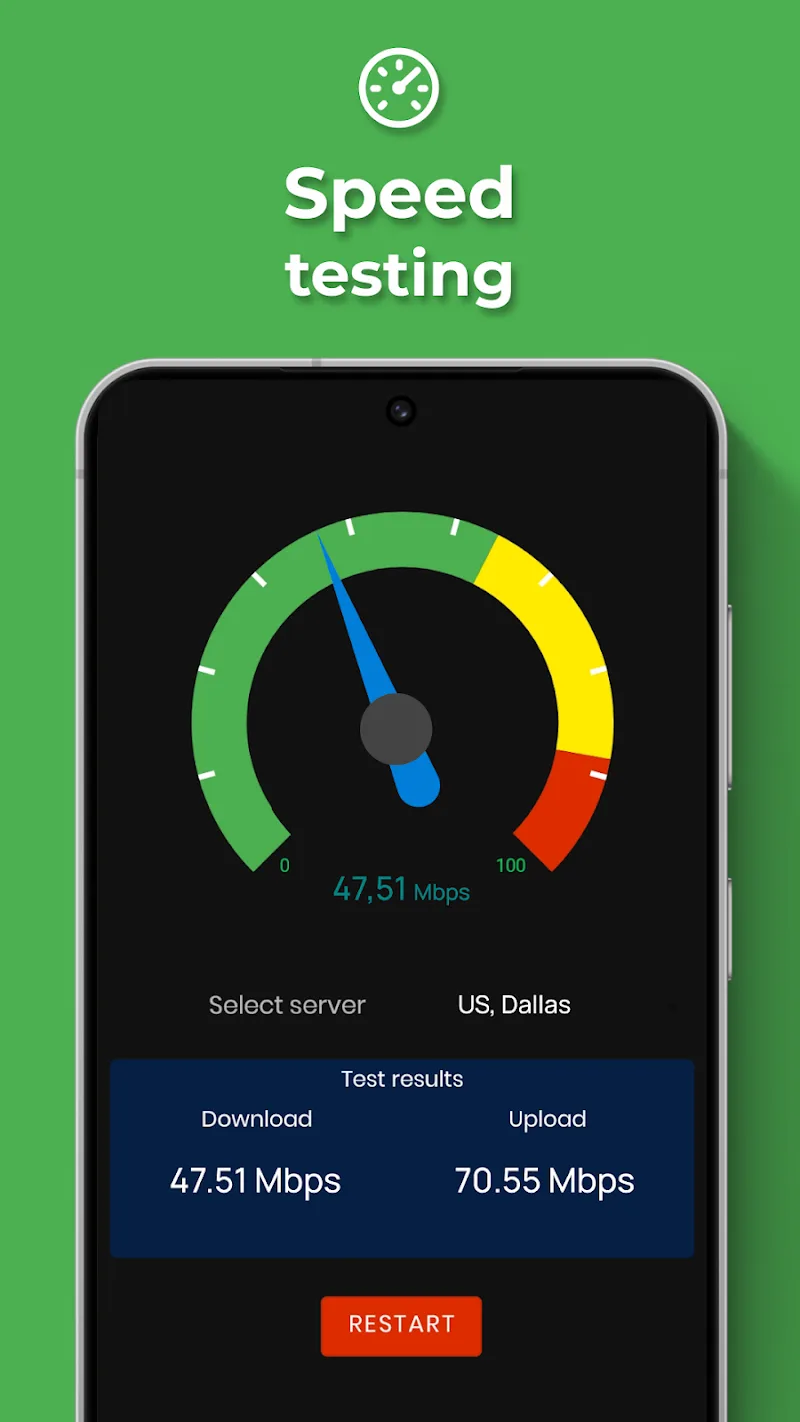
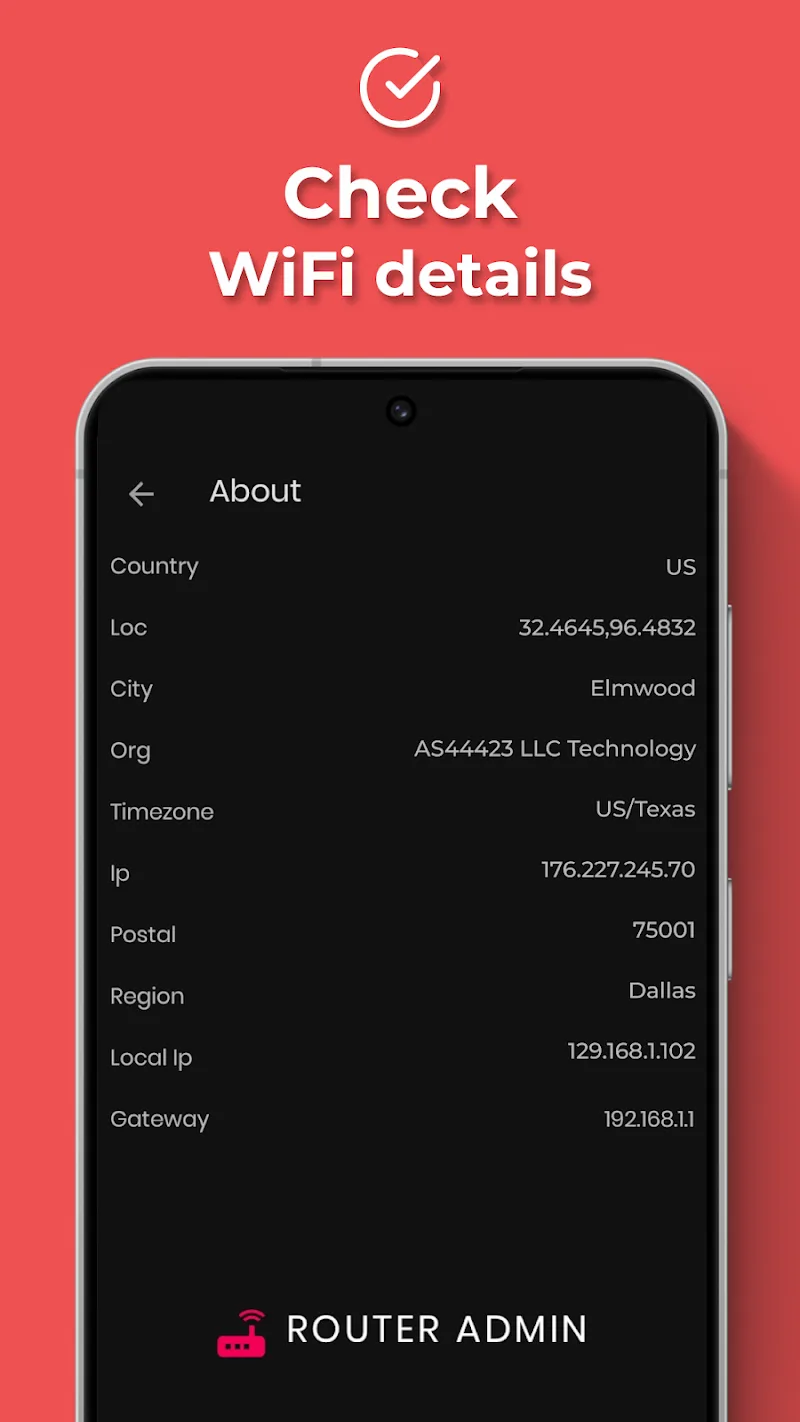
Are you in the middle of a match when your ping suddenly spikes? Or just scrolling TikTok but stuck waiting on an endless loading circle? The culprit might not be far away. It could be a neighbor “borrowing” your bandwidth! With WIFI Thief Detector, you’ll find a “savior” to restore fairness to your personal network.
NETWORK MONITORING SYSTEM
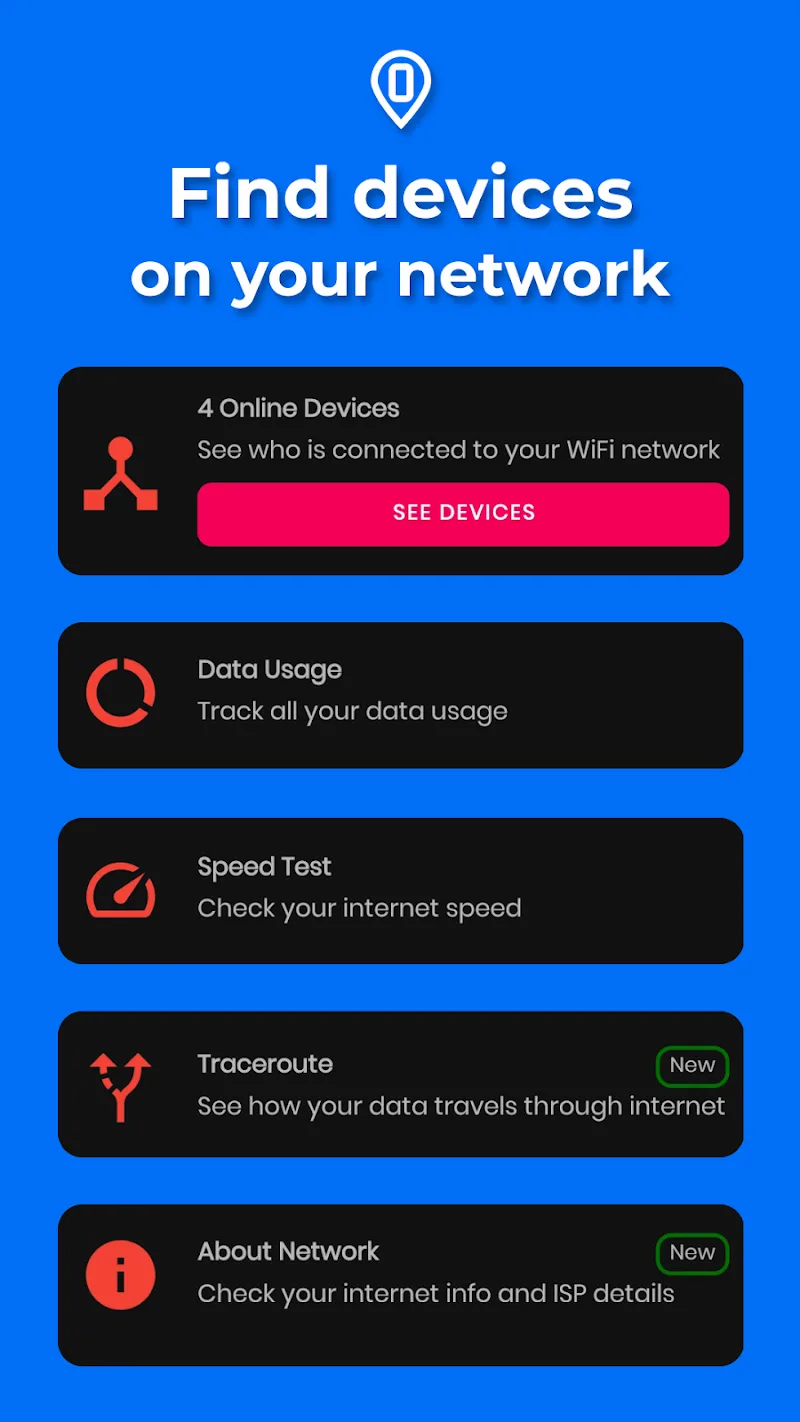
This application allows users to directly view their personal internet network system. In the past, this was quite difficult, but now it is much easier. Just open the app and you can see everything. All devices accessing your internet are clearly visible. If there is someone you don’t want, you can remove them easily.
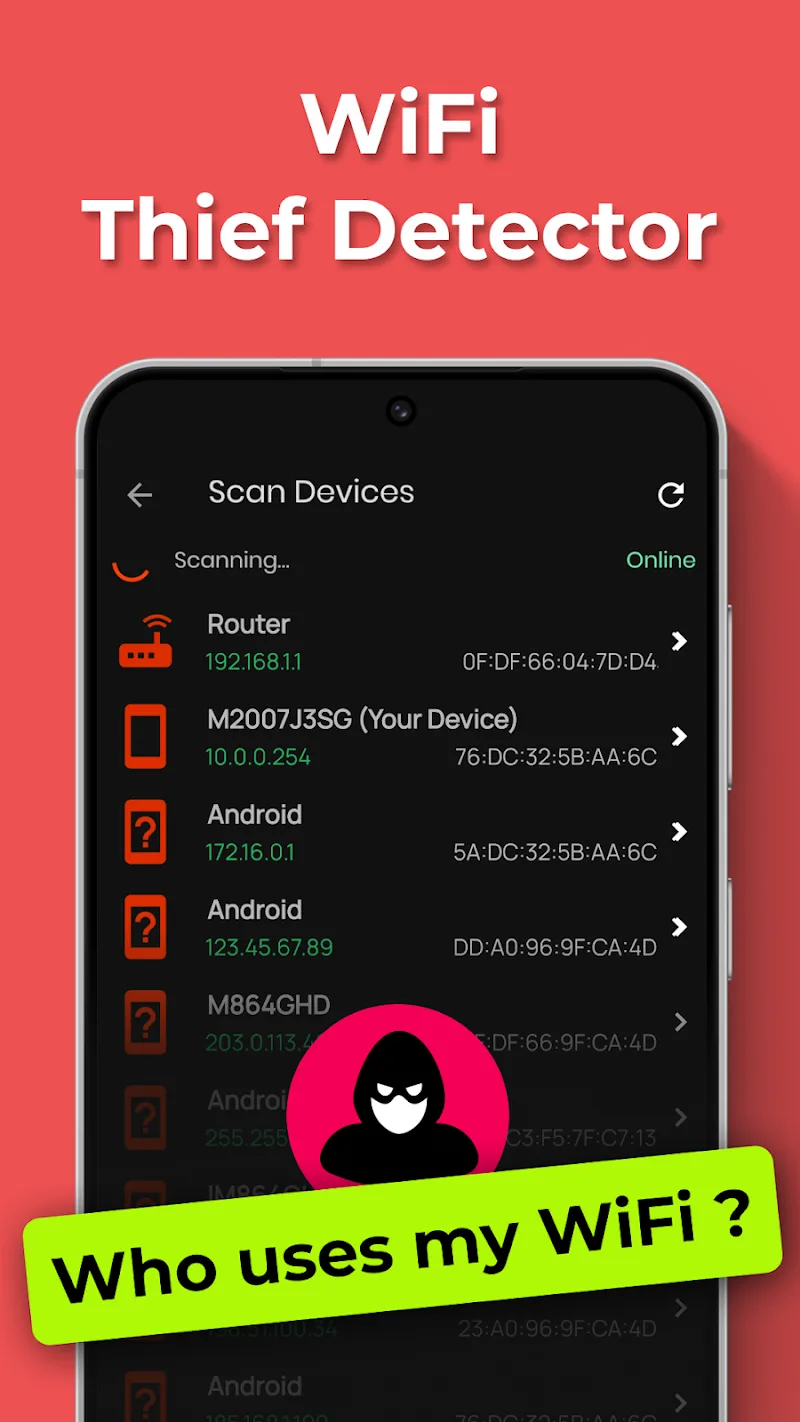
- Real-time Device Scanner: You will quickly receive a list of devices connected to your WiFi. Notably, the system can detect all “hidden guests.” From there, you can easily disconnect them from your network.
- Detailed IP/MAC Info: In this application, nothing goes unnoticed. Detailed information from IP addresses to MAC addresses is clearly displayed. Therefore, distinguishing between your own devices and intruders becomes simple.
- Historical Device Logs: A special feature is the ability to store the history of devices that have connected. Through this, you can know when your network was used and detect any “intruders” who accessed it.
ADVANCED SECURITY MANAGEMENT
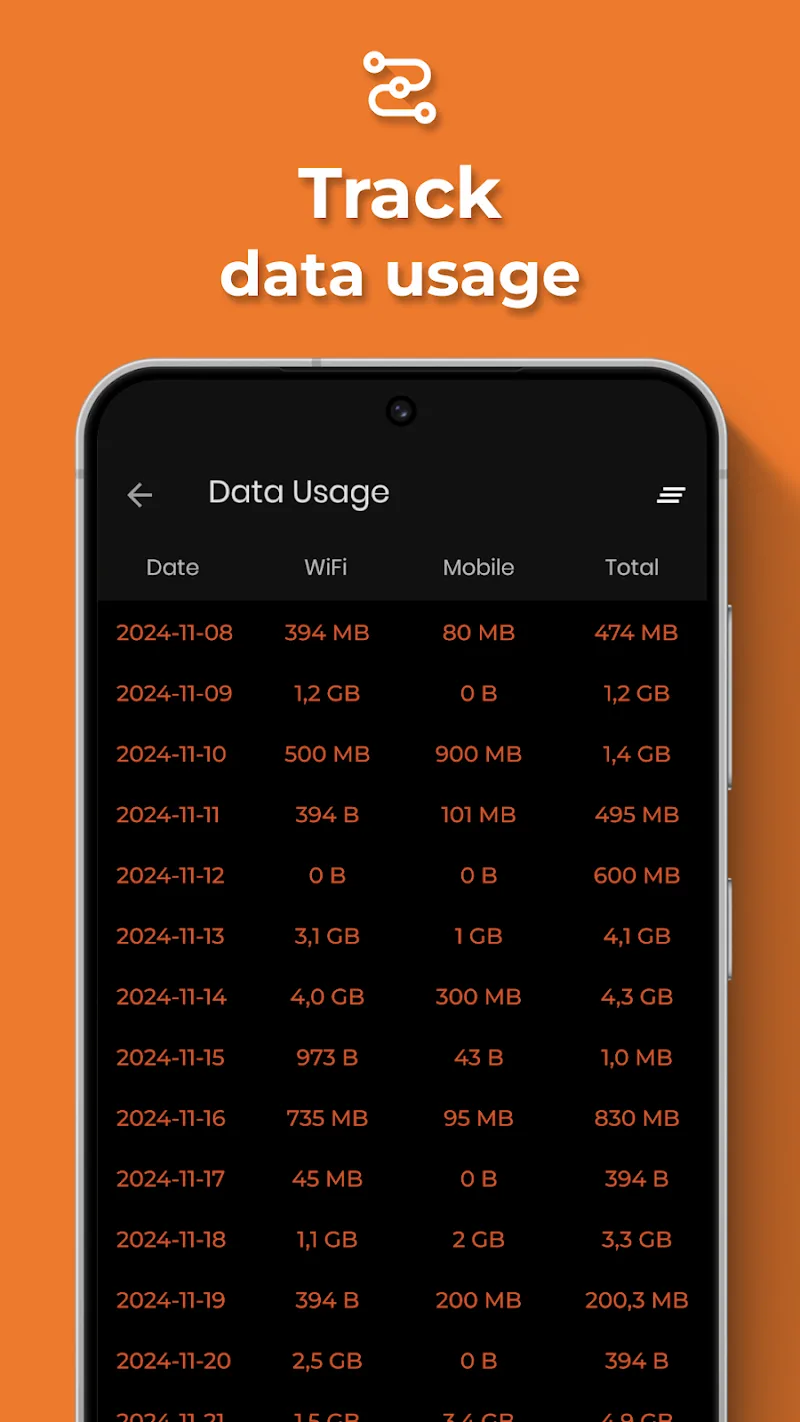
The uniqueness of the application lies in its ability to classify and manage devices in a highly organized way. Almost instantly, you can see newly connected devices. You can even track who is using the network and how much data they consume. Furthermore, you can know how long they have been connected. Thanks to this detailed monitoring and structured management, you can eliminate users who are disrupting your system.
- Custom Device Nicknames: The app allows users to assign nicknames to each device. This helps you easily identify access points and search without confusion.
- Vendor Identity Tracking: Even device manufacturers can be identified. The app can tell whether a device comes from Apple or Samsung, making it faster to spot unfamiliar devices.
- Network Access Transparency: You won’t face security-related issues. Simply put, the app is designed with a high level of safety, allowing you to fully control the list of connected users.













Comments (0)
No comments yet. Be the first!