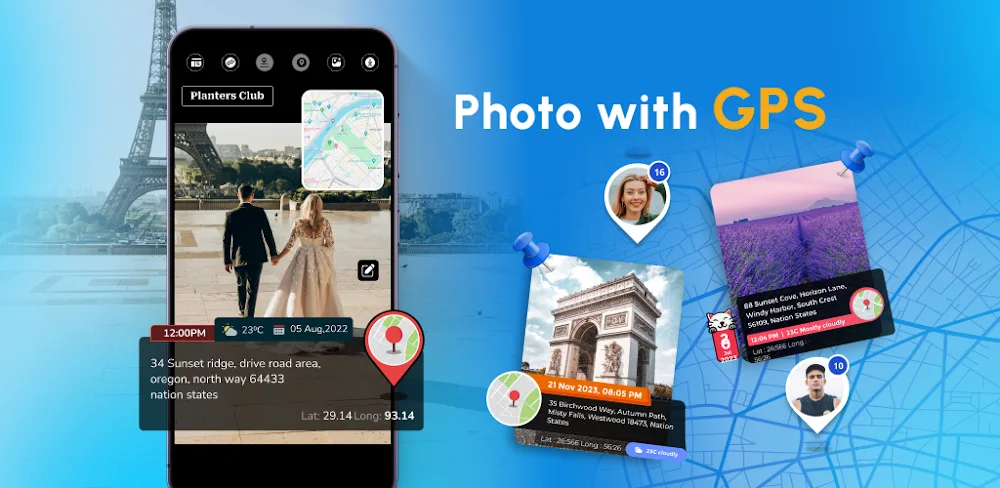

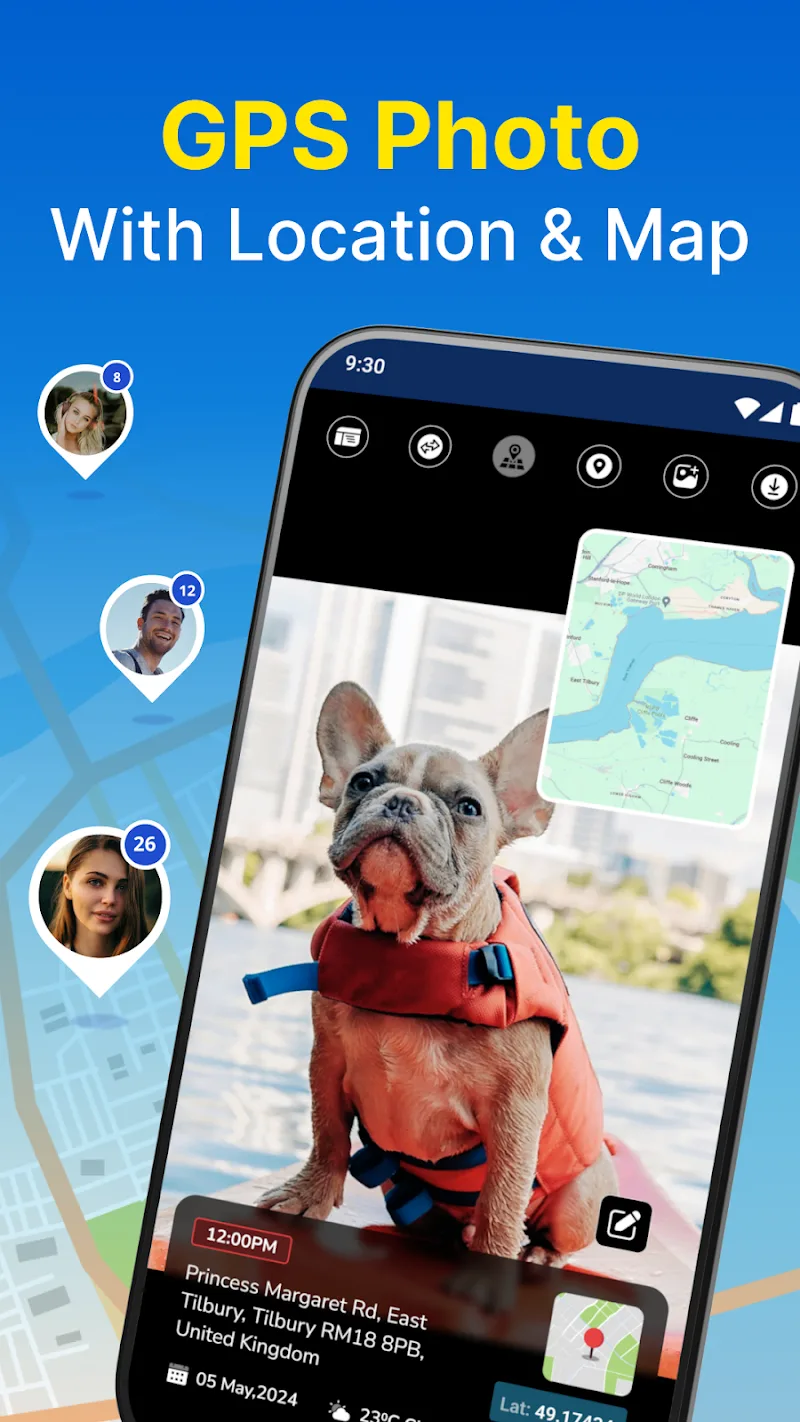
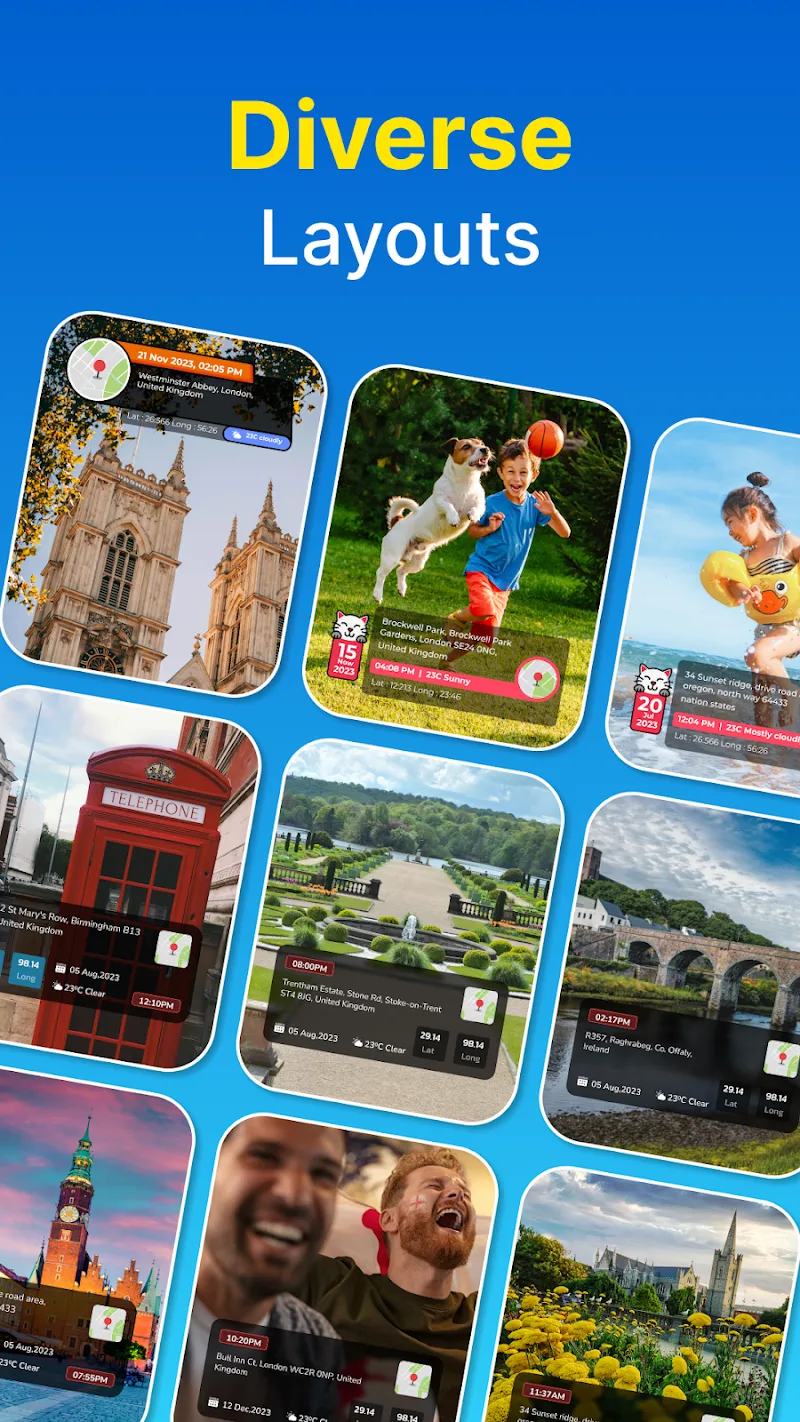
Users’ GPS Photo: With Location & Map can record their travel journeys by attaching photos to the map. The locations they have been to will be marked. Special photos taken at that location will be displayed along with the map. Users can build a large map to record memorable memories in many lands.
ADVANCED GPS CAMERA PHOTO LOCATION
The locations where photos were taken will be tagged directly on the photos. Users can review these photos on a common map. The locations that users have been to will be marked with one or more photos. The map will display all the information recorded by the user with the application’s camera.
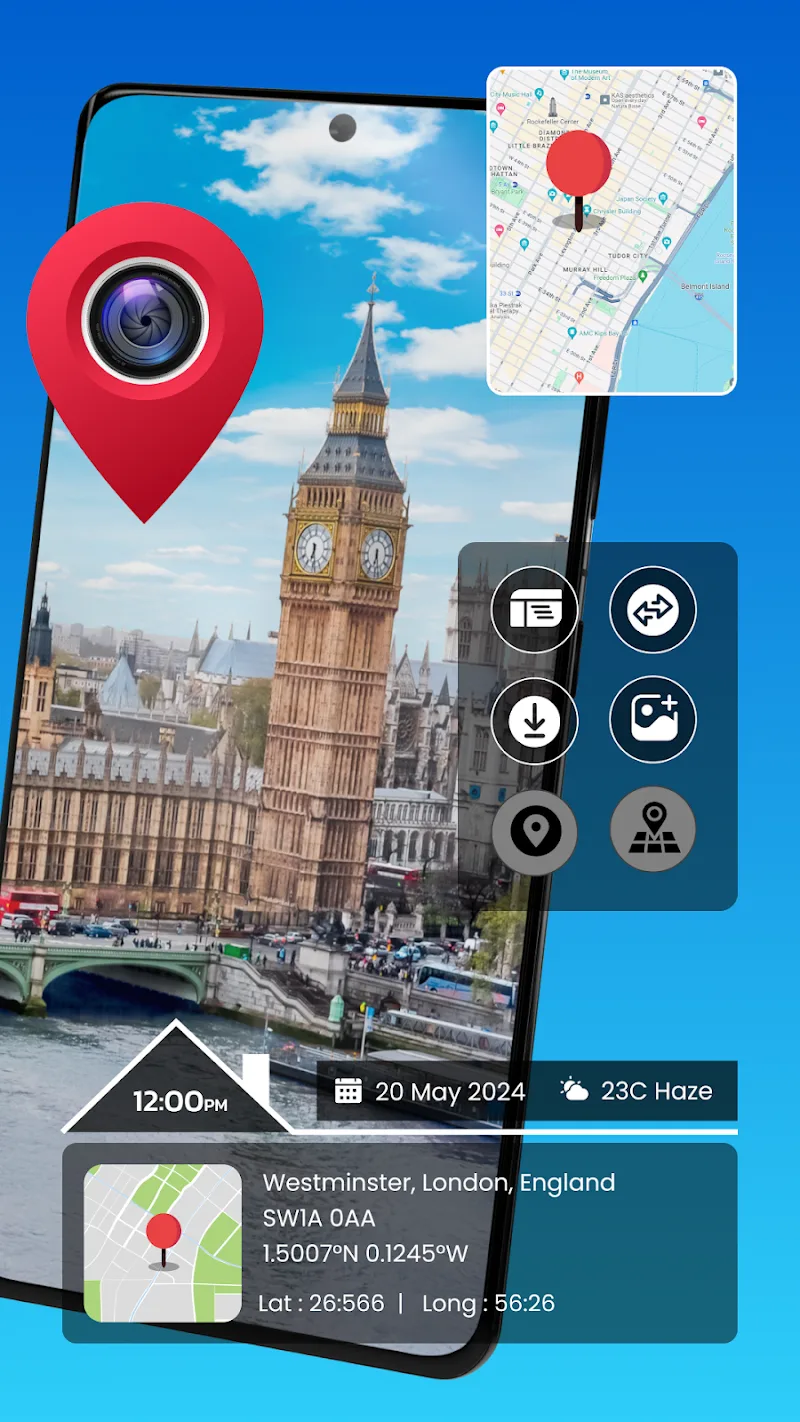
- Precise Geotagging Data: Every area the user passes through leaves a memorable memory. Recording beautiful photos has become a habit for everyone. The application has researched and developed a map that can display photos taken at any location. Users can observe the exact location information right on the image.
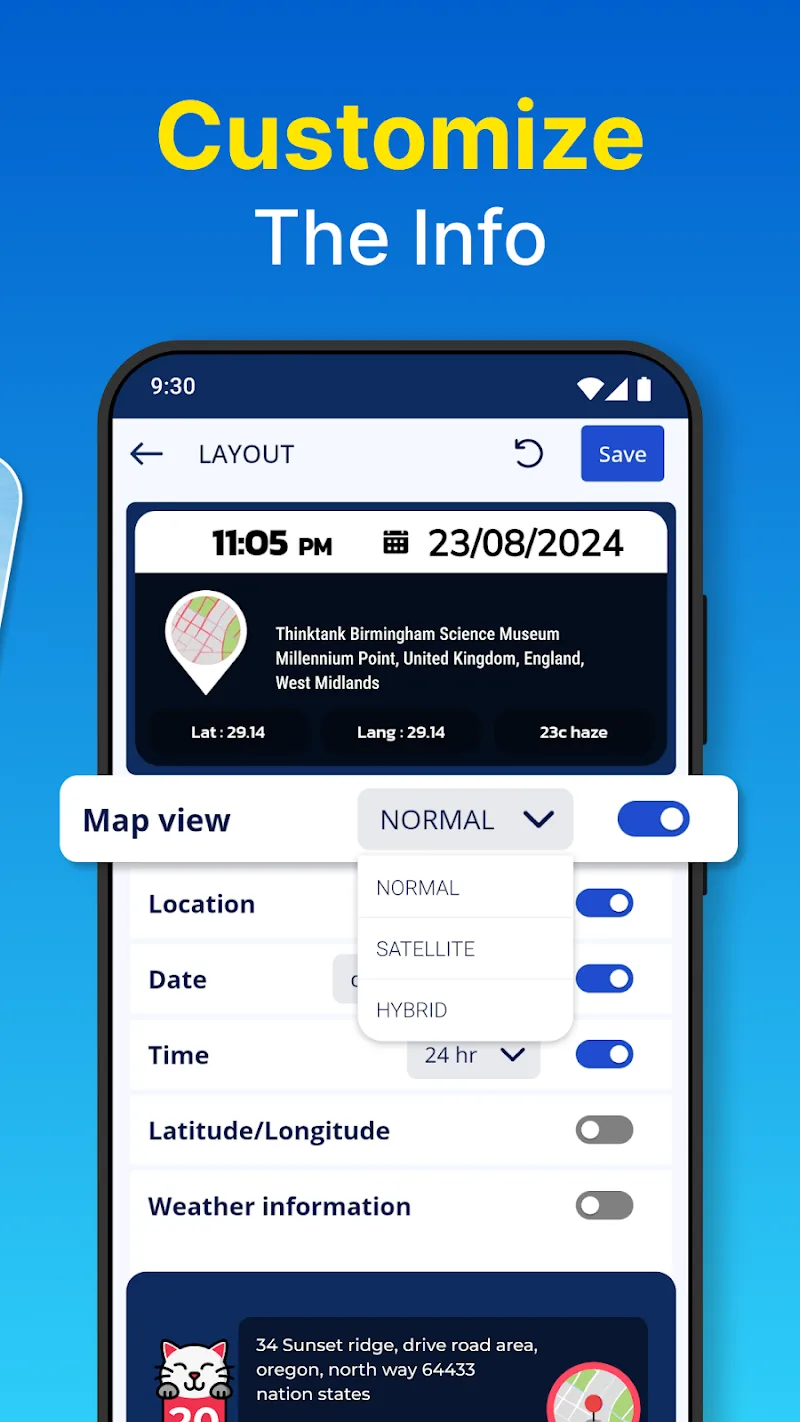
- Custom Layout Views: Photos taken with the GPS camera will display all information related to the location and time of shooting. The application allows users to preview the layout of the photo. Before the photos are saved, the application allows them to edit the location of the location information display.
- Real-Time Capture: The time the photos were taken is the time stamp recorded on the information board. In addition to providing location information, the application also shares time information. Real-time photography and recording increase the level of accuracy.
INTERACTIVE MAP VIEW & ALBUM ORGANIZER
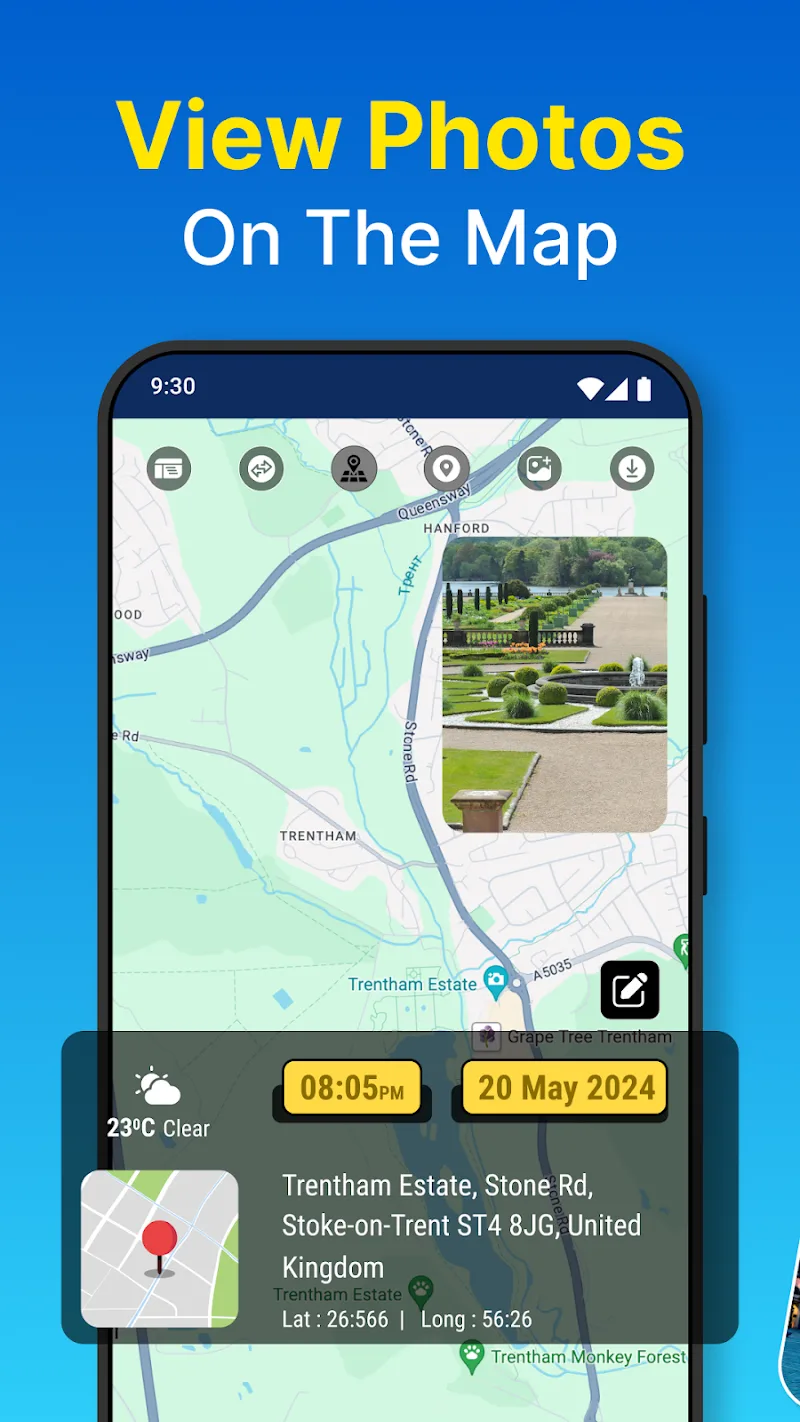
All the photos taken by the user with the GPS camera will be displayed on the map. The order of the photos displayed on the map depends on the time and location of the photo shoot. This huge data source is intelligently aggregated into a common map. Users can view and edit comprehensively in the gallery.
- Location-Based Browsing: The application organizes photos according to the location where they were taken. Users can mark memorable moments at multiple locations using this application. The photos will be browsed before being displayed on the common map.
- Date Place Sorting: All photos will appear on a large map. The locations that the user has visited will be marked with memorable images. This is also a perfect way to mark memories. Date and location of capture are important information that influence the sorting process.
- Gallery Data Editing: Users can view a summary of the images that appear on the map in the library. This huge source of data can be edited and reorganized. Users review and filter the images that have been captured. They can use them for many other purposes.













Comments (0)
No comments yet. Be the first!