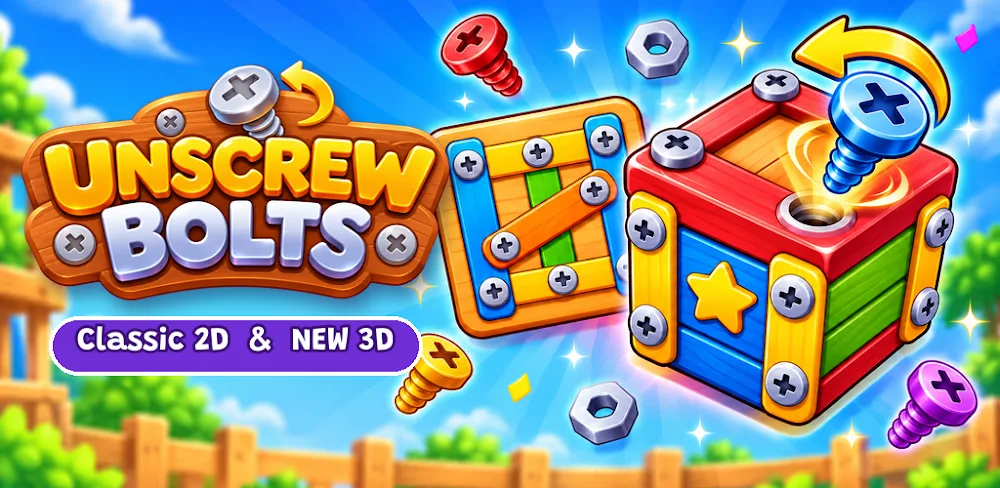

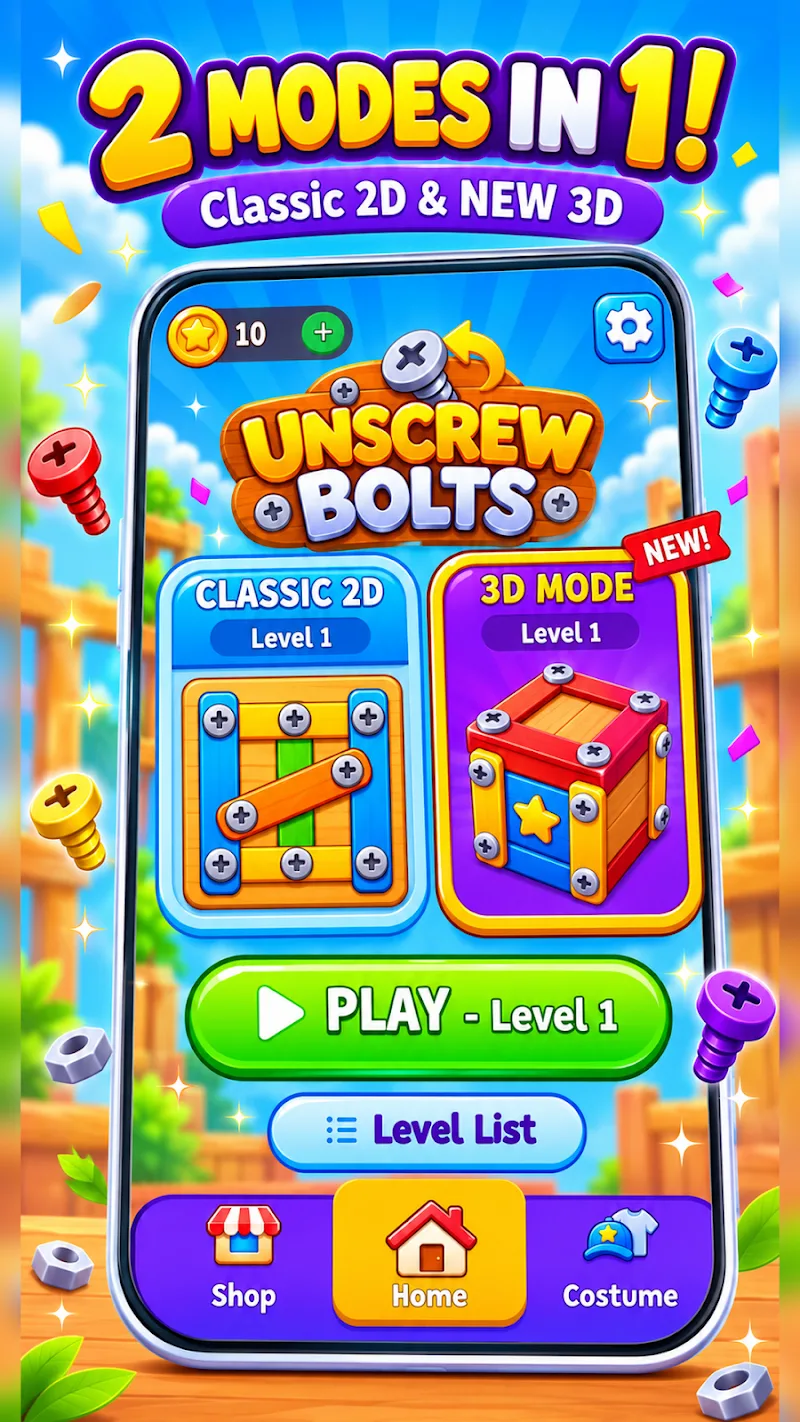
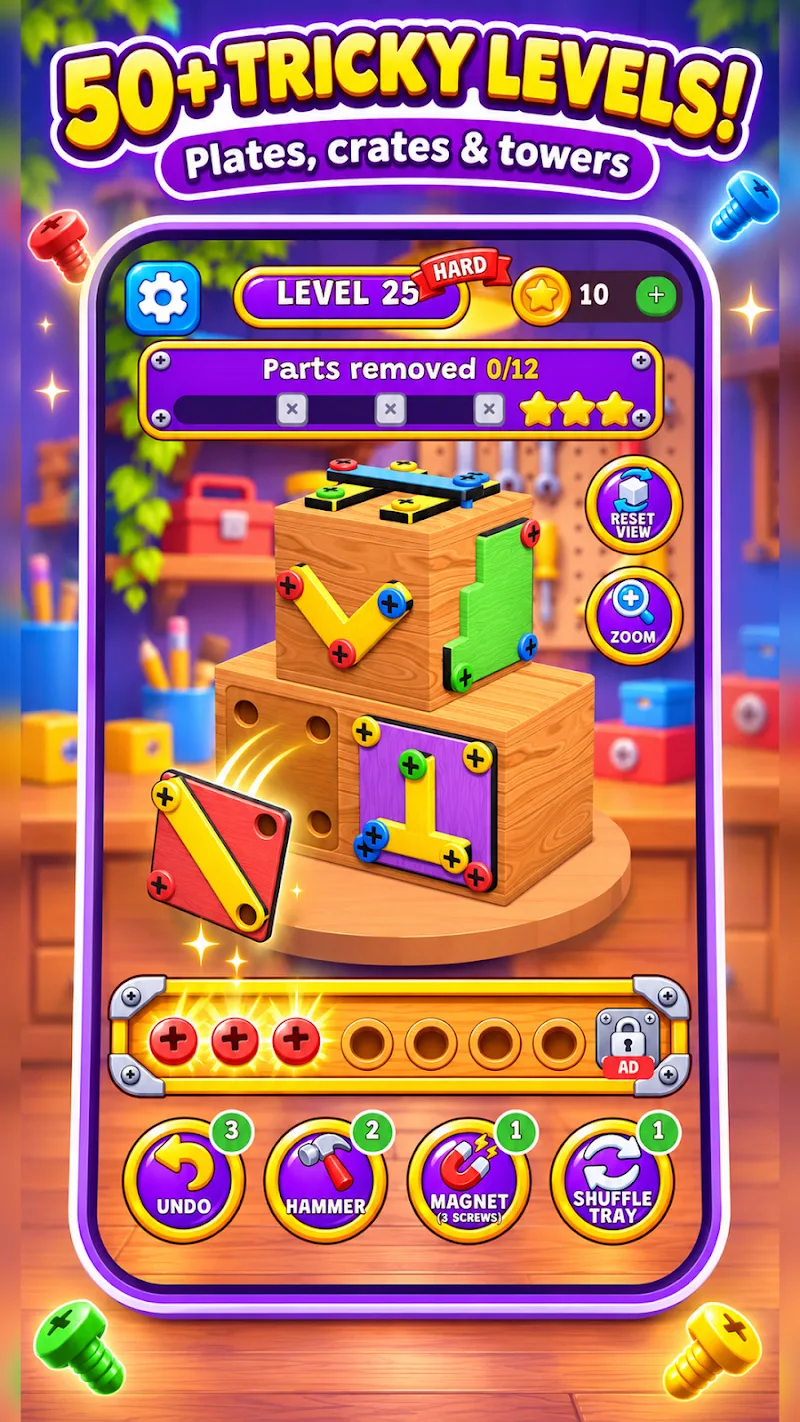
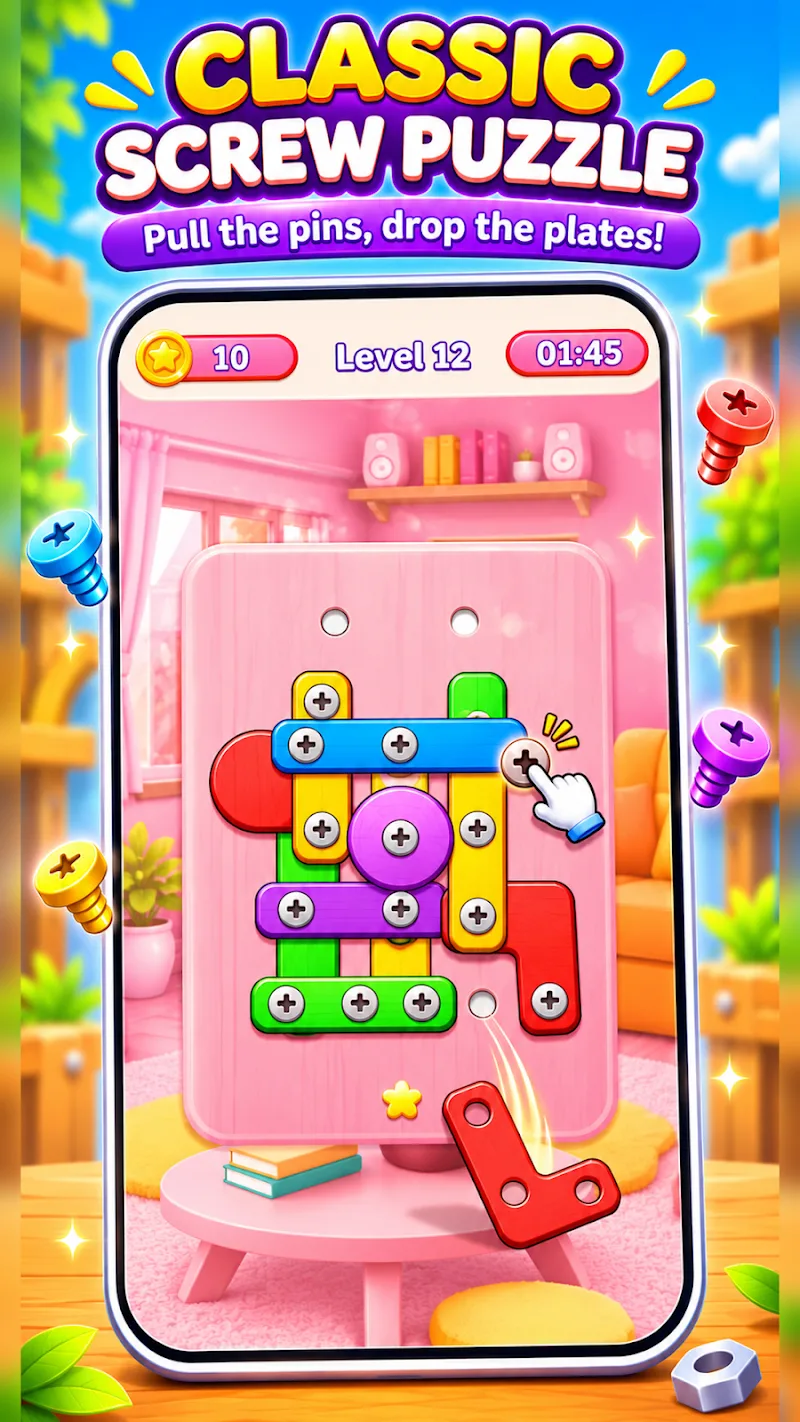
Unscrew Bolts Puzzle, now called Unscrew Bolts: Screw Puzzle 3D, is an Android puzzle game about taking things apart one screw at a time. The game from Transport Hospital Game gives you two ways to do that. The flat boards ask you to move screws between holes to free wooden plates. In 3D, you turn toys and crates around, removing screws and sorting them by color as you go.
Keep a Hole Open on the Wooden Board
A flat board starts with wooden plates pinned in place. Tap a screw, move it to a vacant hole, and see what the plate does. If it’s still held by another screw or caught against an overlapping piece, it can stay on the board. Moving a screw may use up a hole you needed for the next move, so it pays to follow the shape of the plate before tapping.
Say two plates overlap and you have one hole to spare. Before moving the screw closest to your thumb, check which piece it holds and whether that piece has room to fall. A screw near the edge might free a whole plate and uncover a hole beneath it. The same move on a plate that still has several screws can leave you with fewer options and the same stack of wood.
The simpler layouts give you room to get used to how the plates move. As the board gets crowded, look for a piece you can clear in the next move or two. Freeing it gives you a cleaner view of how the plates underneath fit together.
Turn the Model Before Filling the Tray
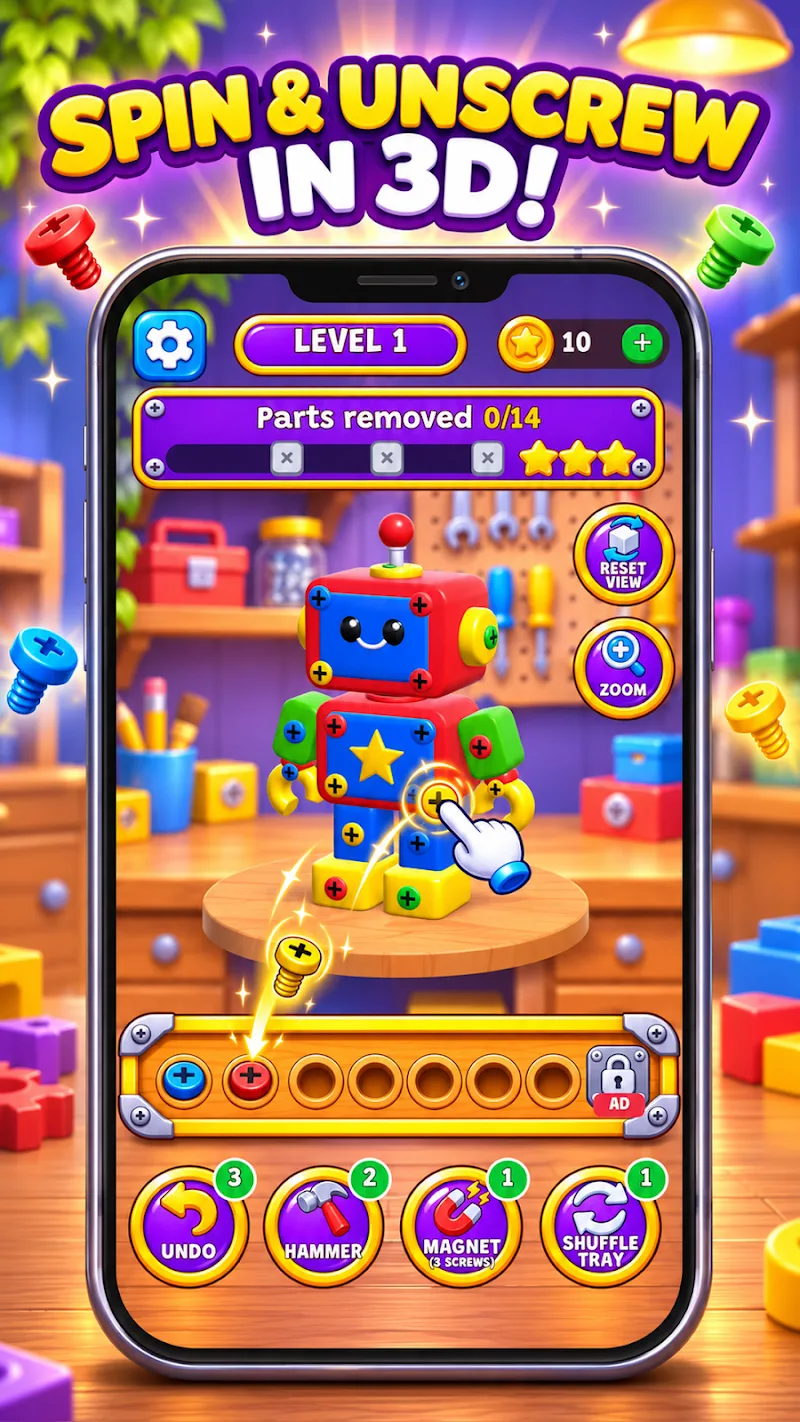
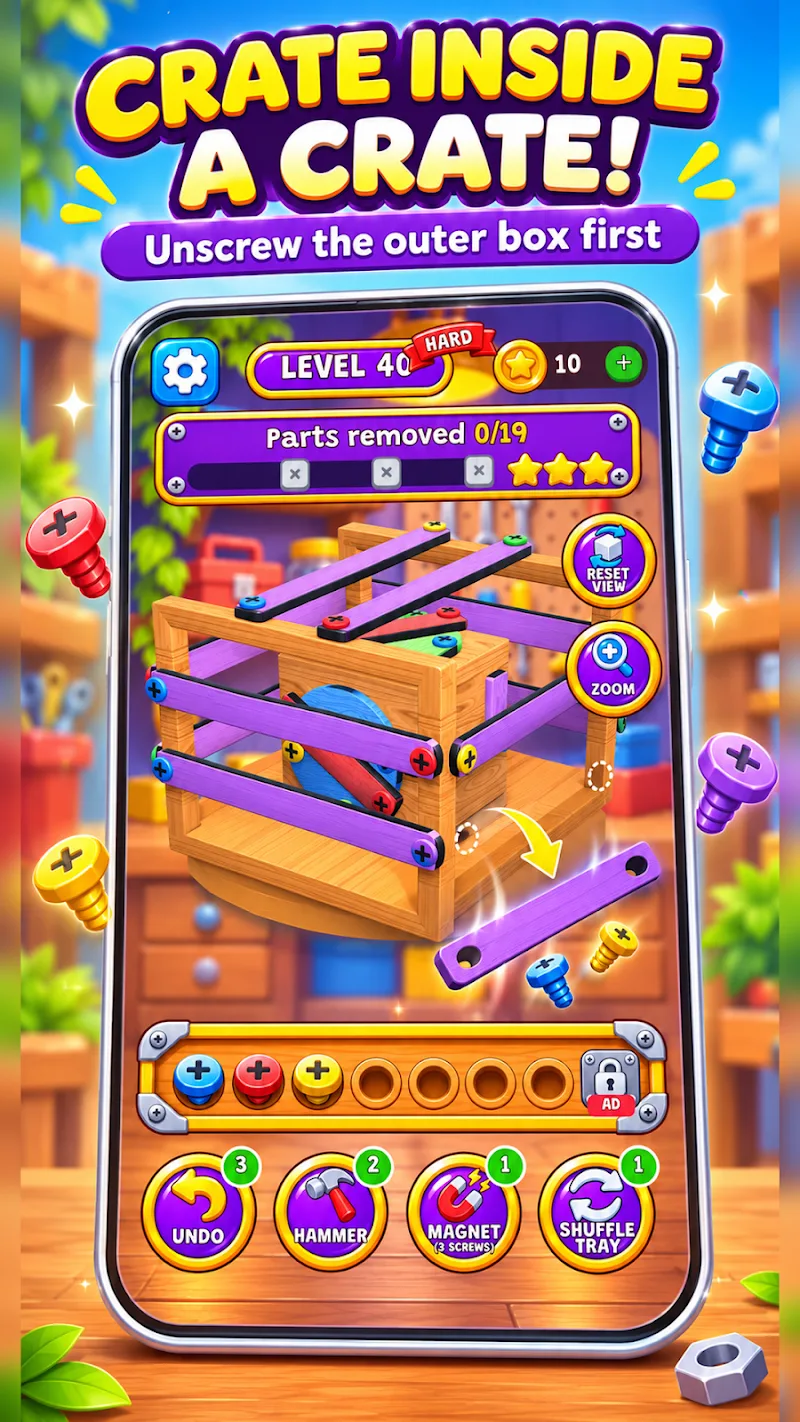
The 3D puzzles use objects such as robots, boats, and wooden crates. Drag to turn the model and inspect it from another angle. Some screws sit behind planks, so turning the object can help you see how the boards fit together and which plank you need to take off first. Later puzzles can put a crate inside another crate, giving you another set of pieces to dismantle after the outer shell comes away.
Every screw you take out goes into a tray in this mode. Three screws of the same color clear together, making room for the next ones. If there are already two blue screws in the tray, taking a moment to check the far side for a third can be a better move than picking the first screw you see. If the blue screw is behind a plank, you’ll have to weigh the moves needed to reach it against the room left in the tray.
Undo is among the available boosters, which is useful when you spot a better move just after committing to one. Before tapping again, turn the model and inspect the adjoining face. A screw around the corner could complete a set and free up the tray space you need to take off the next plank.









Comments (0)
No comments yet. Be the first!