
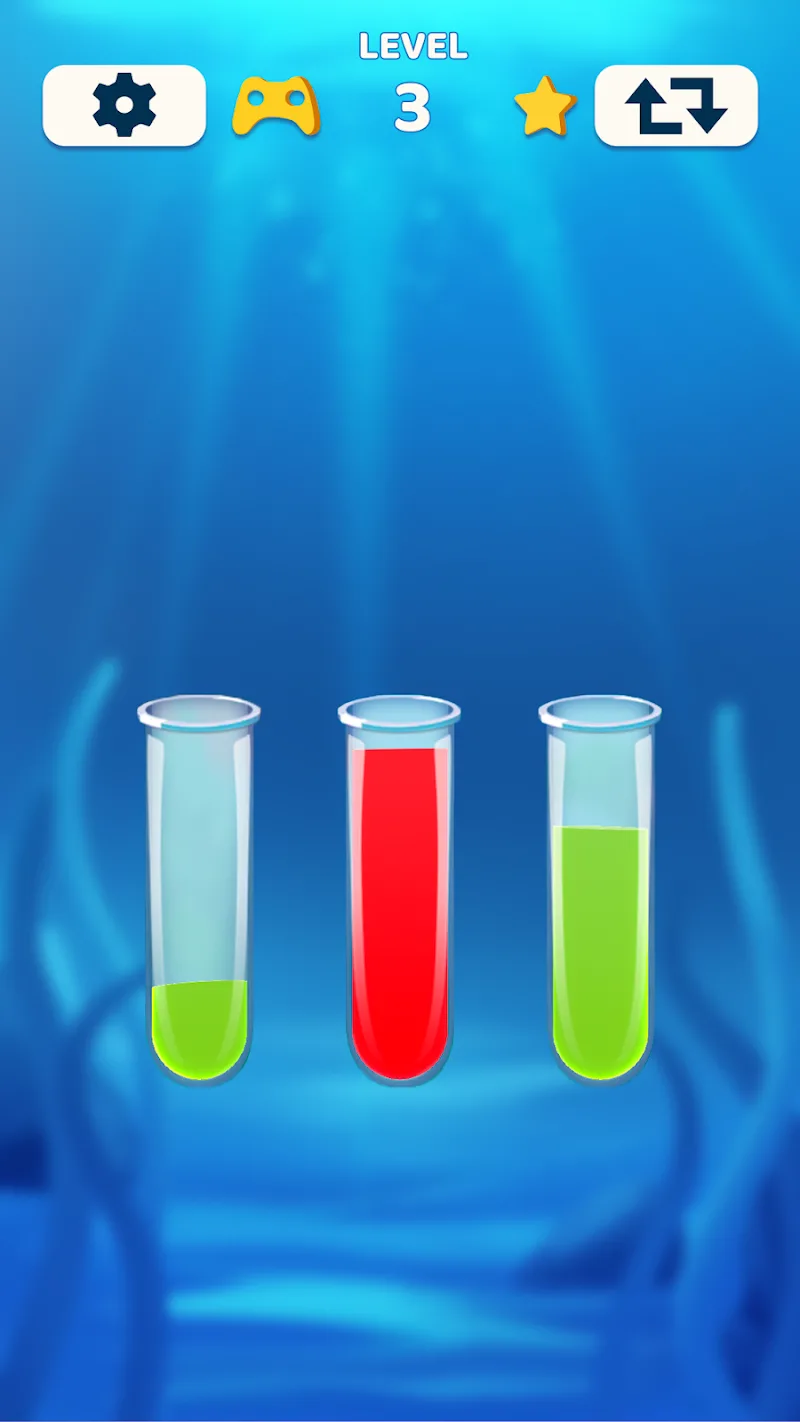
Water Sorter is a color-sorting puzzle game from Gimica GmbH about separating mixed water into glasses. You move the liquid between containers until each filled glass holds a single color. The controls take just two taps, but choosing what to pour first gives the puzzle its substance. A matching color is an opportunity; deciding whether to use it now is the more interesting part.
Follow the Color at the Top
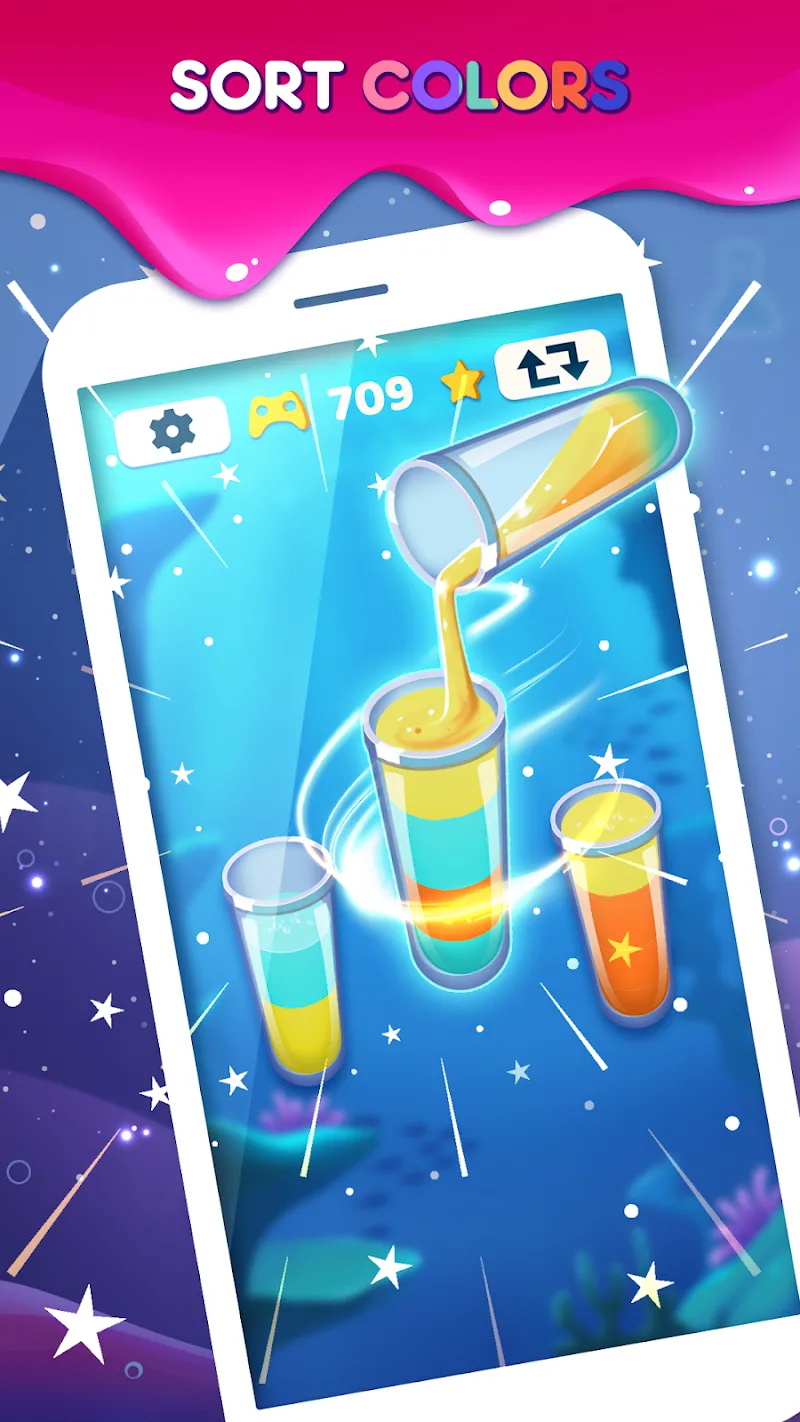
To make a move, tap the glass you want to pour from, then select another with a matching color on top. That uppermost color determines which glasses can work together. Spotting two patches of blue somewhere on the board isn’t enough if another color sits above one of them.
This gives you a clear way to read the puzzle. Start with the exposed colors, look for a possible match, and consider what moving that water would uncover. A pour changes the arrangement you’re working with, so the next useful move may only become apparent afterward.
For example, bringing two matching top layers together can also expose a different color in the source glass. That newly accessible layer may be the one you wanted to reach all along. Thinking through that small chain of events turns a straightforward matching action into a planning decision.
Make Each Pour Help the Next
The objective is easy to recognize: separate the mixture until every filled glass contains just one color. You can judge progress by looking at the water itself. A glass that still holds several colors needs more work, even if its top layer already matches a nearby container.
It’s worth scanning the whole arrangement before committing to the first available match. Ask what the source glass will show afterward and where that color could go. This is a practical way to approach the puzzle without trying to predict every move from the beginning.
The two-tap input keeps the physical action modest. Your attention goes toward comparing colors and choosing a sequence, which makes the game a reasonable fit for moments when you’d rather think through a small problem than react quickly to moving targets.
A Puzzle You Can Take Slowly
Water Sorter lets you play at your own pace. Take a moment to inspect the glasses, follow a promising sequence, or reconsider which color needs attention next. The invitation to slow down suits a game where understanding the arrangement matters more than tapping rapidly.
The Android version contains ads and offers in-app purchases. Keep that commercial side in mind if you’re choosing it for a quiet puzzle break; the sorting premise doesn’t mean an ad-free experience.
The clearest stopping point is a completed level, with the mixed layers separated into individual colors. Before making the next pour, look beneath the top layer as well as across the board. The color you’re about to uncover can matter as much as the one you’re moving.












Comments (0)
No comments yet. Be the first!