
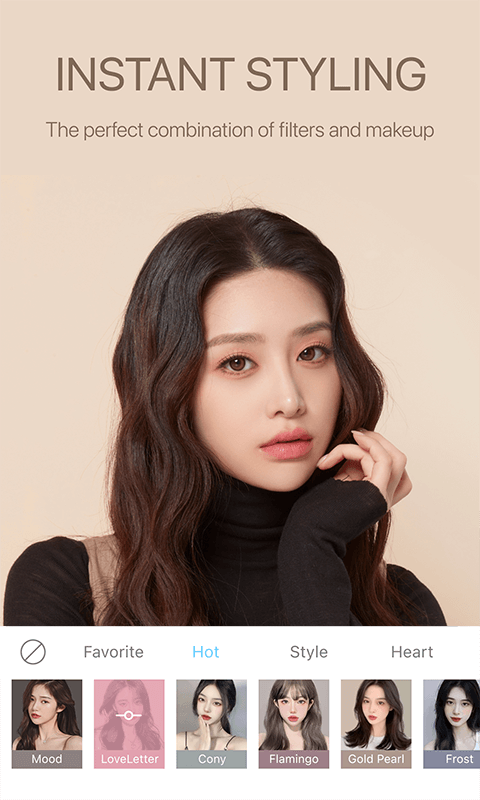
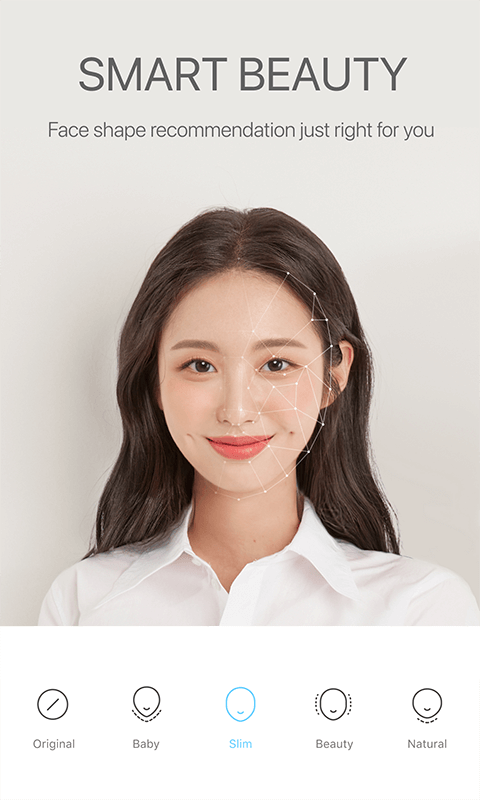
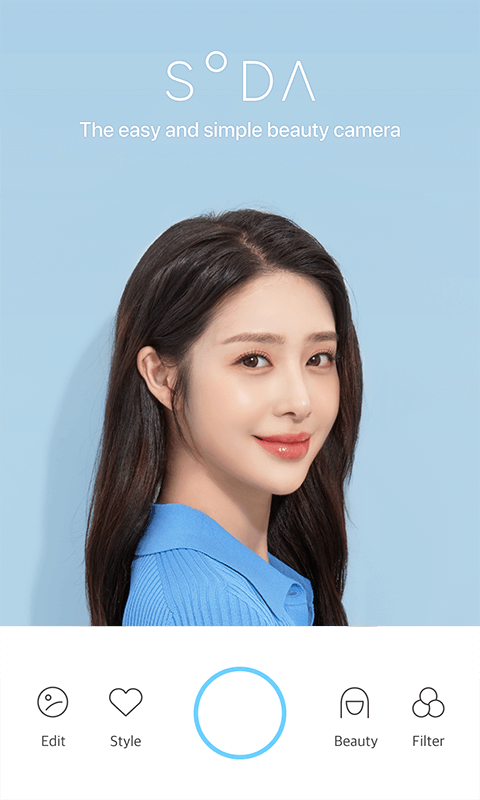
Selfies are no longer an obsession for women because SODA – Natural Beauty Camera will help you eliminate this obsession. A camera application for selfies and artistic photography has been provided to users. In addition to providing photography features, you can also edit photos and videos to your liking. New features are being added day by day, and you need to update them to have more interesting experiences with this application.
ADVANCED CAMERA FEATURES
A super impressive camera upgrade feature is found in this app, and you will get the best quality photos. Previously, you were worried that taking a selfie wouldn’t take a satisfactory photo and would reveal the flaws on your face. However, this selfie application has eliminated those worries because it has a beautifying effect that will cover facial flaws and effectively remove acne. Not only that, hundreds of valuable filters are also provided to make your photos more artistic.
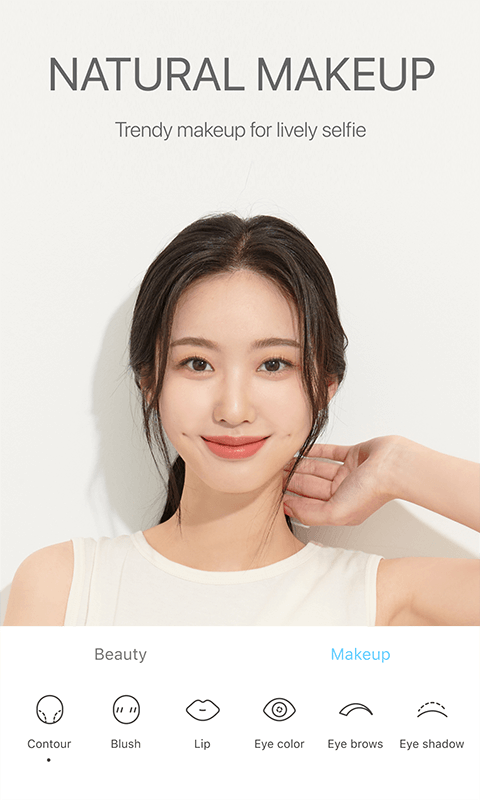
- Real-time beauty effects: The makeup feature will be effective in creating beautiful photos, smoothing out skin, and removing blemishes.
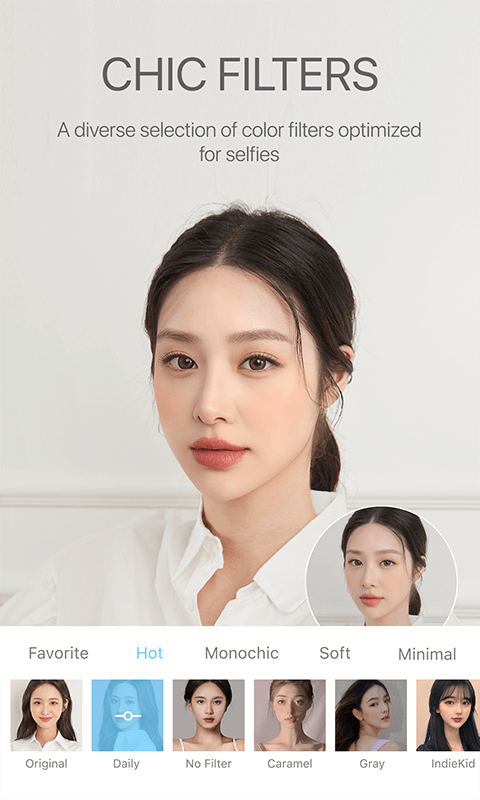
- Diverse filters and lighting: Lighting effects and hundreds of filters according to different themes will make your photos more artistic than before.
- Portrait mode: Your selfie photos become more special when you choose the background blur feature or choose a new background for the background.
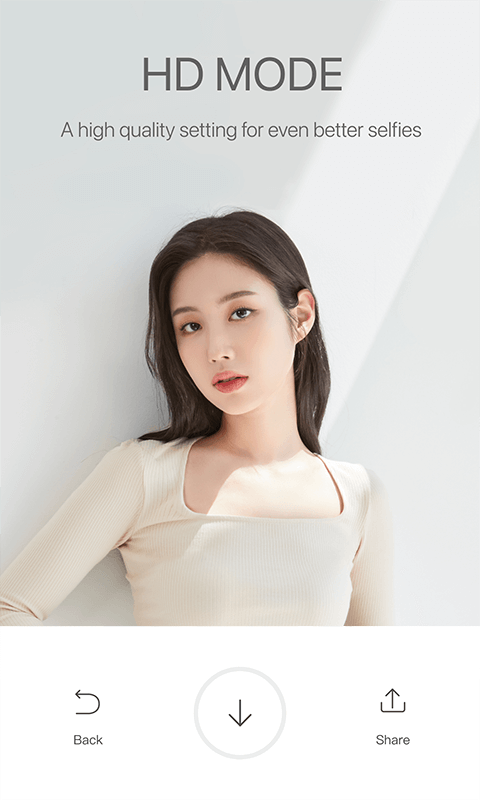
- High-resolution mode: The app edits your photos in high-resolution mode and captures every special detail in those photos.
- Front flash: In low light conditions, you can still take a selfie because the application supports lighting and evens out skin tone to make the photo more perfect.
EASY EDITING TOOLS
The application integrates modern photo editing tools that allow users to use it for different purposes. Each feature represents a task and if you don’t know how to use it, the application will provide instructions. Users can customize the filter parameters and choose the color they like best. Besides, you can also change lipstick, hair color, customize body shape, etc.
- Quick touch-ups: With just a light touch, users can edit areas such as removing acne scars, blurring eye bags, or effectively whitening teeth.
- Intuitive editing: Modern, customizable interface so you can select photos and make quick edits.
- Creative flair: The application allows you to add stickers or add text to photos. You can even choose different types of pens and draw freely on your photos.
- Perfect each shot: Support tools such as crop, rotate, and adjust width are placed in a prominent position for you to choose from during the editing process.
SOCIAL SHARING INTEGRATION
After the editing process, users can download these photos to their devices easily and quickly. You can then share these photos on different social networking sites or share them with relatives and friends. Users are allowed to choose frames and add interesting captions to make their photos more impressive when posted.
- Direct posting: Users can select photos and post them on other social networking sites such as Instagram, Snapchat, etc.
- Customized sharing: Frames, stickers or animations will make your photos more interesting, you can choose and customize.
- Tag friends: Users can assign photos to friends right in the app and then post to see the difference.
- Creative sharing: Users can combine different photos or customize slideshows, boomerangs, etc.
REAL-TIME PREVIEWS
Before taking a selfie, you can choose effects, beauty features and change appropriate parameters. Right on the selfie screen, images will appear in real time and you can take a photo to get the photo you like. The application also helps you in the process of changing camera angles, lighting support and adjusting appropriate filters to get the perfect photo.
- Live filter previews: Before taking a selfie, you are allowed to choose from many filters to see which one suits you.
- Posing previews: Supports lighting, adjusting camera direction and angle to get the perfect photo.
- No repeats: The application supports quick shooting, so you can get the most complete photo right from the first shot.
- Front camera reactions: The app allows you to use the front camera to see real-time reactions.
INTUITIVE INTERFACE
The application has a modern interface, is easy to use and is arranged in order for you to choose from. Besides, you can use useful tips to edit your photos to become more perfect. The process of finding editing tools becomes faster and easier through the voice search feature.
- Simple camera interface: The application gives you flexibility in the process of editing or taking photos because of its neat layout.
- Logical layout: Neatly arranged so the application helps you find tools and settings quickly.
- In-app tutorials: Use helpful tips that will help you get the most complete photo after editing.









Comments (0)
No comments yet. Be the first!