
Snap Pro – Manual Camera & RAW

Snap Pro v1.5 MOD APK (Premium Unlocked)

MOD: Premium Unlocked

1.5
Version
23.2 MB
Size
Get it on
4
★
2 ratings
Download APK
VERSION
1.5
Latest
SIZE
23.2 MB
Total
DEVELOPER
REACHED
3.7K+
Views
UPDATED
Nov 24
2026

Screenshots

Screenshot 1 Screenshot 2 Screenshot 3 Screenshot 4 Screenshot 5

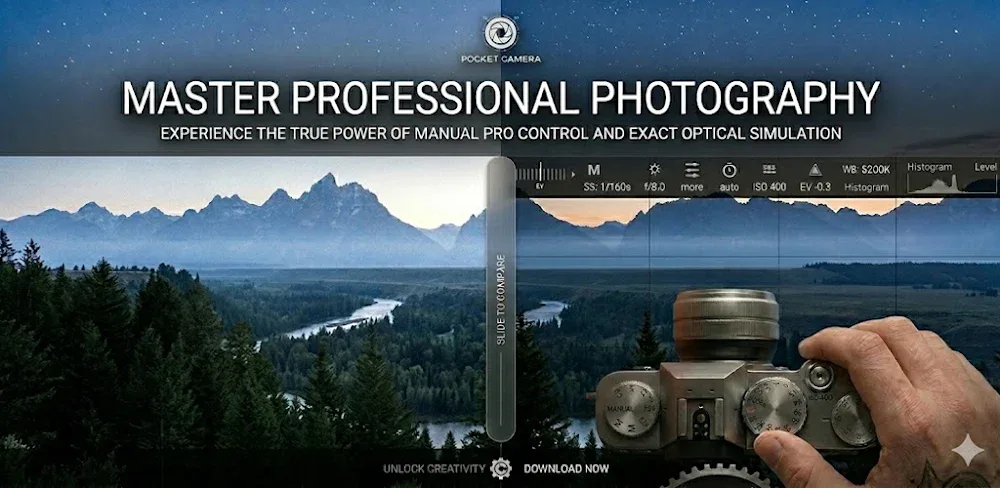
Turning an Android phone into a true photography machine has never been easier with the support of Snap Pro – Manual Camera & RAW. If you wonder how professional photographers work, this very application will allow you to do that. Thanks to the intuitive parameter adjustment system, users can completely master every frame without being distracted by cumbersome menus. The most important parameters of photography will be worked on by your own hands in the most meticulous way. From controlling complex lighting to storing high-quality files, this application fully meets the strictest standards of the visual creation community.

MASTERING DIVERSE PARAMETERS AND LIGHTING

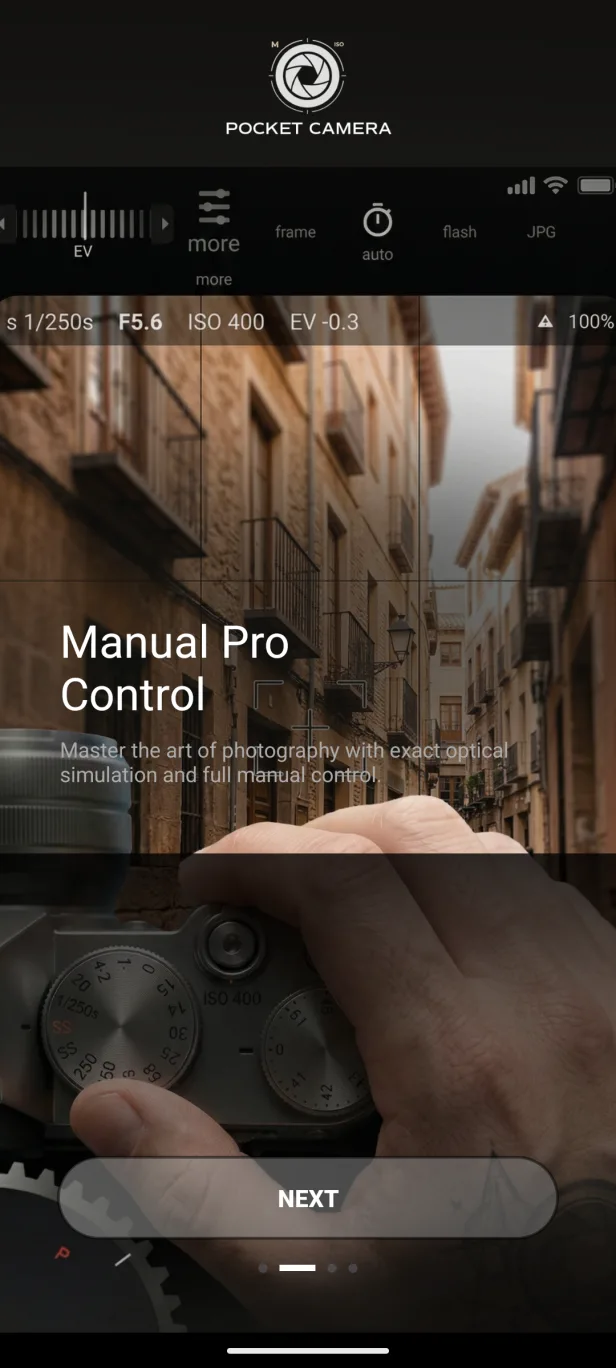
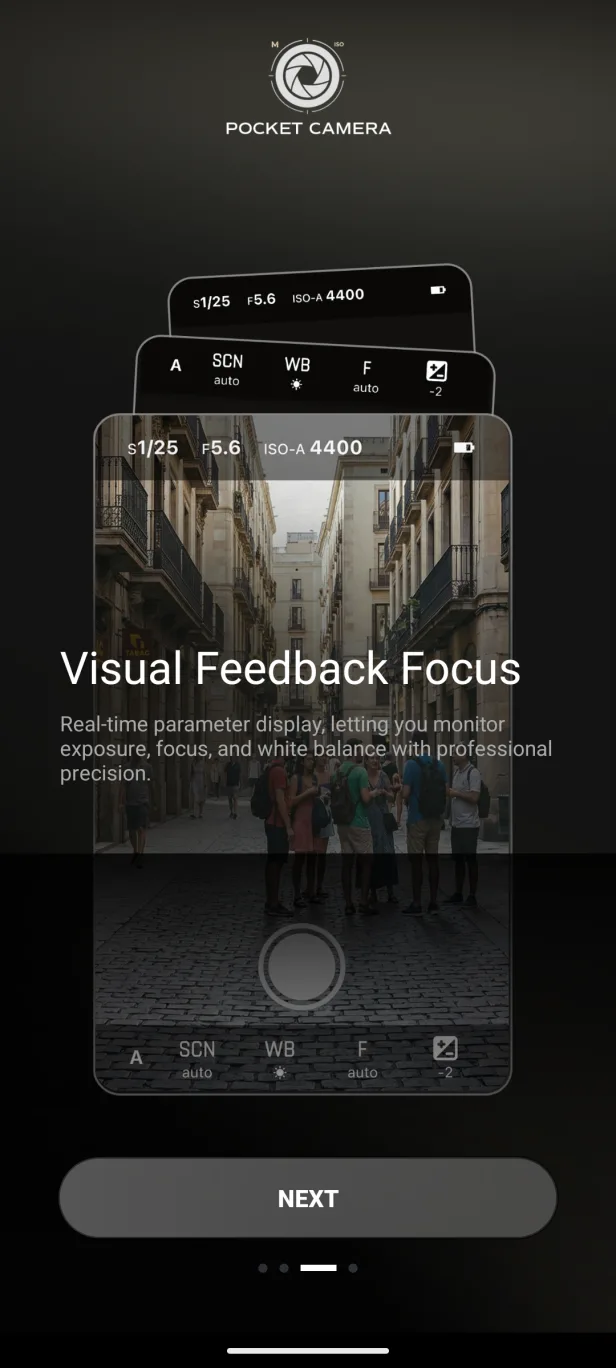
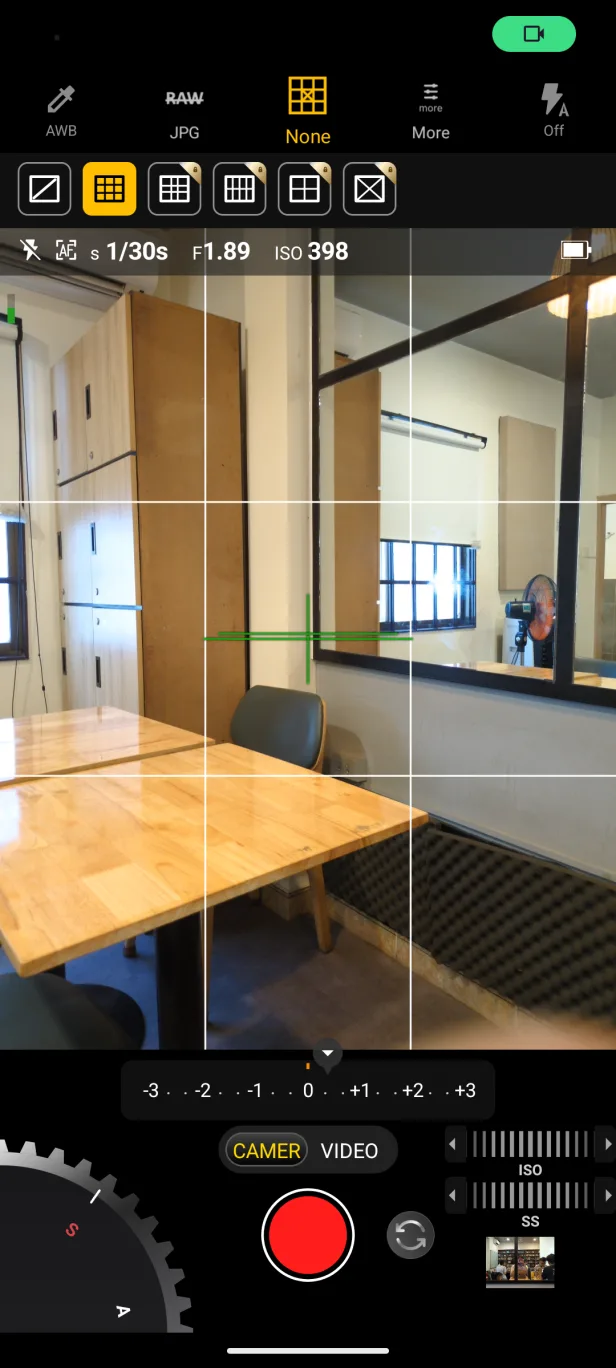
Manually setting ISO sensitivity, shutter speed, or focus points helps you comfortably create depth for the photo according to your personal intention. Besides, visual support tools such as histograms, zebra stripes, and auto-horizon leveling ensure accuracy in every camera angle. Not stopping there, AI noise-reduction night mode combined with de-ghosting HDR technology helps image quality always stay sharp even in low-light environments.

  • Deep manual adjustment: Customize ISO, shutter speed.
  • Standard support: Includes histogram and angle leveling.
  • Good night shooting: AI noise reduction, de-ghosting.

OPTIMIZING POST-PROCESSING AND PRIVACY SECURITY

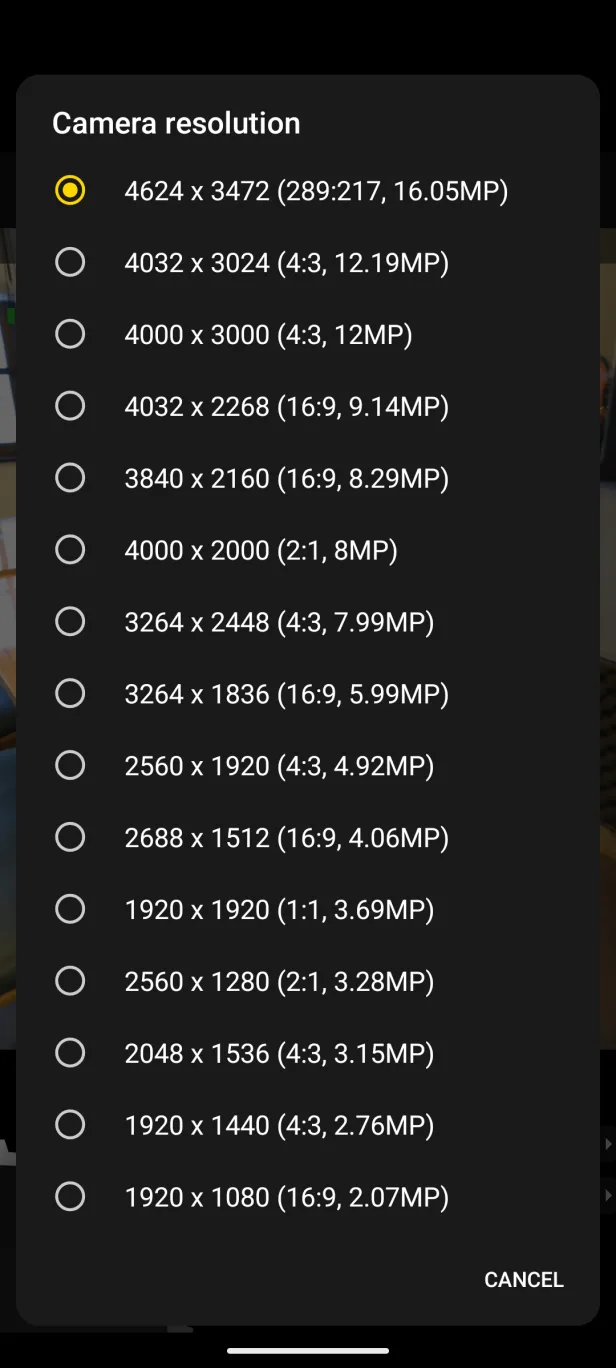
Storing files in RAW (DNG) format opens up unlimited post-processing editing space for customers who love perfection. Accordingly, you can easily perform panorama shooting technique*****posure bracketing, or trigger the shutter remotely via voice and Bluetooth connection. Furthermore, the minimalist interface supports flexible switching between light and dark backgrounds, helping control operations always be convenient according to each person’s usage habits.

  • Original RAW photos: Supports in-depth post-processing.
  • Remote shooting: Control via Bluetooth, voice.
  • High security: Safely remove EXIF data.

Help & FAQ

What is APK INSTALLER? How to install?

APK INSTALLER is an Android game installer that includes .apk and .obb files attached to the same container. You just need to install the container like regular apk files. Then install the game through our installer.

What is XAPK? How to install?

XAPK is similar to APK INSTALLER, it includes apk and obb inside. To install the .xapk file, you need to use a third-party installer, for example, XAPKS Installer (a friendly tool of a friend of mine)

The download link is broken!

Please report it to us via social media, or email, we will fix it in a moment. Managing the links of tens of thousands of games and applications is difficult, sometimes we get tired and do something wrong. Please sympathize.

What causes mods not to work properly?

Team always do thorough testing before posting games and apps. Please read carefully before the instructions that include “MOD Info?” “How to?” in the post. If it still doesn’t work, report it back to us

How to fix "App not installed" error?

This error occurs when you install an original version or mod of another website in the device. Please delete them and reinstall our version

How to update mods without losing data?

It’s very simple, overwrite the new version without deleting the old version. However, this is only possible when you use the same mod version from LITEAPKS.COM

Data safety

Safety starts with understanding how developers collect and share your data.

No data shared with third parties

This app may collect these data types: Location, Personal info and 3 others

Data is encrypted in transit

You can request that data be deleted

4/5
2 reviews

Comments (0)

No comments yet. Be the first!