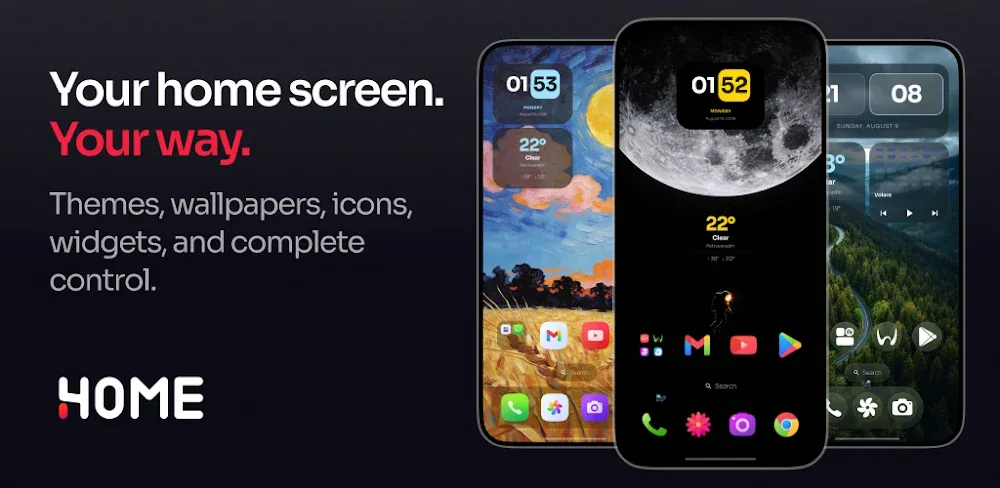

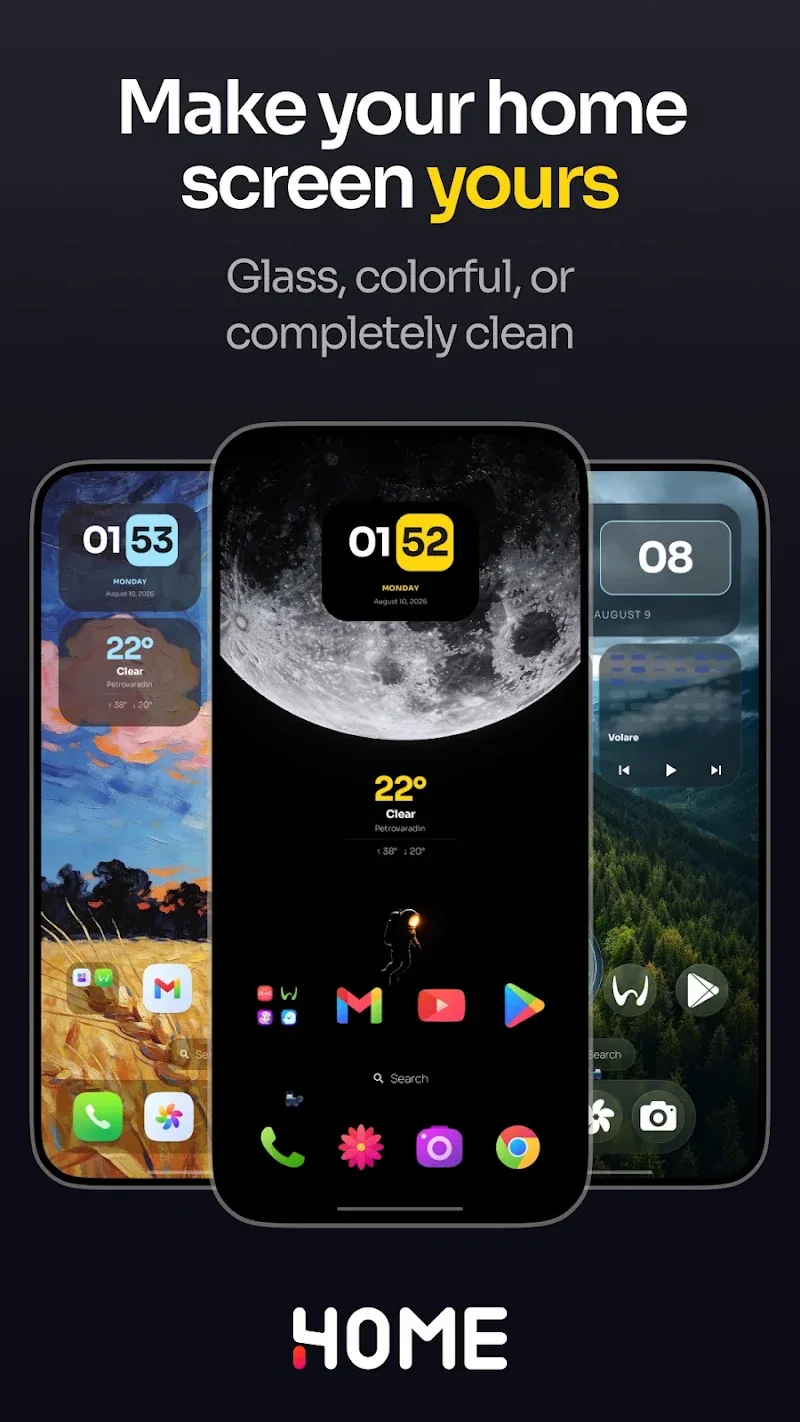
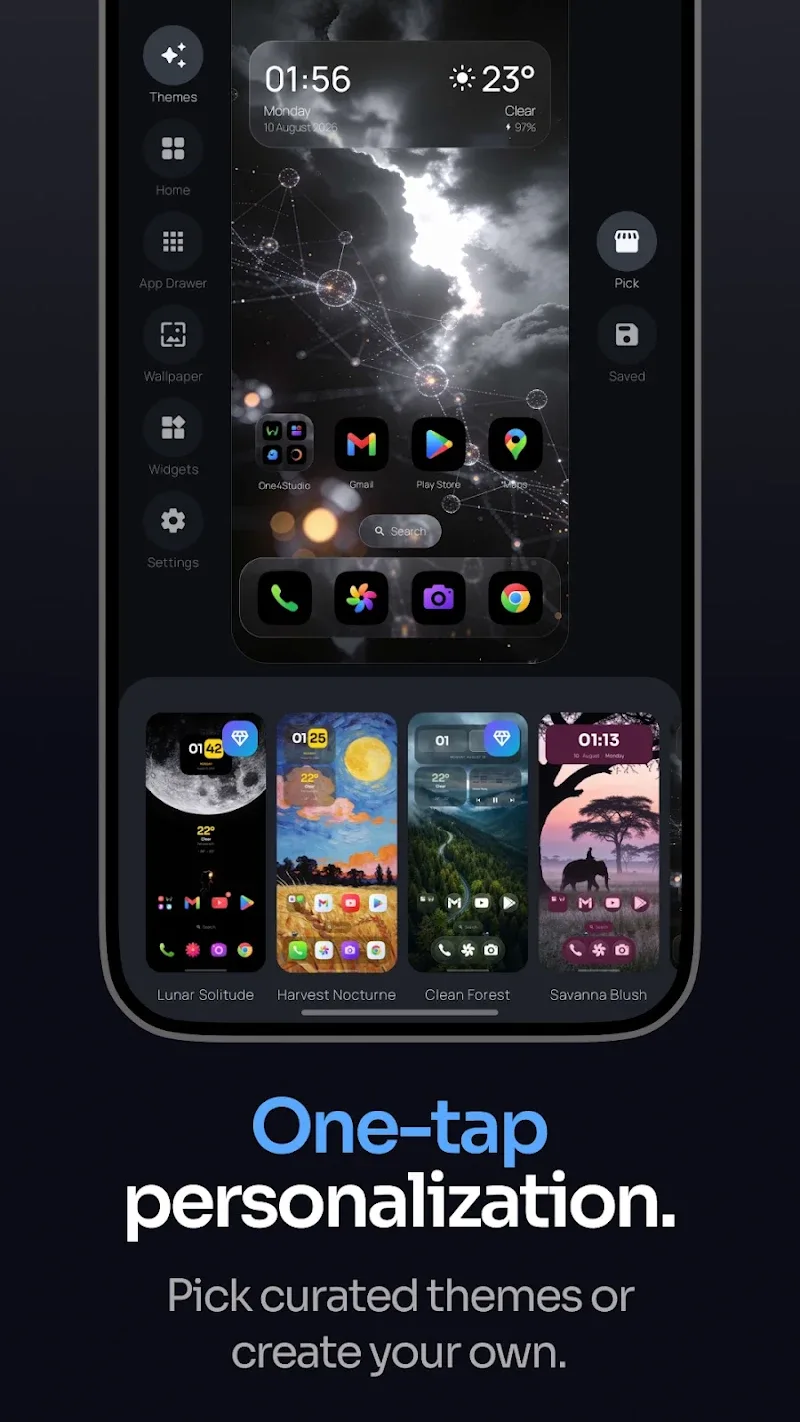
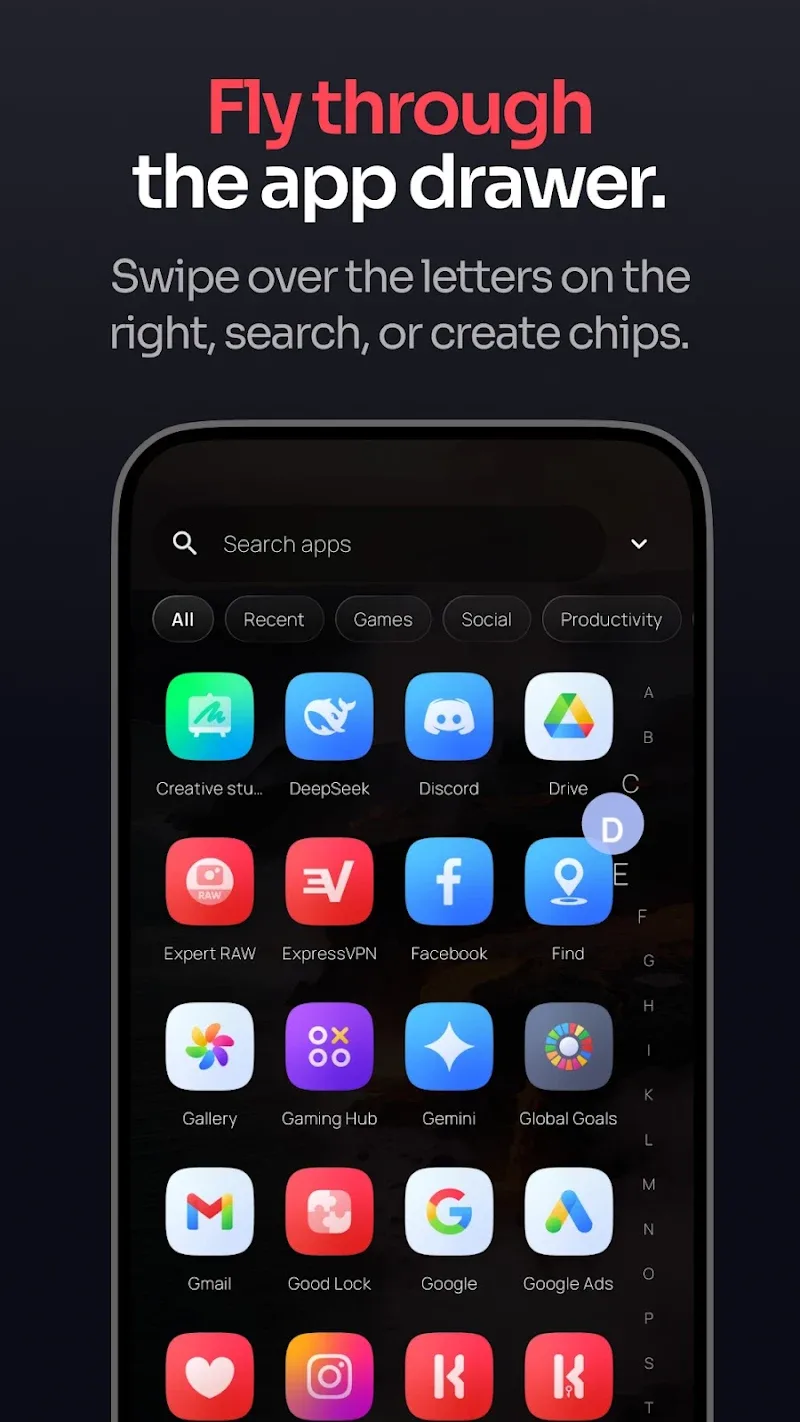
The One4Home home screen launcher will help you freely create a smooth, personalized interface space. It allows users to gain full control over operations on their screen. The flexible backup and data import feature from Nova Launcher enables customers to easily switch settings without starting over from scratch. As a result, every time you use a new device, it won’t feel unfamiliar, because all the personalized settings you previously set up will still be there. Optimal support for phones, foldable devices, and tablets promises to bring superior convenience to users. All search operations for applications, contacts, or quick calculations are handled extremely intelligently by this platform.
FLEXIBLE ICON AND LAYOUT CUSTOMIZATION
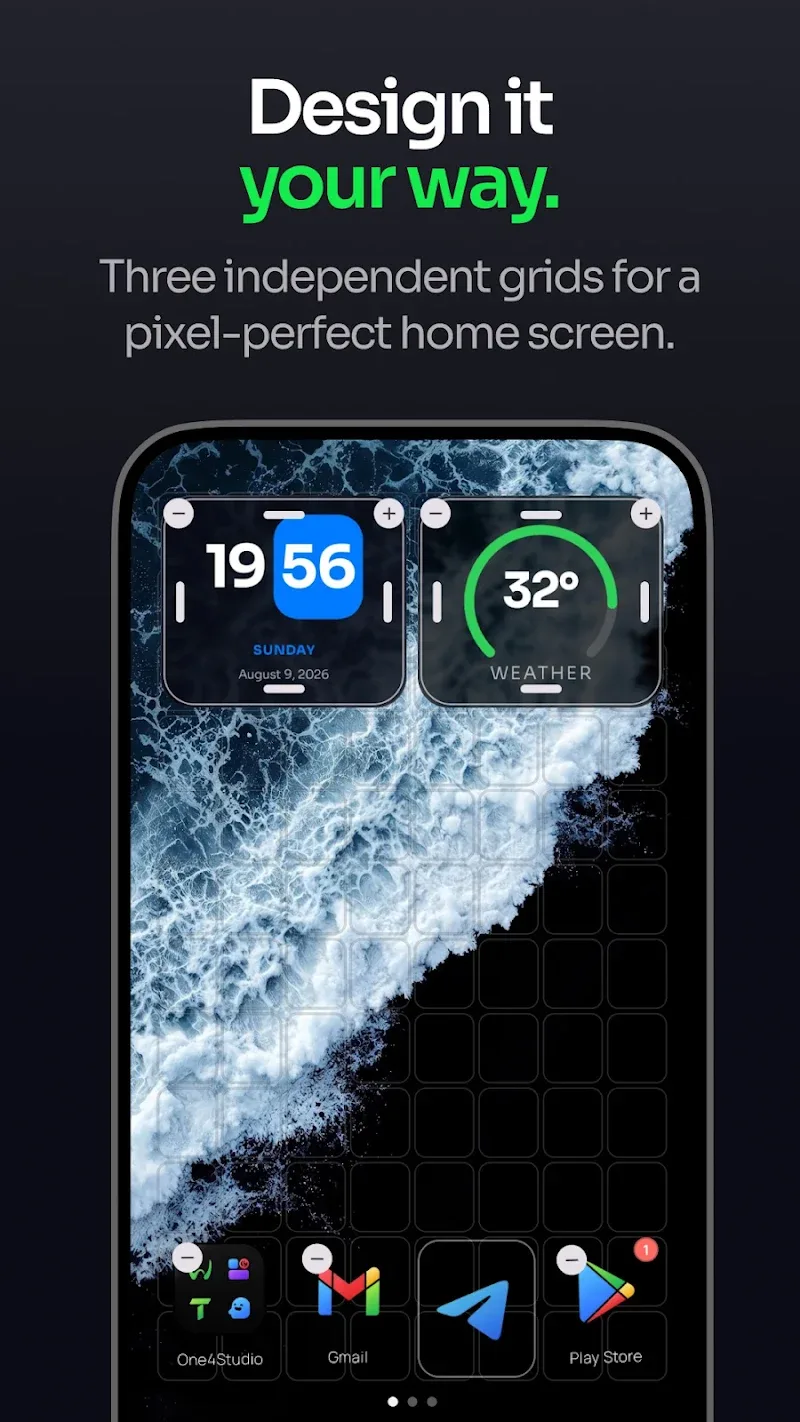
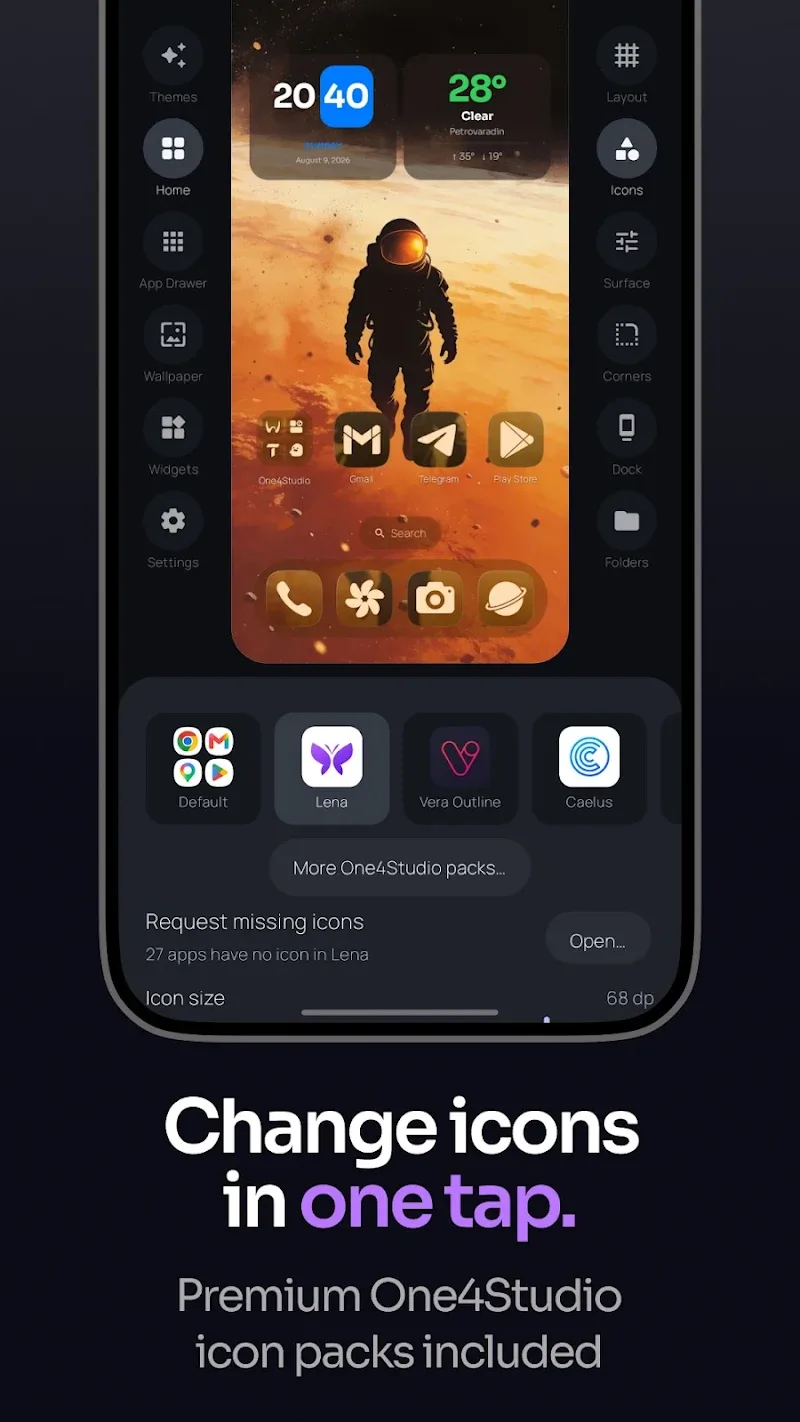
Users can freely customize folder sizes, the dock bar, and the icon system according to their preferences. The combination of custom PNG and JPEG icon packs with a curated theme library will elevate your device’s aesthetic. Customers can freely save distinct color palettes to reuse whenever they like. The flexible grid layout helps users and gamers organize shortcuts and widgets extremely neatly.
- Icons: PNG, WebP customization.
- Layout: Flexible horizontal and vertical grid.
- Themes: Easily save color schemes.
INTEGRATED WIDGETS AND EXTENDED FEATURES
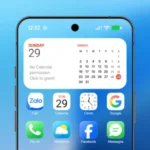
Users can easily add built-in clock, calendar, or weather widgets alongside familiar Android widgets. Privacy protection procedures are fully guaranteed as the app promises not to collect or sell your personal data. The Pro version provides customers with privileges such as expanded theme controls and advanced gesture features. All optional permissions are displayed only when you actually activate the related features.
- Widgets: Calendar, battery, weather.
- Privacy: Absolute security.
- Pro Version: Advanced gestures.












Comments (0)
No comments yet. Be the first!