
One4Icons: Icon Pack Studio

One4Icons v0.2.66 APK (Full Version)

MOD: Full Version

Design, recolor and apply custom icon packs with a fast live preview.

0.2.66
Version
43.3 MB
Size
Get it on
3
★
2 ratings
Download APK
VERSION
0.2.66
Latest
SIZE
43.3 MB
Total
DEVELOPER
REACHED
4.2K+
Views
UPDATED
Oct 29
2026

Screenshots

Screenshot 1 Screenshot 2 Screenshot 3 Screenshot 4

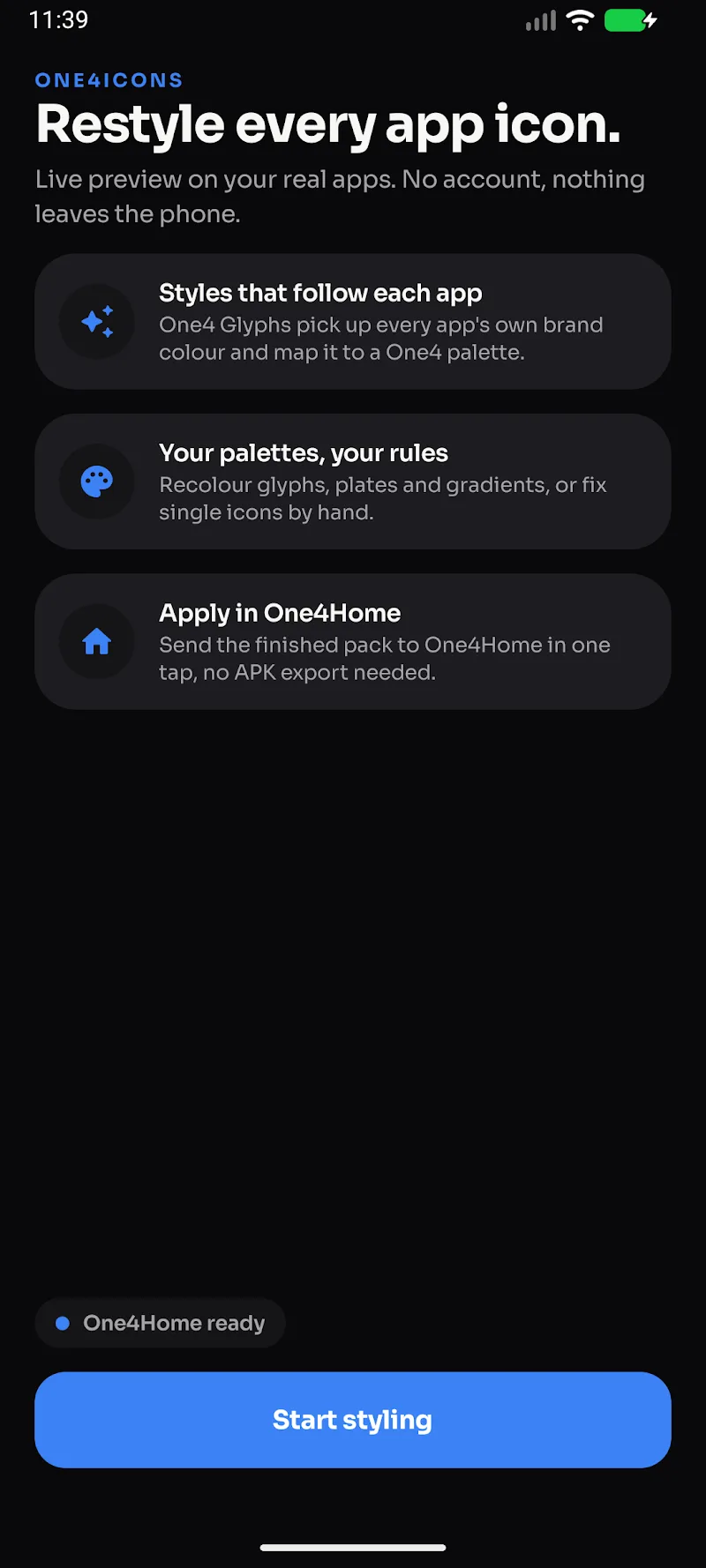
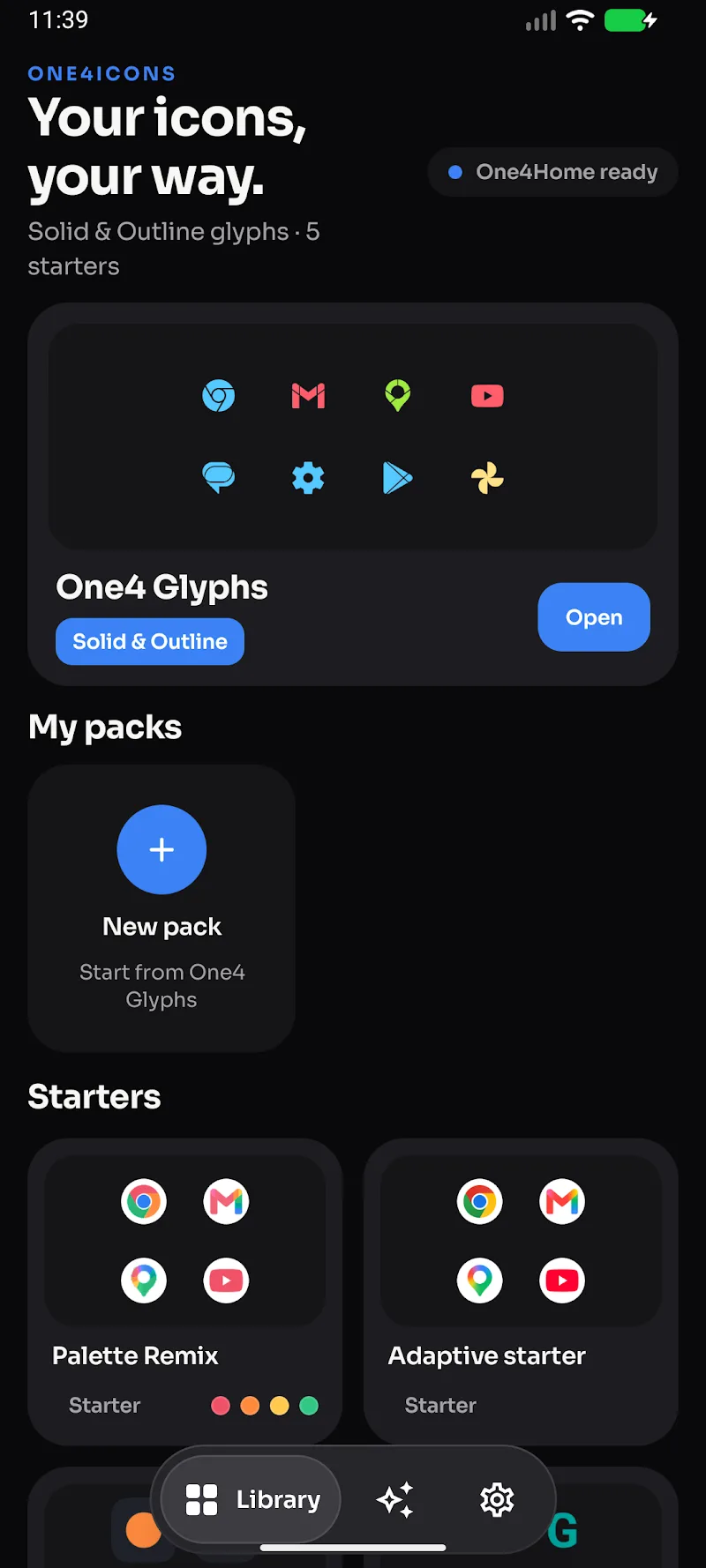
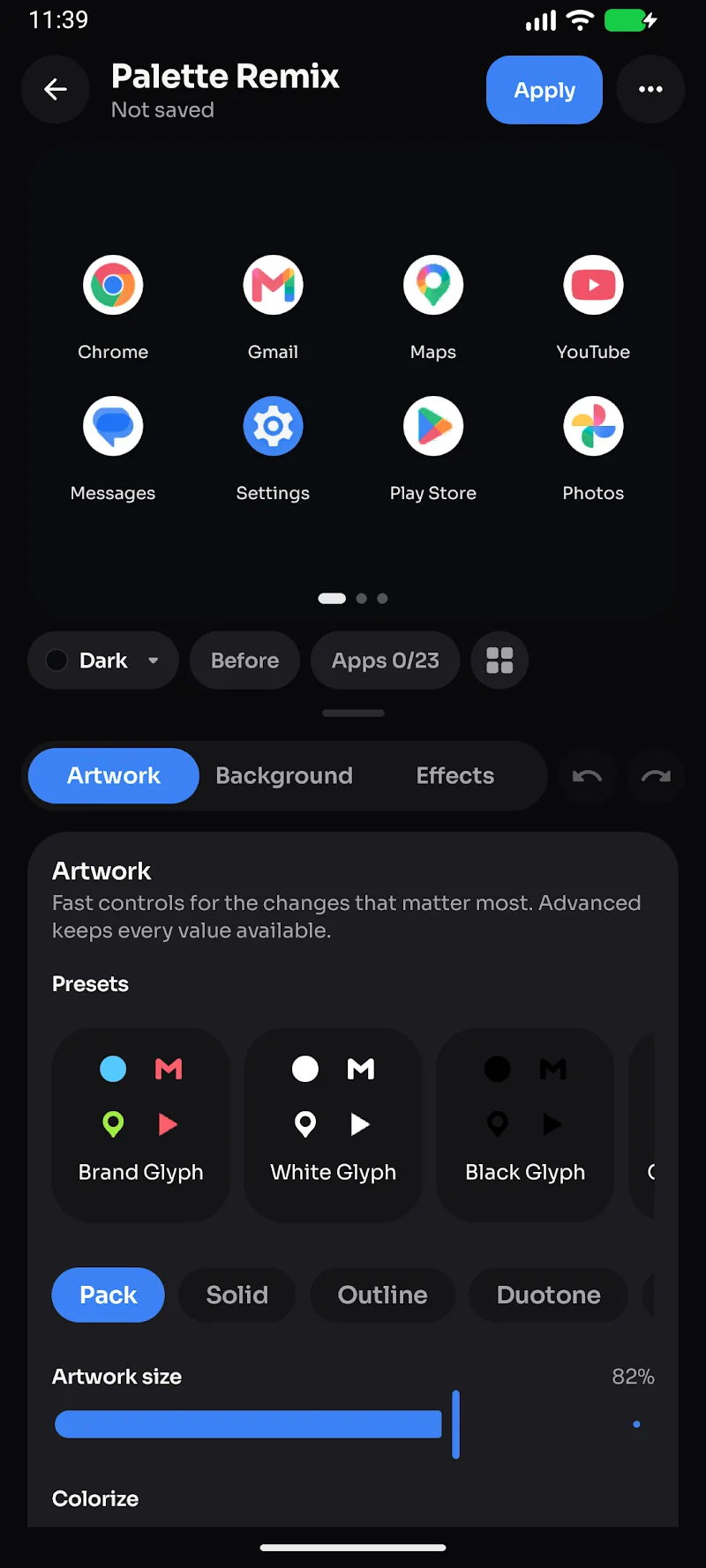
By experiencing One4Icons on the Android operating system, users can easily design icon packs that bear their own unique signature. One4Icons: Icon Pack Studio gives you much higher authority than many other applications. You can create a custom icon set to your liking without being bound by anything. Support from the diverse One4 Glyphs library along with direct on-device data processing ensures every creative operation happens smoothly and securely. Through a series of in-depth customization features ranging from colors to effects, users will surely create a flawless look for their application screen.

ICON CUSTOMIZATION TOOLS AND DIVERSE EFFECTS

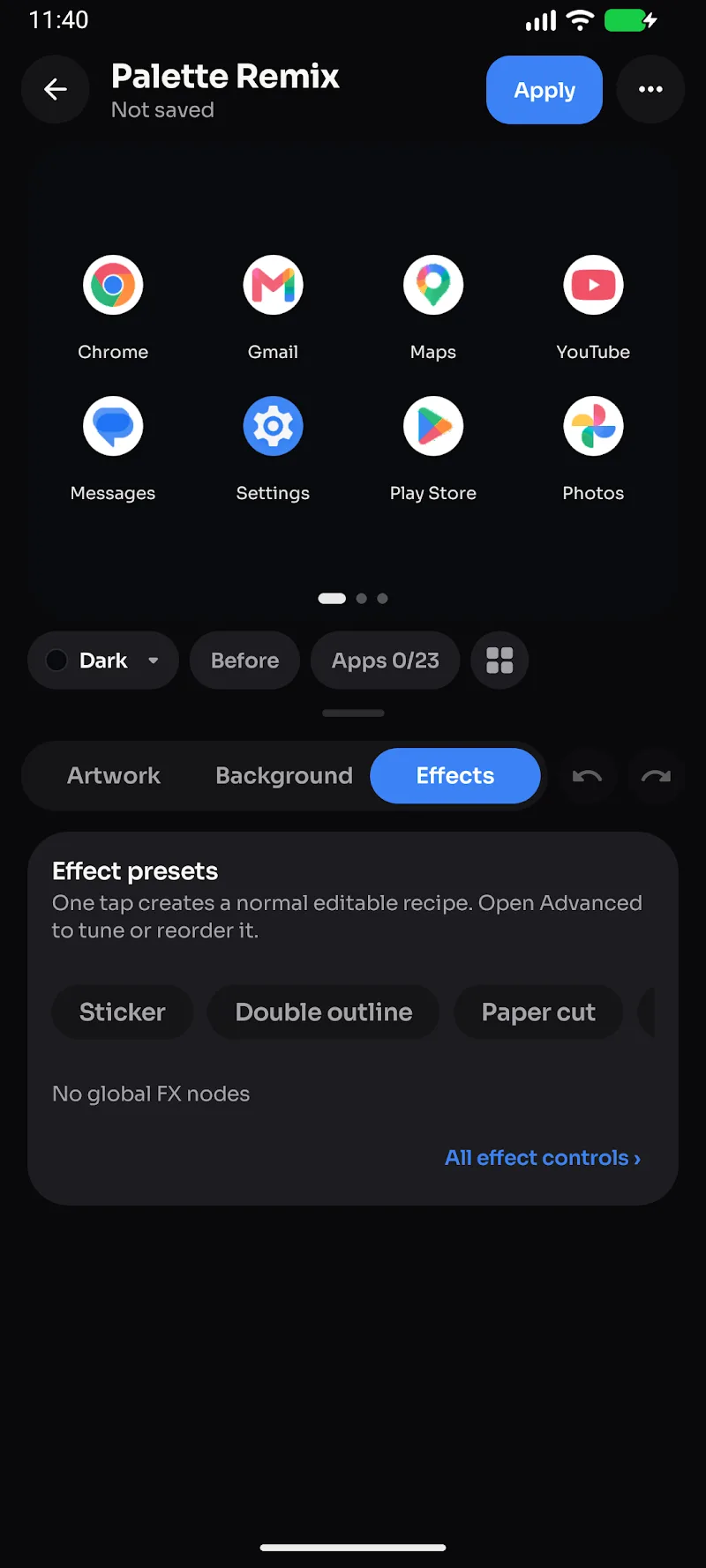
Smooth rounded corners combined with rich surface patterns will breathe new life into your design style. As a result, users can easily add glass effects, borders, or shadows to create impressive depth for each icon. Therefore, advanced editing features empower customers to freely blend unique gradient color palettes according to their preferences. Ultimately, flexible undo capabilities bring you complete peace of mind throughout the design process.

  • Icon Library: Nearly 10,000 images
  • Effect Customization: Add shadows and glass
  • Batch Editing: Extremely fast operation

OPTIMIZED WORKFLOW AND ABSOLUTE PRIVACY

An intuitive editing experience allows users to fully observe icon transformations directly on a live background. Additionally, exporting personalized APK files helps users quickly share creative products across compatible launchers. Nevertheless, all application data and saved projects remain securely kept directly on the user’s phone.

  • Live Preview: Instant interface updates
  • APK Export: Extremely easy sharing
  • Data Privacy: Stored fully on device

Help & FAQ

What is APK INSTALLER? How to install?

APK INSTALLER is an Android game installer that includes .apk and .obb files attached to the same container. You just need to install the container like regular apk files. Then install the game through our installer.

What is XAPK? How to install?

XAPK is similar to APK INSTALLER, it includes apk and obb inside. To install the .xapk file, you need to use a third-party installer, for example, XAPKS Installer (a friendly tool of a friend of mine)

The download link is broken!

Please report it to us via social media, or email, we will fix it in a moment. Managing the links of tens of thousands of games and applications is difficult, sometimes we get tired and do something wrong. Please sympathize.

What causes mods not to work properly?

Team always do thorough testing before posting games and apps. Please read carefully before the instructions that include “MOD Info?” “How to?” in the post. If it still doesn’t work, report it back to us

How to fix "App not installed" error?

This error occurs when you install an original version or mod of another website in the device. Please delete them and reinstall our version

How to update mods without losing data?

It’s very simple, overwrite the new version without deleting the old version. However, this is only possible when you use the same mod version from LITEAPKS.COM

Data safety

Safety starts with understanding how developers collect and share your data.

No data shared with third parties

This app may collect these data types: Location, Personal info and 3 others

Data is encrypted in transit

You can request that data be deleted

3/5
2 reviews

Comments (0)

No comments yet. Be the first!