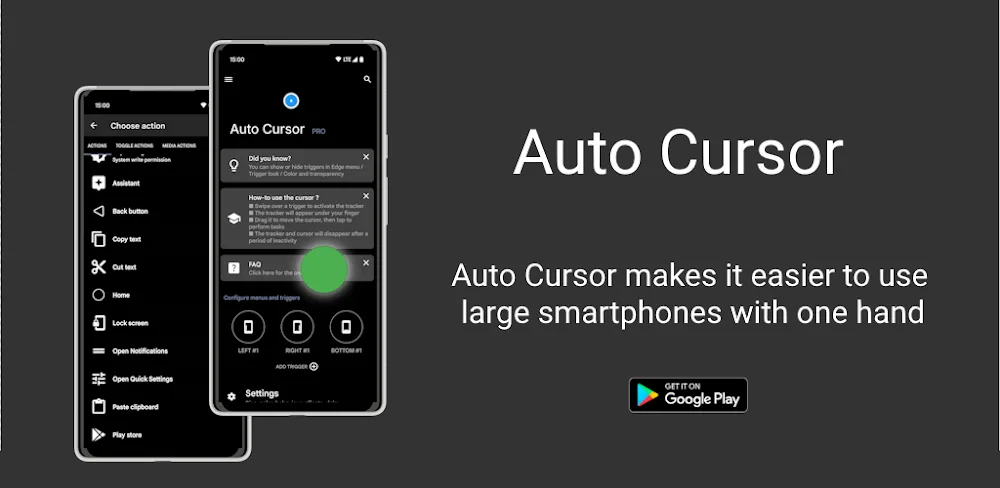

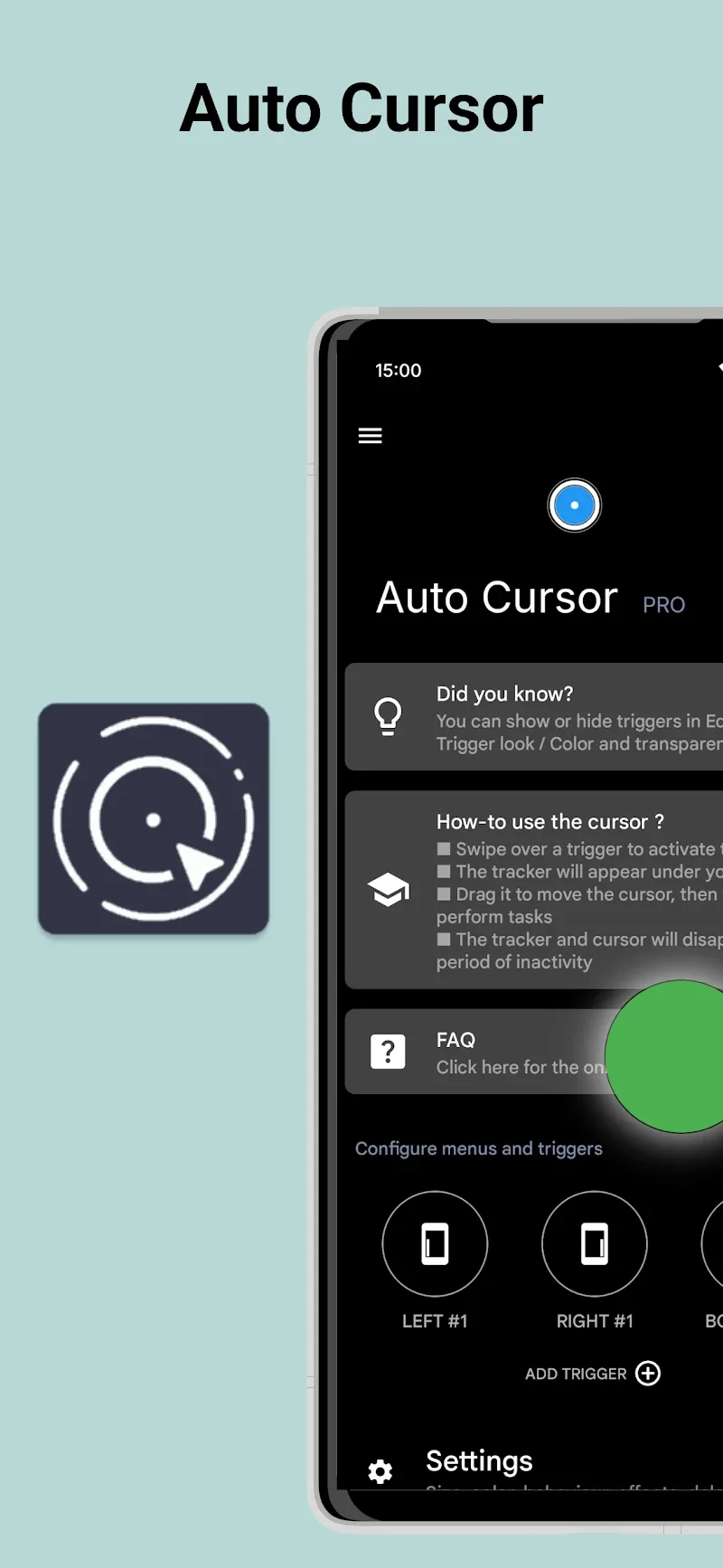
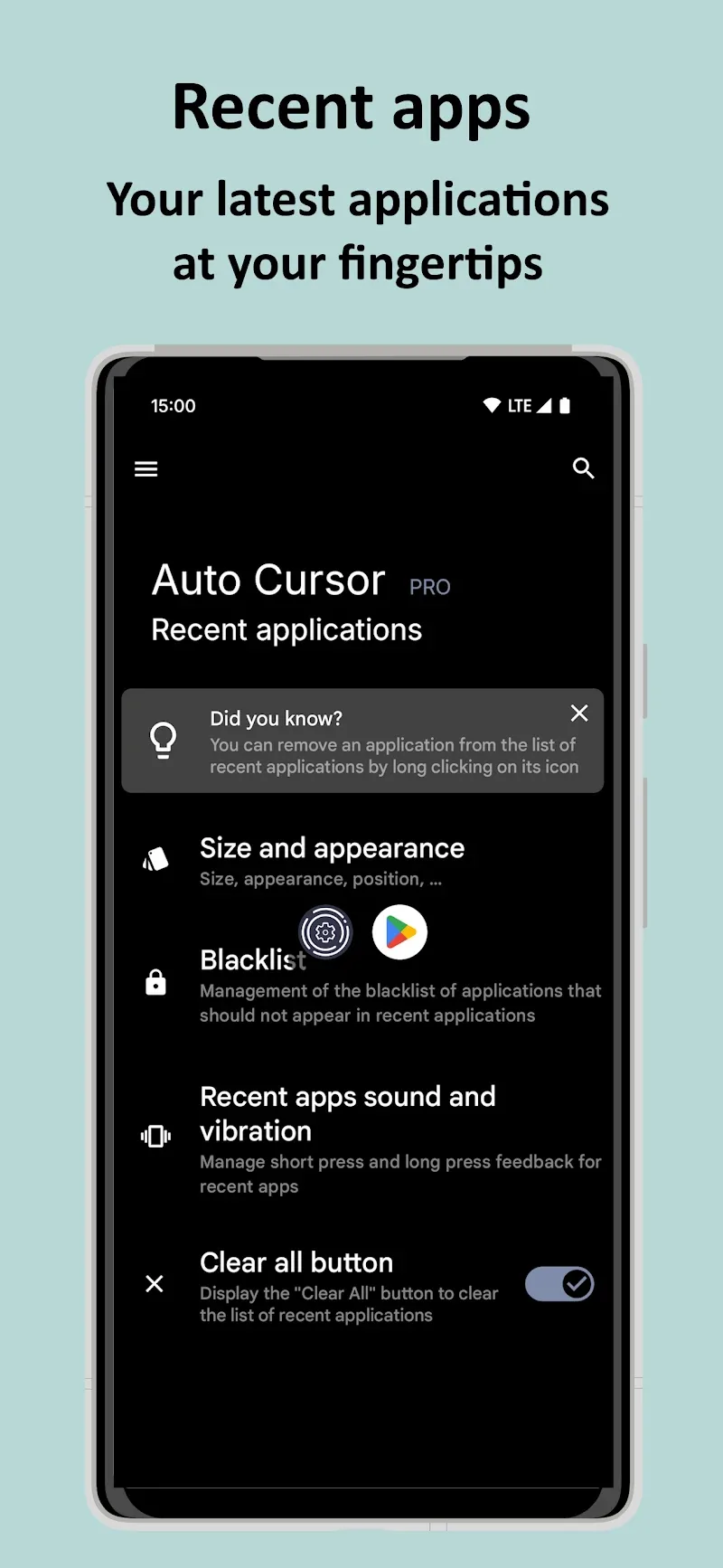
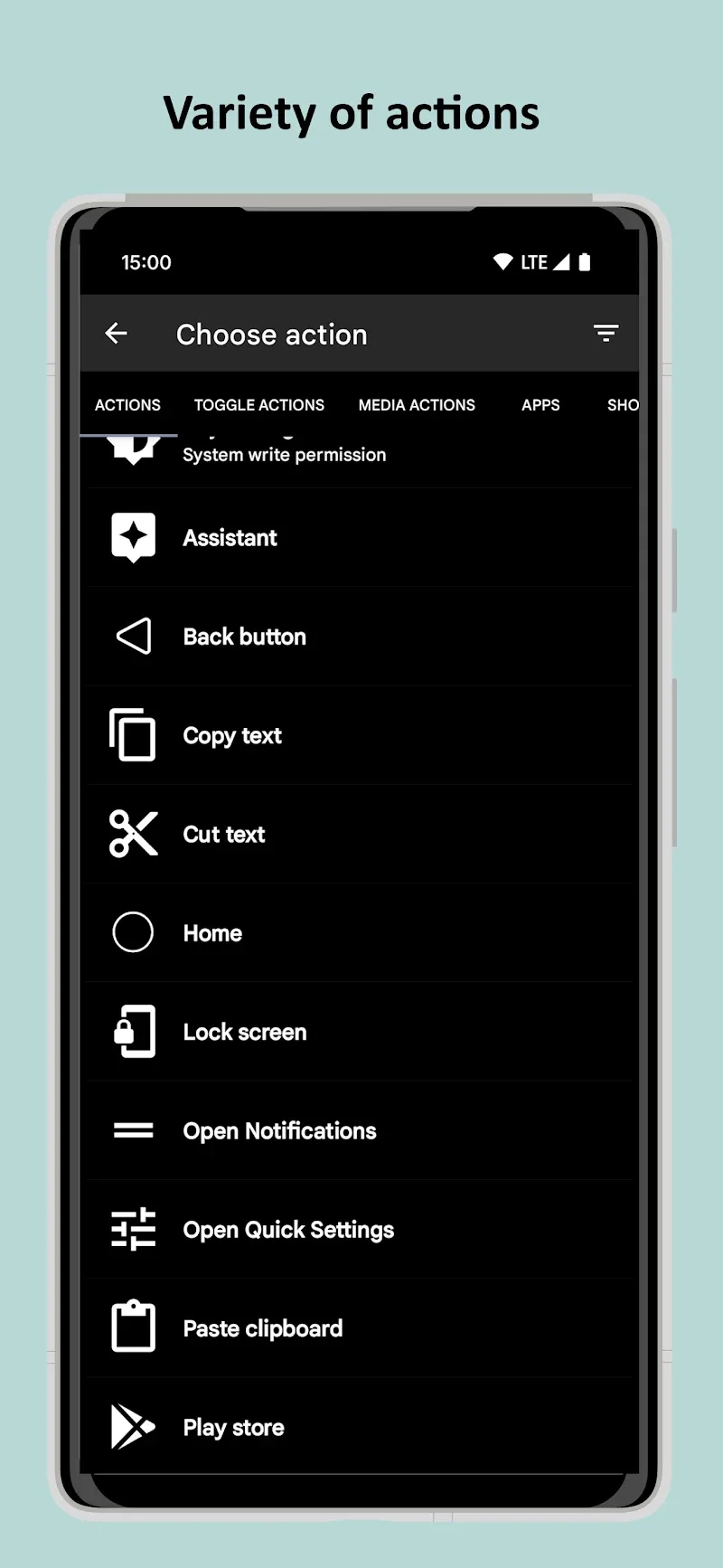
Auto Cursor allows you to control your phone with just one hand. It accomplishes this by creating a cursor that can move all over the device screen. By integrating a smart cursor with flexible access from the screen edges, this tool supports users in quickly performing every tap, swipe, or system shortcut operation. These actions are all performed on one side, keeping things most convenient for you. Deep appearance customization capabilities combined with an absolute commitment to no Internet access will fully protect customers’ personal data.
CUSTOMIZE OPERATIONS AND SMART CONTROLS
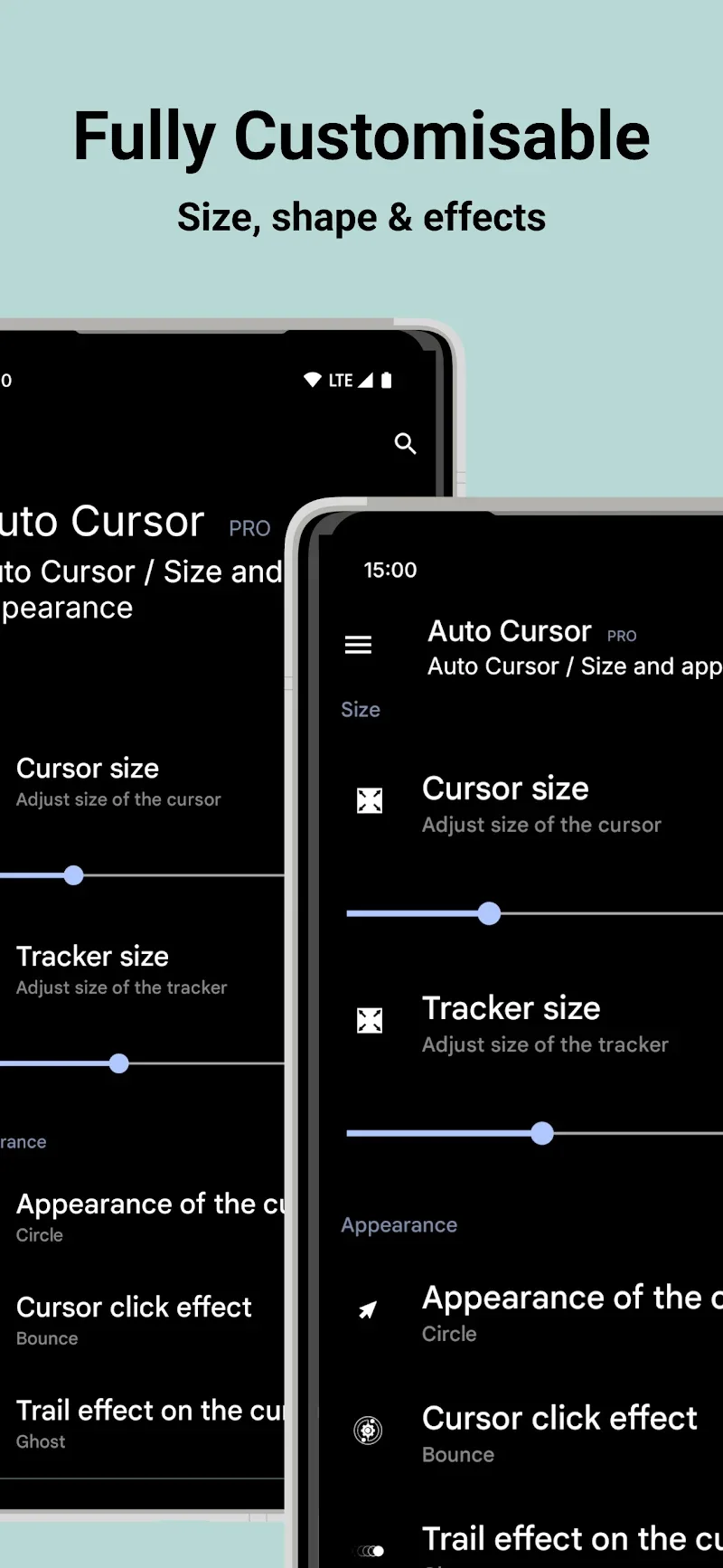
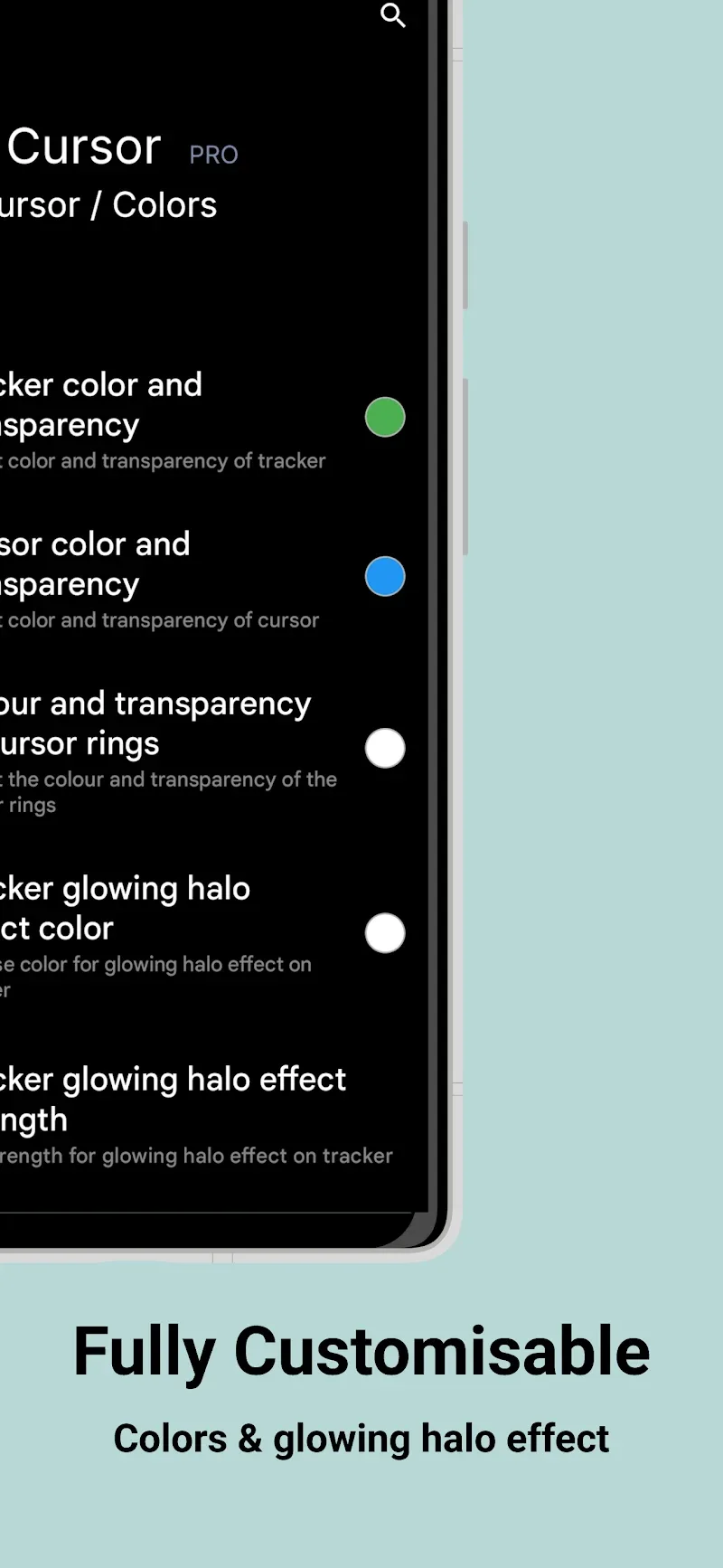
Users can easily assign additional actions to the phone screen to trigger their frequently used features. In addition, you can easily adjust the color, size, and effects of the cursor to suit personal preferences. Supporting operations such as taking screenshots, toggling Wi-Fi, or adjusting volume helps users save significant access time. Despite possessing many powerful features, the Pro version further expands drag-and-drop capabilities and launches shortcuts with great convenience.
- Activation: Assign diverse actions
- Control: Support quick screenshots
- Customization: Choose color and size
DATA SECURITY AND SYSTEM OPTIMIZATION
Accordingly, requiring no Internet access permission allows users to have complete peace of mind regarding personal data leak risks. Although accessibility services are required for operation, the application commits to using this permission solely for customers’ actual navigation actions. Through this, detailed setup guides specifically for Xiaomi and Huawei devices support you in easily configuring safe auto-start settings. Finally, a smooth, ad-free experience will bring absolute satisfaction to all customers.
- Security: No external network connection
- Accessibility: Support safe navigation
- Optimization: Dedicated setup guides











Comments (0)
No comments yet. Be the first!