

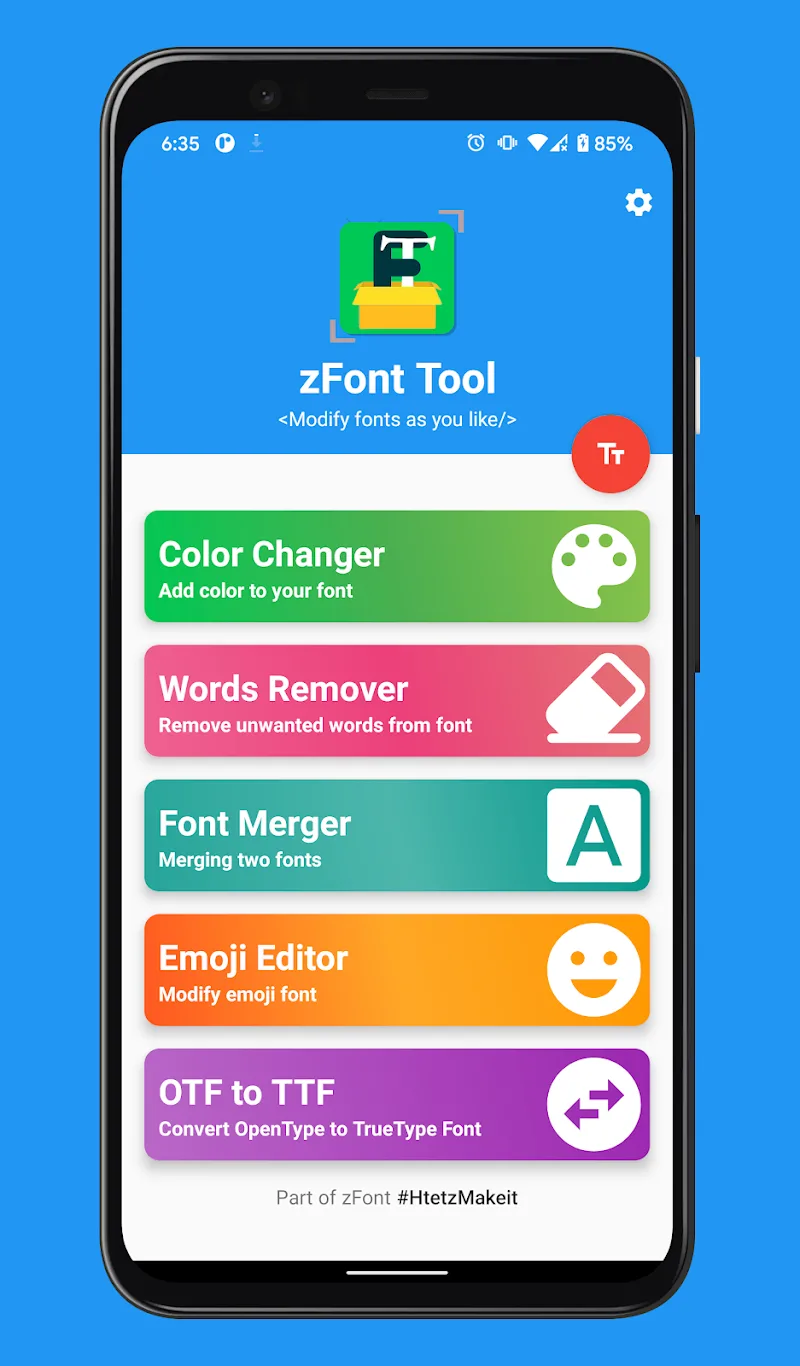
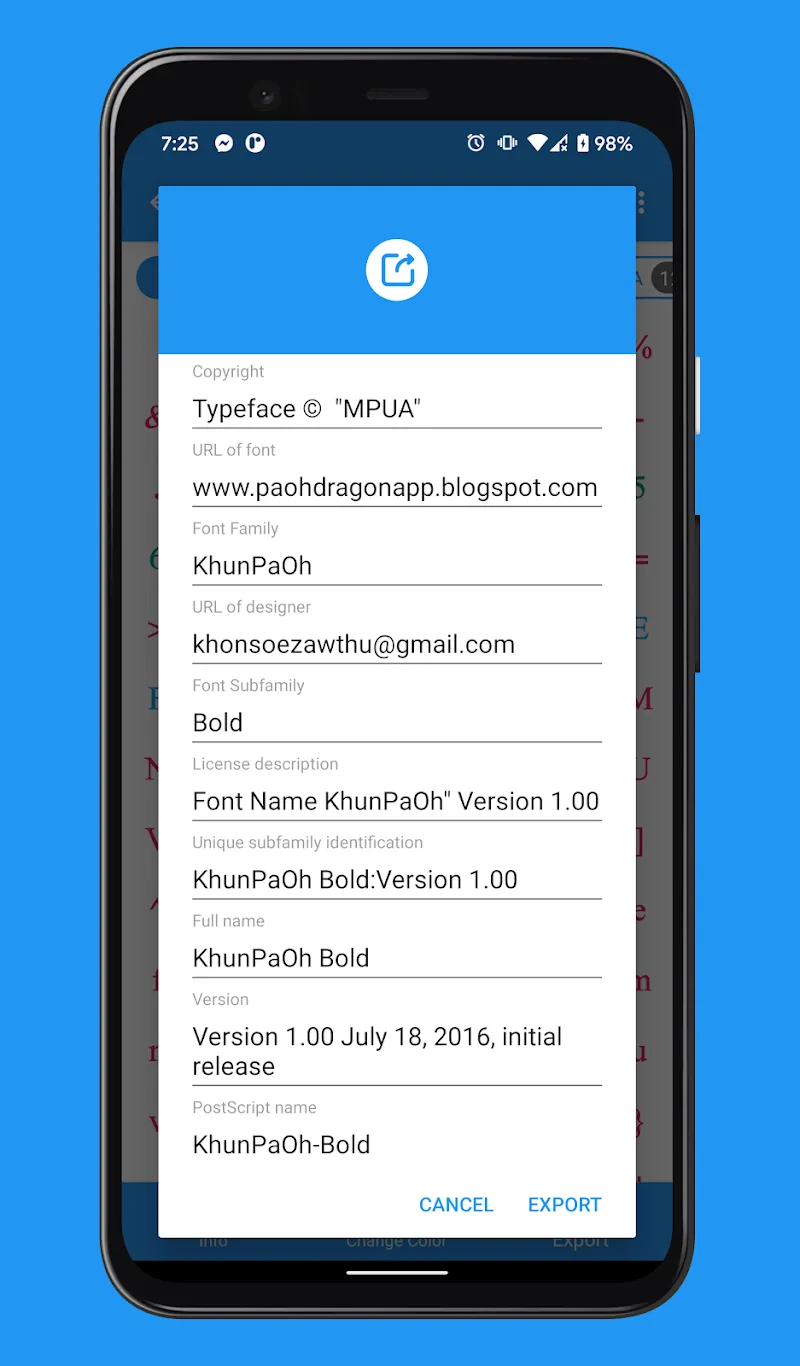
This is considered one of the smartest applications currently available, providing features to help you edit, customize, and convert fonts directly on your Android phone. zFont Tool offers a range of smart features such as changing font colors, merging fonts, editing glyphs, and creating custom emojis… This is considered the ideal application for users who love personalizing their mobile device interface.
HIGHLIGHT APP FEATURES
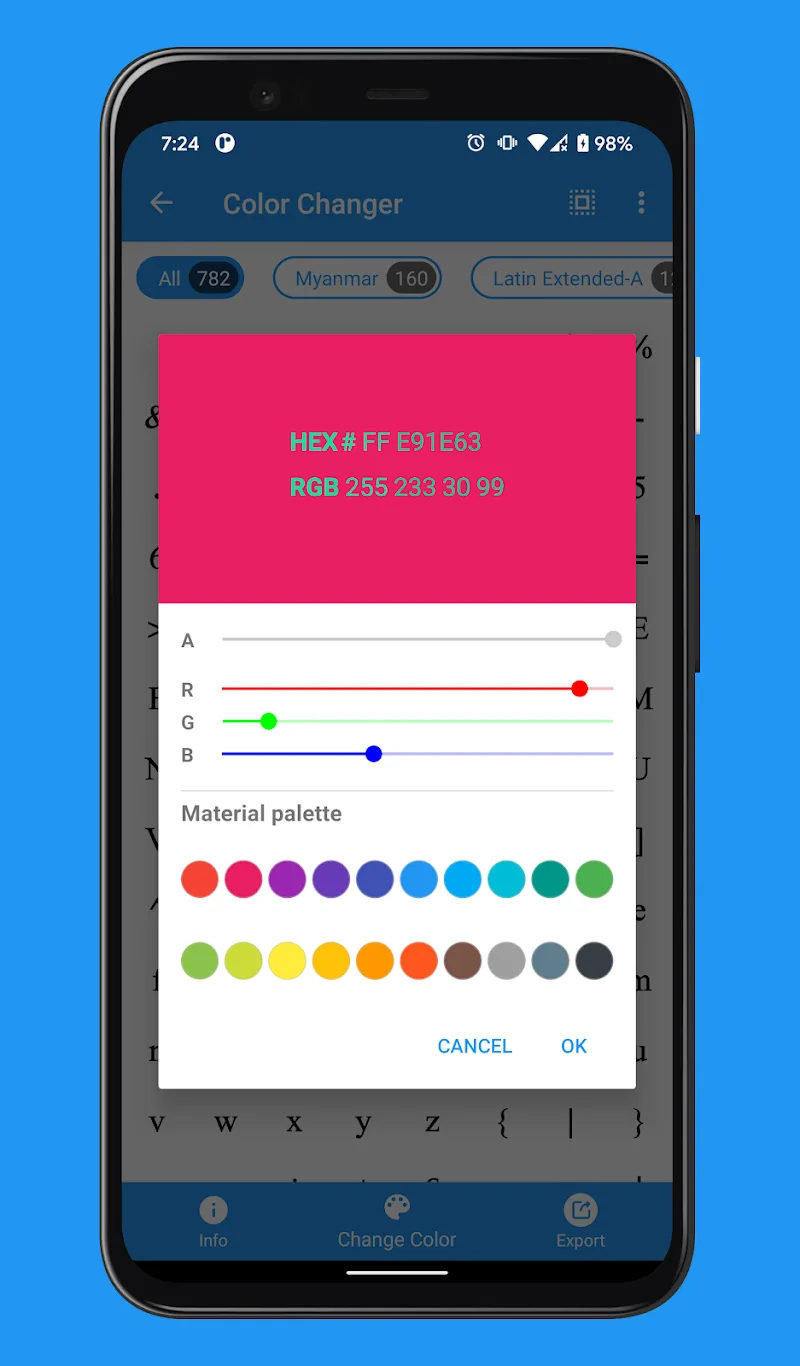
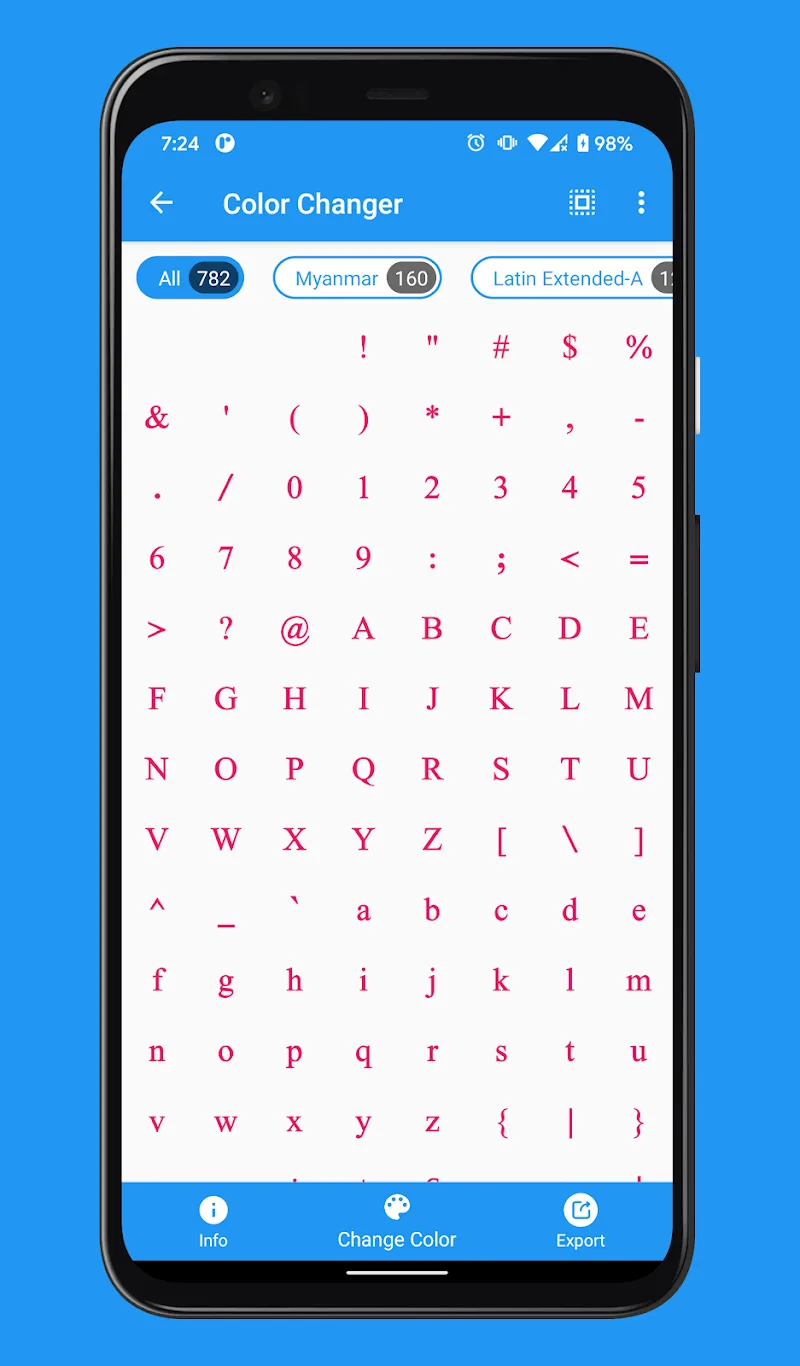
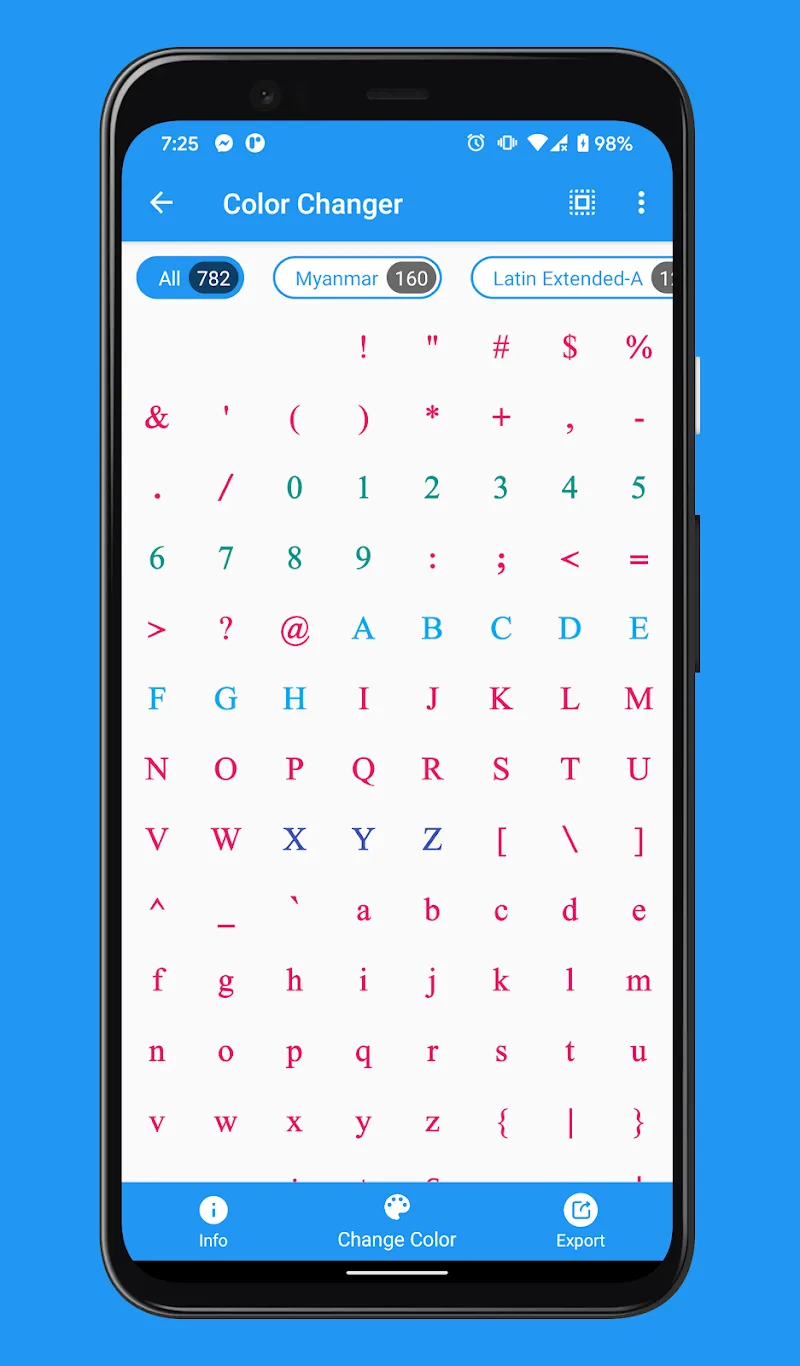
- Customize text color: This feature is especially useful if you want to highlight text on the screen or create fonts in your own style, creating a unique display style and personalizing your device interface.
- Clean up fonts by removing Glyphs: This feature helps remove unnecessary characters or glyph strokes, optimizing the font for a cleaner and lighter display.
- Font Synchronization: Using this feature, users can combine multiple different fonts into a single file, customize font styles, and create a unique, personalized font set.
- Create Special Emoji Fonts: This feature supports the emoji function on your device, extracts emojis from existing fonts, edits or replaces emojis… This smart feature helps your phone have a unique and different emoji set compared to other users.
- Font Format Conversion: zFont Tool supports conversion between many popular font formats, including: TTF, OTF, EOT, WOFF, WOFF2, DFONT, PFA, PS, PS3, T42, T11, SVG… With this feature, users can use fonts on many different platforms without compatibility issues.











Comments (0)
No comments yet. Be the first!