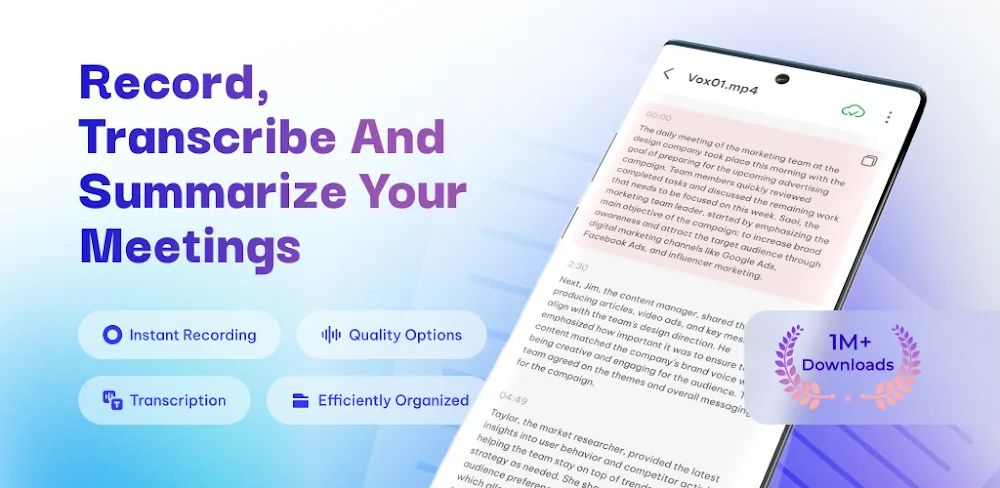
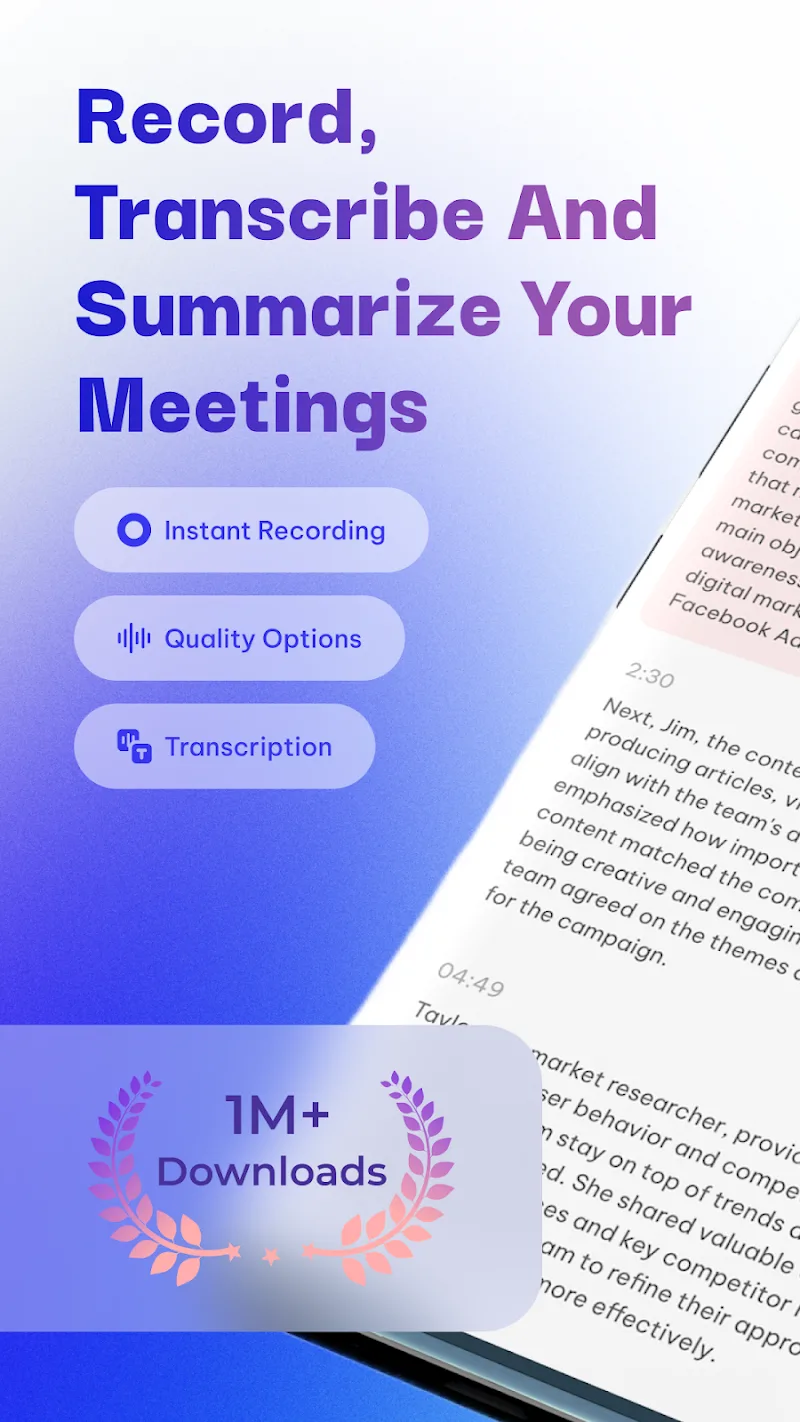
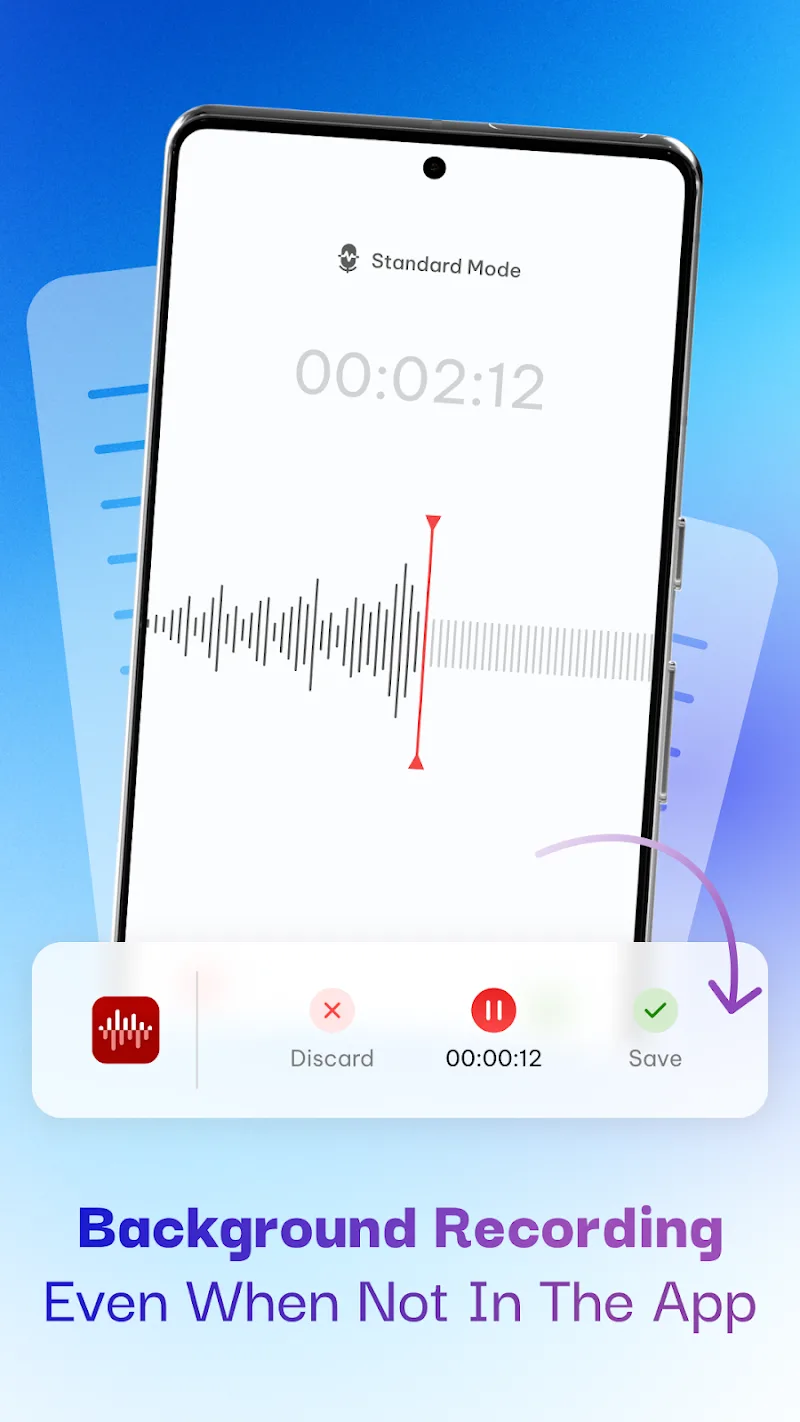
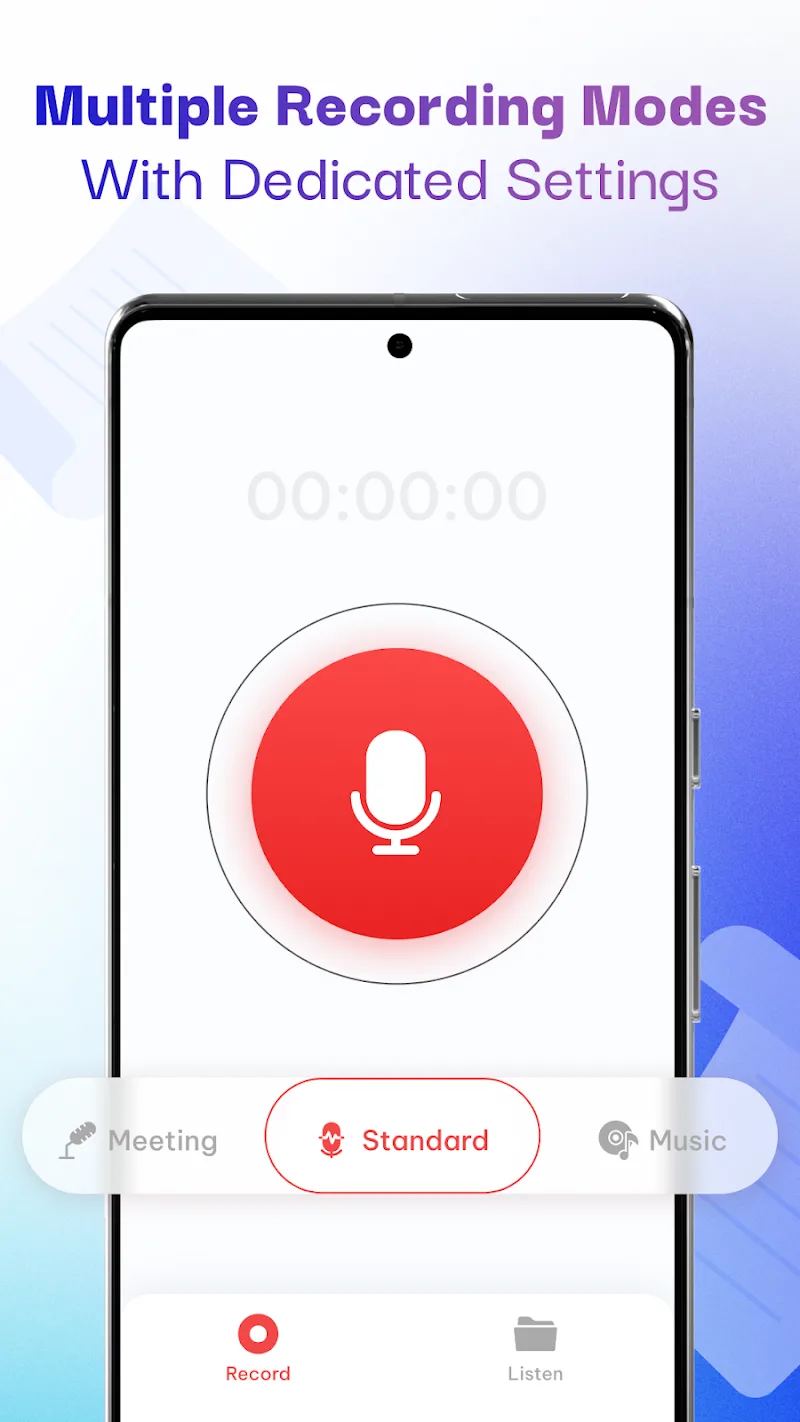
Don’t let breakthrough ideas or important content in meetings drift into oblivion just because you don’t timely take notes. The application Voice Recorder & AI Transcribe appears like an “all-purpose assistant”, transforming the phone inherently only for surfing the web into a specialized recording device with impressive post-processing capability. When I first experienced, the thing making me truly impressed not only is the clear sound quality, but is the way it releases our hands from the mess of troublesome notebooks.
PROFESSIONAL RECORDING PERFORMANCE
This application brings absolute freedom when you no longer have to constantly worry about capacity or recording duration midway. Everything happens so smoothly to the point you can concentrate completely on the content of the conversation instead of staring at the phone screen.
- Unlimited recording time: Comfortably record lectures lasting many hours or intensive seminars without encountering any annoying interruption.
- Background recording mode: This feature is extremely powerful when allowing the application to operate silently even when you have turned off the screen, helping save battery maximumly.
- Automatic record saving: All audio data are automatically stored instantly by the system, ensuring absolute safety for your important information.
ADVANCED AUDIO TRANSCRIPTION
The real money-making point of Voice Recorder & AI Transcribe lies in the ability to transform raw audio data into structured texts, helping the information lookup become quicker than ever before. I believe that this is exactly the feature that students or office circles will “fall in love with” right from the first use.
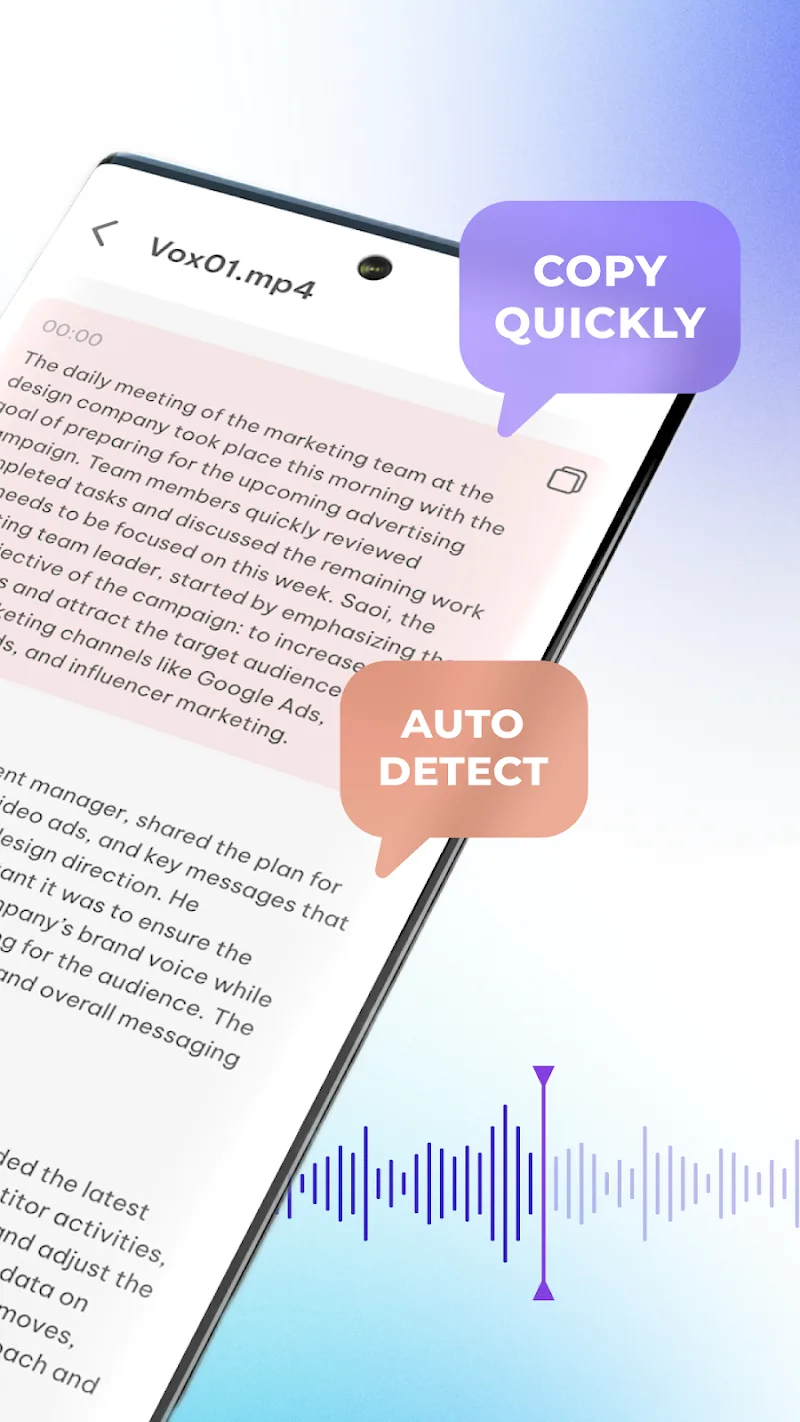
- Voice to text: Convert voice into text with high accuracy, helping you own right away a content draft without wasting effort typing keys.
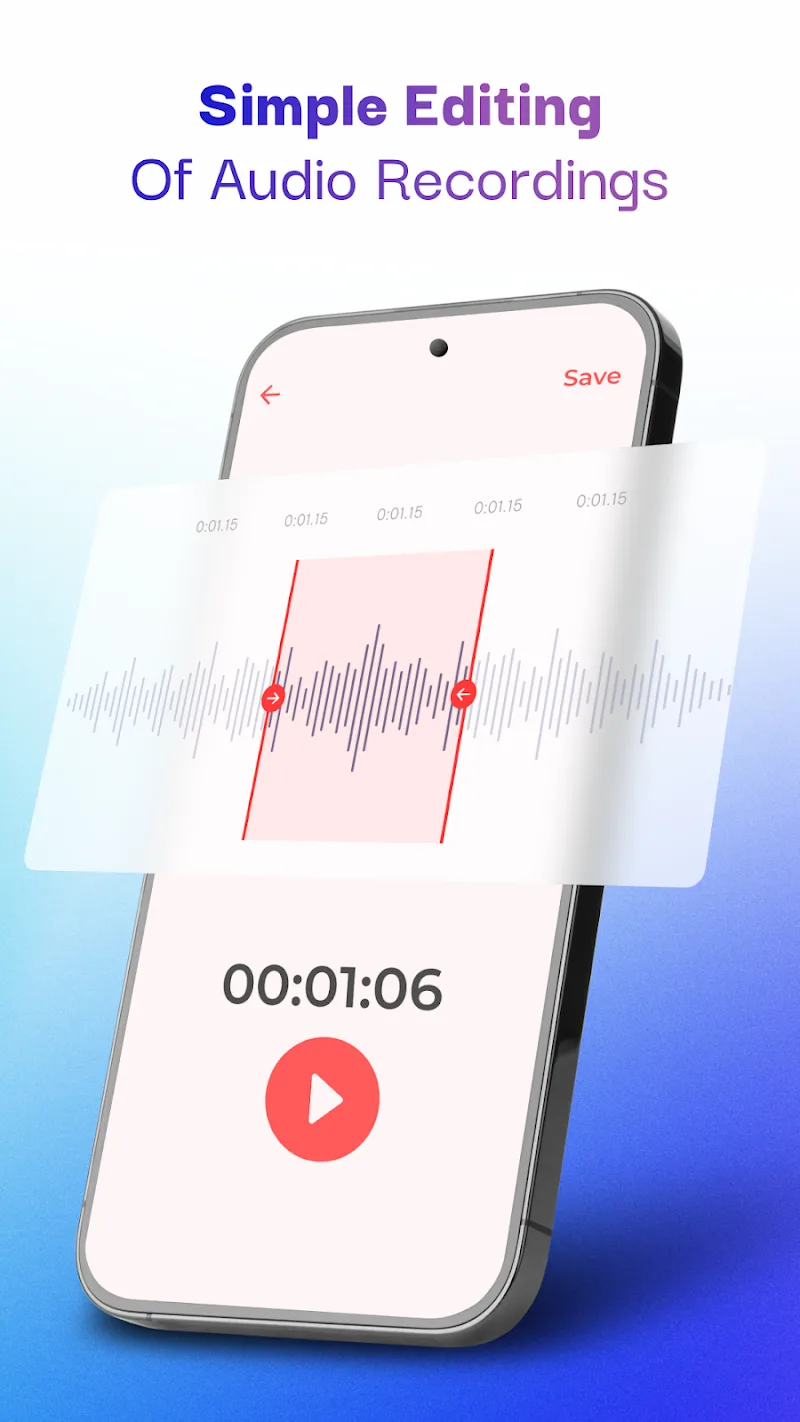
- Built-in audio editor: Easily trim, increase or decrease volume, or change playback speed to have a most complete and professional recording.
- Instant cloud sharing: After finishing processing, you only need one touch to push the file to Google Drive or send quickly via WhatsApp to colleagues.














Comments (0)
No comments yet. Be the first!