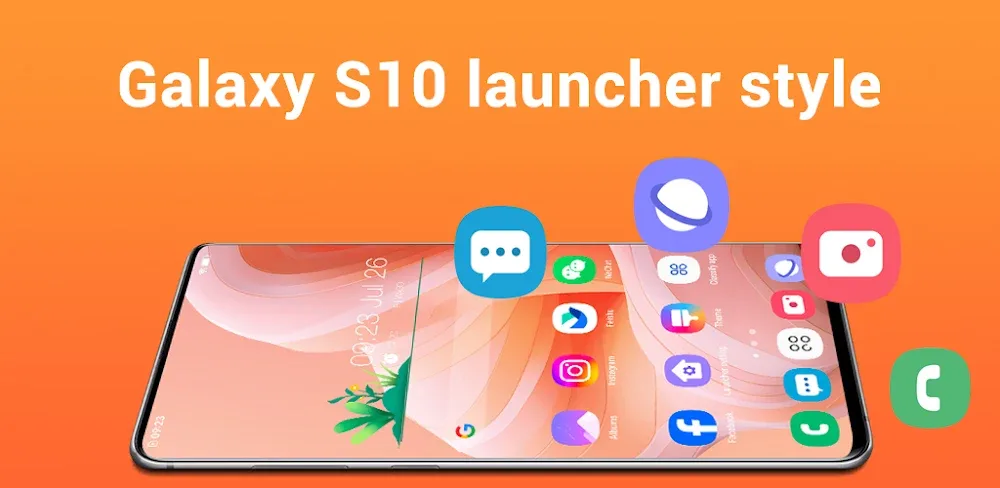
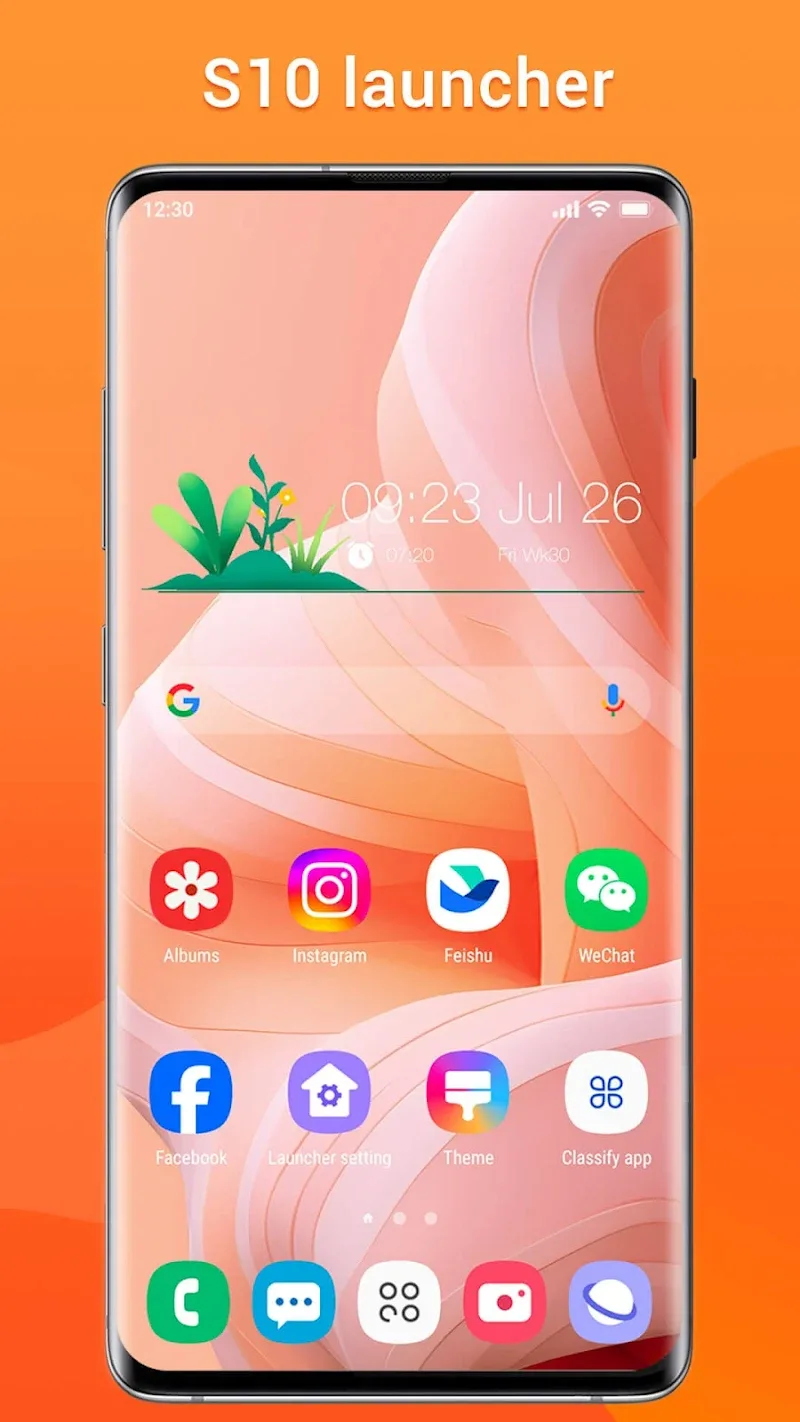
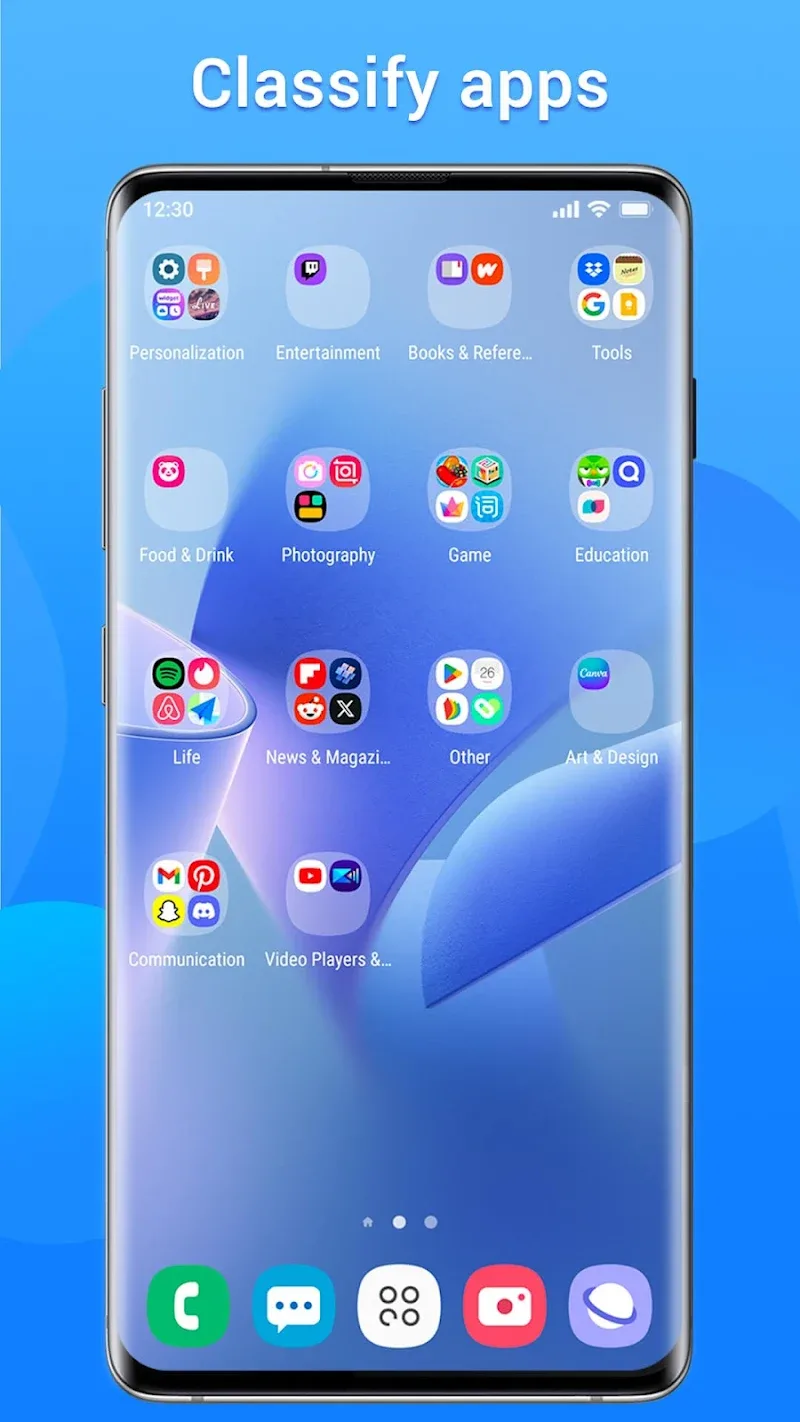
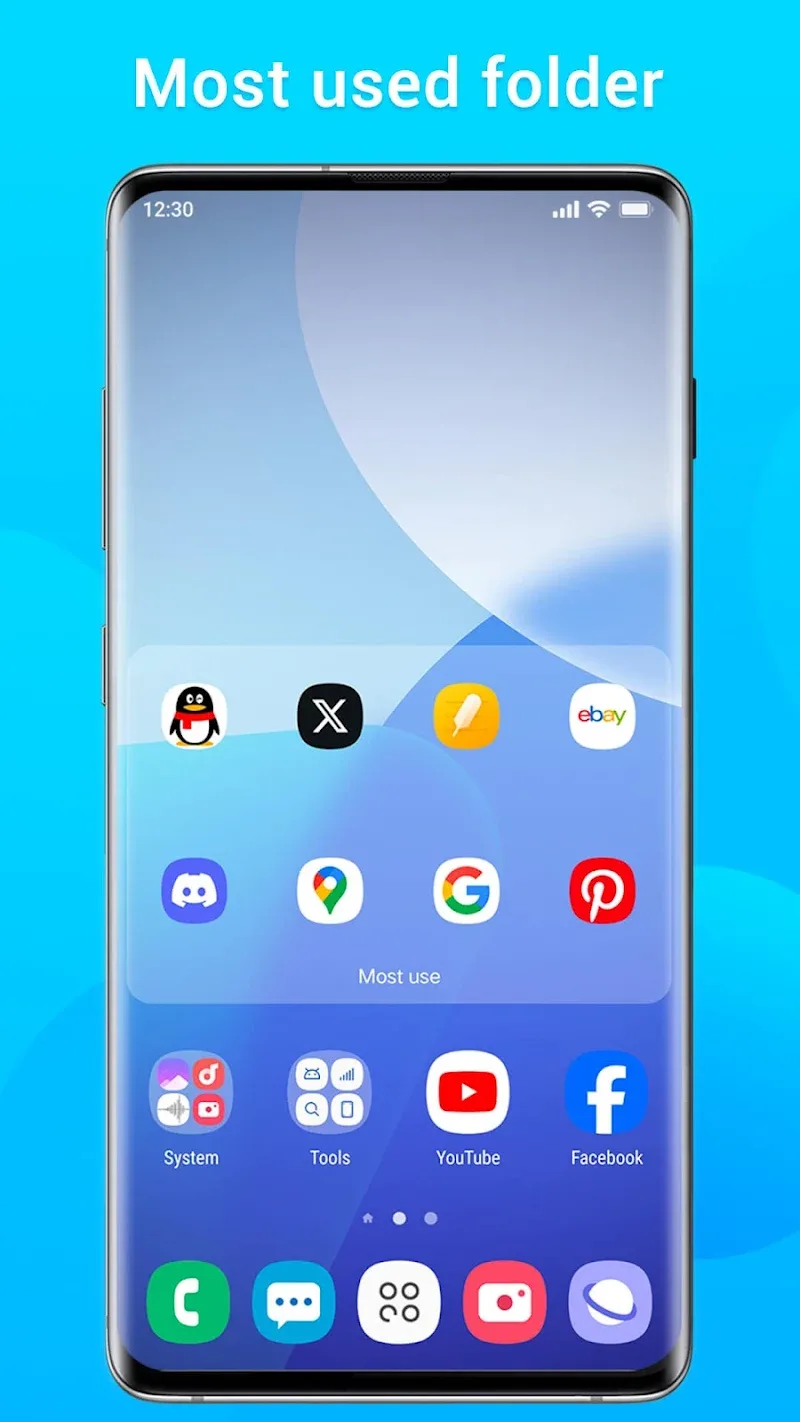
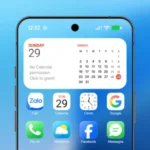
Instead of spending thousands of dollars to race after the latest flagship models, many Android users choose a smarter way to refresh their “beloved phones”. With just one touch to install the application Super S10 Launcher, Galaxy S10, the old interface on the phone you are using will immediately transform into a trendy Galaxy S10. I am truly impressed to see a launcher set that can smoothly simulate the characteristic One UI design language of Samsung like that, from the screen corner rounding lines to the unified icon system. It not only changes the outer coat but also brings a truly premium and modern feeling in the hands of users.
MODERN GALAXY INTERFACE CUSTOMIZATION
This application brings a visual revolution to every device running Android 4.1 and above, helping to blur the boundary between mid-range and high-end phones. I clearly feel the meticulousness when the entire icon system is automatically synchronized according to the original Galaxy S10 style.
- Unified icon shapes: Every application icon from third parties is wrapped in soft geometric frames, creating an extremely neat and professional home screen overall.
- Corner rounding effect: A small but extremely expensive feature when it simulates the soft rounded corners of the infinity screen, helping the phone look much “sexier”.
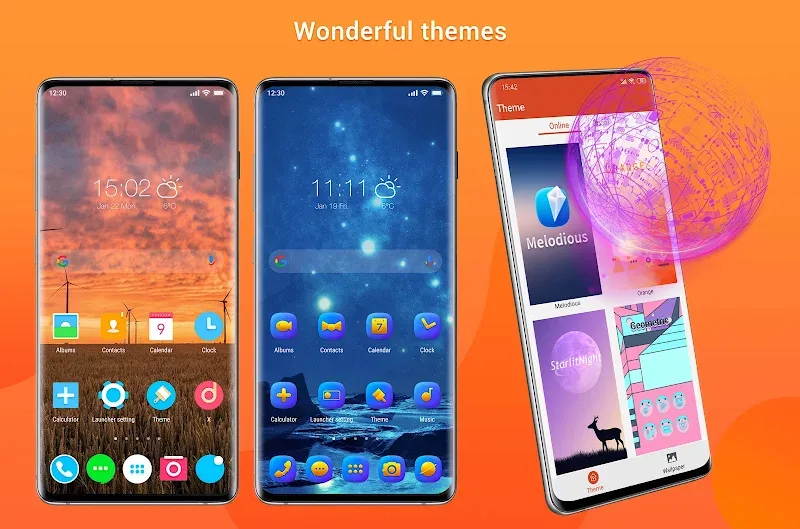
- Diverse theme store: If you are bored with the default interface, the massive built-in theme store is always ready to transform the style according to personal preferences at any time.
POWERFUL MANAGEMENT AND NAVIGATION TOOLS
Not just stopping at the outward appearance, this application also optimizes your operation experience through a system of smart and flexible features. Searching for applications or managing the workspace has never become so fast and intuitive.
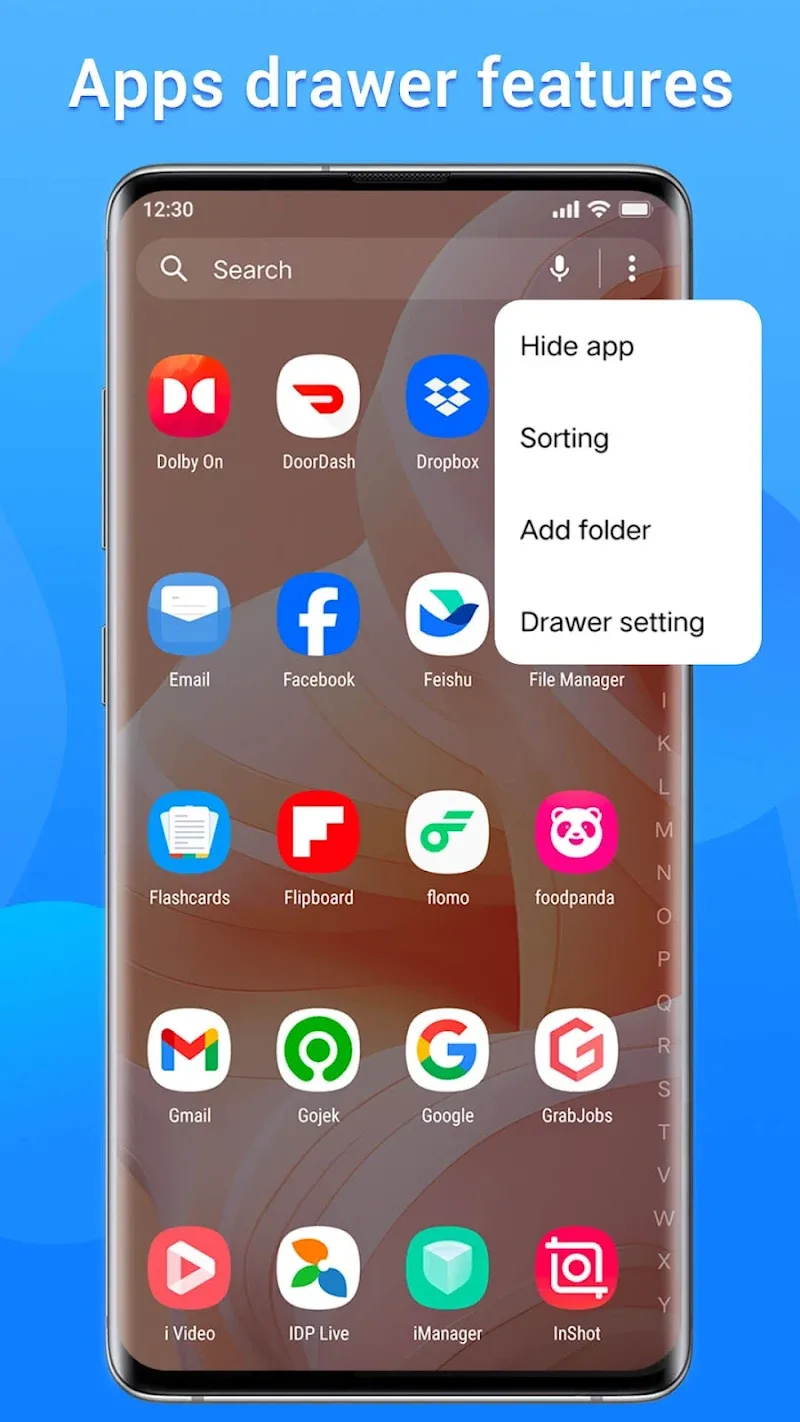
- Smart app sorting: You can sort the app drawer by alphabetical order, frequency of use, or even installation time to access the fastest.
- Advanced gesture control: The system fully supports various swipe up/down actions, pinching in/out, or two-finger gestures, helping the control of a large screen become easy with just one hand.
- Privacy protection tools: I highly appreciate the ability to hide and lock sensitive applications right from the launcher, helping to protect personal data thoroughly without needing to install extra apps.










Comments (0)
No comments yet. Be the first!