

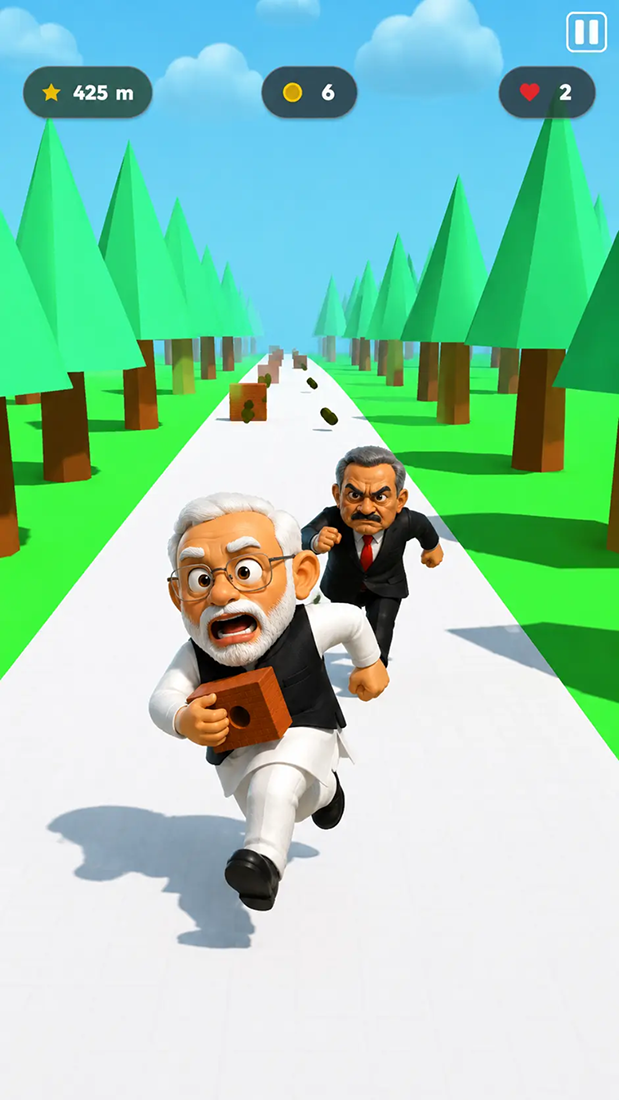
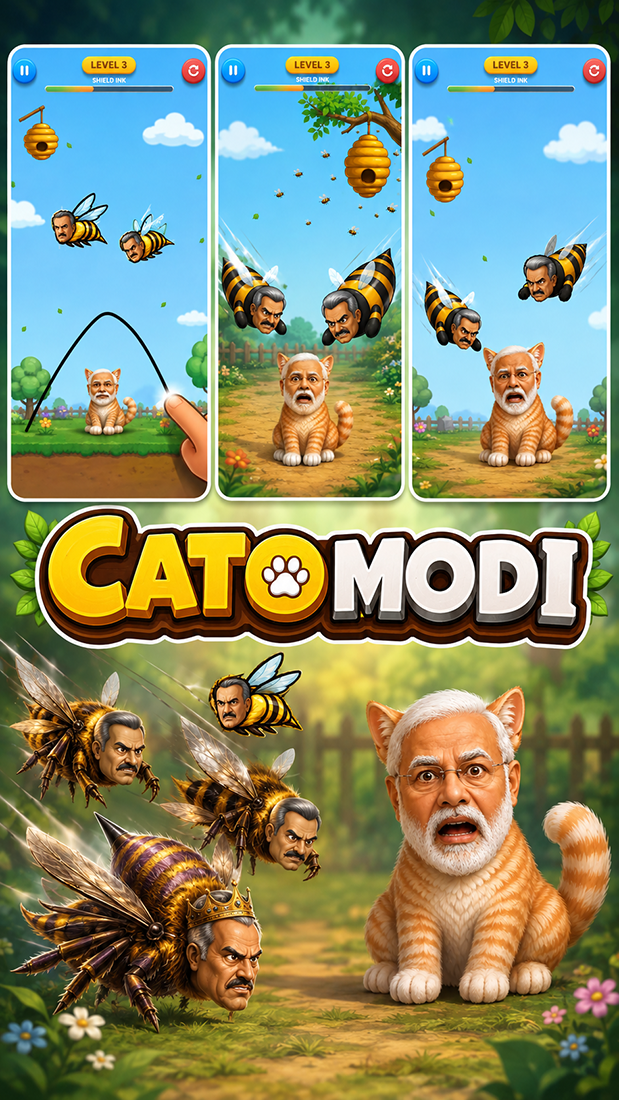
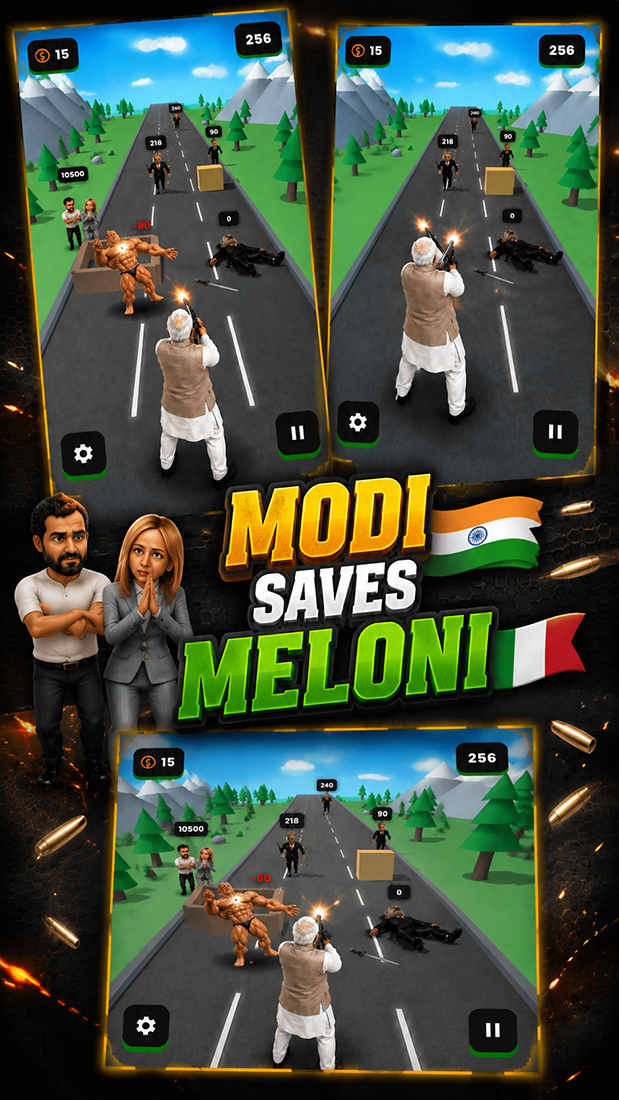
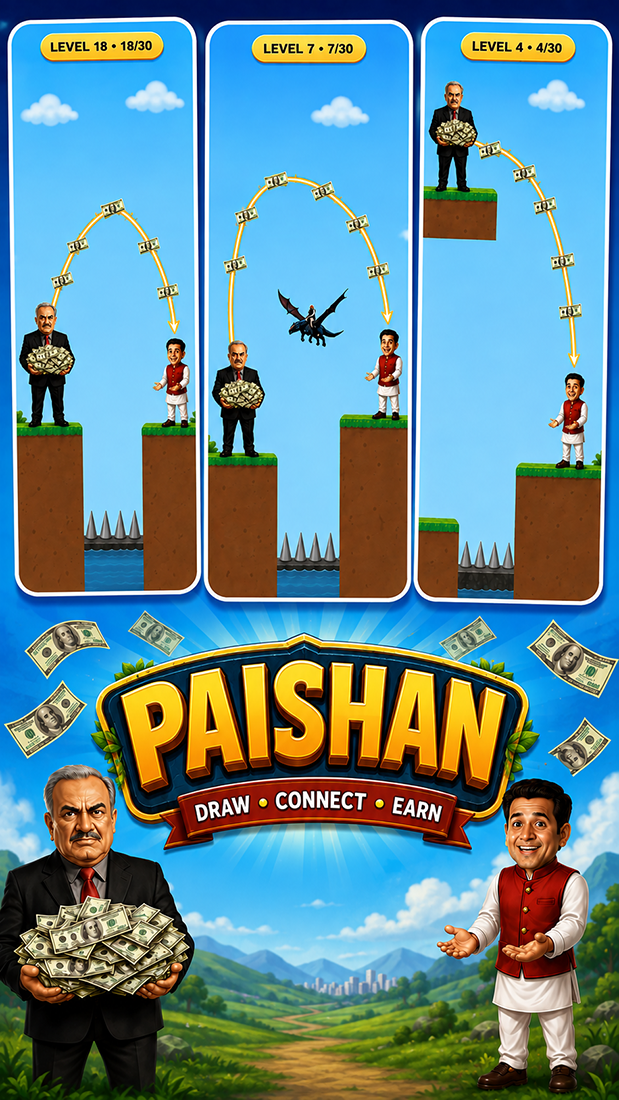
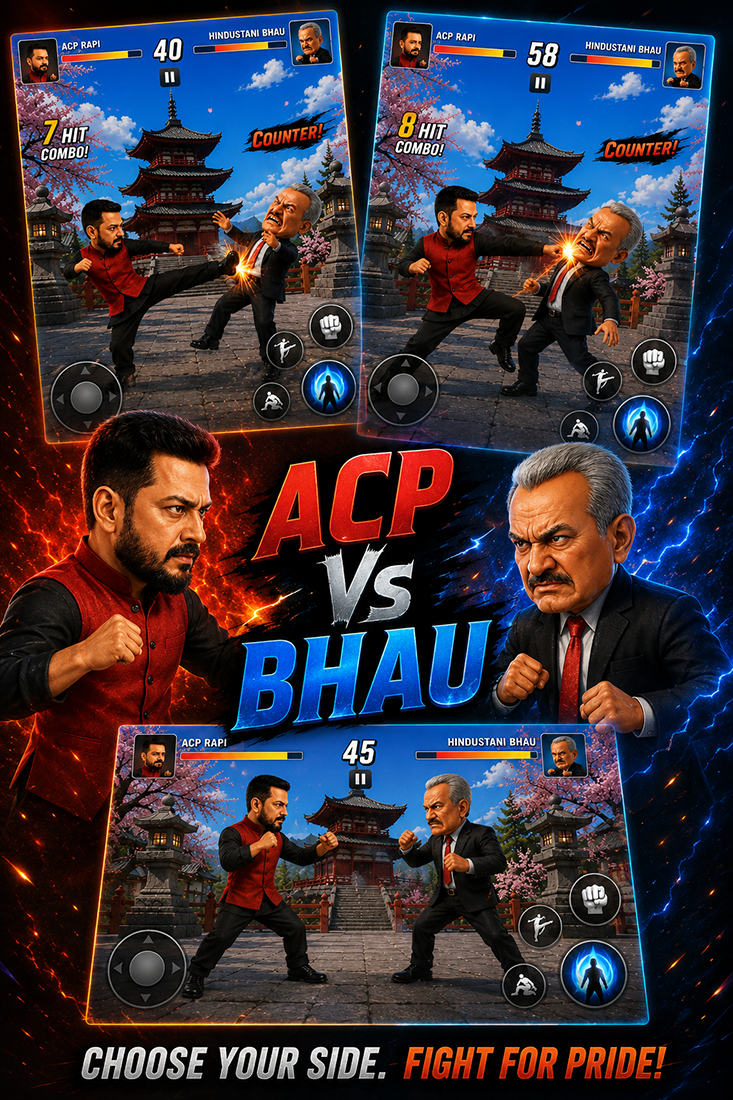
Sanki Bytes is an Android game hub built around HTML5 titles that run inside one app. Instead of installing a separate package for every diversion, you choose something from its collection and launch it there. The catalogue spans action, racing, puzzle, arcade, and casual games, with a strong emphasis on short, immediately accessible sessions.
A Library Rather Than One Long Campaign
The useful idea here is variety without the usual setup between games. A spare few minutes might call for a simple arcade challenge; another day, a puzzle or racing game may suit better. The app is designed to keep those choices in one place, so moving between genres doesn’t mean repeatedly searching for, downloading, and updating individual games.
That makes the collection a different proposition from a single-purpose mobile game. There is no promise that every title will fit every player, but the broad categories give you room to browse according to your mood. The developer also says that new games are added over time, so the library is intended to change rather than remain a fixed set of launches.
Built for Quick Starts on Smaller Screens
Each game is an HTML5 experience played within the hub. The important practical detail is that games do not need their own separate downloads. Choose a title, then start it from the app. That approach should appeal to players who would rather sample a handful of lightweight games than commit storage and setup time to every individual idea.
The Android release is also presented as optimized for phones and tablets, with a simple interface meant to keep browsing direct. Its companion web catalogue describes a meme-focused arcade, and some published games turn familiar online references into playable formats. The wider app listing, however, is broader than that theme: it explicitly includes racing, puzzles, action, arcade, and casual selections.
How the Current Premium Options Work
Sanki Bytes contains ads, and its current update adds a specific route to premium-labelled games. Watching one advertisement can unlock those games for either five or ten minutes of ad-free, coin-free play. That is a more concrete arrangement than a vague premium label: it gives players a timed session before ads return.
The same update also adds five daily spins and a credit system, alongside refreshed pop-ups and an exit confirmation. These details suggest that the hub itself has a progression layer around its game selection, not just a list of links. They are version-sensitive features, though, so they may change with future updates.
For someone who enjoys dipping into different genres without managing a separate install for each one, the appeal is straightforward. Pick a game that suits the moment and begin from the same library. Players seeking one deep, uninterrupted campaign may prefer a dedicated title, while a changing collection of quick HTML5 games is the clearer fit here.










Comments (0)
No comments yet. Be the first!