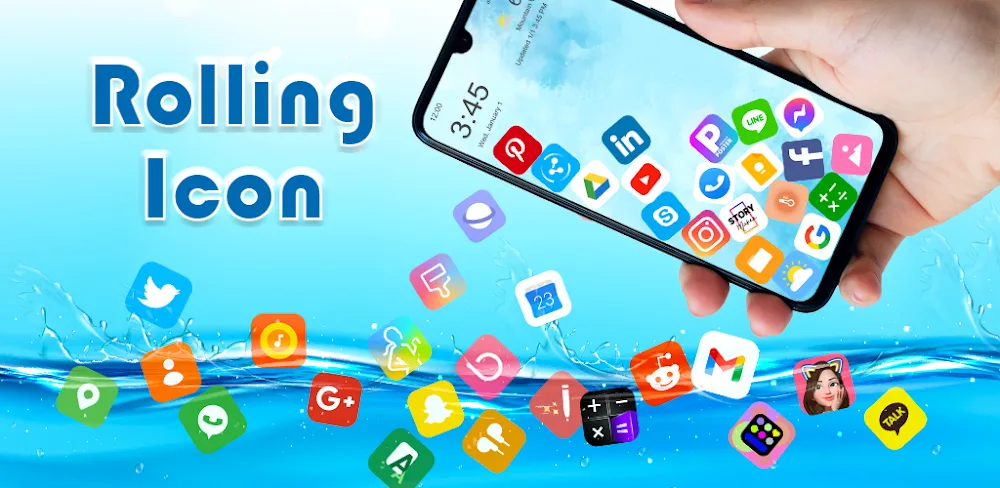
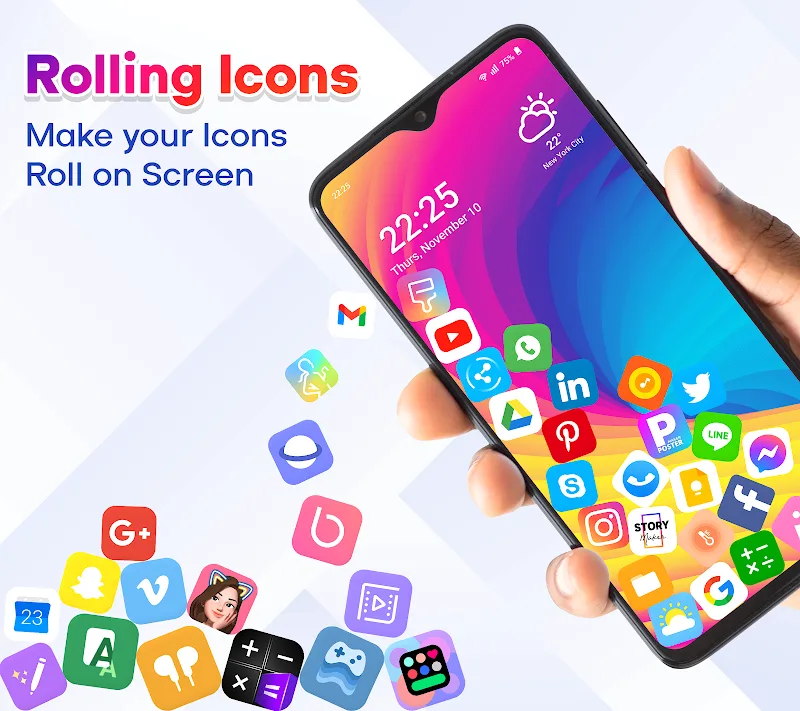
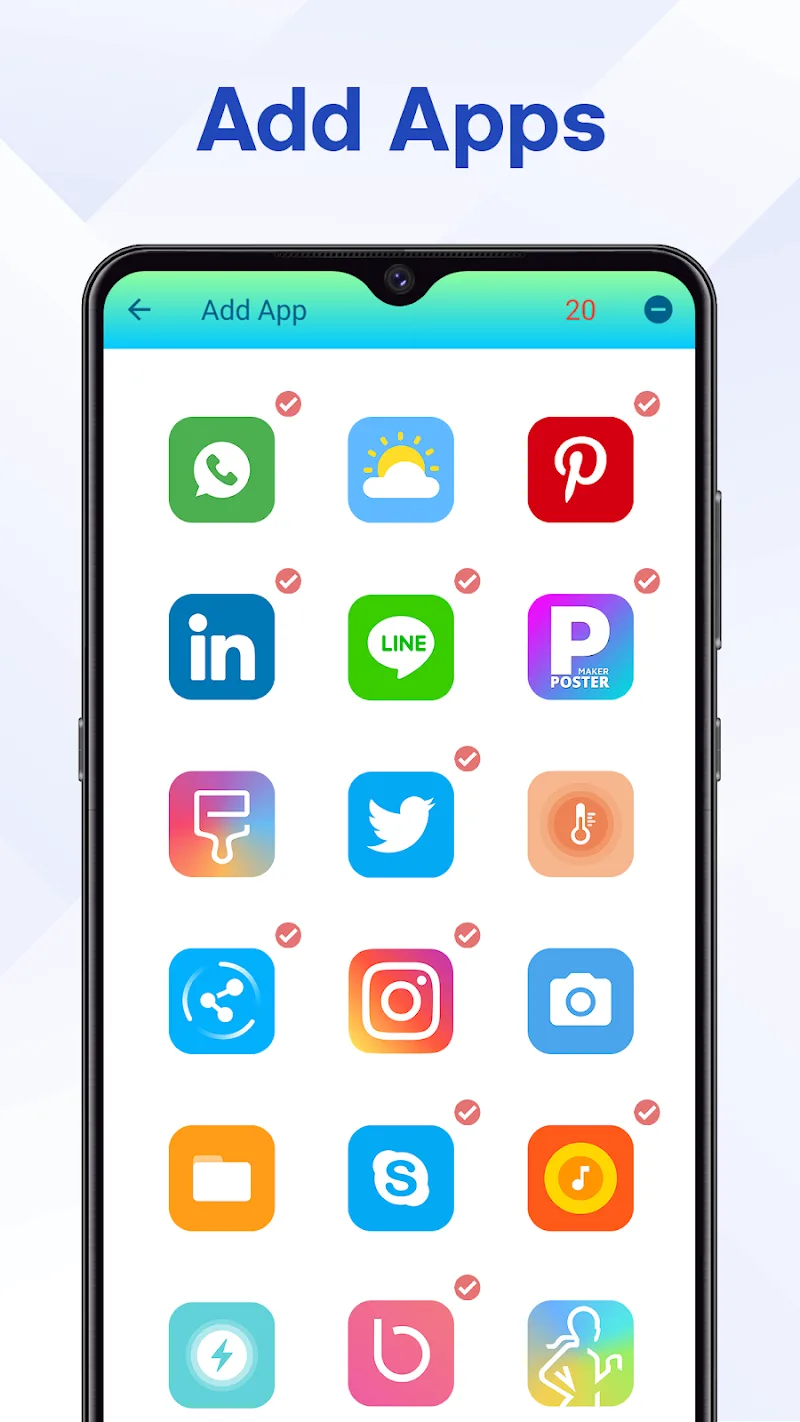
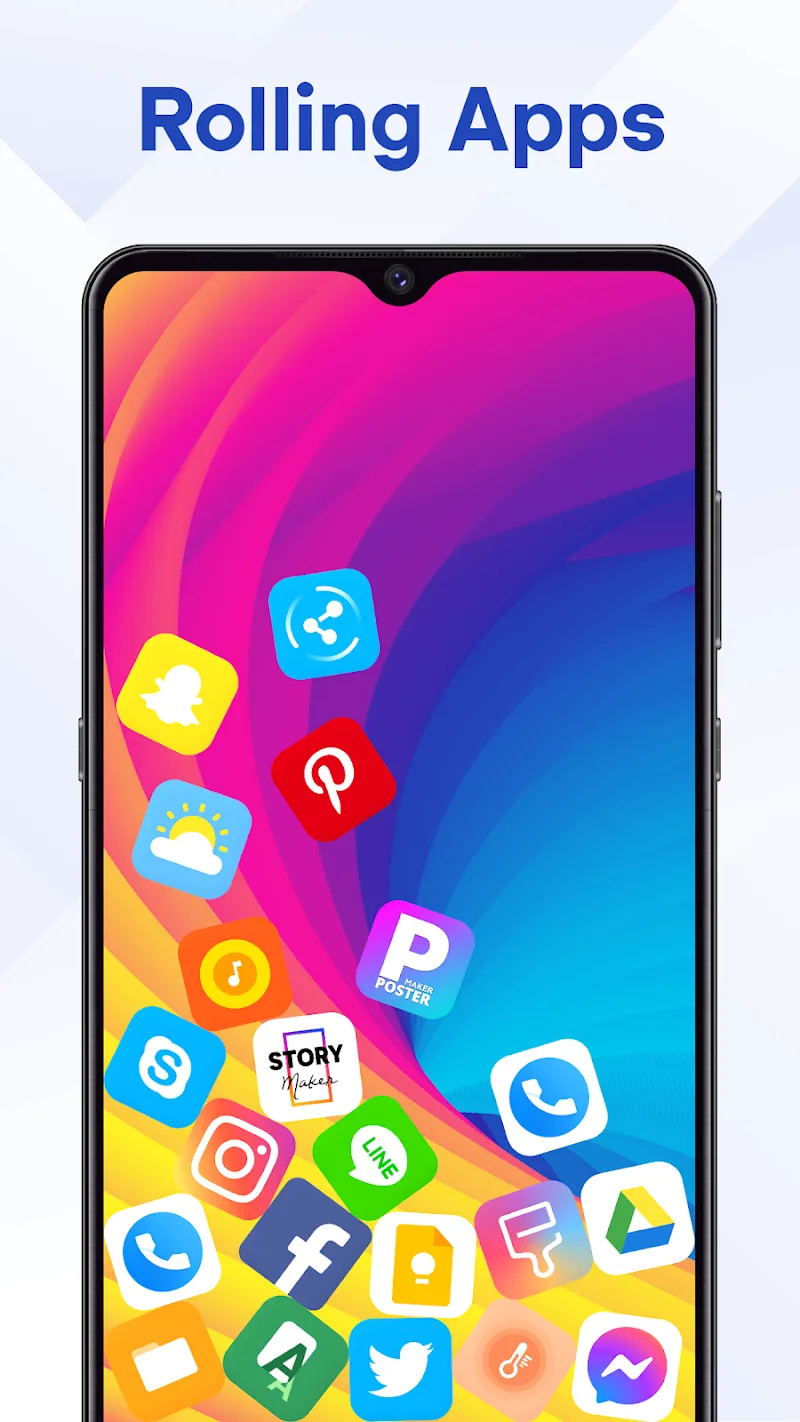
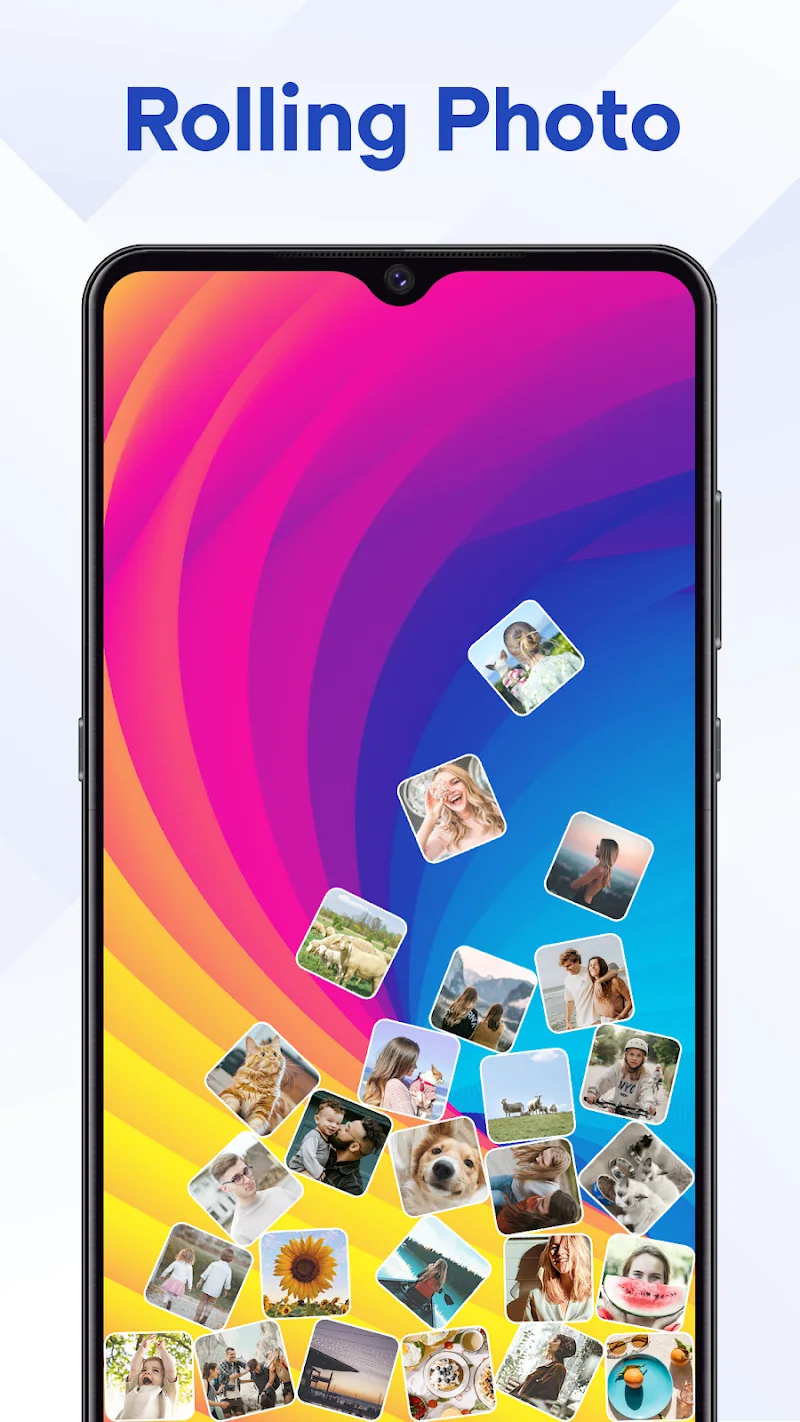
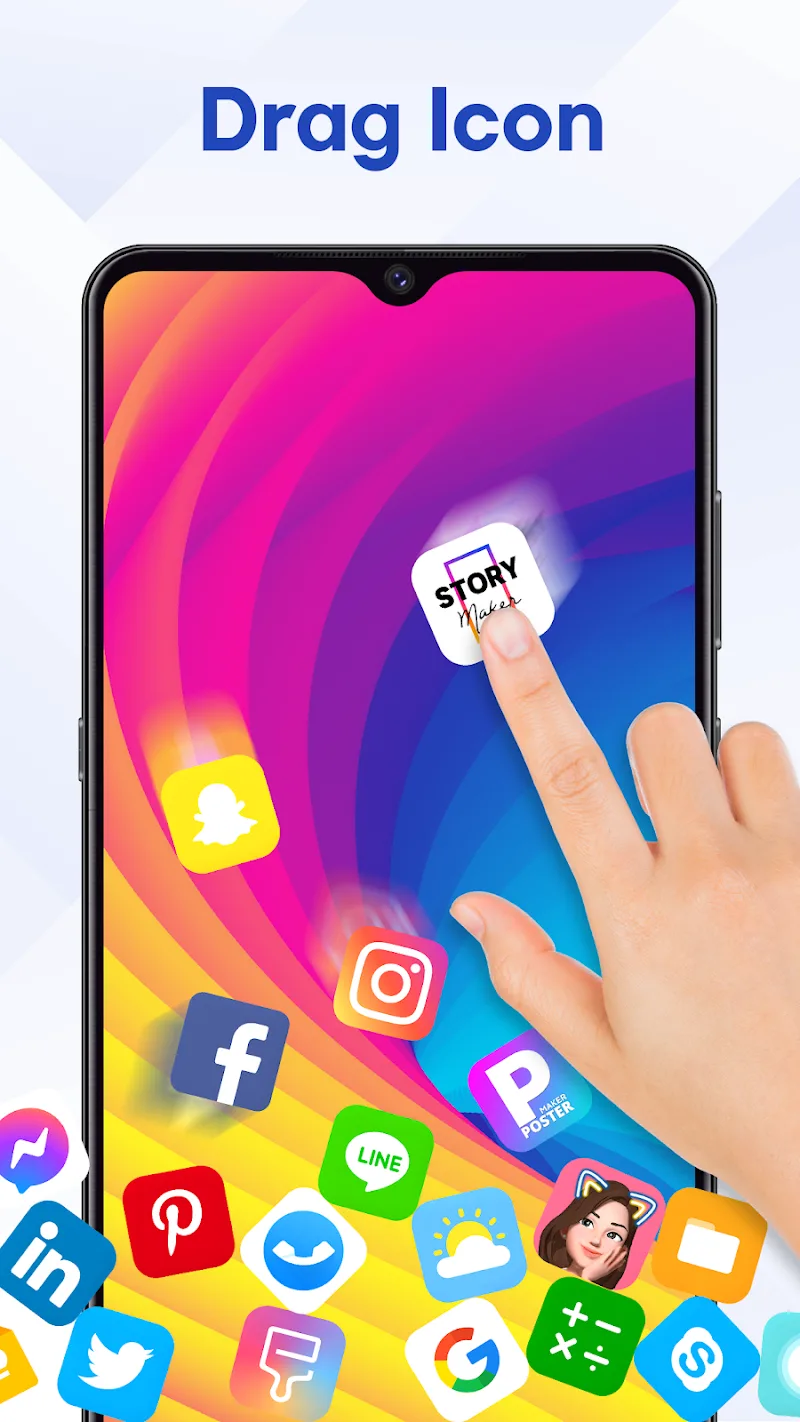
If you are bored with your mobile device only being able to change the theme or avatar of the icons, then you can download this application to have more freshness. Rolling Icon: 3D Wallpaper is a quite interesting application that will make the icons on the user’s screen no longer fixed. Instead, these icons will continuously fall freely as if there is gravity in them.
UNLEASH YOUR INNER ASTRONAUT
You can completely adjust this application to make your phone carry gravity like the Earth or become a zero-gravity environment like in outer space. With your editing, those who need it will be affected in a completely accurate way. It can float everywhere on your screen, or it can fall continuously every time you shake your phone,
- Interactive Universe: After using this app, your phone will look like a miniature world that is active. The special thing is that you can interact with it.
- Gravity Playground: The app will give you a feeling like you can completely manipulate both gravity and gravitational force.
- Custom Personality: There are quite a few pre-made templates and they are classified by theme. This is so that you can easily express your style by choosing a template that you like.
MULTI-GRAVITY BOX – UNLOCK MORE POSSIBILITIES
This app will give you a completely unique experience that you have definitely never experienced before. If this modification makes you feel interested, you will be able to create more different gravity boxes, and the user will edit each box according to their wishes.
- Dual Gravity Forces: This app becomes even more interesting when the user can add a second zero gravity space running parallel to the previous space.
- Phone Physics Sims: Both zero gravity environments on your phone will also have their gravity index set by you in 2 different ways.
- Unique Experiences: Your icons will continuously float back and forth between the 2 spaces and each space will have a different effect on the icons, creating quite an interesting competition.















Comments (0)
No comments yet. Be the first!