
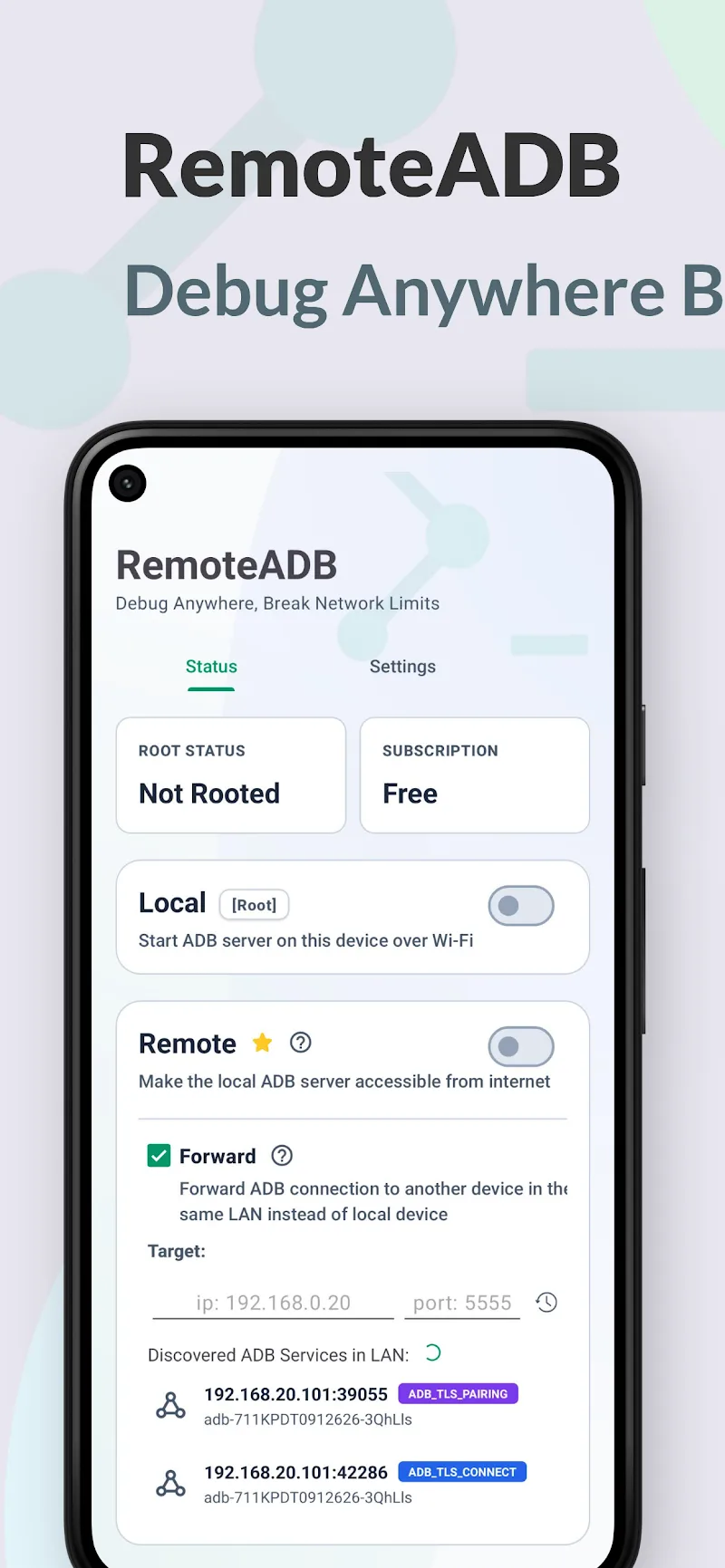
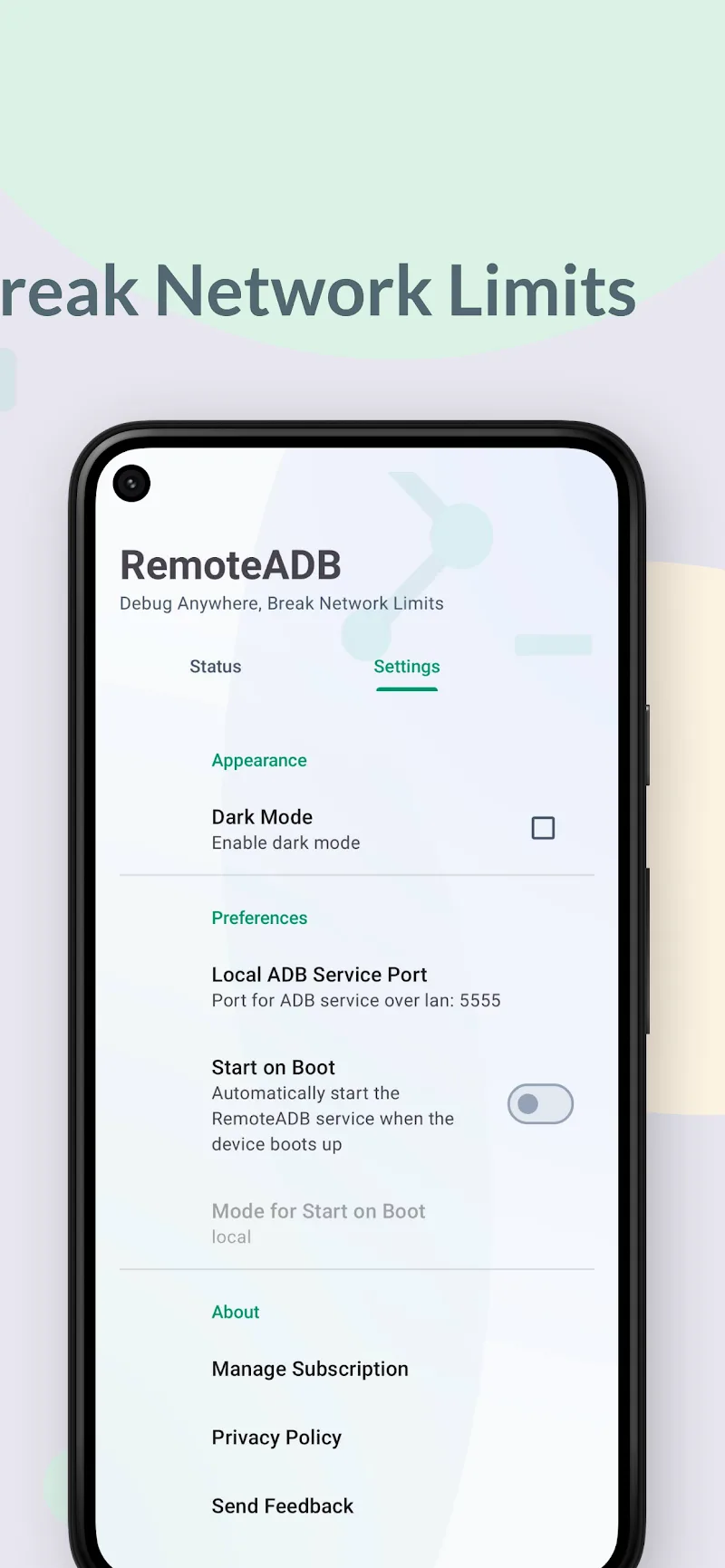
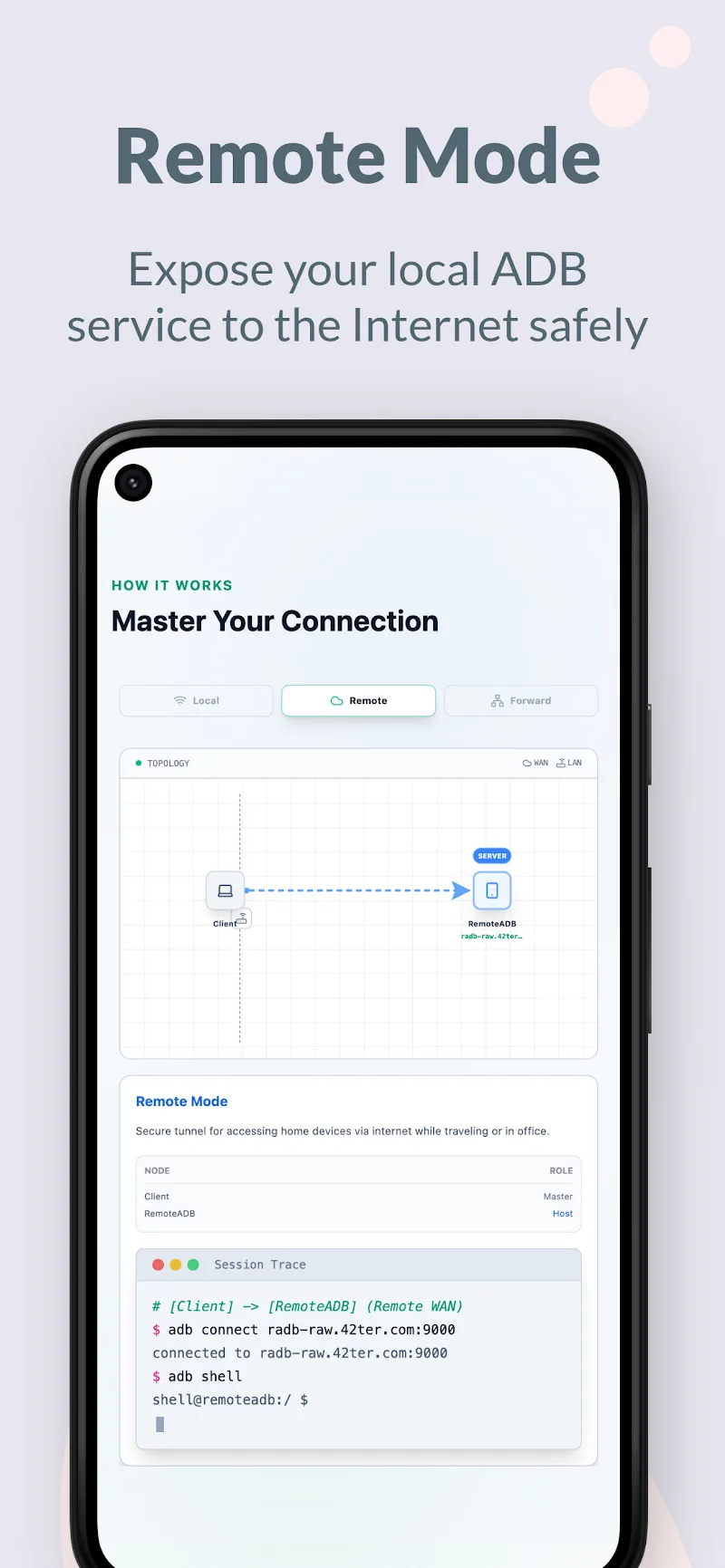
Technicians and developers today are always looking for flexible wireless device debugging solutions to optimize work performance. The launch of the RemoteADB application brings the ability to expand ADB connections over the Internet. Basically, you can connect wirelessly to directly access the system of many different devices. It allows you to work without needing to physically touch the target device. Users can easily control devices remotely and integrate seamlessly with supporting software like scrcpy. Thanks to a minimalist interface entirely free of ads, customers always enjoy the most focused and smooth operation experience.
POWERFUL REMOTE CONNECTION AND LOCAL MODE
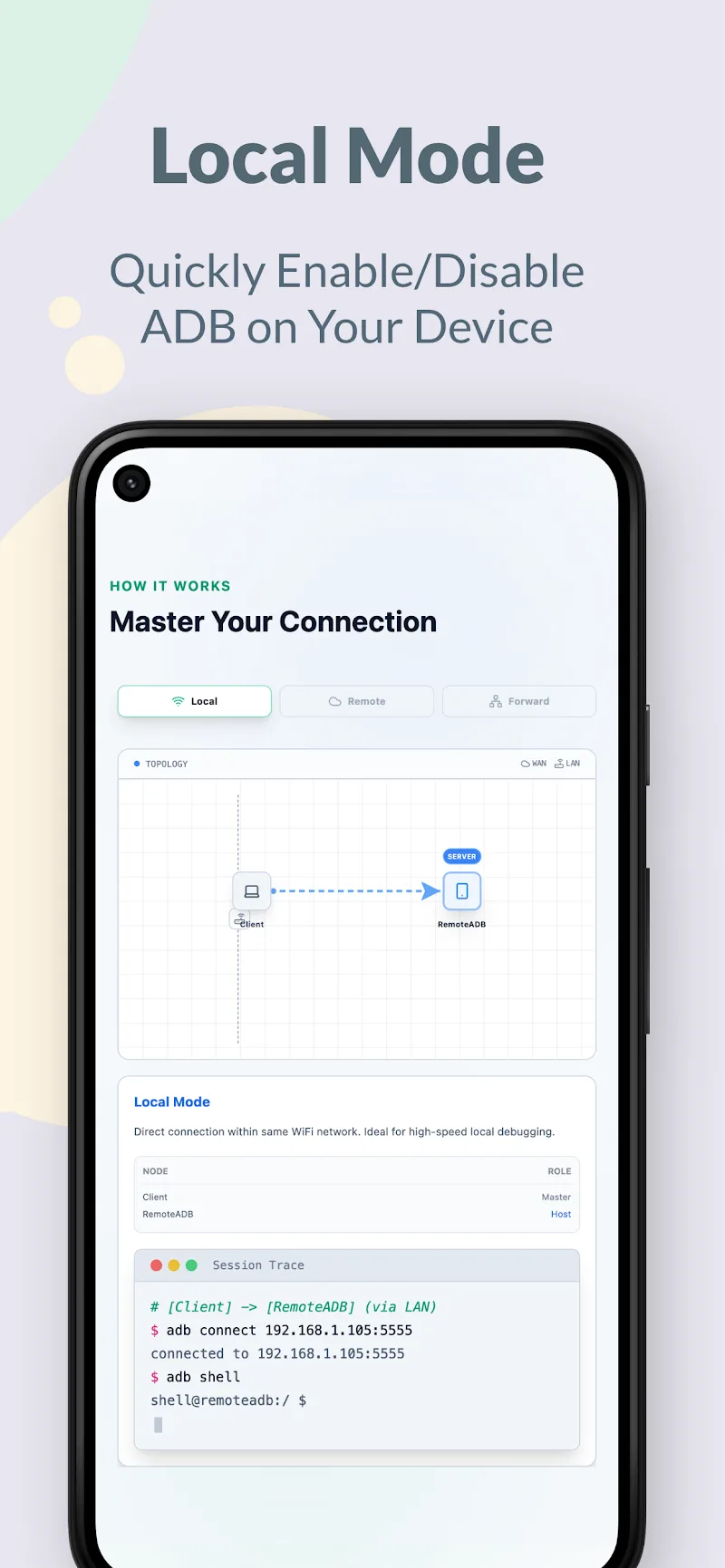
Experience debugging without geographical distance limitations, helping you proactively manage systems anywhere. Customers can quickly activate the ADB over Wi-Fi feature directly on local devices with root permissions to optimize processing speed. Furthermore, the app opens up the capability to access ADB services over the Internet from completely different network segments. Broad compatibility from Android 5 to Android 16 ensures all user devices are always ready to connect.
- Broad support: Android 5 to 16
- Internet connection: Remote debugging
- Local service: Quick Wi-Fi activation
FREE OPERATION WITH SMART FORWARDING MODE
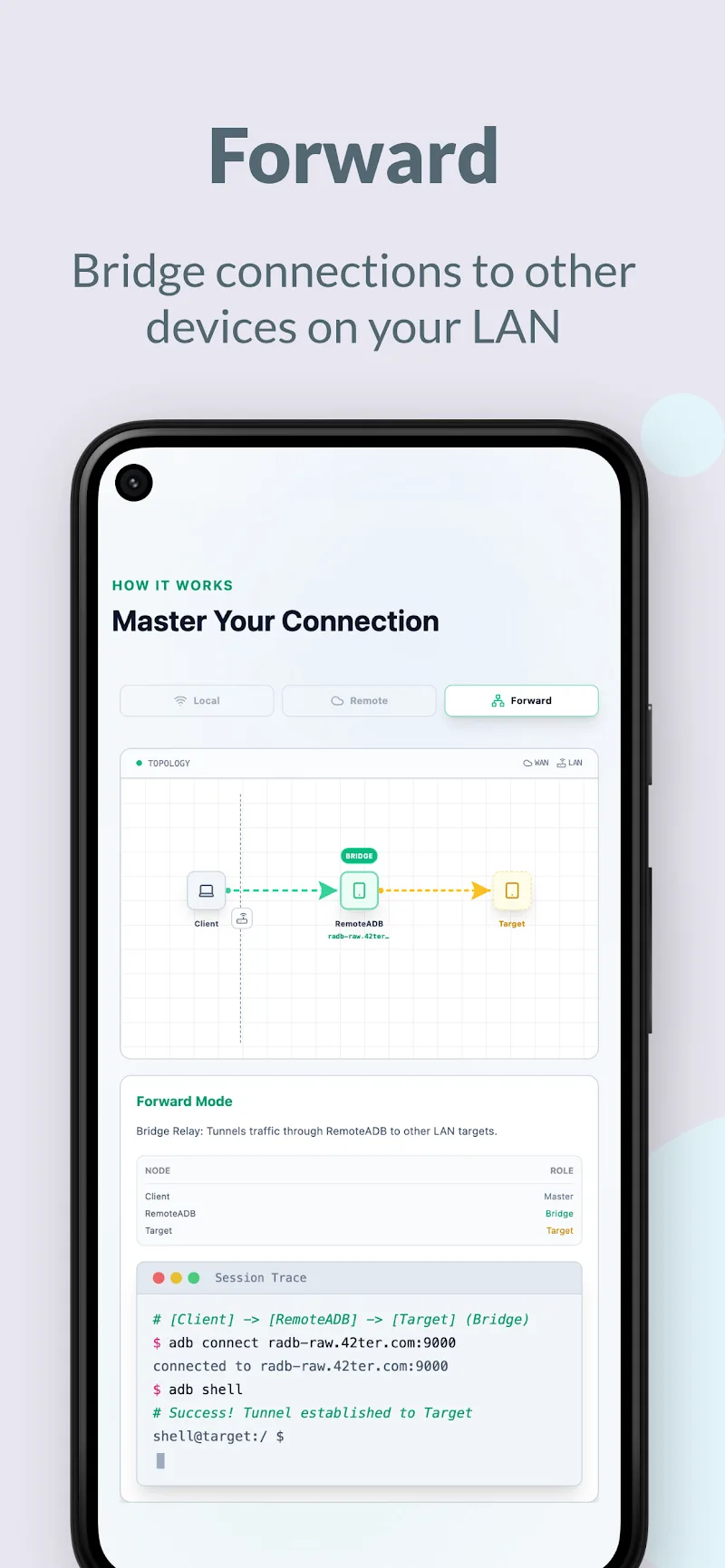
The intermediate connection solution helps customers access target devices without strictly requiring root permissions. Users only need to provide the IP address and corresponding port to establish a secure transmission line to the Internet environment. As a result, the app testing process becomes simpler than ever for tech professionals. You will be fully in control of all complex operations through a clean and professional working interface.
- IP forwarding: No root required
- Clean interface: No ads
- scrcpy support: Enhance efficiency










Comments (0)
No comments yet. Be the first!