

Remote PC Pro allows you to wirelessly control your Windows or Linux computer directly from your Android device. It transforms your phone into a remote mouse, keyboard, presentation clicker, media controller and more for convenient computer operation anywhere. Connect to your PC via WiFi or Bluetooth for flexible wireless control. The app provides specialized panels designed for different functions like browsing, presentations and games. With Remote PC Pro, easily access all your desktop applications and tools from the palm of your hand.
COMPLETE WIRELESS MOUSE AND KEYBOARD CONTROL
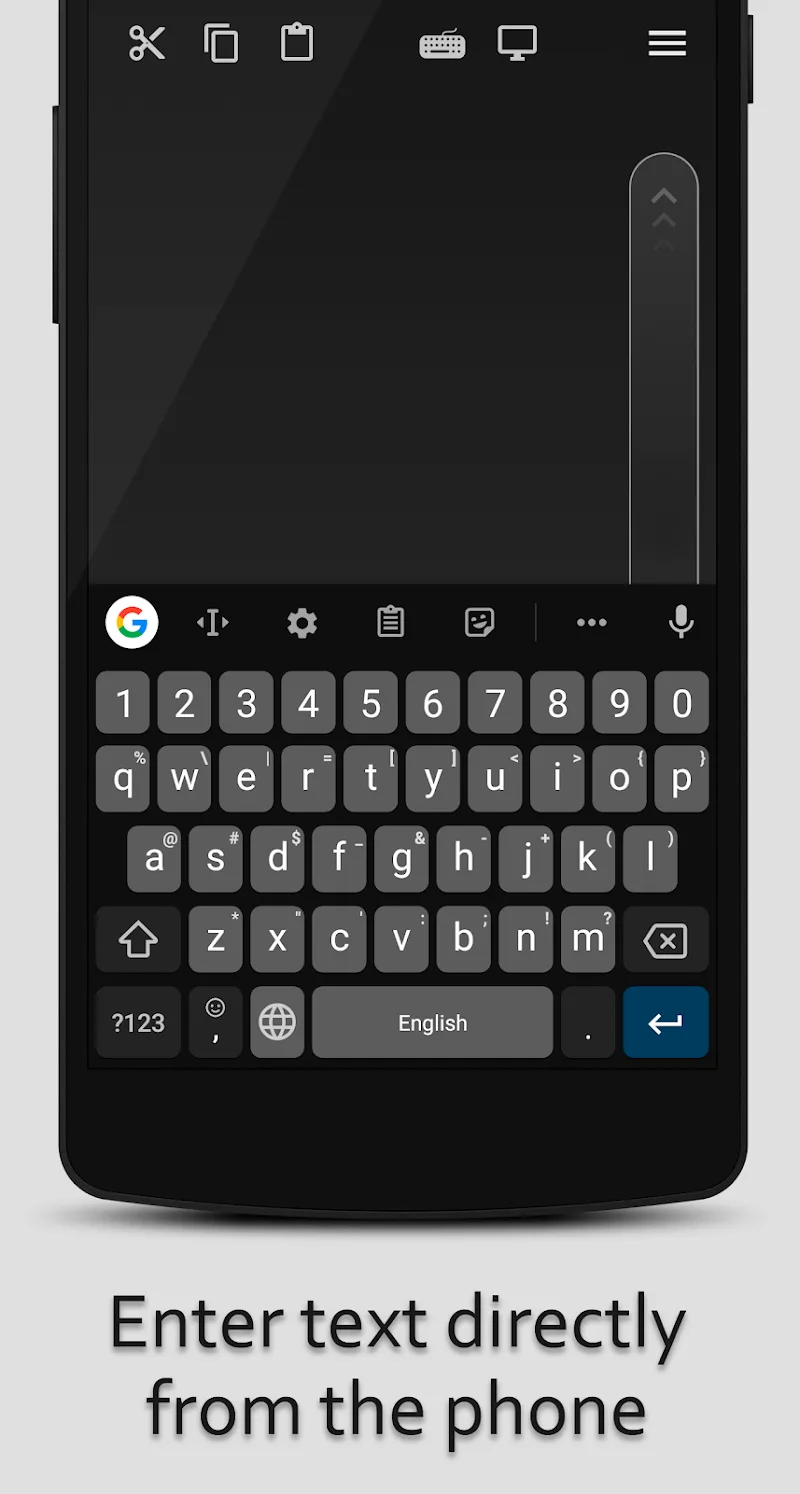
At its core, Remote PC Pro gives you full wireless mouse and keyboard control of your computer. Use your touchscreen as a trackpad to navigate precisely. Type on a virtual keyboard to input text. Access all OS and application functions as if sitting at your desktop. Widgets can even display your computer screen for monitoring. Complete remote control reduces physical interaction needs.
SPECIALIZED REMOTE PANELS FOR VARYING USES
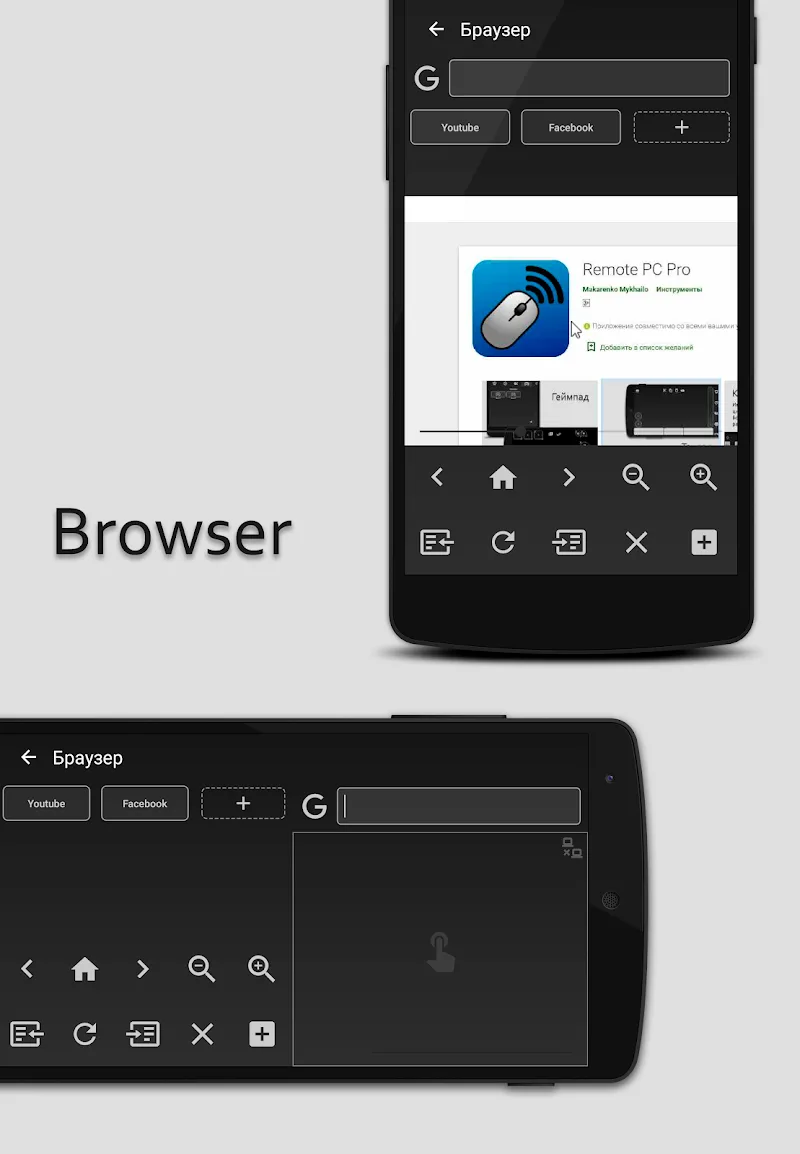
A key highlight is remote panels tailored for specific computing activities. Control media playback through a dedicated remote. Manage browser tabs and search engines from your device. Use presentation tools like simulated laser pointers. Build a custom gaming keypad. With panels optimized for individual use cases, Remote PC Pro becomes an indispensable computer companion.
FLEXIBLE CONNECTIVITY VIA WIFI OR BLUETOOTH
Remote PC Pro connects to your devices through either WiFi or Bluetooth for flexible control options. WiFi allows roaming further from your computer while maintaining a connection. Bluetooth enables control even without an internet connection. Switch connection modes to suit your current situation and distance from your desktop or laptop.
ADVANCED FUNCTIONS LIKE TASK MANAGER AND POWER CONTROLS
Tying the remote tools together are additional capabilities for complete computer management. Monitor and force quit processes with the task manager. Shut down, restart or sleep your computer remotely. Every basic function you can perform at your desk is accessible through Remote PC Pro for comprehensive control.
With robust wireless control, specialized remote panels, flexible connectivity and advanced management tools, Remote PC Pro makes your Android device the ultimate computer companion. Control your desktop seamlessly from anywhere.








Comments (0)
No comments yet. Be the first!