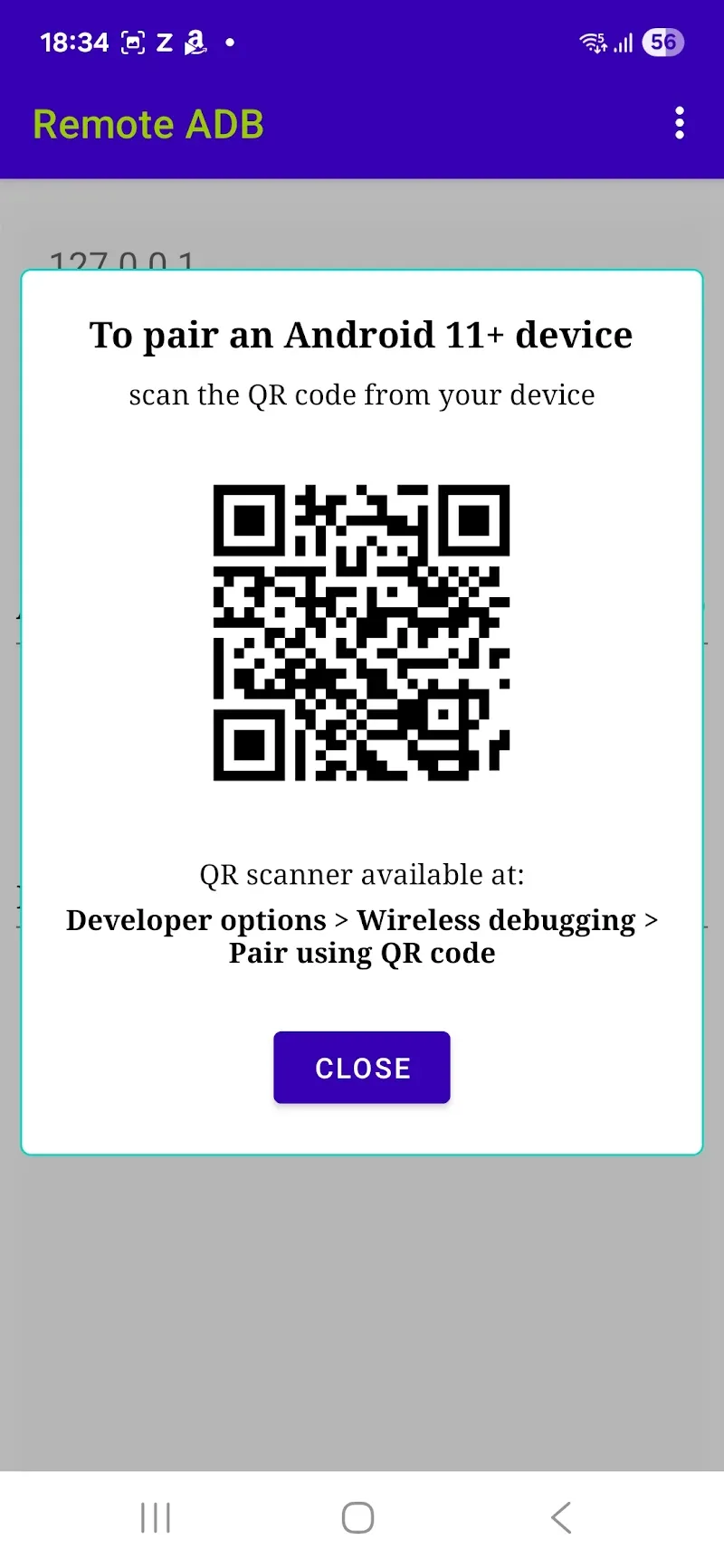
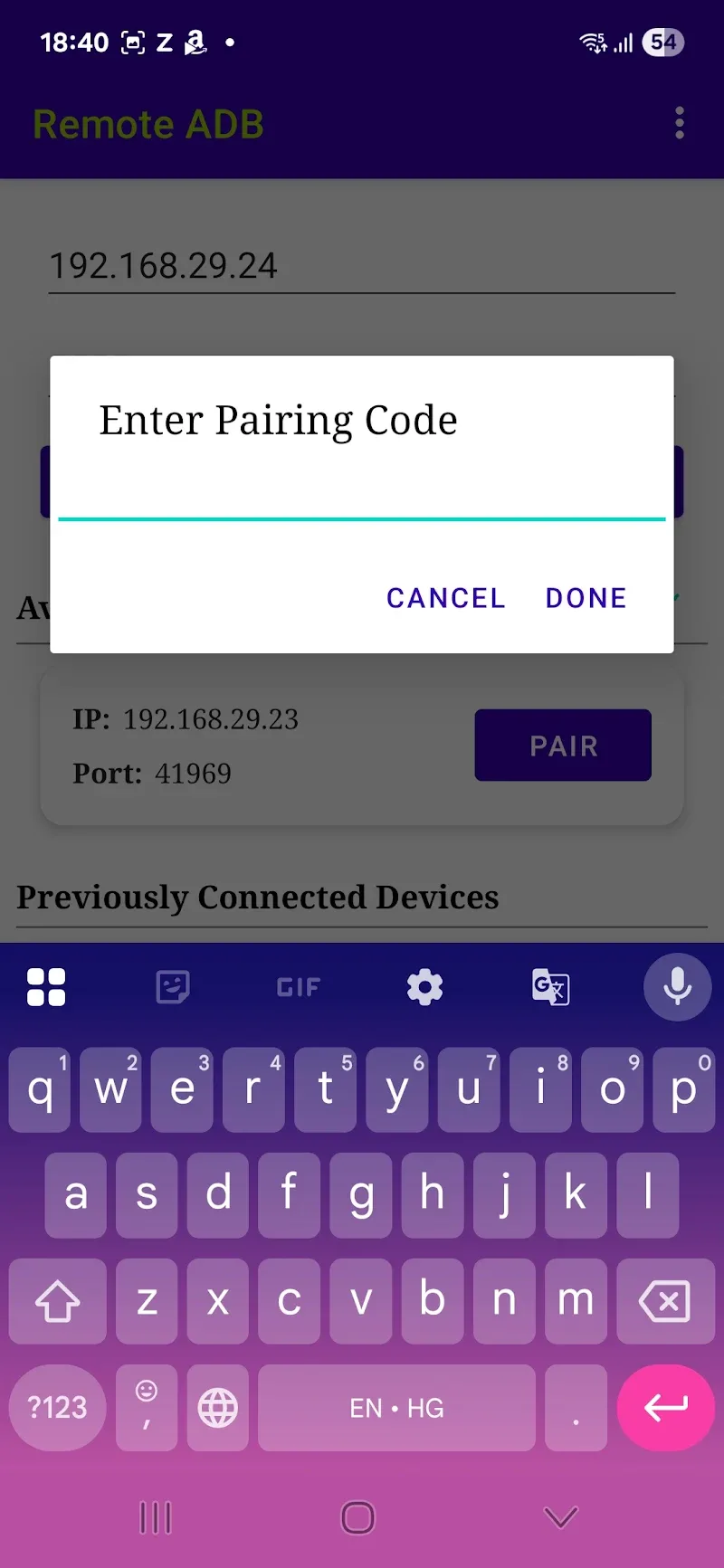
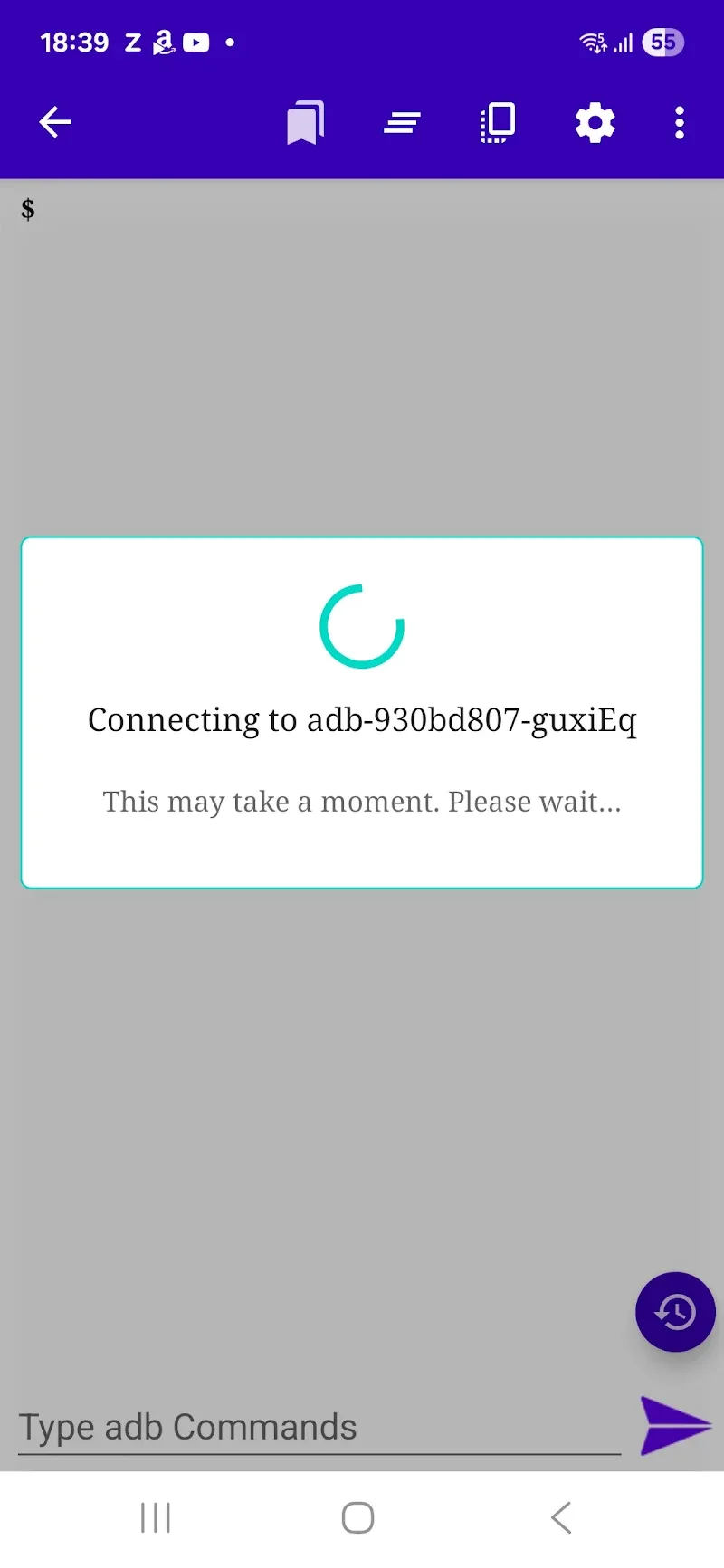
Nowadays, device debugging via wireless connection brings superior convenience to technicians. Therefore, users can quickly use Remote ADB Over WiFi to check all the parameters they need for their work. Executing remote command operations without complicated cable plugging helps users optimize their workflow efficiently. When installing the remote ADB application, you will easily manage and control other Android devices flexibly. Simple control operations also increase your work performance. Thanks to high compatibility from old to new operating systems, customers are completely proactive in system debugging.
WIRELESS CONNECTION AND SMART PAIRING
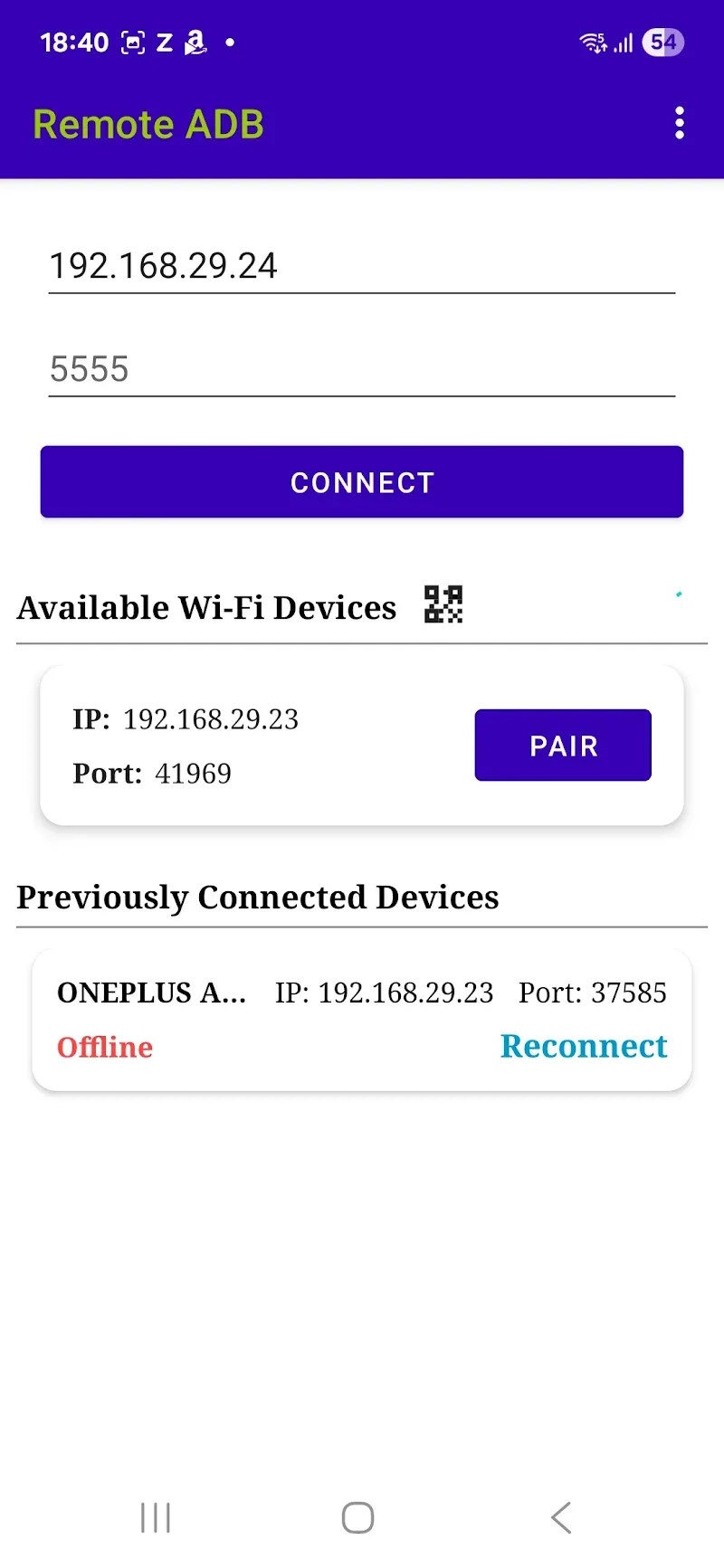
Certainly, your work performance will be significantly improved through the utilities that this application brings via reliable connections. A flexible working environment is quickly set up over an internal Wi-Fi network without requiring cumbersome steps. Customers easily link devices together using a secure confirmation code on Android 12 interfaces and above. In addition, the auto-detection feature helps you save maximum initial setup time.
- Wi-Fi connection: Wireless debugging
- Pairing code: Secure authentication
- Multi-OS: Superior compatibility
DIRECT SHELL COMMAND CONTROL AND SYSTEM OPTIMIZATION
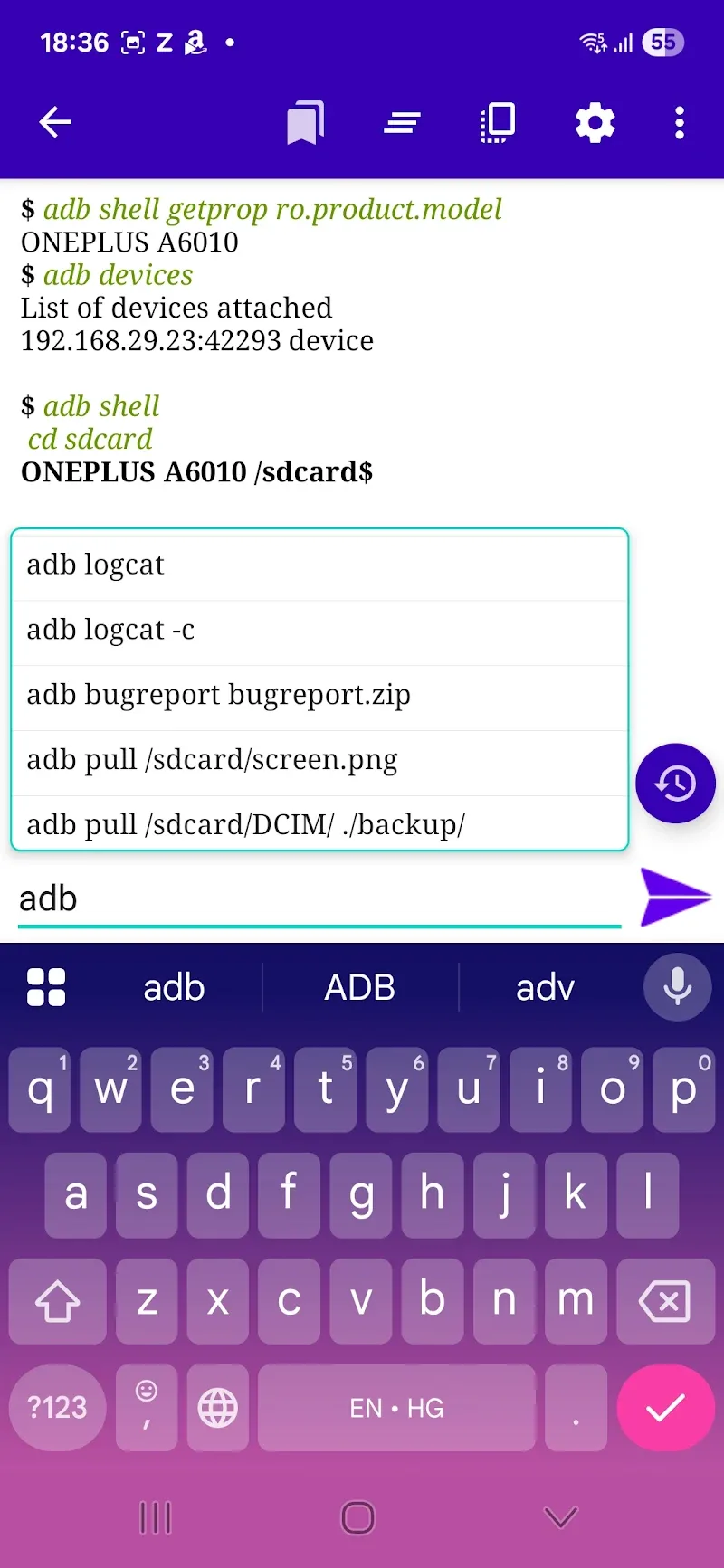
The complex system of your smartphone can now be explored to maximize the benefits it can bring. Deep system intervention capabilities are executed directly on your mobile phone smoothly. Users can run complex shell commands without the support of a personal computer. Furthermore, operating procedures do not require root access, ensuring data security for customers.
- Shell command: Run directly
- No root required: Data security
- Remote management: Smooth operation










Comments (0)
No comments yet. Be the first!