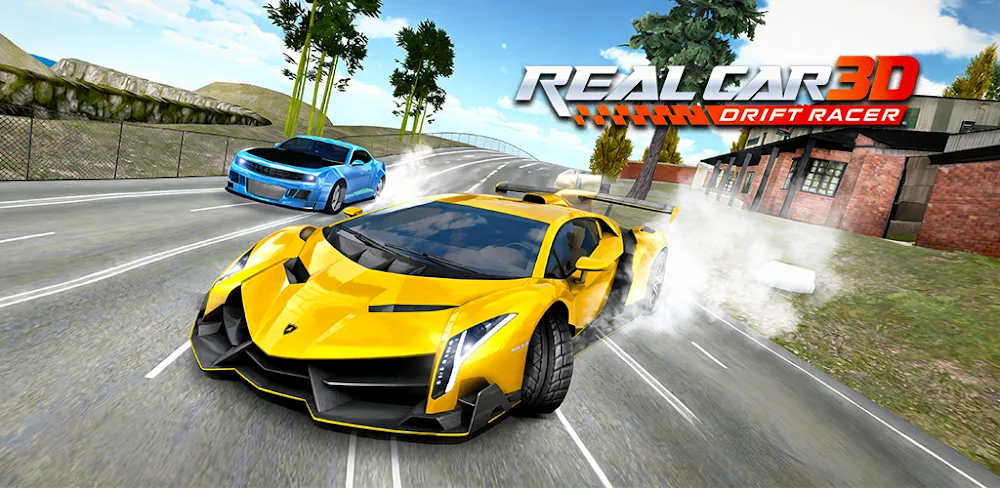

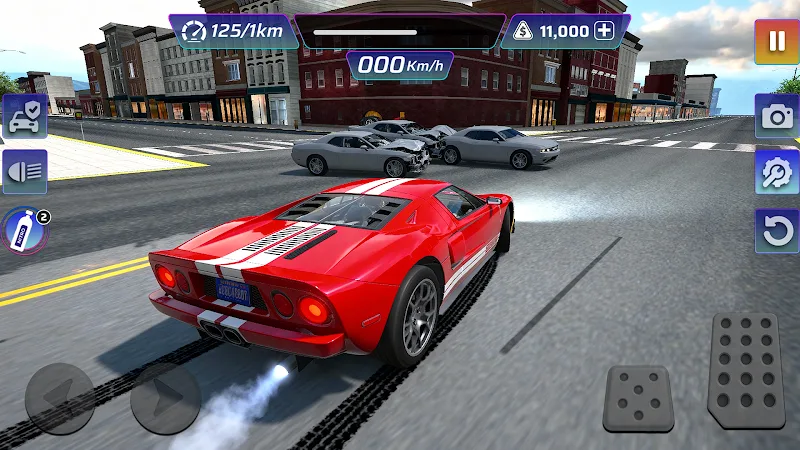
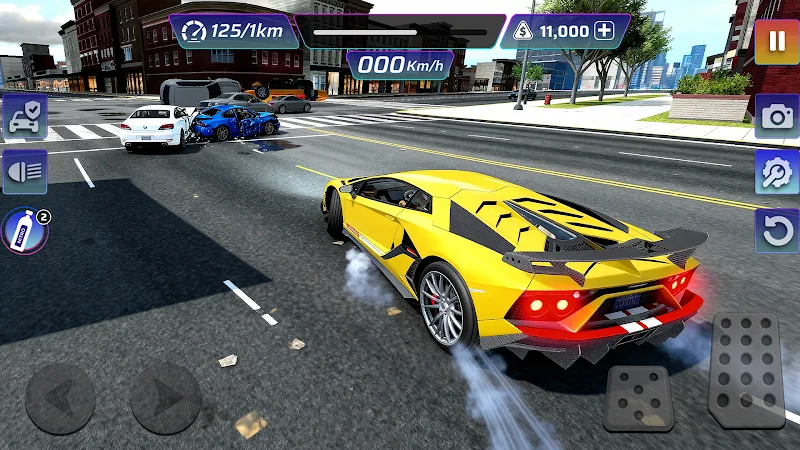
Real Car: Drift Racer 3D is an Android driving game built around drifting, trying different cars, and taking them through city streets and open roads. Its combination of vehicle upgrades, customization, and offline play gives you several reasons to return to the driver’s seat. The main attraction is straightforward: choose a car, get familiar with its handling, and work on keeping your slides under control.
Get Comfortable Before Chasing the Next Drift
Different cars have their own handling characteristics, which makes changing vehicles a meaningful part of the driving. A familiar stretch of road gives you a useful place to compare them. Spend a little time learning how each one responds before pushing harder through corners.
Drifting gives those repeat drives a focus. You can make a cleaner corner your own small goal, then try to carry that control into the next bend. That approach suits a game whose appeal rests on driving practice: a run doesn’t need to be long to give you something specific to improve.
The developer describes the physics as realistic and emphasizes accessible controls. For a first session, the useful focus is how a chosen car responds as you drive and drift. Getting comfortable with one vehicle gives you a reference point when you try another, making differences in handling easier to notice.
See the Road From Inside and Behind the Car
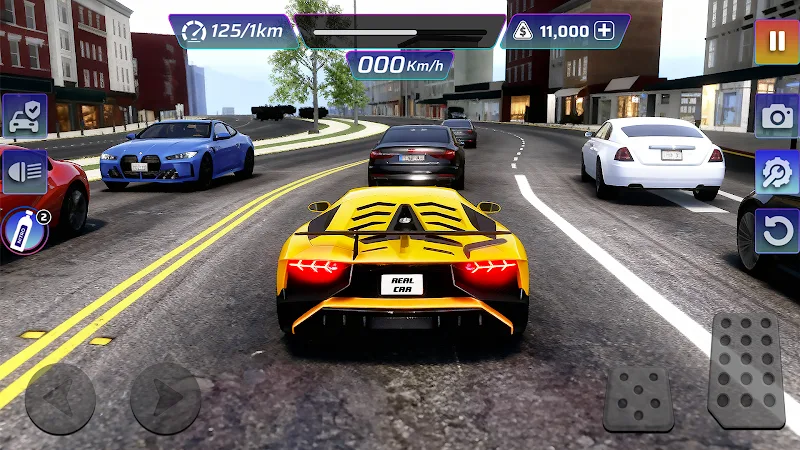
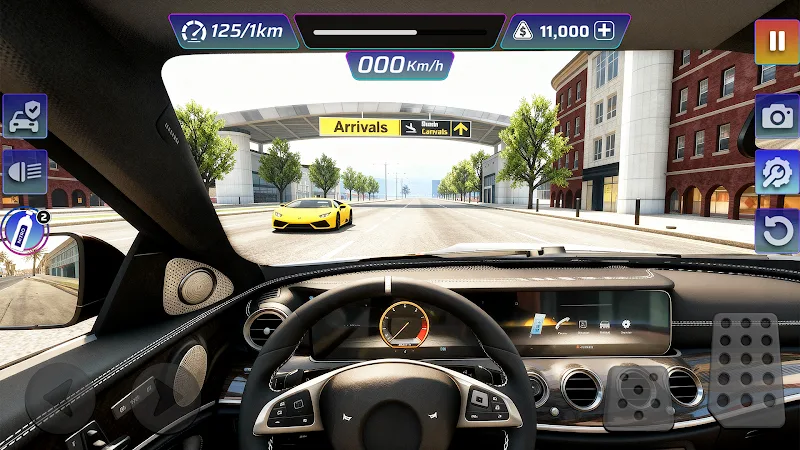
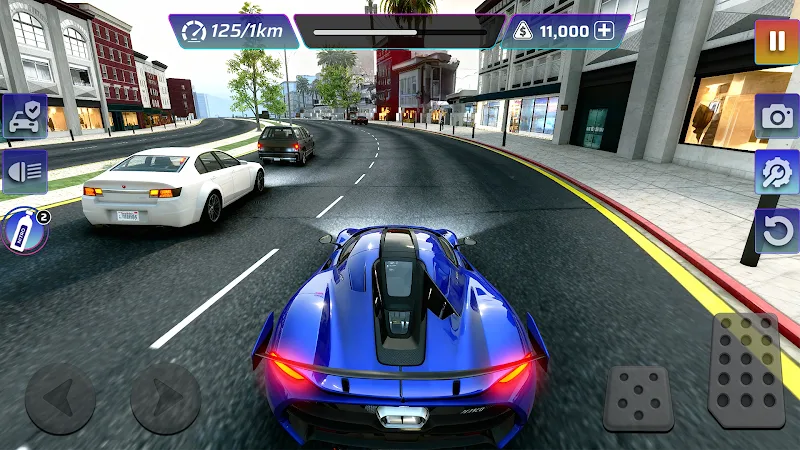
The game’s imagery shows both a cockpit perspective and a camera behind the vehicle. Inside the car, the steering wheel, dashboard, mirrors, and windshield frame the street ahead. From behind, you get a clearer view of the whole vehicle and its position within the lane. Those perspectives give the driving a different visual emphasis.
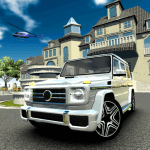
The city scenes include broad roads, marked lanes, roadside buildings, trees, and other vehicles. One view looks down a street toward an arrivals sign; another follows a sports car around a bend with traffic ahead. These details put the driving in an everyday road setting, with scenery beyond the asphalt.
On-screen steering arrows sit on the left, while large pedal controls occupy the lower right. A speed readout appears near the top. It’s a recognizable mobile driving layout, keeping the main inputs around the edges of the road view.
Keep a Car to Work On
Upgrades and customization add another reason to spend time with the available vehicles. Alongside learning a car’s behavior, you can develop and personalize it. If you enjoy returning to a favorite vehicle, that combination may matter as much as trying something new.
Offline play is a practical advantage when a connection isn’t available. The Android game also contains advertising, which is worth factoring into your choice if you prefer uninterrupted driving. For a short session, a useful starting point is simply to choose one car and concentrate on a few corners before switching vehicles again.







Comments (0)
No comments yet. Be the first!