
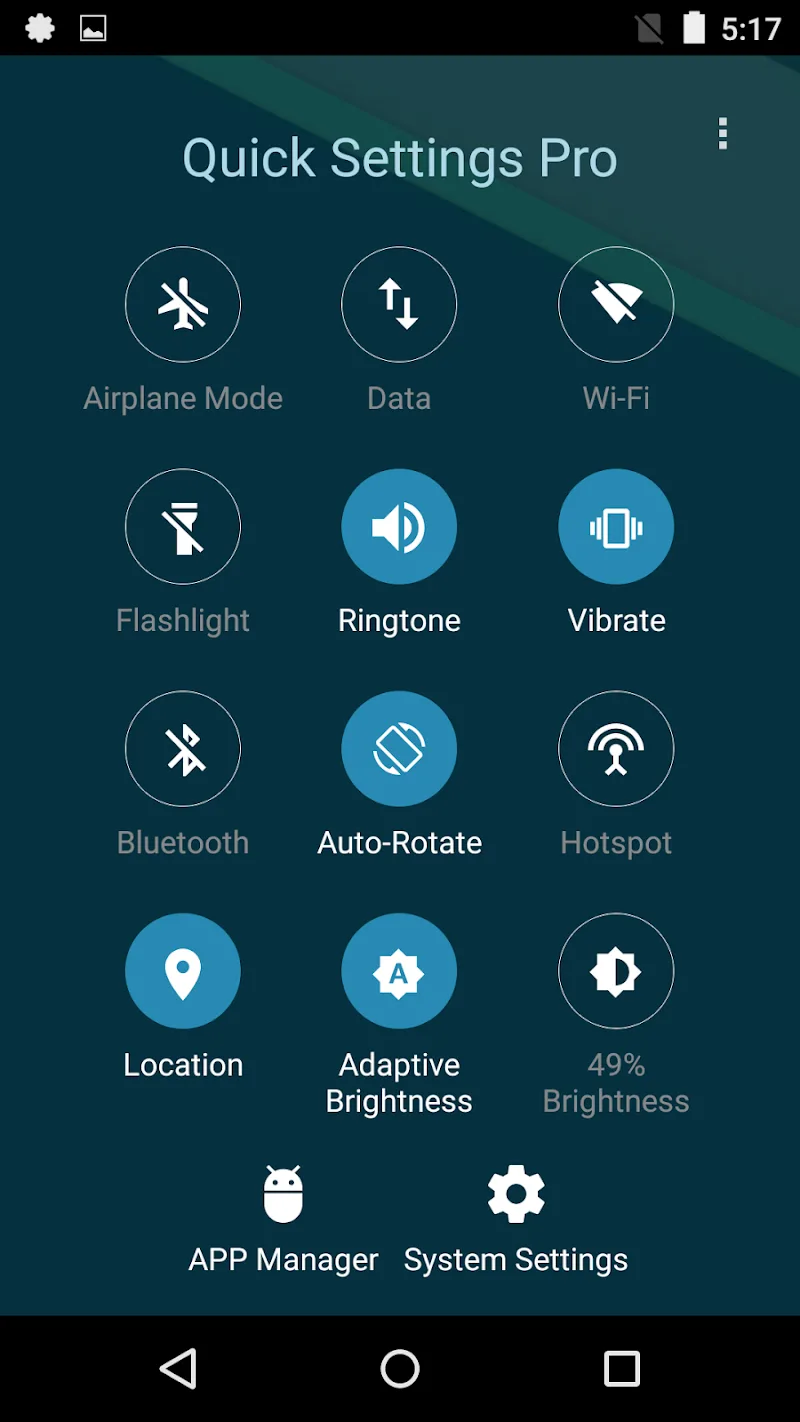
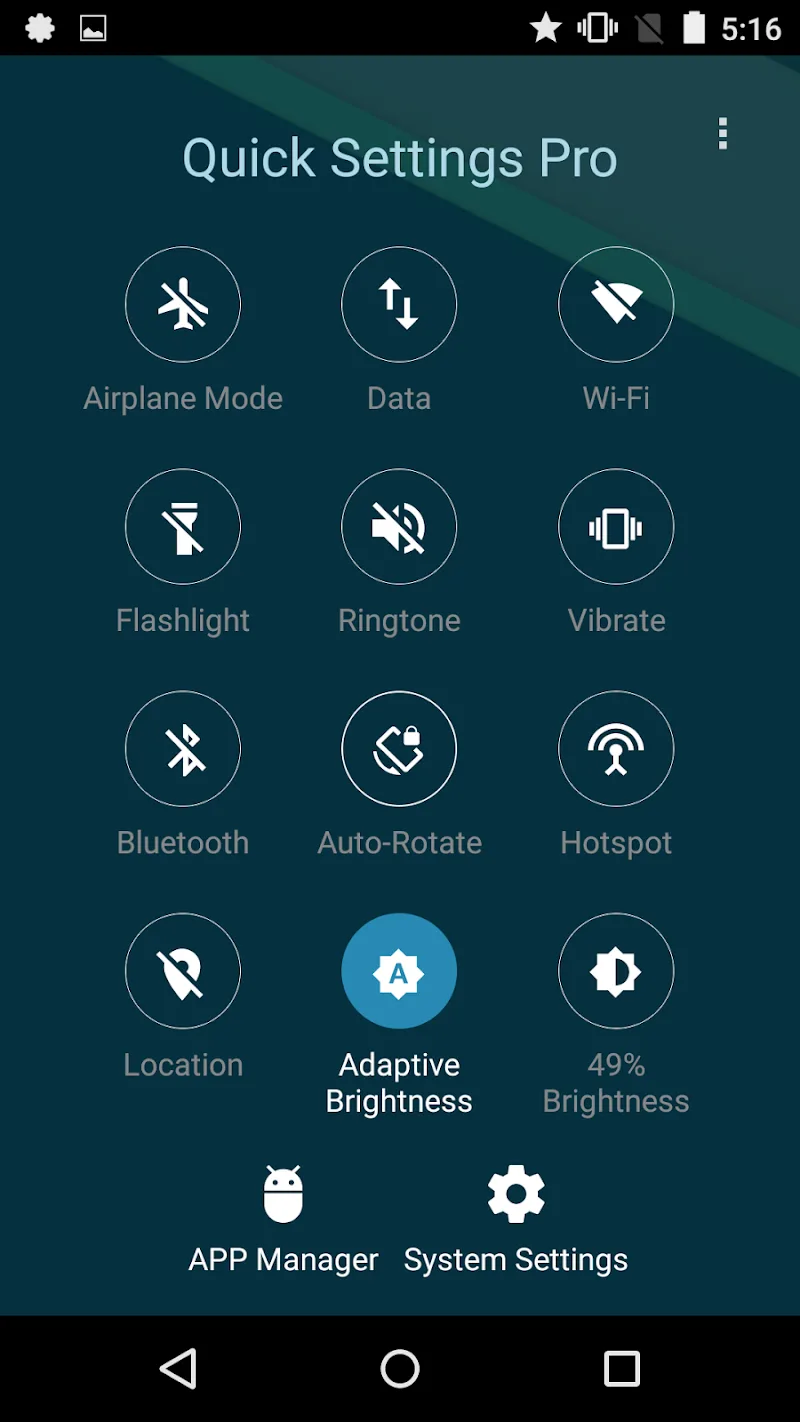
Do you want to enhance your device management experience? Or do you simply want basic operations to be performed quickly for quick convenience every time you use it? Super Quick Settings Pro – as its name suggests, will help you fulfill those wishes!
QUICK ACCESS TO COMMON ANDROID SETTINGS
This is an indispensable application for those who want to fully control their Android settings easily and quickly. From saving time navigating through extremely quick operations to prioritizing customization according to the user’s frequency of use, the application perfectly meets all these needs.
- Time-saving navigation: The application’s time-saving navigation feature will help users eliminate the need to learn many menus. You can quickly adjust settings without wasting time searching the device’s system options. This efficient design significantly improves your overall user experience.
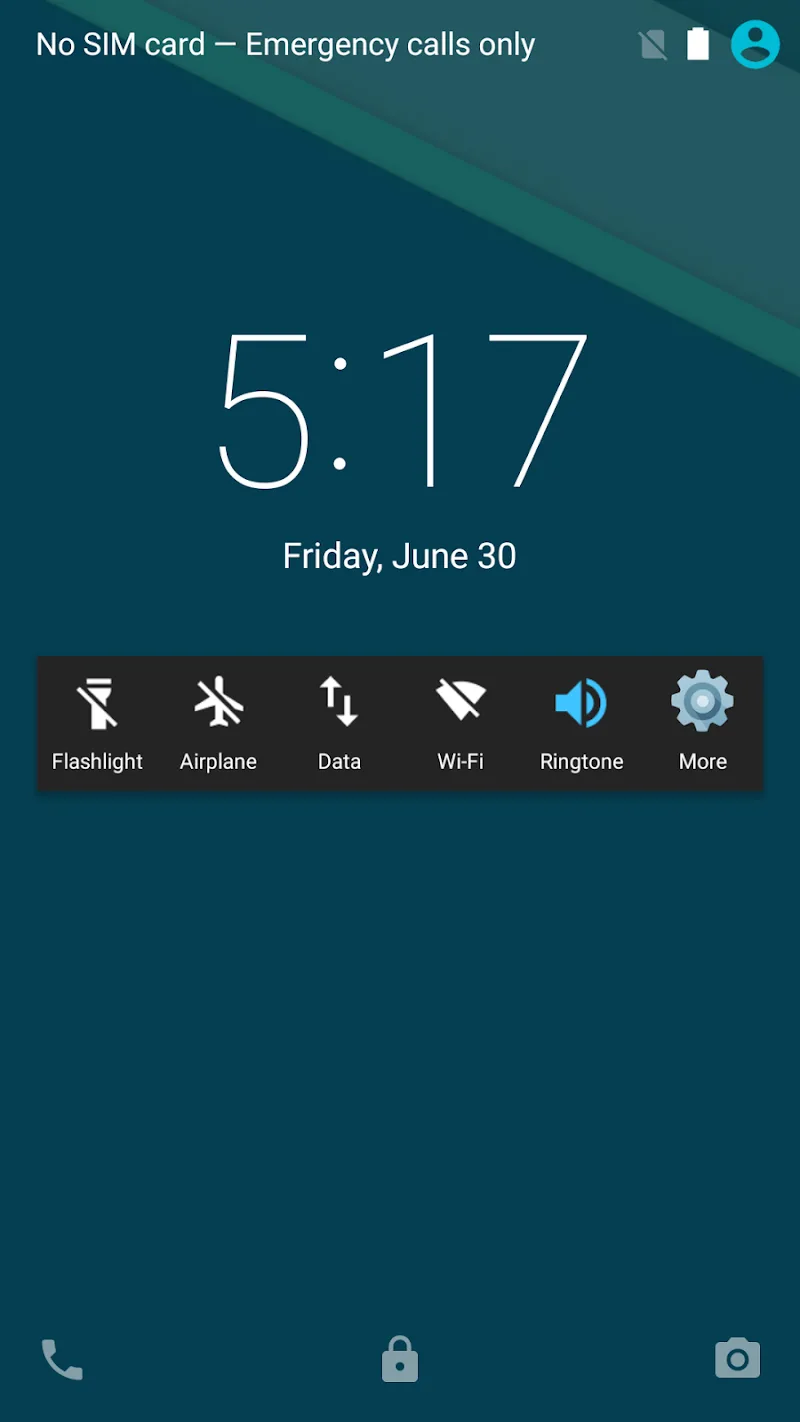
- One-tap efficiency: One of the standout features is one-tap efficiency. The app provides one-tap toggles for frequently used settings, allowing you to make instant changes with minimal effort.
- Customizable priority: Customization is at the heart of Quick Settings Access. The app features a customizable control panel to prioritize your most used settings. You can arrange the panel according to your preferences, ensuring your most important controls are always within reach.
CONTROL PANEL
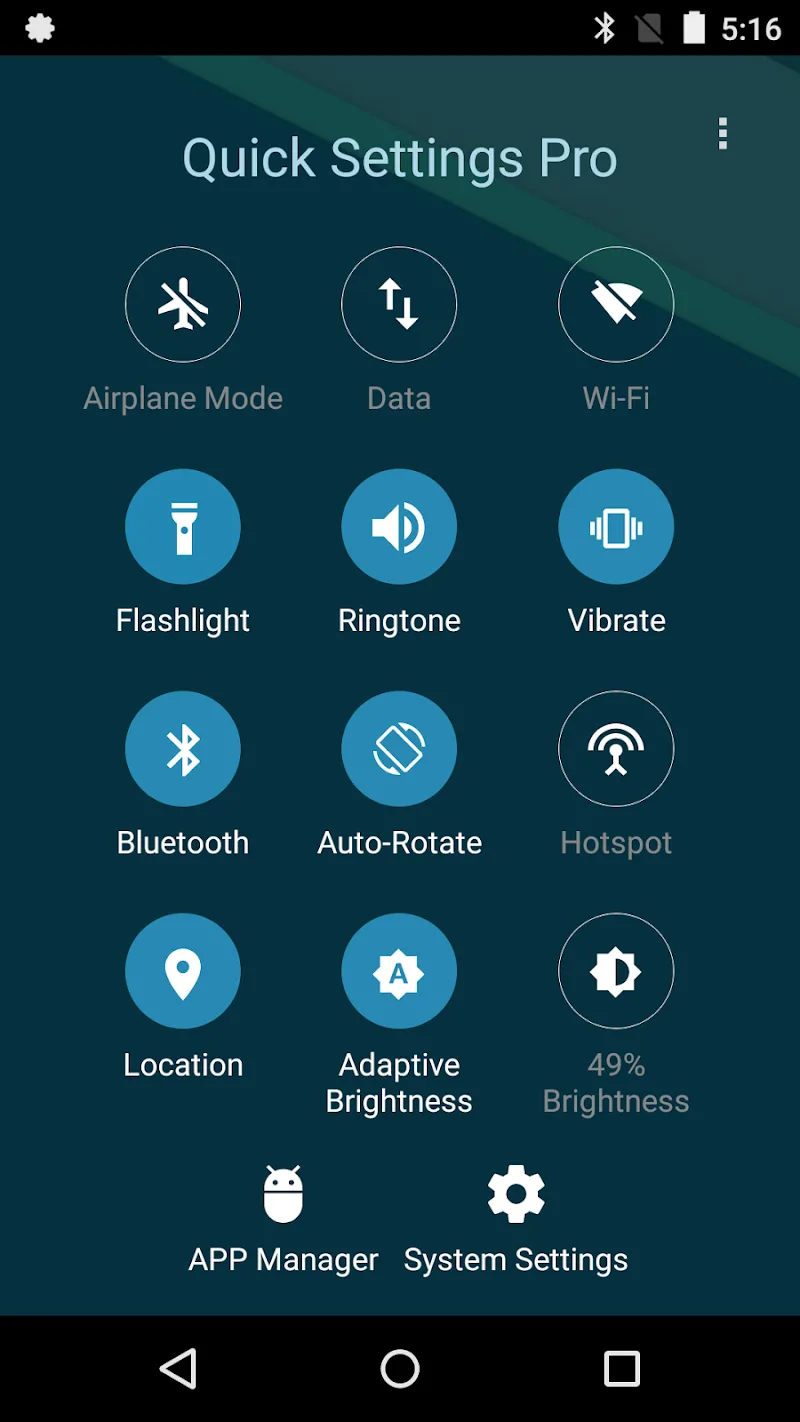
The app provides users with a comprehensive control panel with multiple toggles, allowing users to optimize their adjustment experience. In addition, grouped settings will further enhance your efficiency.
- All-in-one convenience: This utility allows you to access and adjust a variety of device settings from a single location, reducing the need to switch between different apps or menus. That’s interesting, right?
- Grouped settings efficiency: The grouped settings feature further enhances efficiency. Related settings are grouped together logically, making finding and adjusting related options easy. This thoughtful organization saves time and reduces confusion.
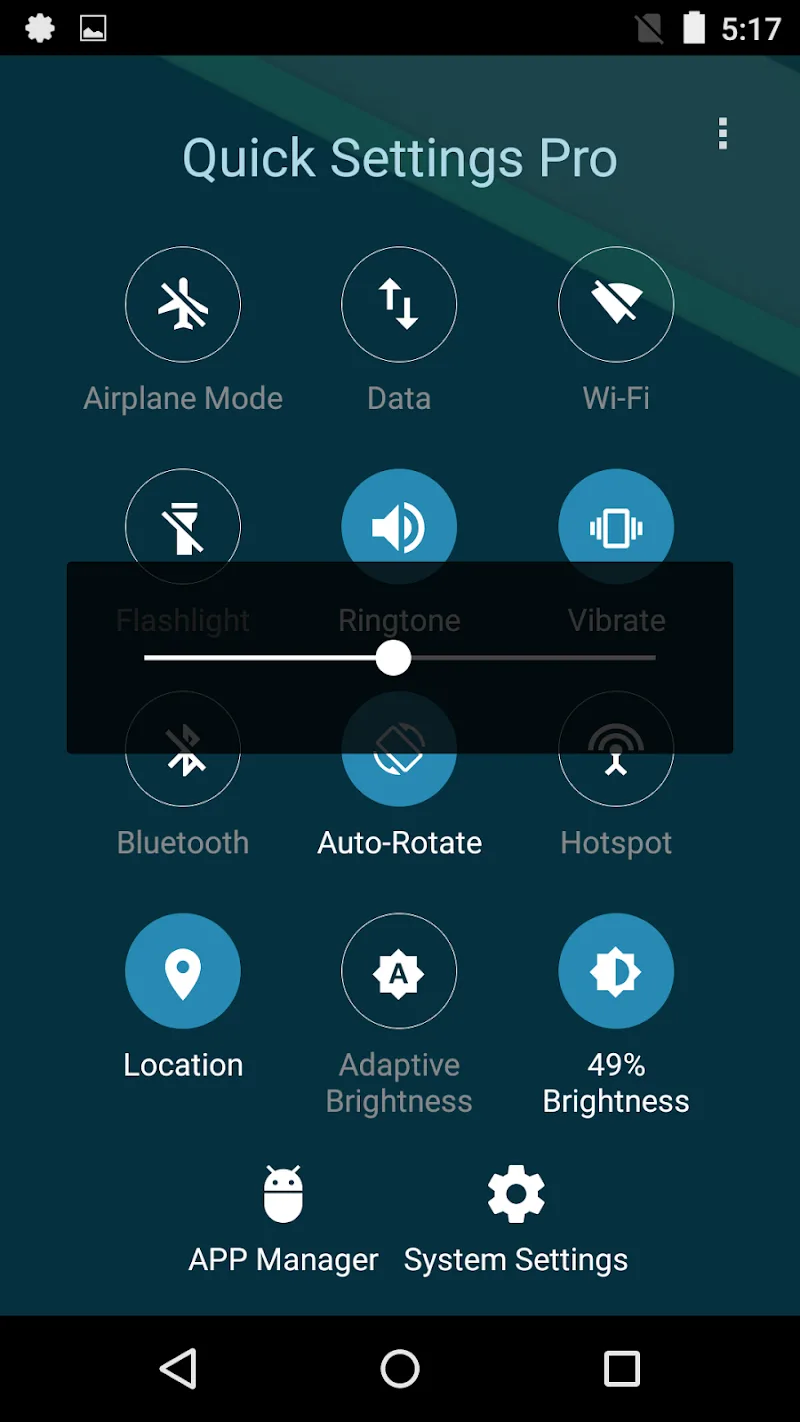
- Fine-tuning without switching: Perhaps most importantly, Quick Settings Access allows you to fine-tune device settings without leaving the dashboard. You can make precise adjustments to your device configuration within the app, providing a seamless and uninterrupted user experience.










Comments (0)
No comments yet. Be the first!