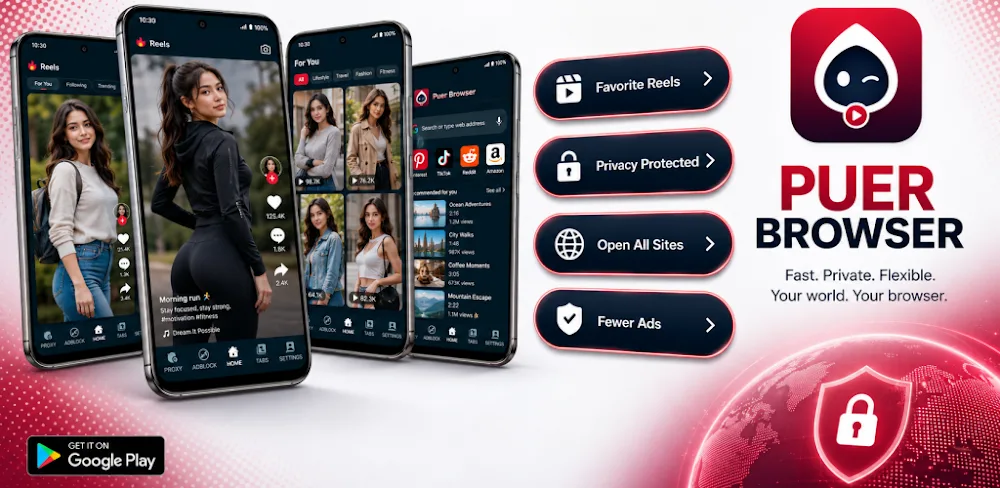

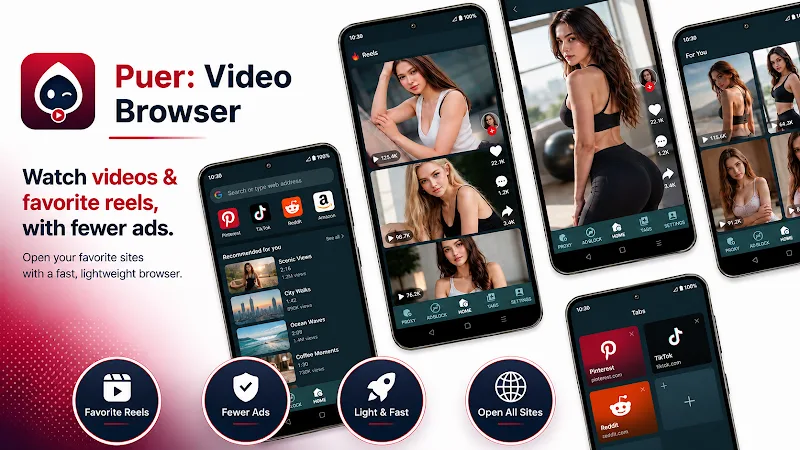
Puer is an Android web browser from FoxyAppsCY with a focus on video sites, reels, and everyday browsing. It brings together a dark interface, website shortcuts, multiple tabs, and optional proxy access. You choose the websites and videos yourself: Puer doesn’t host a film library or supply its own entertainment catalog.
Keep Video Sites and Other Pages Together
Home-screen shortcuts give you quick access to popular services, while tabs let you keep several pages open. You could leave a video page available while checking another website, then switch back without entering its address again. The browser also keeps local tab and session information for restoring your browsing state.
File downloads come with completion notifications, so you don’t have to keep checking the page to see whether a transfer has finished. This is a general web-download feature; it shouldn’t be taken as a promise that every streaming video can be saved. What you can download still depends on the website and the files it makes available.
The dark interface provides a consistent backdrop for navigation. Puer is promoted as lightweight, but its useful appeal is the combination of familiar browser functions in a video-oriented app. Actual playback still depends on the content you open and the connection available.
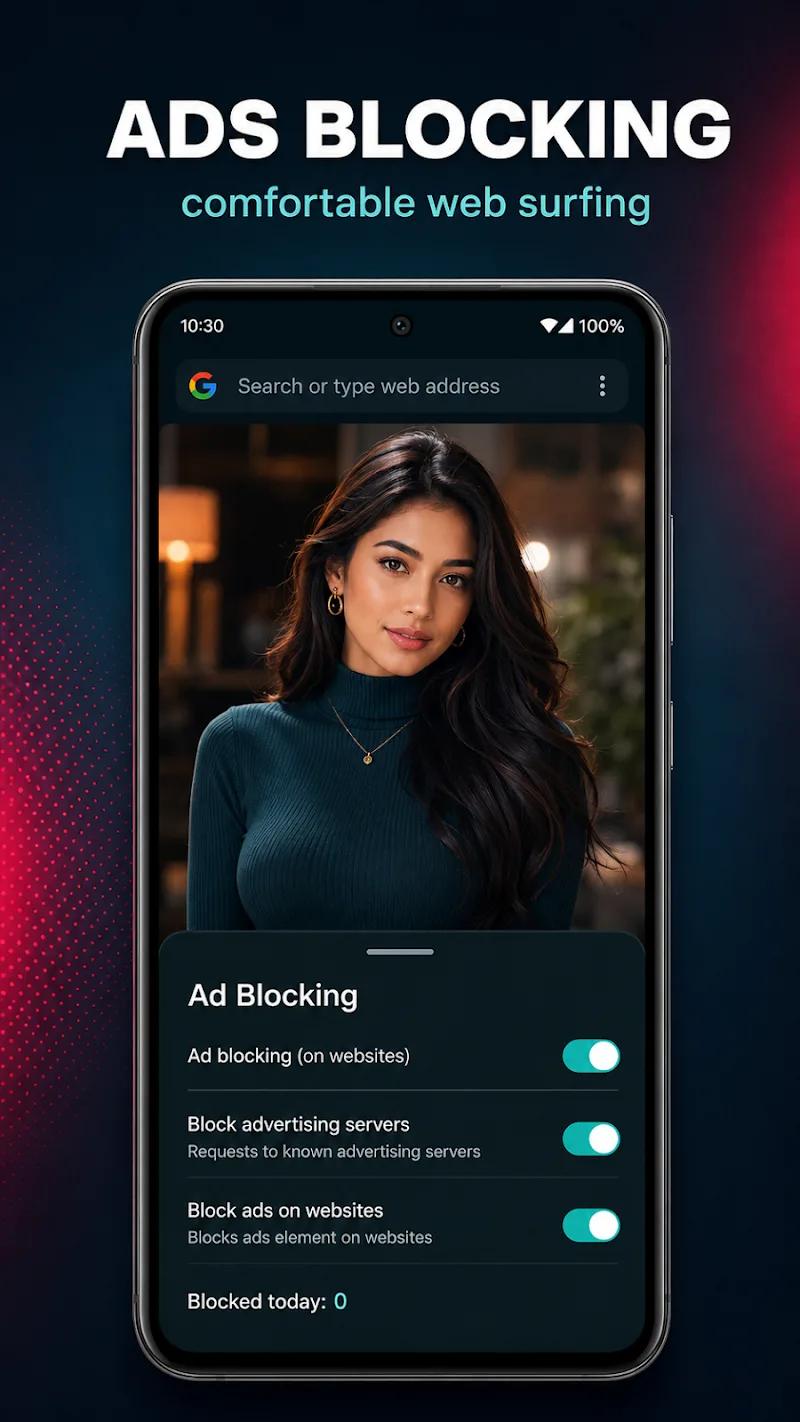
Separate Website Ad Blocking From App Ads
Puer includes an optional ad blocker intended to reduce distracting elements on web pages. That can make a busy site easier to read or navigate, but the developer describes fewer ads, which leaves room for advertisements that aren’t blocked.
The browser itself also contains advertising. Blocking ads on a website and removing the browser’s own advertisements are separate matters. The developer’s explanation distinguishes an interface banner from occasional startup advertising, so removing one type doesn’t necessarily remove the other.
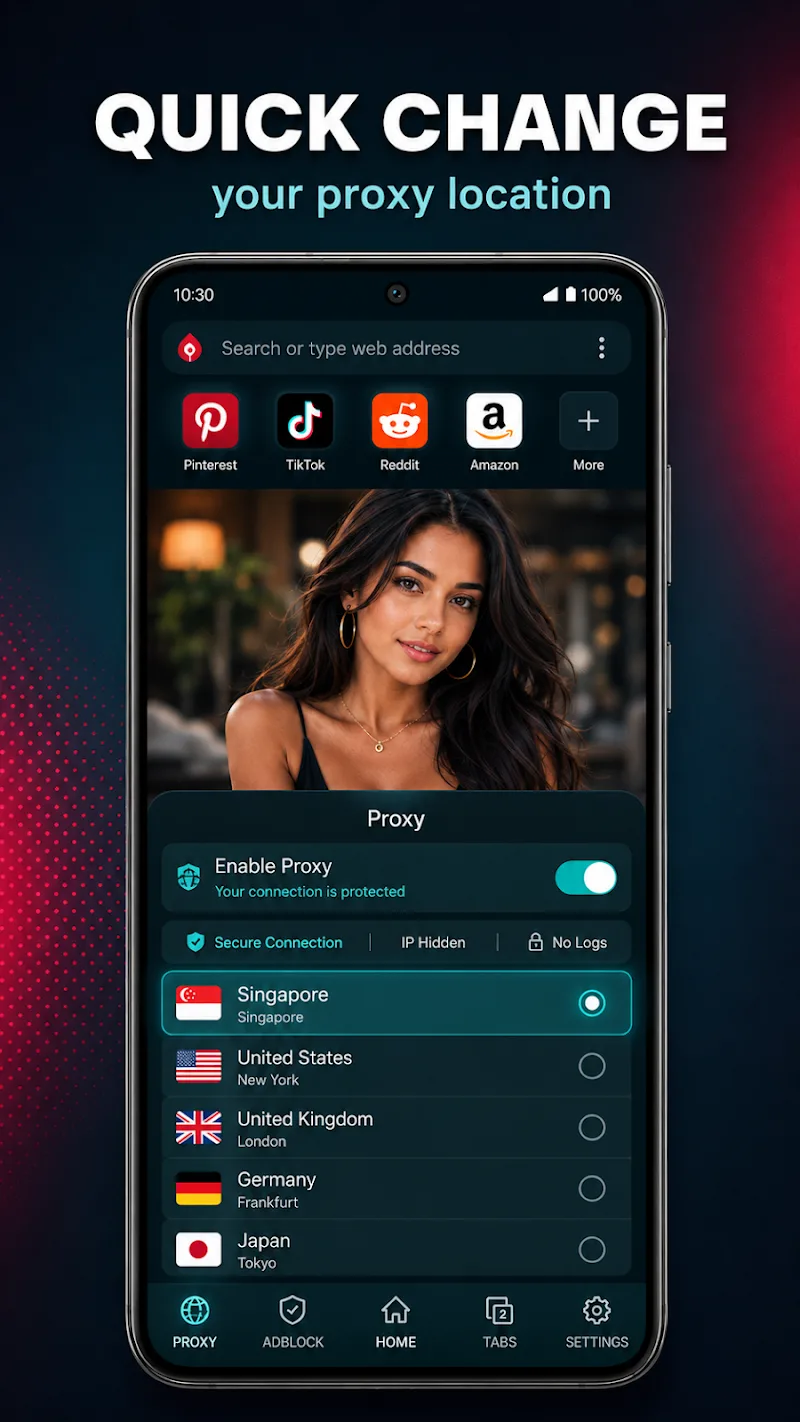
Proxy access is optional too. When enabled, it can route browser requests through remote servers without requiring a separate proxy app. The developer says this applies to traffic inside Puer, leaving other apps outside its scope. Turning it on therefore doesn’t provide a device-wide connection service.
Choose Settings With Their Effects in Mind
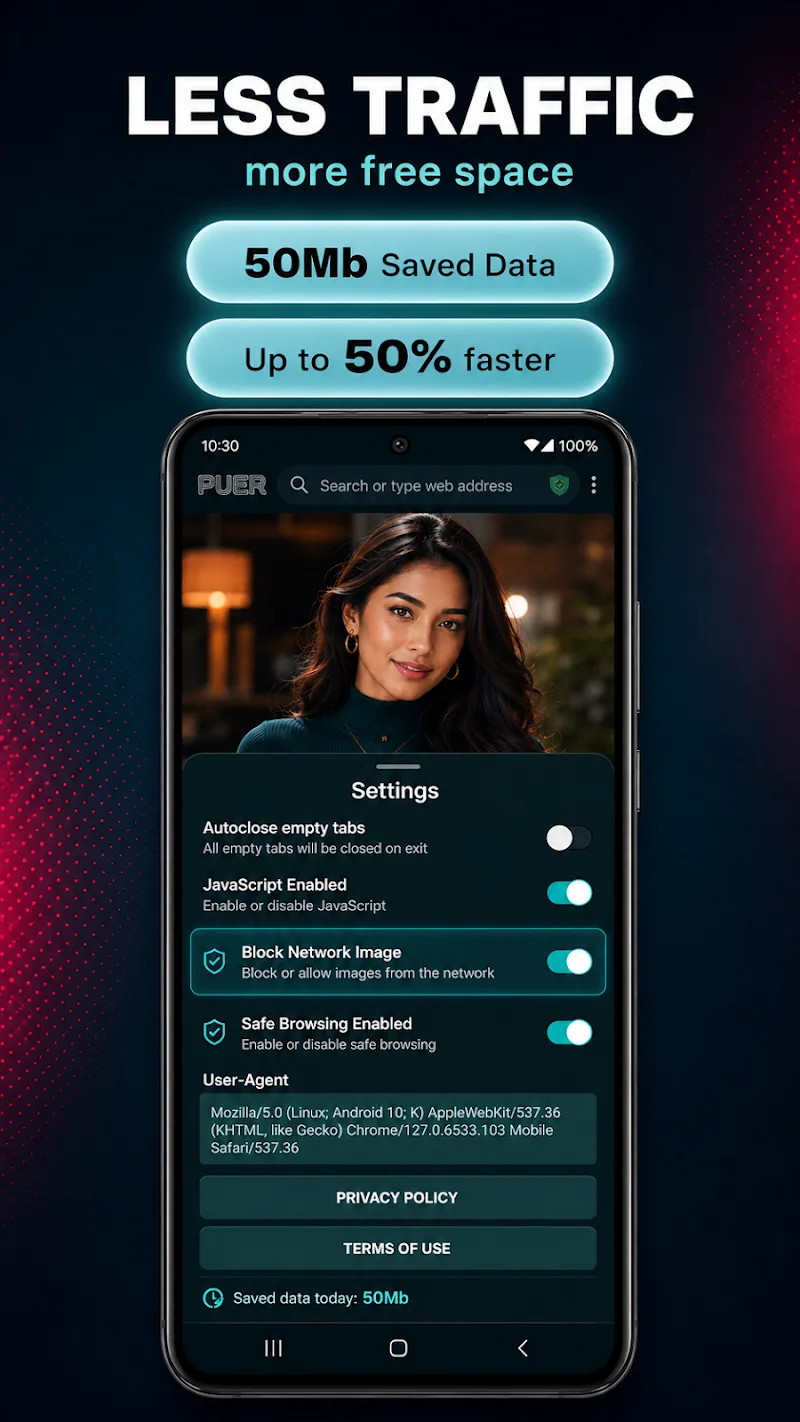
The settings include controls for JavaScript, images, safe browsing, and the user-agent information a browser presents to websites. These give you more say over page behavior. Changes can also affect how a site works, so adjust them around a specific need rather than assuming every disabled option improves the experience.
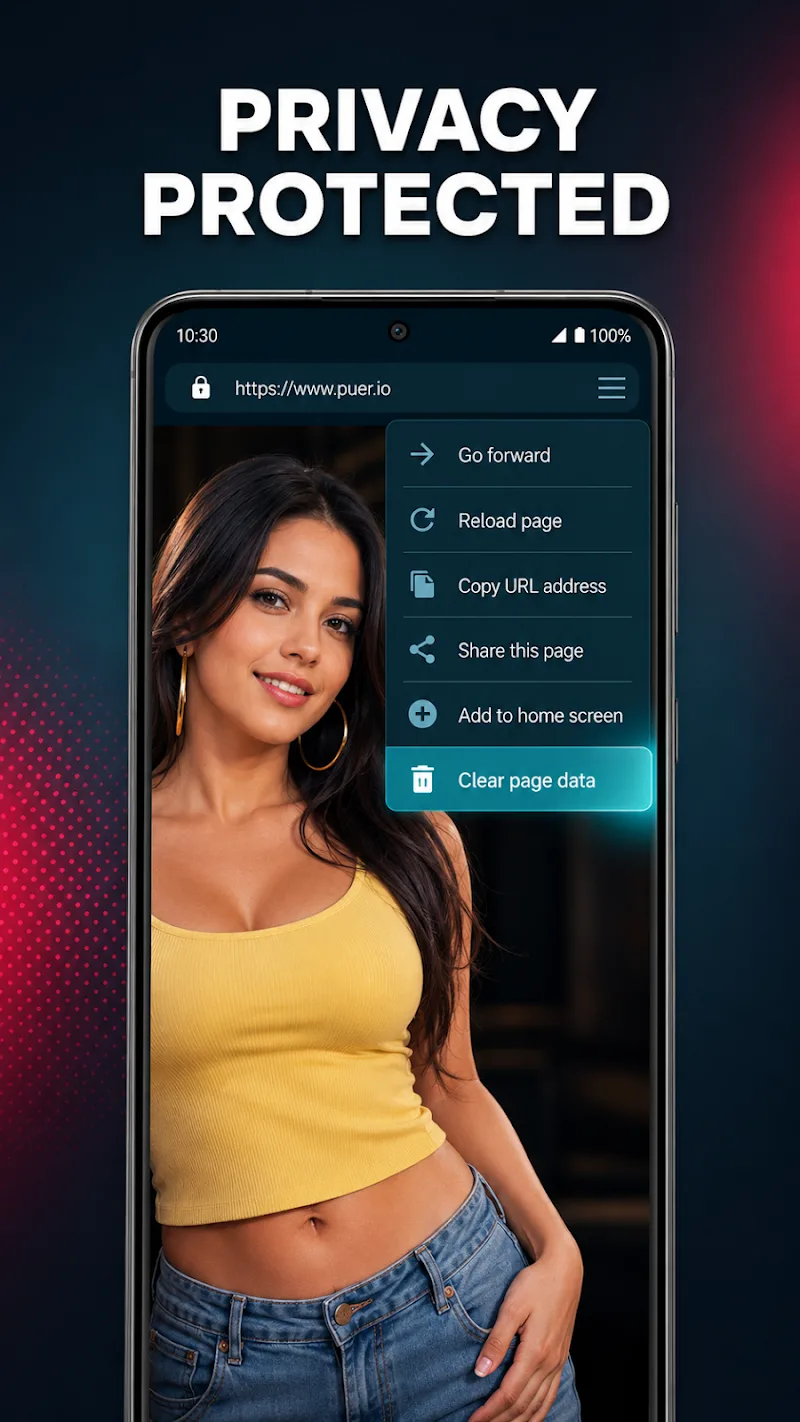
No account registration is required. However, the privacy policy describes processing device and app metadata, advertising identifiers, diagnostic information, and interactions with interface features. It says browsing page addresses aren’t included in analytics events. That distinction matters: excluding visited URLs from analytics isn’t the same as processing no usage data.
You can disable optional features such as the proxy and ad blocker within the app, and clear local app data through Android settings. For a practical first session, open a site you already use, check how its video player behaves, and enable only the additional controls you need. That makes it easier to judge whether Puer improves your usual browsing routine.










Comments (0)
No comments yet. Be the first!