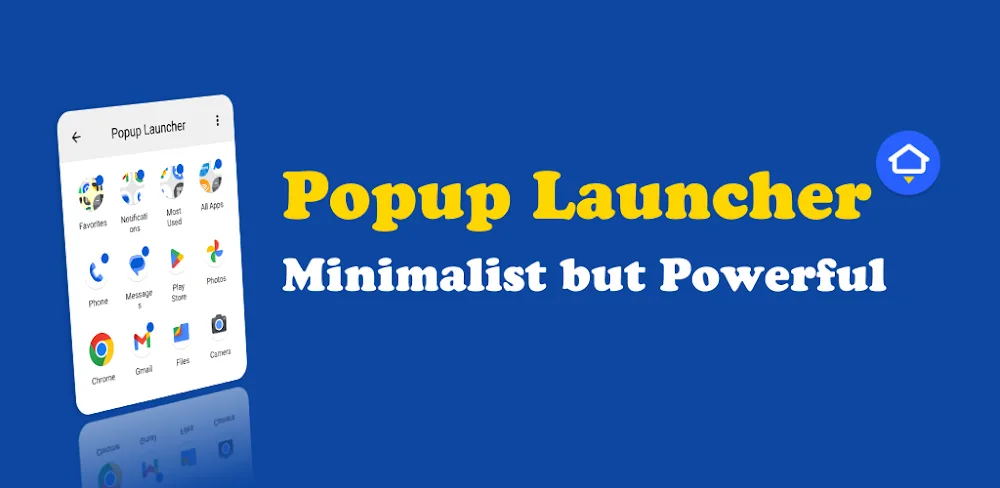

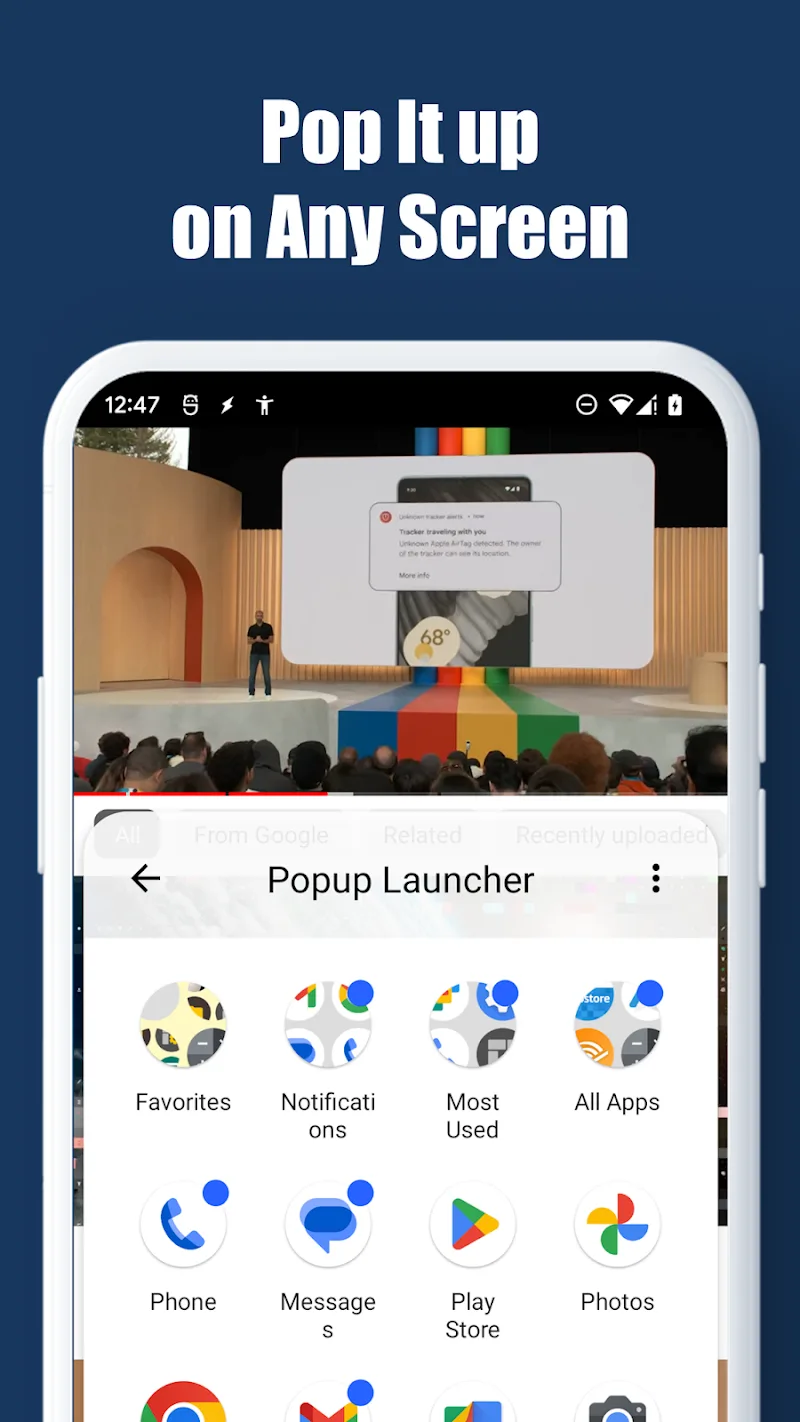
Your phone’s interface experience will become more refined and neat than ever thanks to Popup Launcher. The flexible pop-up mechanism functioning like a folder right on the current interface ensures that users are not interrupted while using something else. Thanks to this, multitasking will be visibly enhanced. The combination of adaptive icon standardization and smart folder organization will bring a beautifully unified look to the device. Organized like this, finding anything when needed becomes much easier as well. As a result, customers’ operations in searching for or managing the software system will become extremely fast and smooth.
SMART FLOATING WINDOWS AND FAST SEARCH
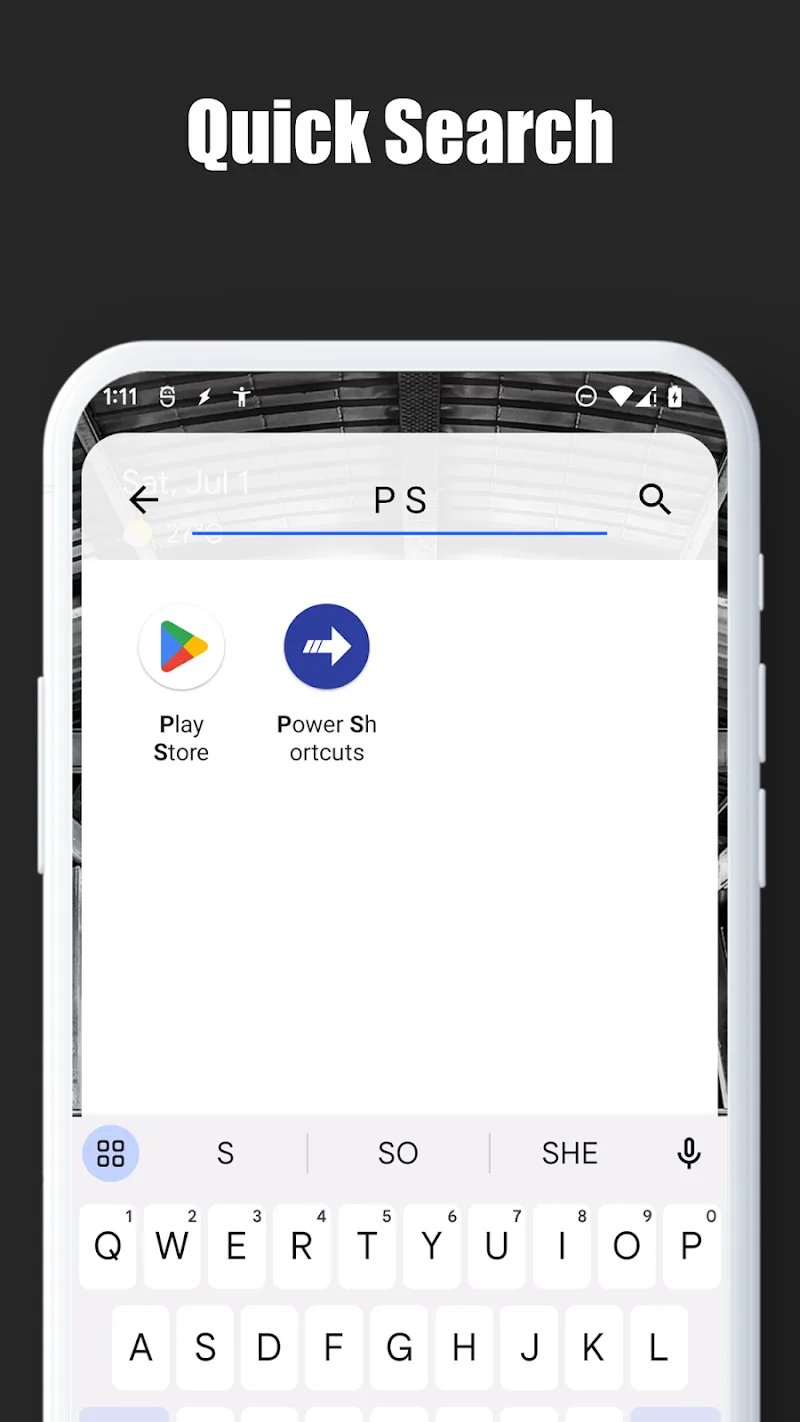
These pop-up windows will help users continue operating without affecting running applications on the screen. In addition, the first-letter typing feature helps users quickly retrieve the exact software they need in the blink of an eye. The smart English search system supports you in easily filtering applications even when device language settings are set differently. Furthermore, this optimized operating mechanism also delivers an extremely impressive response speed to customers.
- Floating overlay: Open quickly without interruption
- Search: Filter apps by typing letters
- Compatibility: Recognize English names
FOLDER MANAGEMENT AND INTERFACE CUSTOMIZATION
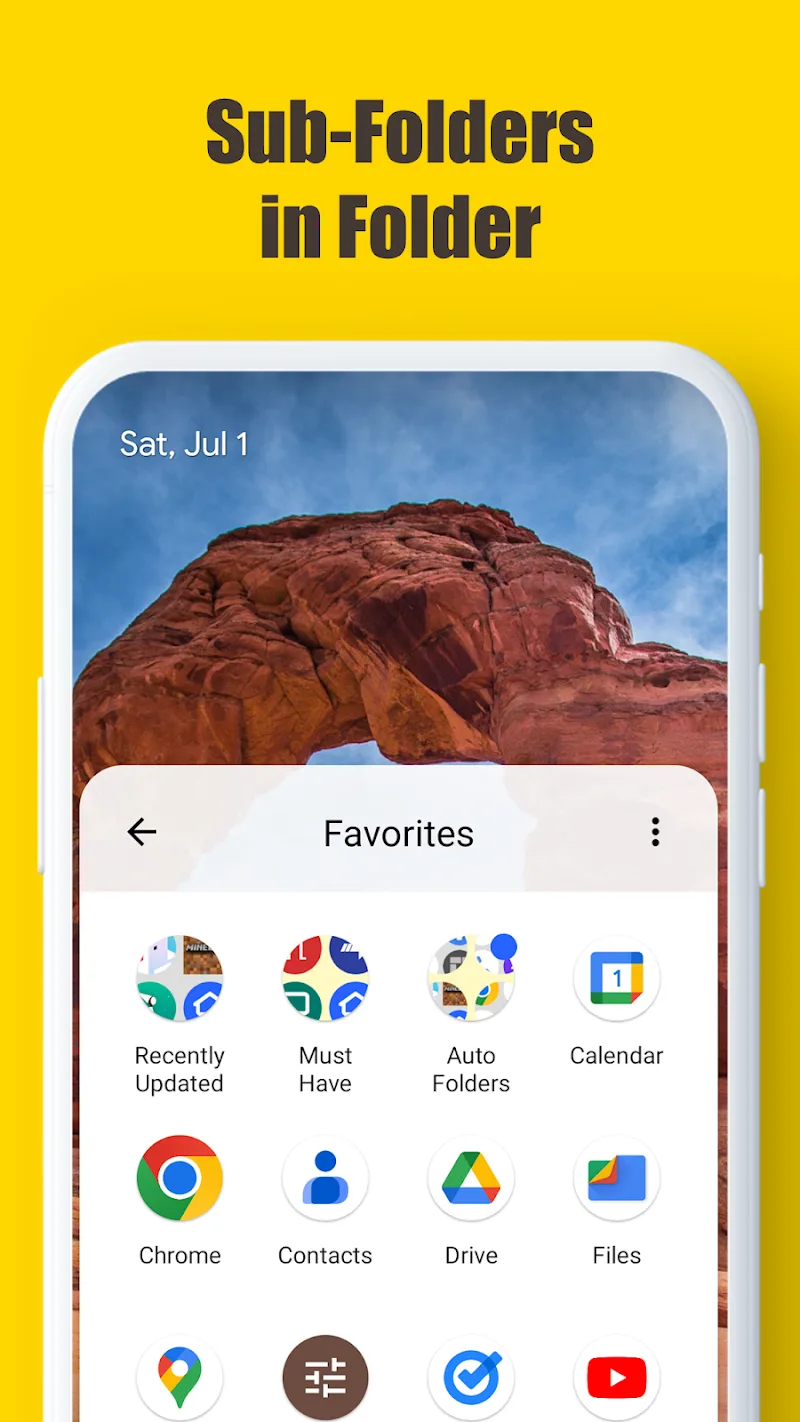
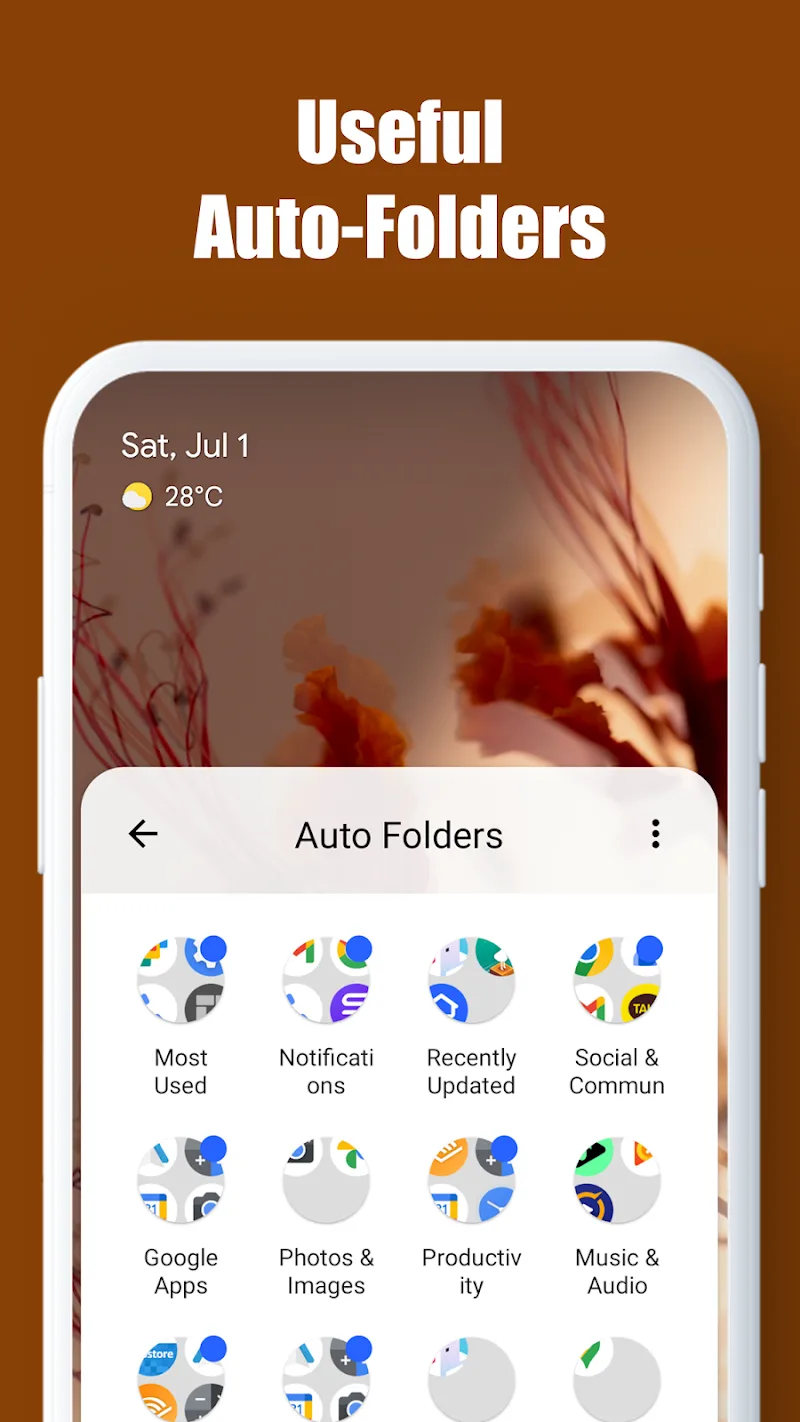
Accordingly, the multi-level subfolder creation feature will help customers organize their personal software collection in an extremely scientific manner. This scientific organization allows you to keep your device always manageable. Despite aiming for minimalism, the application still supports smart automatic folders such as frequently used apps or those with new notifications. Through this, adaptive icon standardization synced with diverse custom shapes will craft a visually appealing interface for users.
- Folders: Smart automatic classification
- Icons: Standardize beautiful interface
- Minimalist: Enjoy powerful utilities










Comments (0)
No comments yet. Be the first!