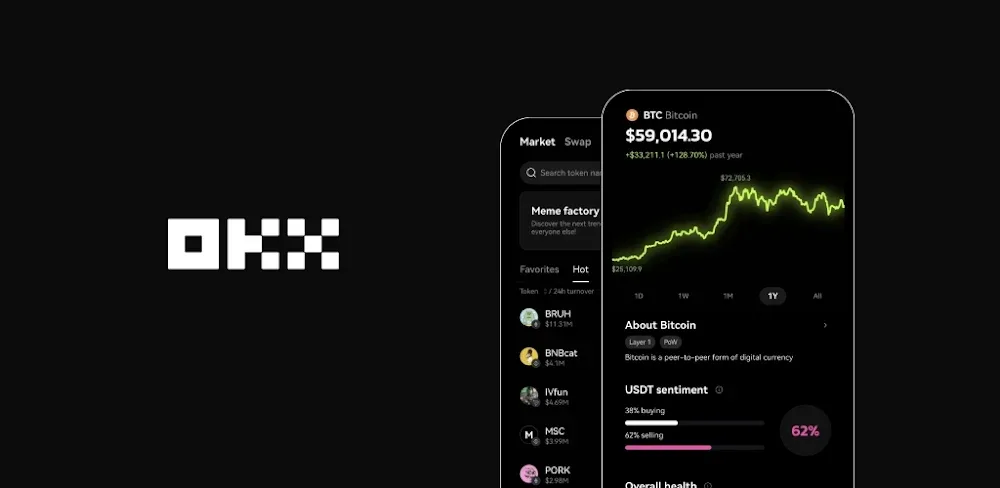

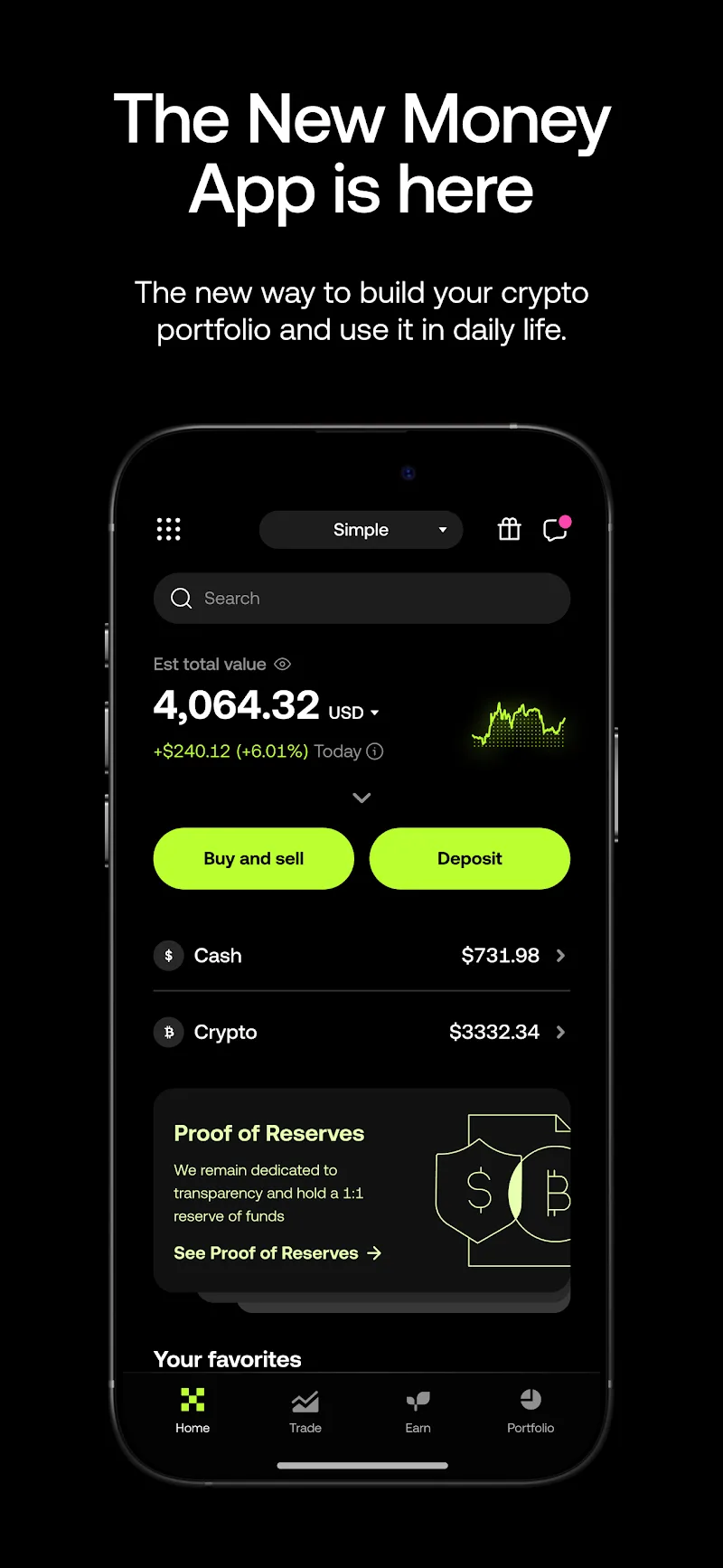
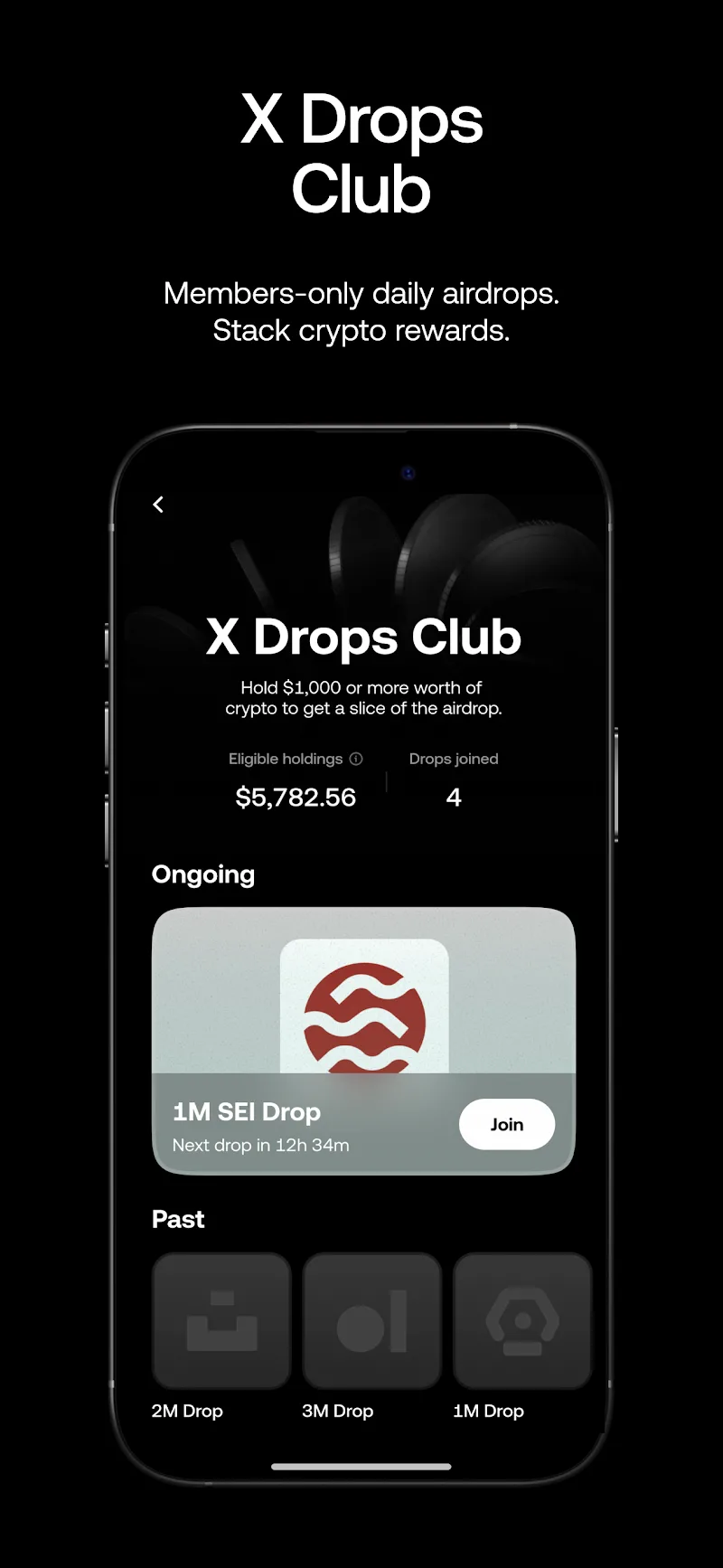
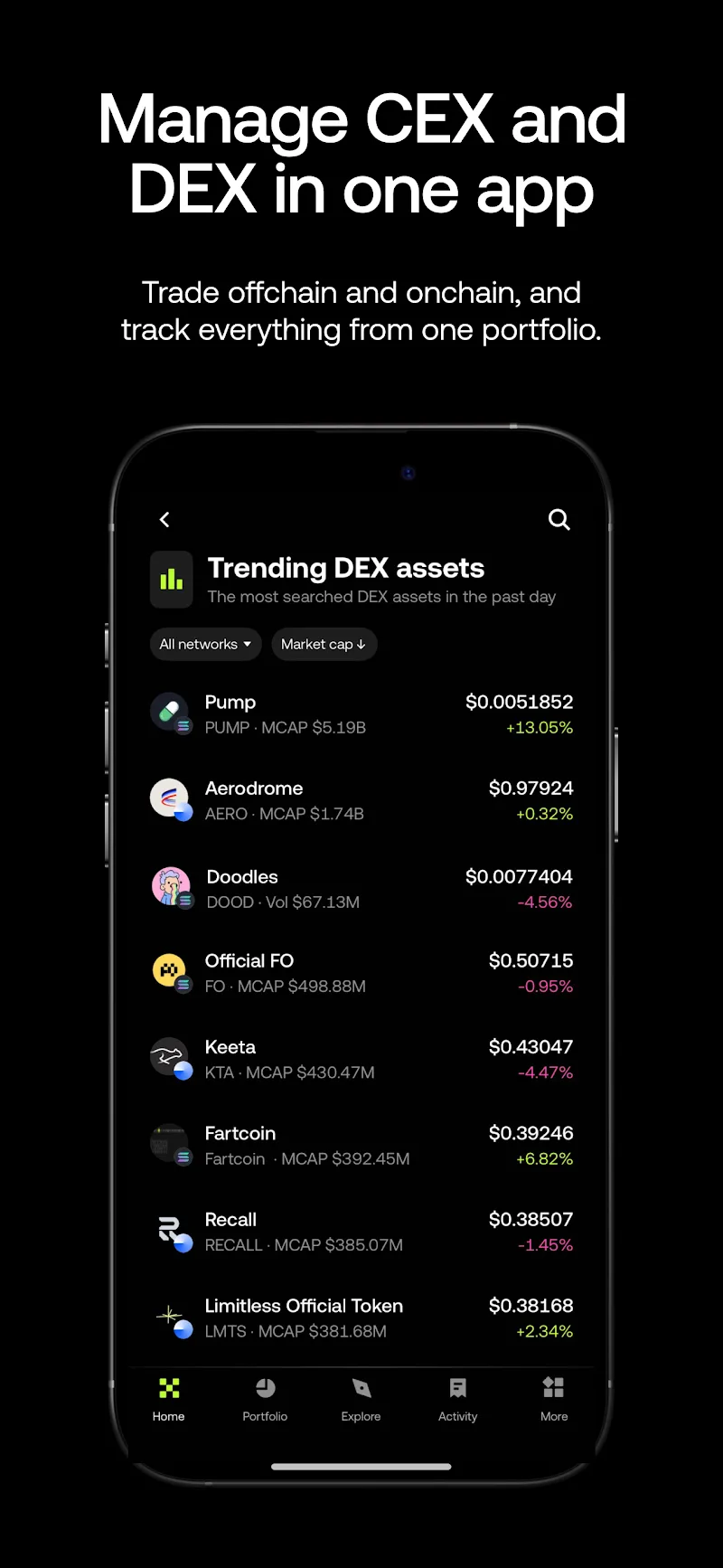
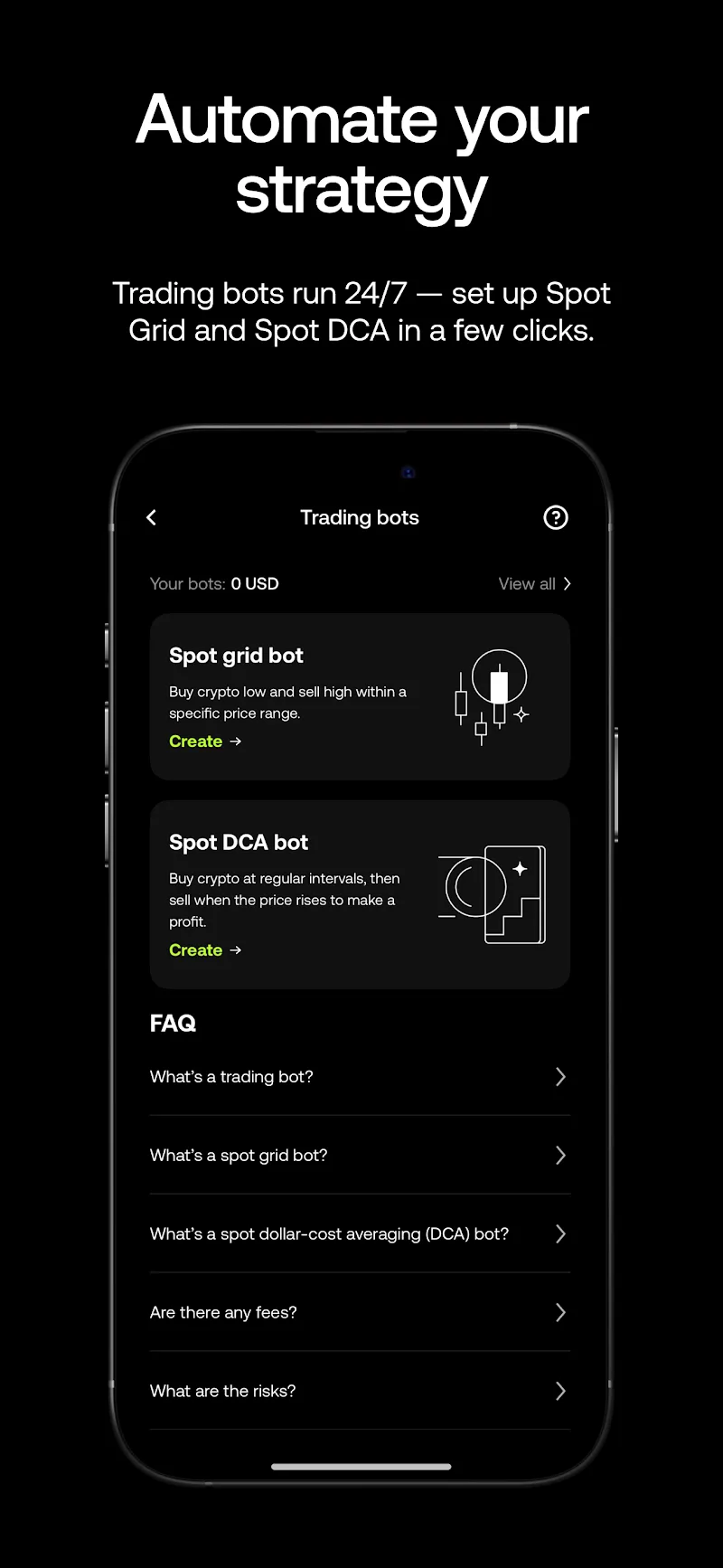
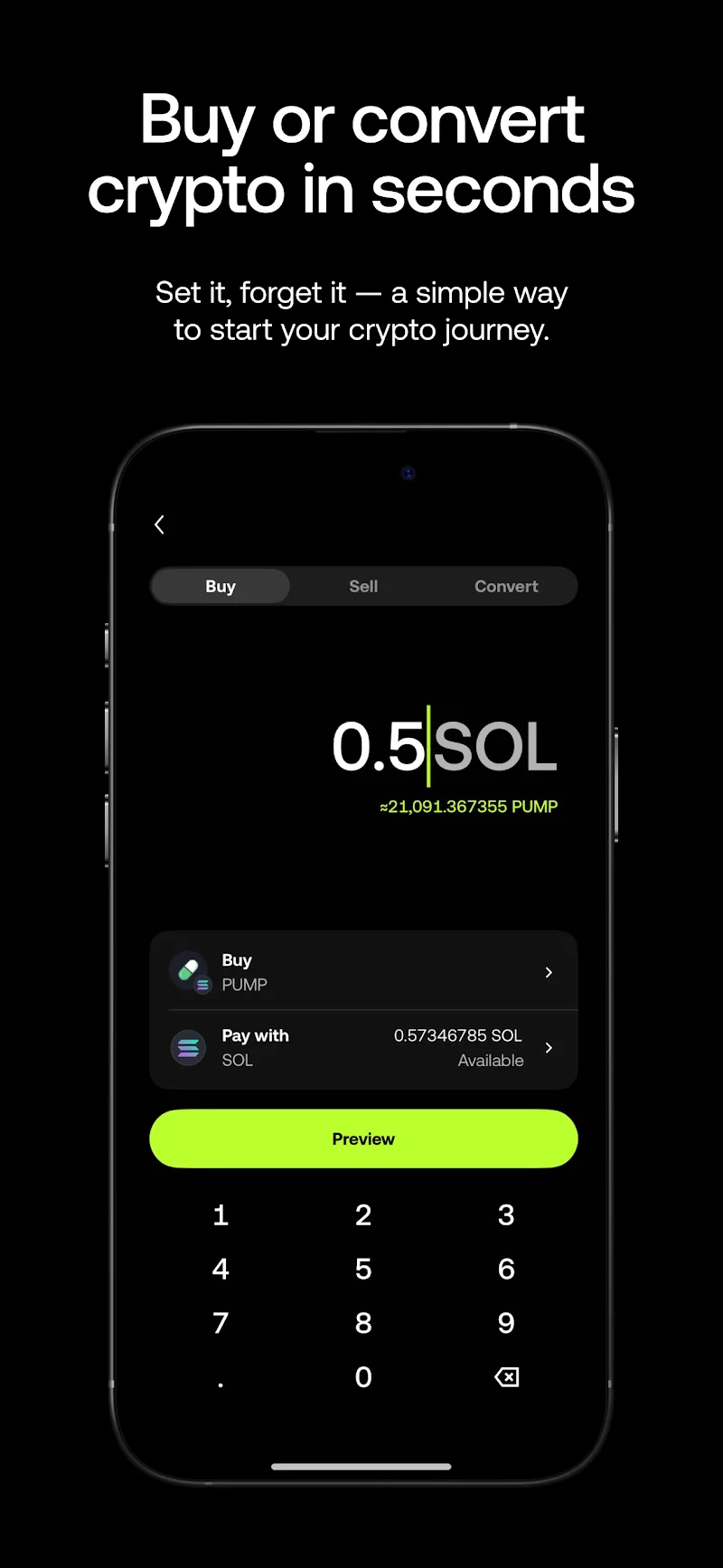
OKX is an Android finance app for buying, selling, converting, and trading digital assets from one account. Its scope goes beyond a simple price tracker: the app combines account balances, market tools, spot orders, and access to a separate Web3 wallet environment. That breadth gives experienced crypto users room to work, but it also means the first screen is only the beginning of the learning curve.
Moving Funds Before Placing a Trade
The app separates Funding and Trading accounts. Before entering a spot order, you move the chosen asset from Funding to Trading through the Assets area. It is an extra step, yet it makes the distinction between assets held for deposits or withdrawals and assets allocated to trading more visible.
From the Trade area, spot markets let you select a trading pair and place buy or sell orders. A limit order waits for the price you set, rather than executing immediately at the current market price. Open orders, completed orders, positions, and asset details are available from the order section, so there is a record to check after an instruction has been submitted.
Charts are not merely decorative here. The app’s spot-trading view includes candlestick charts, adjustable indicators and intervals, an order book, recent trades, and market-flow data. These tools can help a reader of price action inspect the market, but they cannot predict what happens next. Digital assets can move sharply, and an order may not fill during significant volatility.
A Line Between Spot Trading and Borrowing
The platform also exposes spot margin controls for eligible users and regions. Margin trading uses borrowed assets as well as your own collateral, creating a liability that must be repaid when the position is closed. The app supports cross and isolated margin choices, shows figures such as average entry price and estimated liquidation price, and lets users set take-profit or stop-loss instructions.
Those controls are useful for managing a position, not a substitute for understanding it. Interest on borrowed assets is calculated and settled hourly, and a quick price change can alter the risk of a leveraged trade. Anyone using the standard spot screen should check whether margin is enabled before confirming an order; the setting may be active by default for some accounts.
Wallet Paths and Regional Limits
Alongside exchange activity, OKX connects users to a self-managed Web3 wallet. It offers on-chain data, alerts, swaps, decentralized liquidity pools, staking offers, and network connections. That makes the app relevant to people who want to explore on-chain services without treating every task as an exchange order. A self-managed wallet also brings its own responsibility for credentials and transaction decisions.
Availability matters throughout the app. Services, payment methods, and trading products can vary by country or region, while some assets and order sizes have minimum requirements. The in-app Learn Center and support area are worth using before committing funds, especially if you are still getting familiar with transfers, order types, and the difference between a straightforward spot purchase and a borrowed position.


Comments (0)
No comments yet. Be the first!