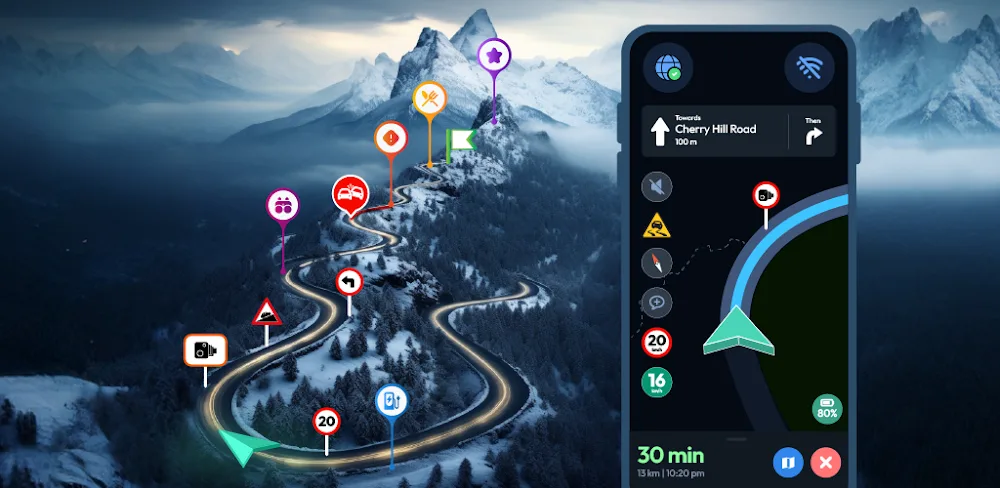
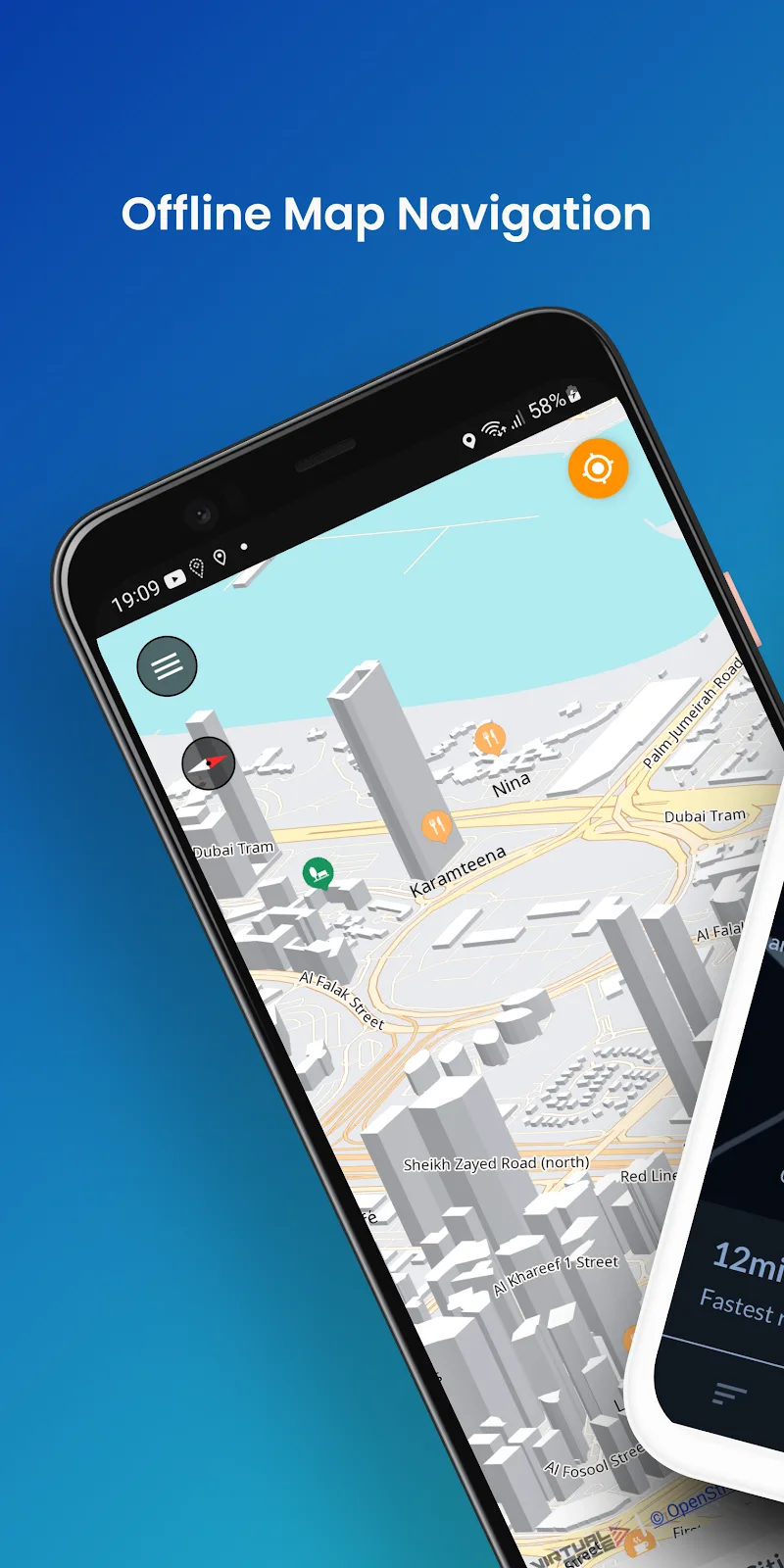
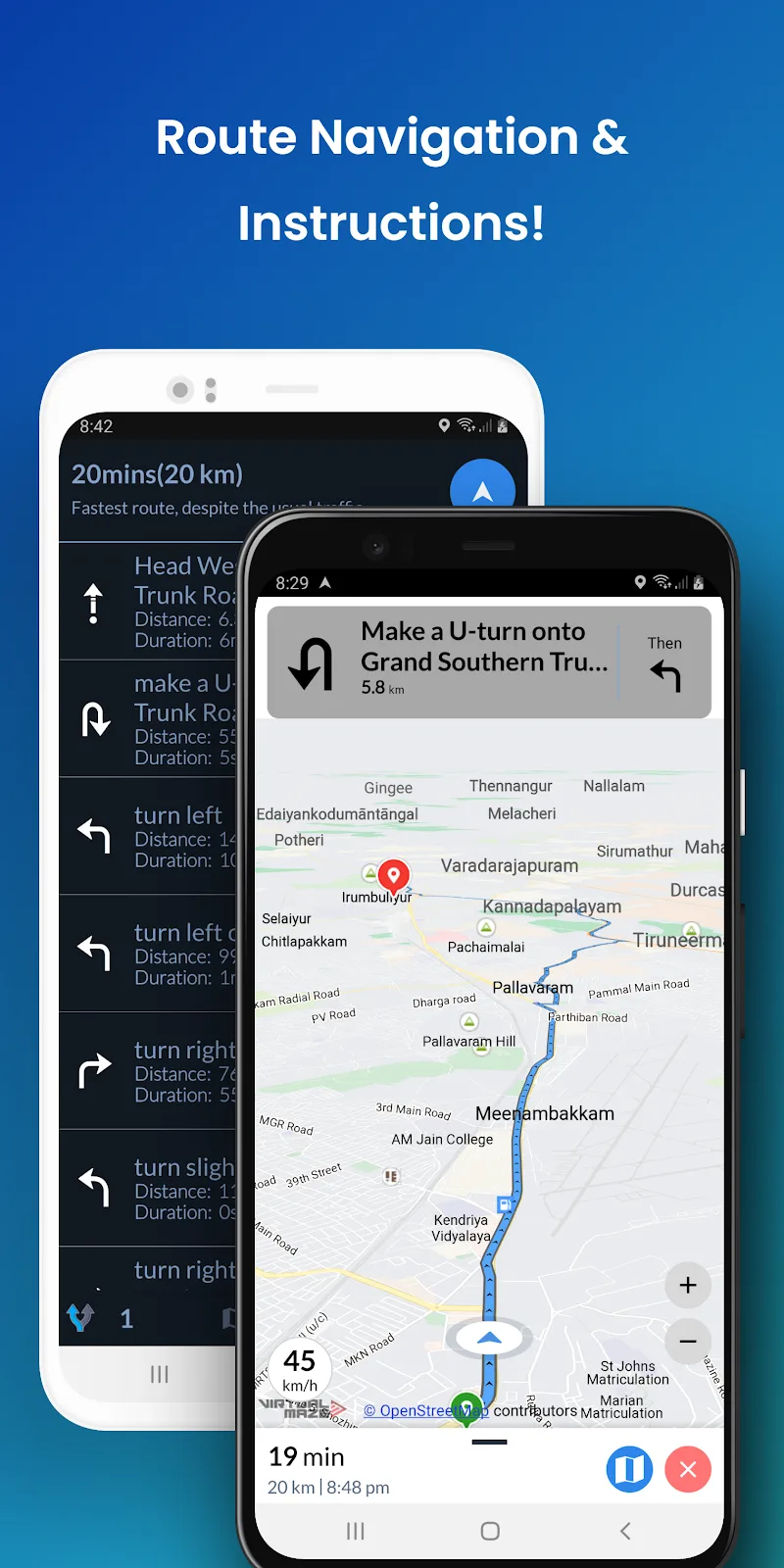
According to my personal experiences, I have often found myself lost on the road but unable to access Google Maps because it requires an internet connection to use. However, since discovering the Offline Map Navigation app, I no longer have to worry about getting lost because this app does not require an internet connection to find directions.
SEARCH, GET DIRECTIONS & NAVIGATE
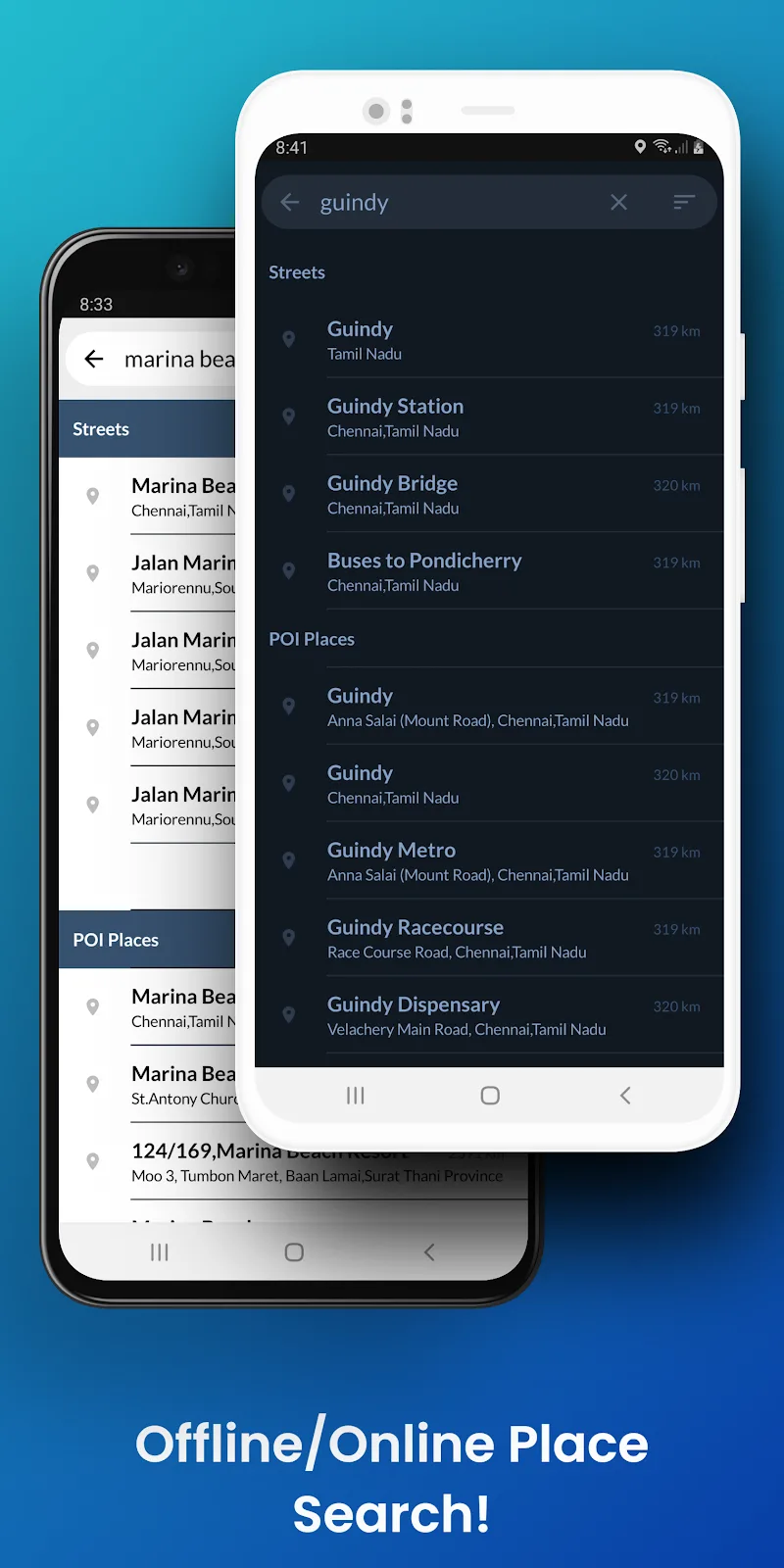
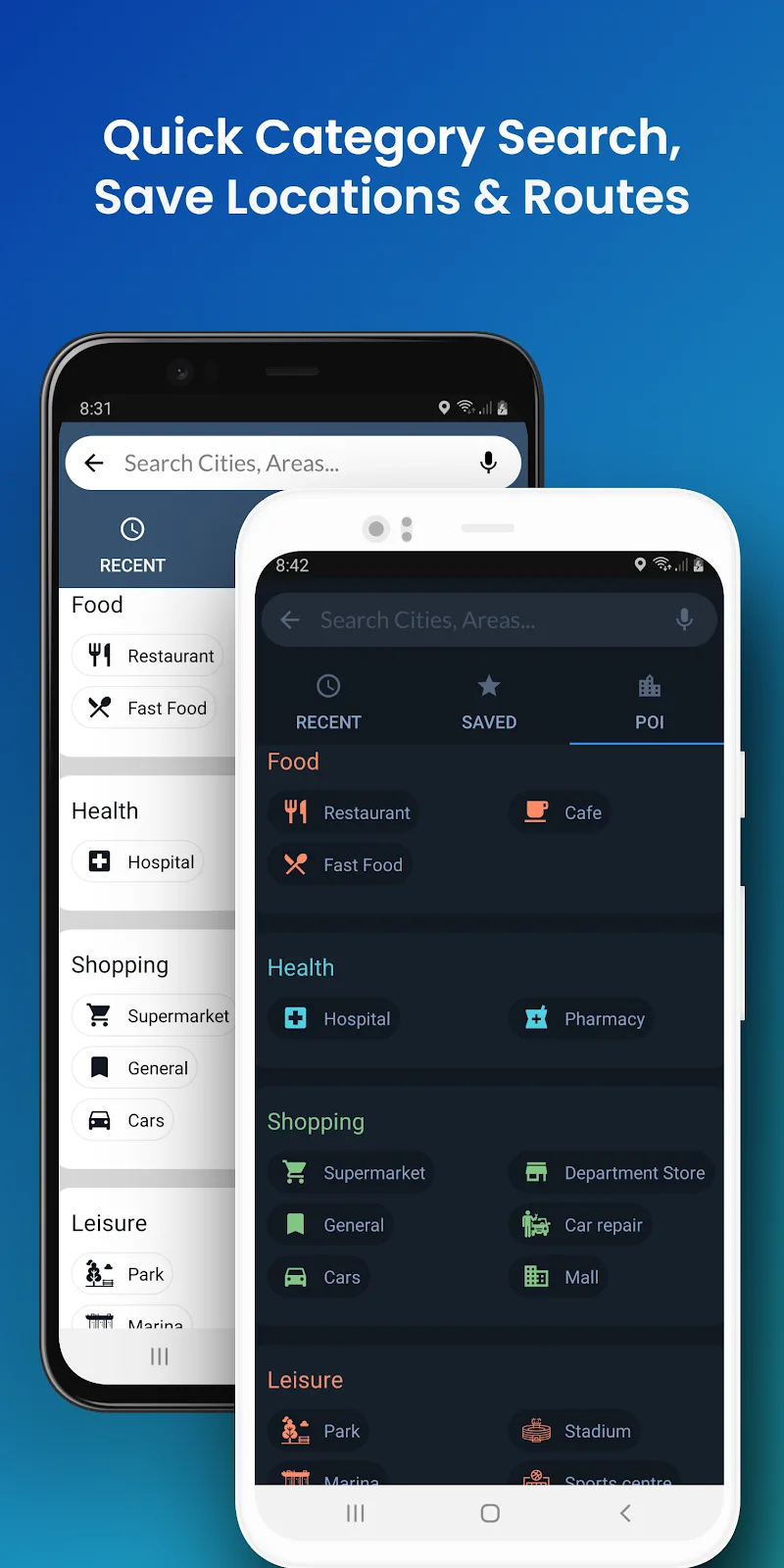
You will be completely amazed when using this app because you can use functions like search or get directions to a location accurately without needing an internet connection. In other words, this app can use all the features of a regular map application without requiring anything special from the user.
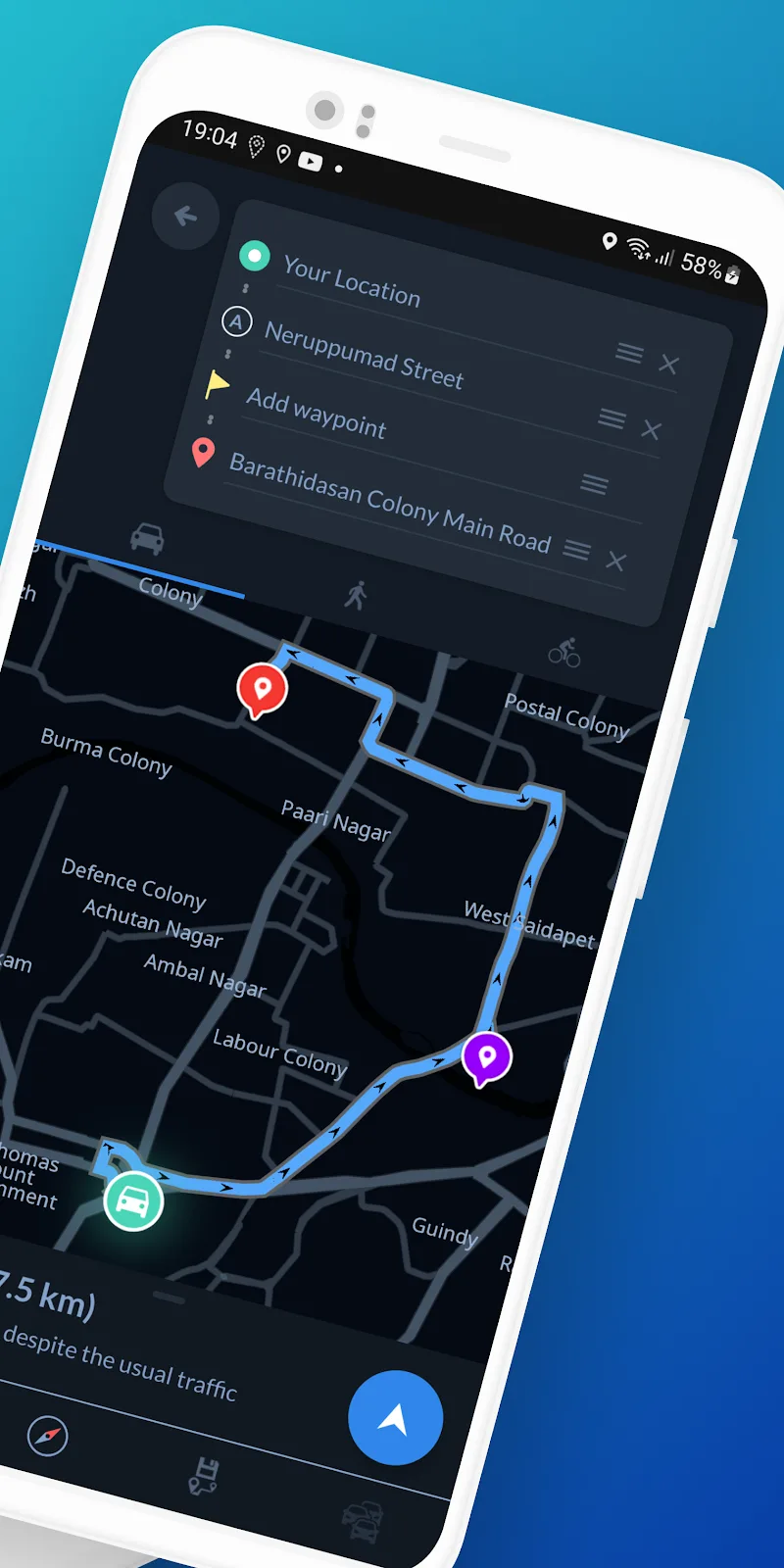
- Turn-by-turn navigation instructions: When you are lost and have to go through multiple routes, this app will guide you through each segment one by one.
- Transportation mode directions: You don’t have to worry if you are driving a car and accidentally go into a bike lane because this app allows you to select your mode of transport and suggests appropriate routes.
- Optimized route waypoints: If you feel that the suggested route is not reasonable at some point, you can edit the route according to your preference.
OFFLINE MAPS
If you wonder whether this app can provide accurate directions without an internet connection, the answer is yes. This is because all the necessary data is stored in a large database within the app. The app uses this database to provide accurate information about routes and locations on the map.
- Offline map downloads: If using the entire map offline consumes too much of your phone’s storage and data, you can download a specific part of the map to use.
- Offline place searches: Most users will likely download the map of their surrounding area, allowing them to find nearby places even without an internet connection.
- Offline map styles: Even without using the internet, this app can provide users with guidance suitable for both day and night.








Comments (0)
No comments yet. Be the first!