
PRESERVE PRIVACY, DATA USAGE, AND BATTERY LIFE BY RESTRICTING APP INTERNET ACCESS
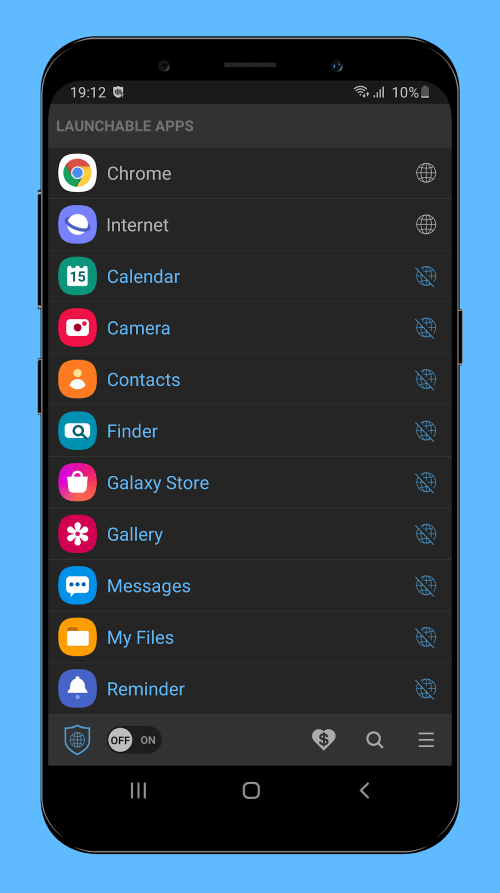
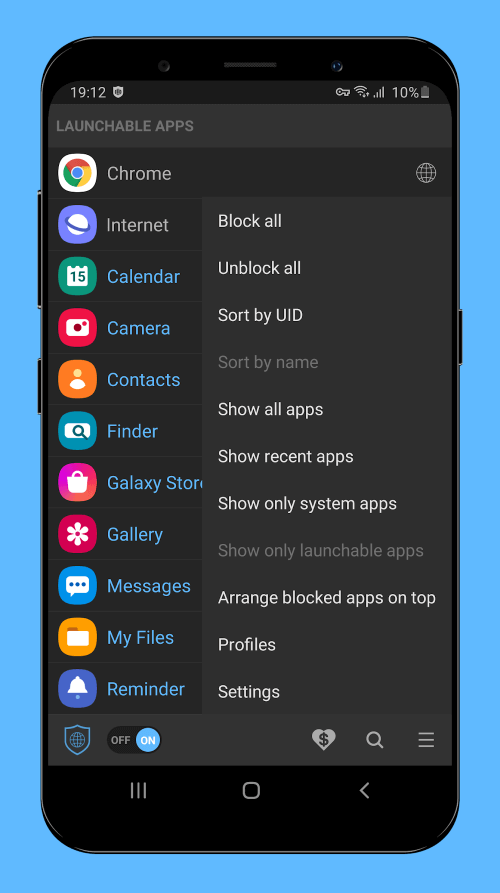
Net Blocker is an app that prevents specific programs from accessing the internet without requiring root access, which can be helpful if you’re worried about privacy, data usage, or battery life. Many apps and games connect to the internet to show you adverts or steal your personal information. Even when you close the program, some background processes may still be connected to the internet. You can conserve data, privacy, and battery life by preventing apps from accessing the internet. The best parts of Net Blocker will be discussed here.
 |  |
TRUSTWORTHY APP THAT DOES NOT INVADE YOUR PERSONAL SPACE
The use of Net Blocker is risk-free and straightforward. It doesn’t need to be installed with root privileges, and it doesn’t request any potentially harmful access to your device’s data storage, contacts, or messages. As a result, you can be assured that it doesn’t send any of your private information to a third-party server. The only thing it does is configure a local VPN interface to restrict app network traffic. So, it is a trustworthy program that does not invade your personal space.
PREVENT APPS FROM ACCESSING THE INTERNET WITHOUT ROOTING YOUR DEVICE
It’s not easy to root an Android device, which could render your warranty null and useless. You can prevent apps from accessing the internet without rooting your device with Net Blocker. It’s a quick and easy method of restricting access to the internet for certain apps without rooting your smartphone. As previously noted, net Blocker doesn’t require potentially harmful permissions like Location, Contacts, SMS, or Storage. So, you can rest assured that your privacy will remain secure. To prevent apps from connecting to the internet, it creates a local VPN interface to obstruct traffic.
COMPATIBLE WITH ANDROID 5.1 AND LATER AND CAN BE USED ON A WIDE VARIETY OF DEVICES
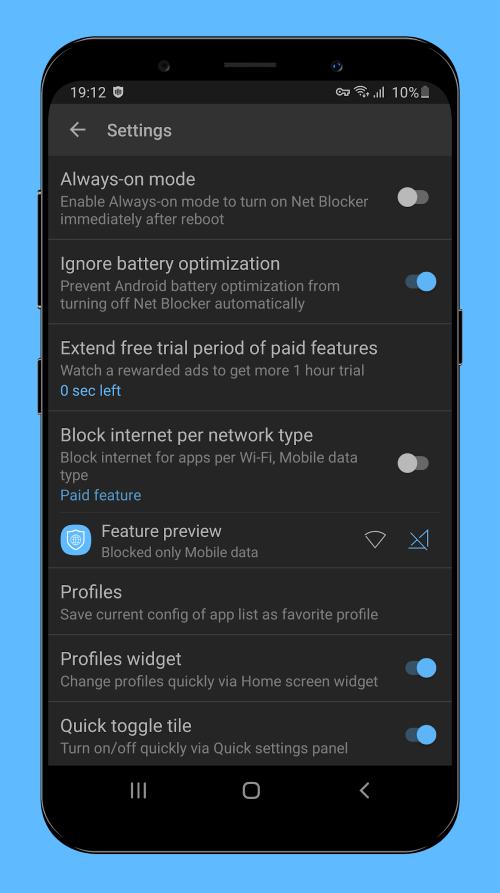
As Net Blocker is compatible with Android 5.1 and later, it can be used on a wide variety of devices. Net Blocker can restrict access to the internet for selected apps on any Android smartphone, old or new. It’s a multipurpose tool can help you preserve battery life, privacy, and data. Even if a game or app can’t connect to the internet, advertising may still load from local storage. Ads can only be hidden if the cache is cleared. Time-consuming as it may be, clearing the cache memory of apps and games is necessary if you value your privacy and despise being subjected to advertisements.
 |  |
SAFE AND SIMPLE TOOL THAT CAN HELP CONSERVE BATTERY LIFE, DATA, AND PRIVACY
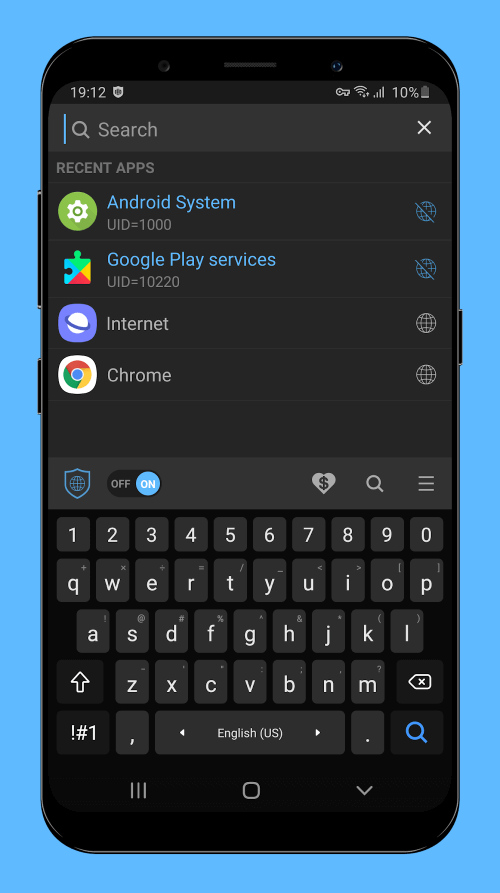
Net Blocker, safe and simple to use, prevents specified programs from accessing the internet without requiring root. It’s safe because it doesn’t need access to your location, contacts, text messages, or storage space. In addition, it works with Android versions 5.1 and beyond, making it suitable for various devices. Net Blocker can help you conserve battery life, limit data use, and protect your privacy if you’re worried about any of these issues. Nevertheless, as Net Blocker is based on Android’s built-in VPN foundation, using it with another VPN app may prevent you from doing so and may cause your battery to drain faster than usual.










Comments (0)
No comments yet. Be the first!