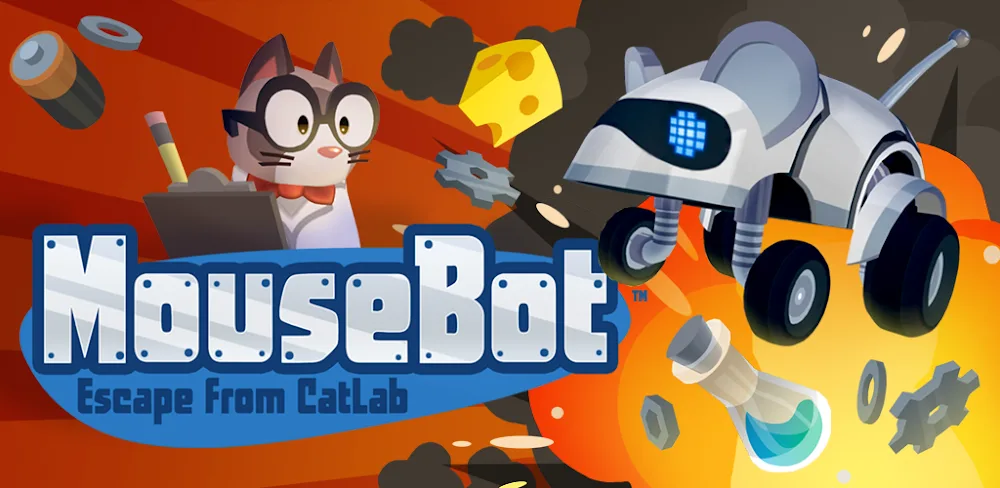

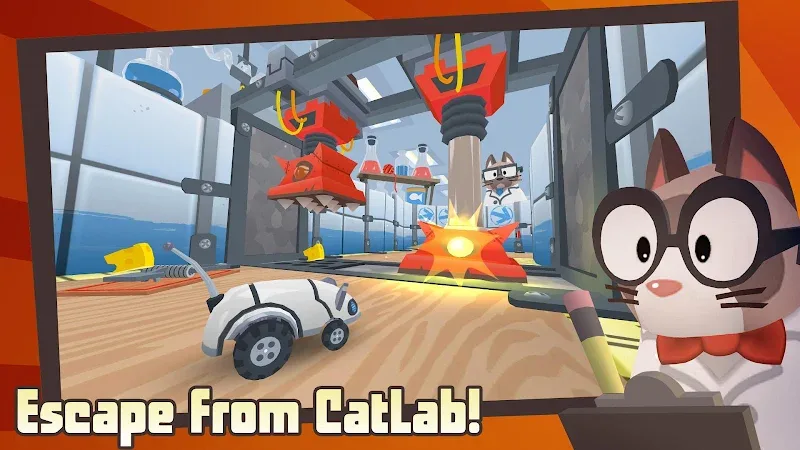
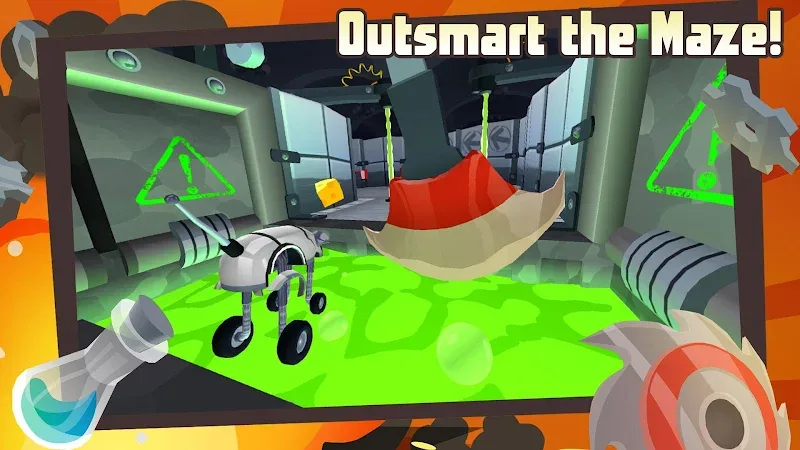
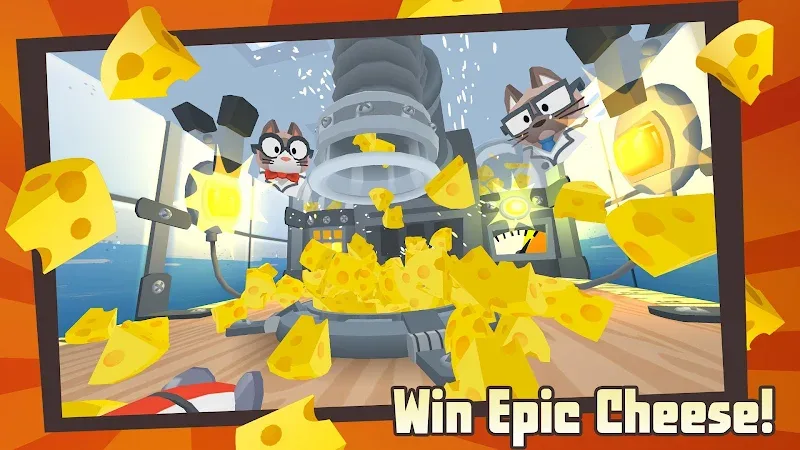
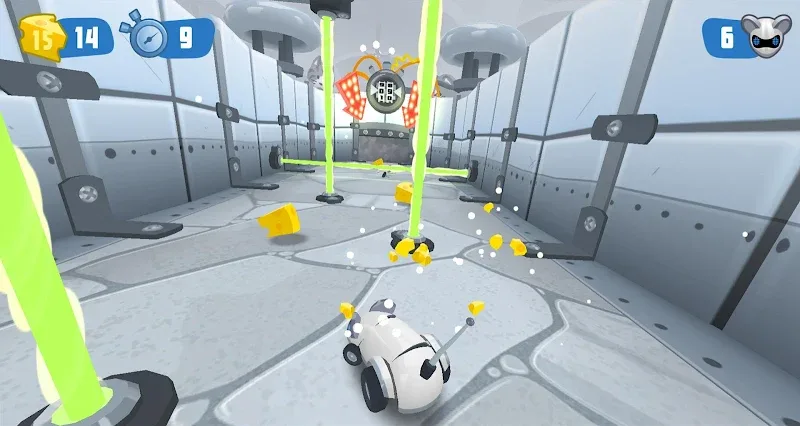
In this game you will need to help a robot mouse escape from a crazy cat lab, you are a robot mouse trapped in a lab, need to overcome the fantastical mechanical mouse trap mazes created by the cat scientists of CatLab. Besides, you also need to dodge giant metal Kitty Krushers, jump over mouse-crushing Roller Graters, stay away from scary Mines and Lasers and overcome mouse-melting Acid puddles in an epic quest to win the cheese and escape to freedom.
The simple operating mechanism of the game allows both beginners and experienced gamers to feel friendly. The developer has made it the perfect game for players of all ages. Whether you are solving puzzles, avoiding traps or collecting power-ups, MouseBot brings a fun and engaging experience that will keep you hooked from level to level.
ADVENTURE AND TRAPS
The Adventure Begins: At the start of the game, you will be introduced to MouseBot, your robot mouse, and how to control it. You will try to overcome traps, jump, and use special abilities, such as activating switches or breaking barriers. Once you get used to the controls, you will be immersed in the fun of solving maze puzzles.
Overcome the dangerous maze: Each level in MouseBot has a maze full of obstacles, traps, and treasures. Your main goal is to reach the destination safely while avoiding the dangers.
Avoid traps and dangers: As you explore the maze, you will encounter various traps, including spikes, lasers, and moving obstacles. Plan your moves carefully to avoid triggering these traps. Timing is of the essence, as you need to move quickly and accurately to avoid danger.
Collect power-ups: Throughout the levels, you will find various valuable items such as power-ups that can help you a lot along the way. These can include speed boosts, extra lives, or the ability to disable traps. Collecting these items will give you an advantage, especially in more difficult levels. Keep an eye out for hidden items that can help you unlock new abilities or paths.
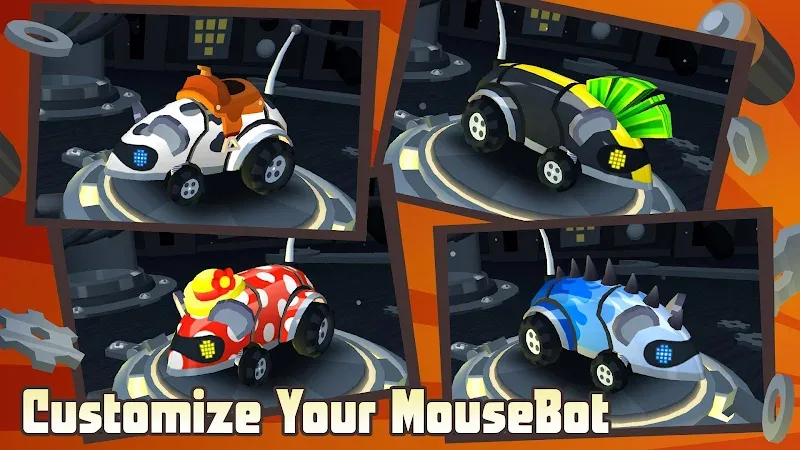
DECORATE YOUR ROBOT MOUSE IN YOUR OWN STYLE
The scientists at CatLab clearly weren’t creative enough when they created the shape of the robot mouse to be extremely simple. If you’re bored with the original shape, you’ll have to style your robot mouse yourself, which you can do by using cheese to customize its appearance. You can change the color and even add some equipment. Some customization items can also be obtained by completing levels or from gifts.
As you progress through levels, you can collect coins or special rewards that allow you to upgrade your MouseBot. Upgrades can include improved abilities, new gadgets, or increased speed. These upgrades help you get through harder levels and more challenging obstacles as you progress through the game.















Comments (0)
No comments yet. Be the first!