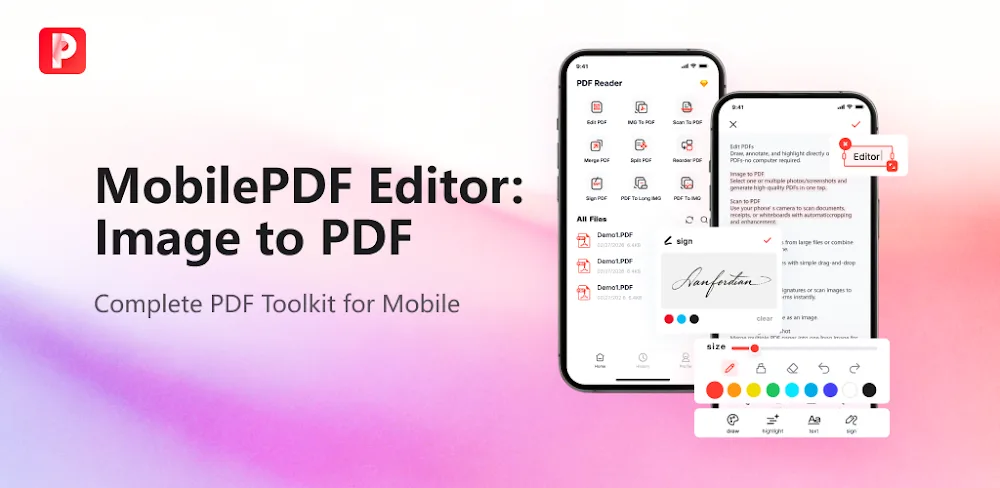

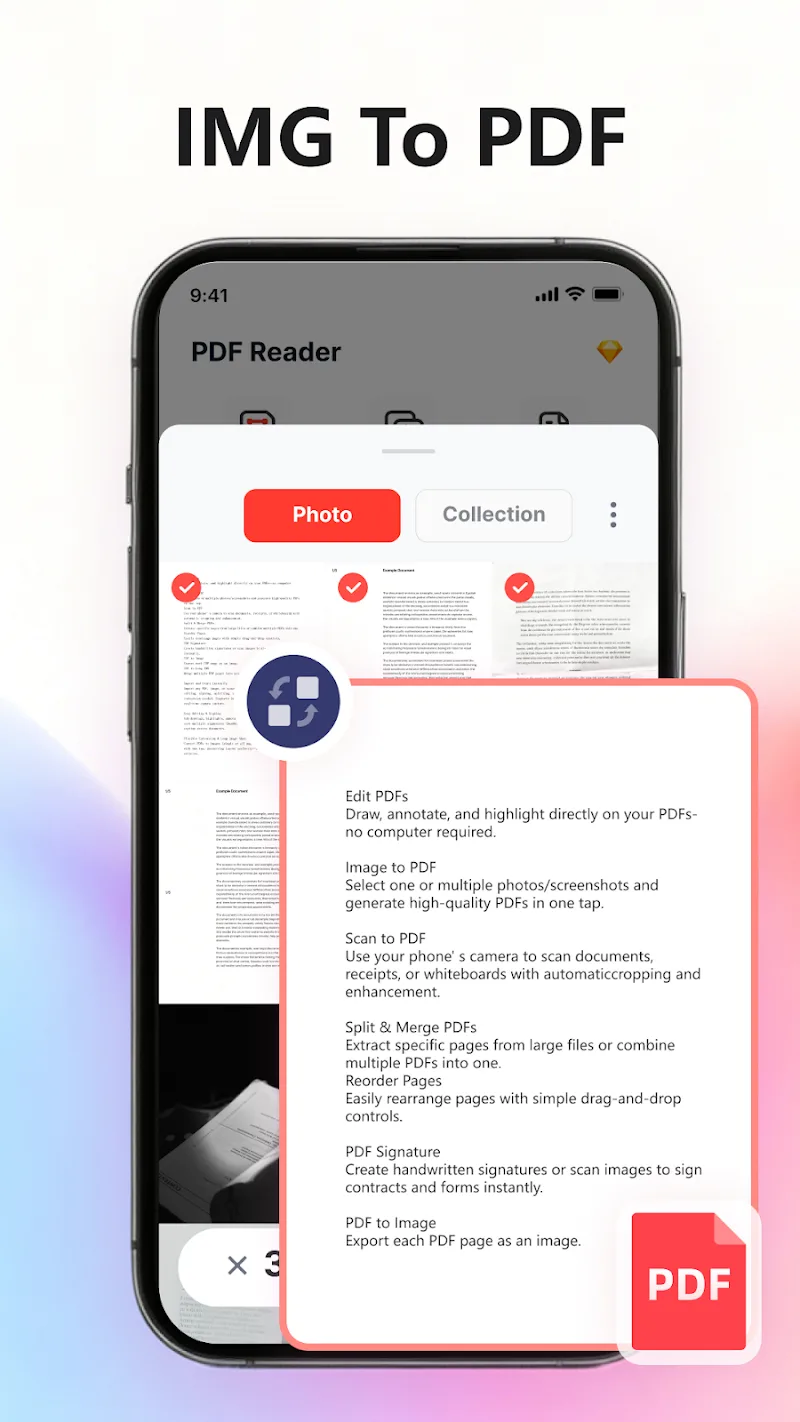
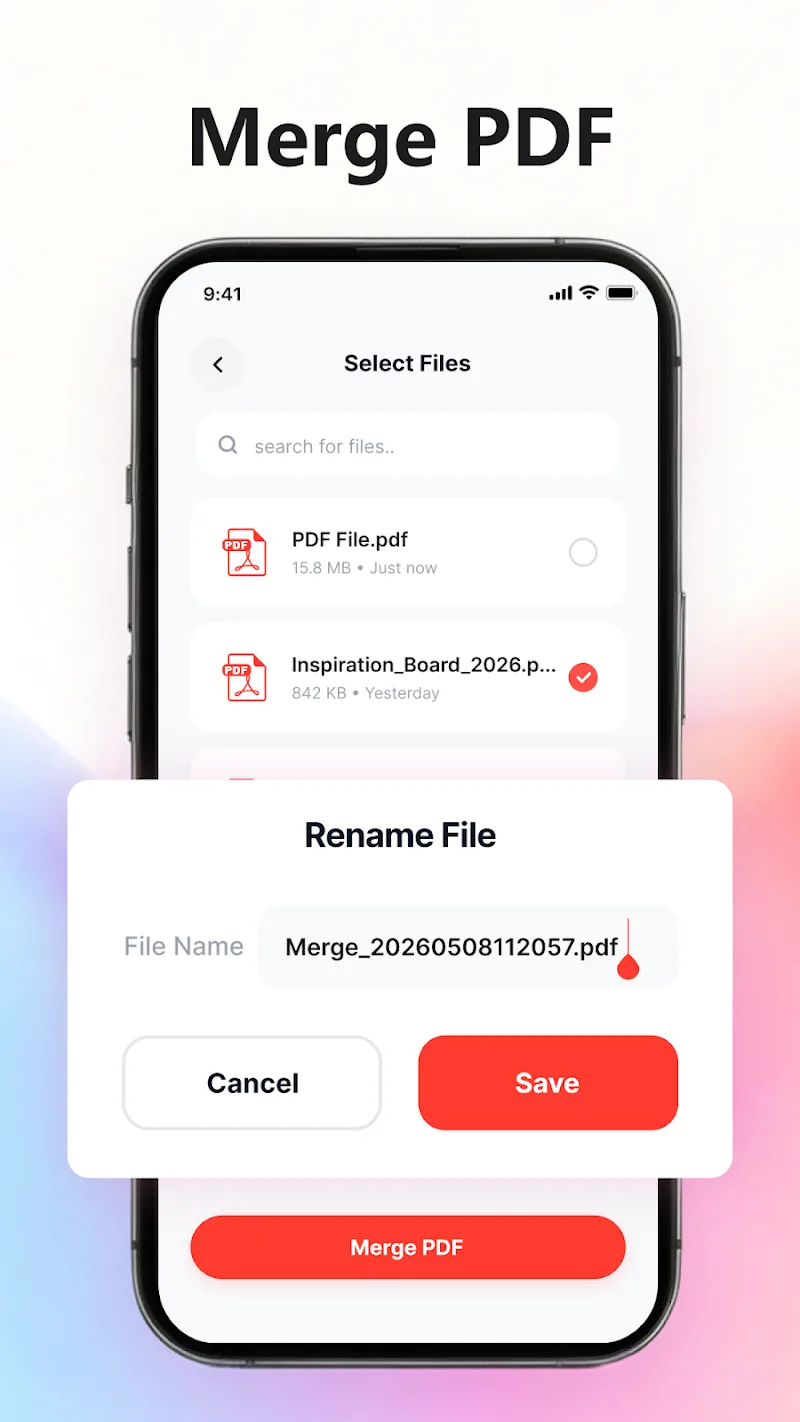
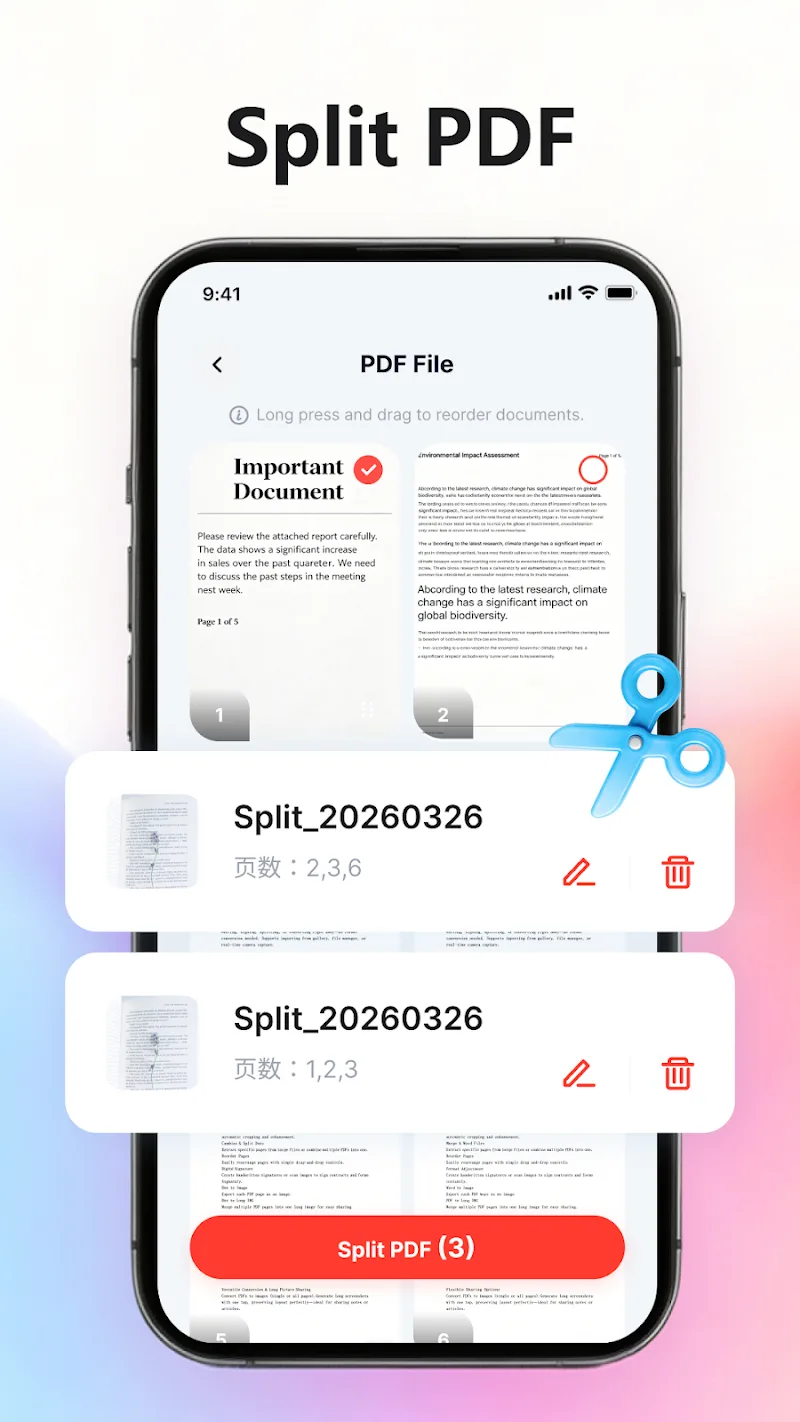
A completely paperless workflow on mobile devices is waiting for you to experience today. Basically, there are many operations that need to be done on PDF files, but they bring a lot of inconvenience to users. By integrating full features for editing, scanning, signing, and converting documents, this versatile tool resolves all work and study needs. Now, you no longer need to face many obstacles when using this format. Despite owning many advanced functions, Mobile PDF still ensures lightweight operation and optimized performance for Android devices. Thanks to entirely local data processing capabilities, user personal information privacy is always kept safe and secure.
DOCUMENT EDITING AND SCANNING FEATURES
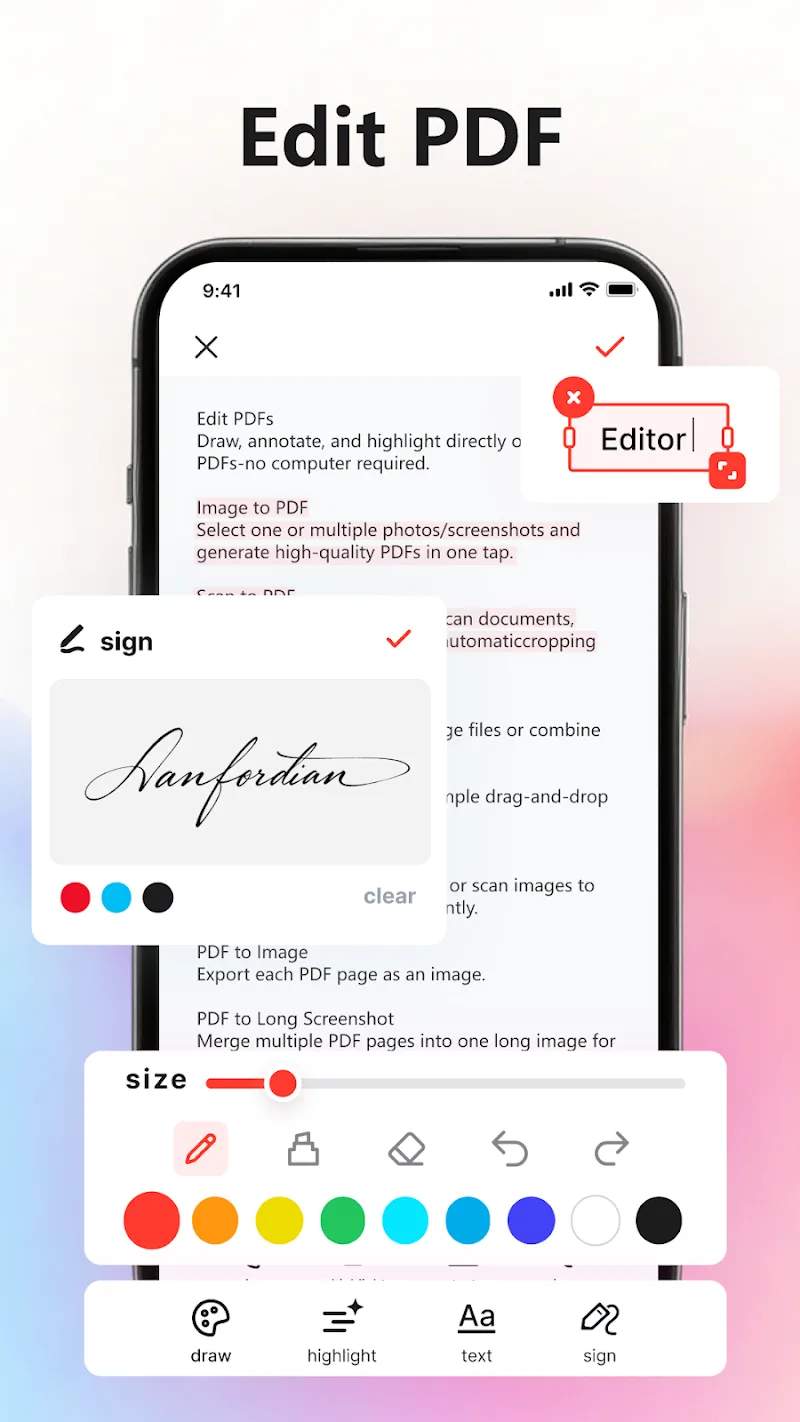
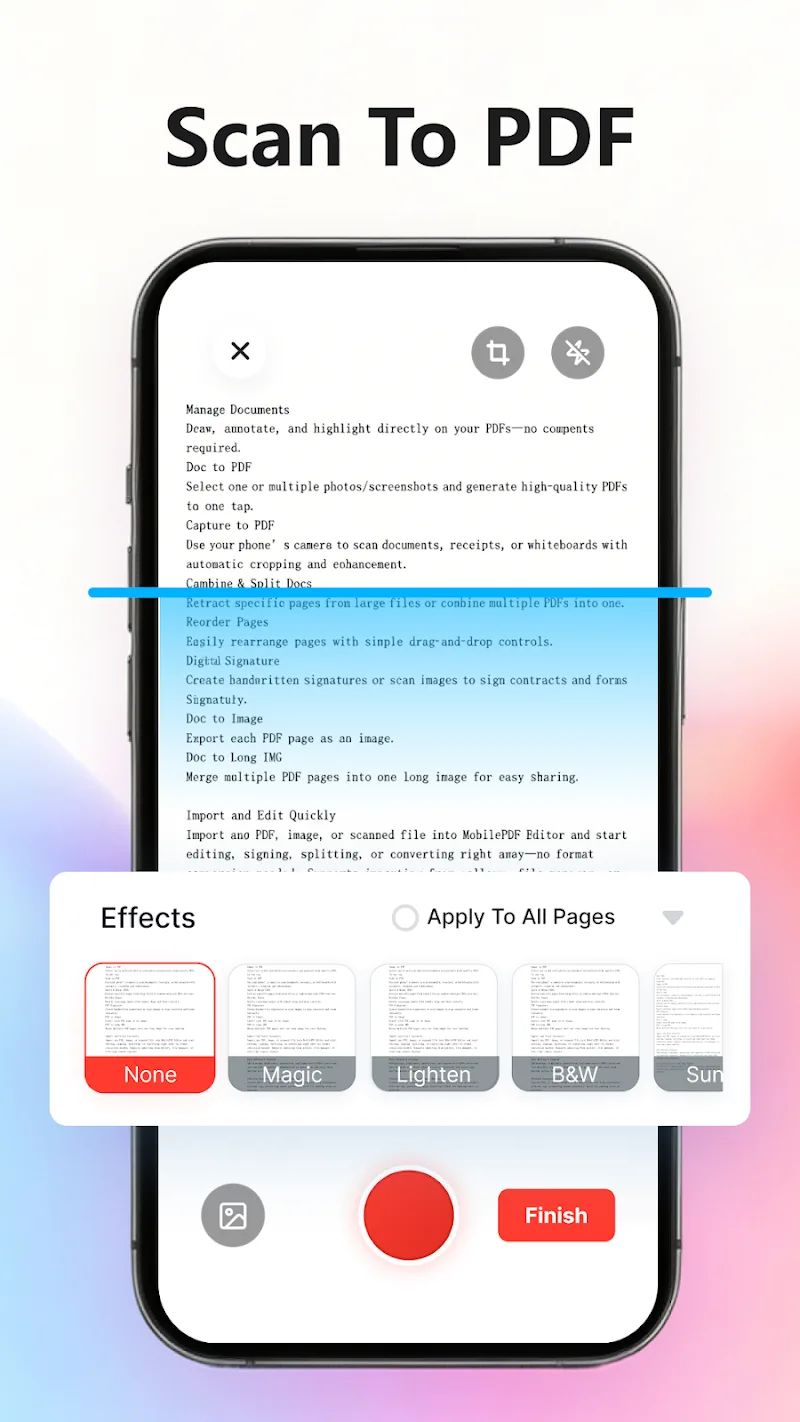
A series of paper documents or receipts are quickly converted by the camera into crisp, standard files. Therefore, freely drawing, highlighting, as well as adding comments to files becomes extremely simple. Thanks to batch processing capabilities for screenshots, users can easily group important content with just one operation. By importing data directly from the library, you can start work right away without wasting time waiting.
- Editing: Annotate and highlight
- Conversion: Image processing support
- Scanning: Create crisp standard PDFs
OPTIMIZED ARRANGEMENT AND DATA SECURITY
Every important contract or agreement will be instantly signed and approved by customers using saved signatures. Besides, extracting or merging multiple report pages takes place very flexibly according to needs. By directly dragging and dropping, you can easily adjust the file structure to be most reasonable. For that reason, the convenience from this toolset promises to enhance work productivity for you all.
- Operations: Easy page split and merge
- Signature: Store for re-use
- Security: Local file storage









Comments (0)
No comments yet. Be the first!