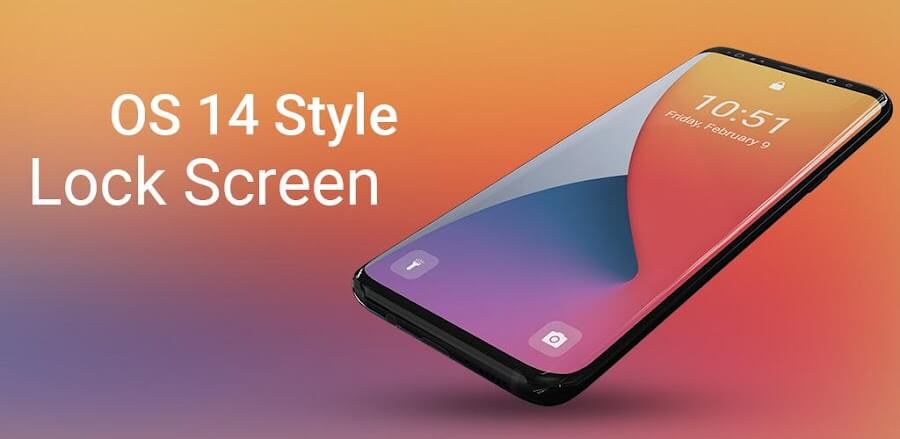
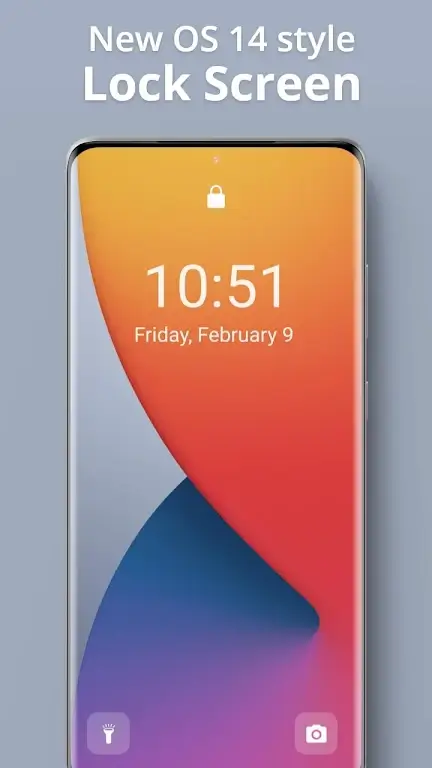
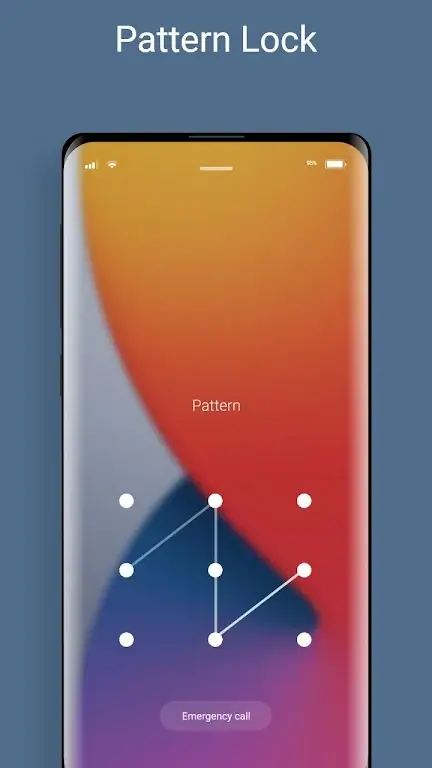
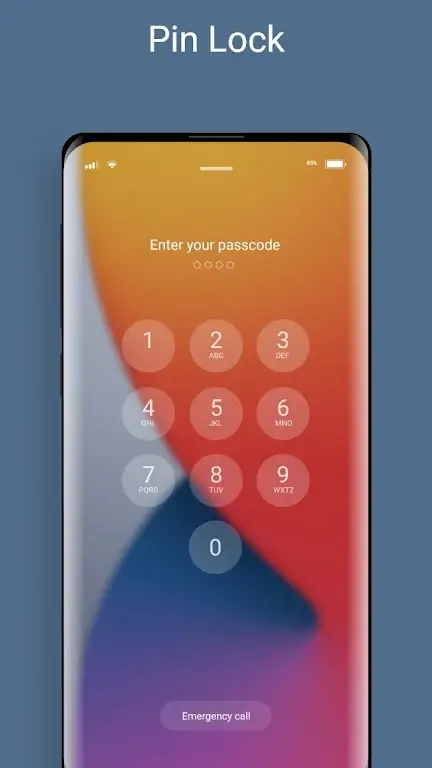
In the bustling universe of smartphones, every millisecond counts. Quick access to information has become our norm, our expectation, and a necessary luxury. Several developers have decided to tap into this need for speed, beginning their expeditions with an element of the phone we encounter more often than we’d like to admit – the lock screen. Initially, lock screens were just gatekeepers to the world within our devices, offering shortcuts to camera, time, and weather apps. But the Lock Screen iOS15, developed by Silky apps studio Launchers and Themes, is not just any lock screen. It’s a revolution, transforming our experience with its cutting-edge features. Hold onto your seat, folks, because this is not your grandma’s lock screen.
A SPECTACULAR RATING AND ITS MAGICAL FEATURES
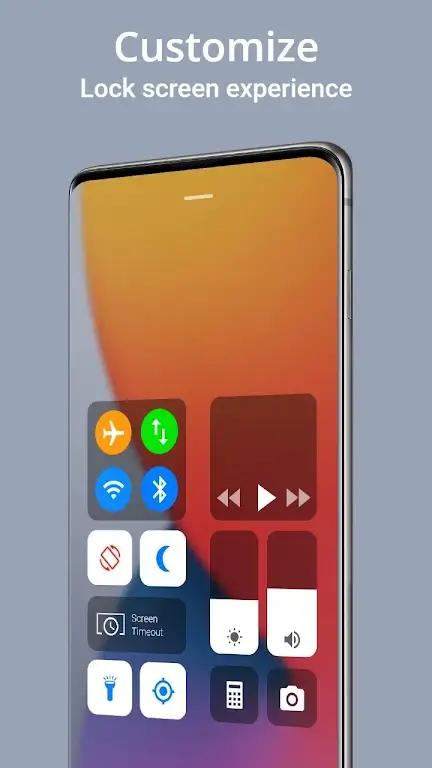
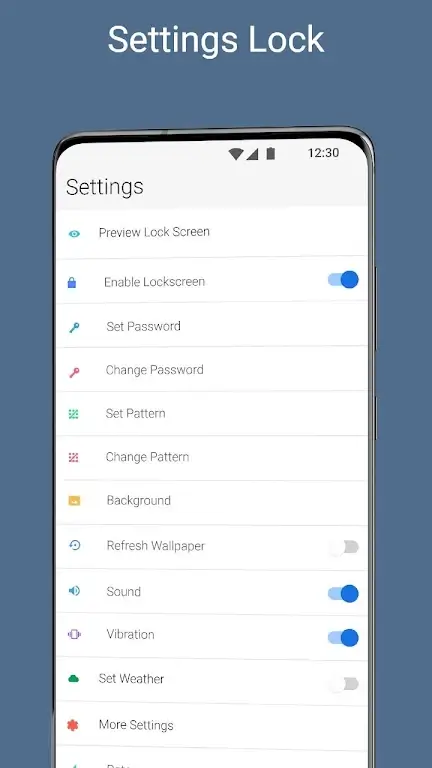
The Lock Screen iOS15 sits comfortably with an impressive 4.80-star rating on the Play Store. This mighty software doesn’t just protect your phone from unwanted access; it also offers you an array of awe-inspiring features. It dishes out the weather in real time, lets you manage your notifications like a boss, counts down your days, and even updates you with the news. Customize the color of your time, date, and camera icons, or choose different unlocking methods, whether it’sa slick slide or an exhilarating unlock sound. You can even download stylish wallpapers and add a touch of your personality.
UNMATCHED NOTIFICATION AND WEATHER CONTROL
The standout feature of the Lock Screen iOS15 is the unparalleled control it offers over notifications and weather updates. You have the power to choose your weather update’s location, either automatically or manually. And as for messages, you get to decide which apps have the honor of lighting up your screen when they have something to say. You can even cherry-pick the types of news you get to see, making your lock screen your personalized information center.
PERSONALIZE YOUR UNLOCKING EXPERIENCE
Are you bored of the mundane unlocking routine? Lock Screen iOS15 puts you in charge. From picking different types of unlock styles like slide to open to choosing the open sound, the lock screen becomes a canvas for your creativity. Make your unlock sequence as unique as your fingerprint with this brilliant feature.
STYLE YOUR SCREEN WITH BEAUTIFUL WALLPAPERS
Lock Screen iOS15 isn’t just about functionality; it’s also a treat for your eyes. It presents you with a wide array of beautiful wallpapers for download. Whether you’re a fan of live wallpapers or the famous smoke wallpaper, this app covers you. Each download will require watching a short video, a small price to pay for the visual delight you get in return.
SAVING BATTERY LIKE A PRO
Nothing spoils your day like a drained battery. Luckily, Lock Screen iOS15 has a built-in battery-saving element. It nudges you when apps run needlessly in the background, draining your precious power. This feature ensures that your device is secure, beautiful, and energy-efficient.
A NOTE ON SECURITY
While this lock screen aims to jazz up your user experience, it does not compromise security. However, it doesn’t guarantee complete protection and should be used with your default mobile lock screen. So enjoy the beauty, the convenience, and the personalization, but remember to use your default lock screen for the ultimate security.
The Lock Screen iOS15 is more than a protective feature; it’s a gateway to a personalized, power-efficient, and pleasurable user experience. It’s the lock screen we never knew we needed, but now that we do, there’s no turning back. For any hiccups during this roller-coaster ride, don’t hesitate to drop an email. The team is always eager to ensure your ride is smooth.








Comments (0)
No comments yet. Be the first!