

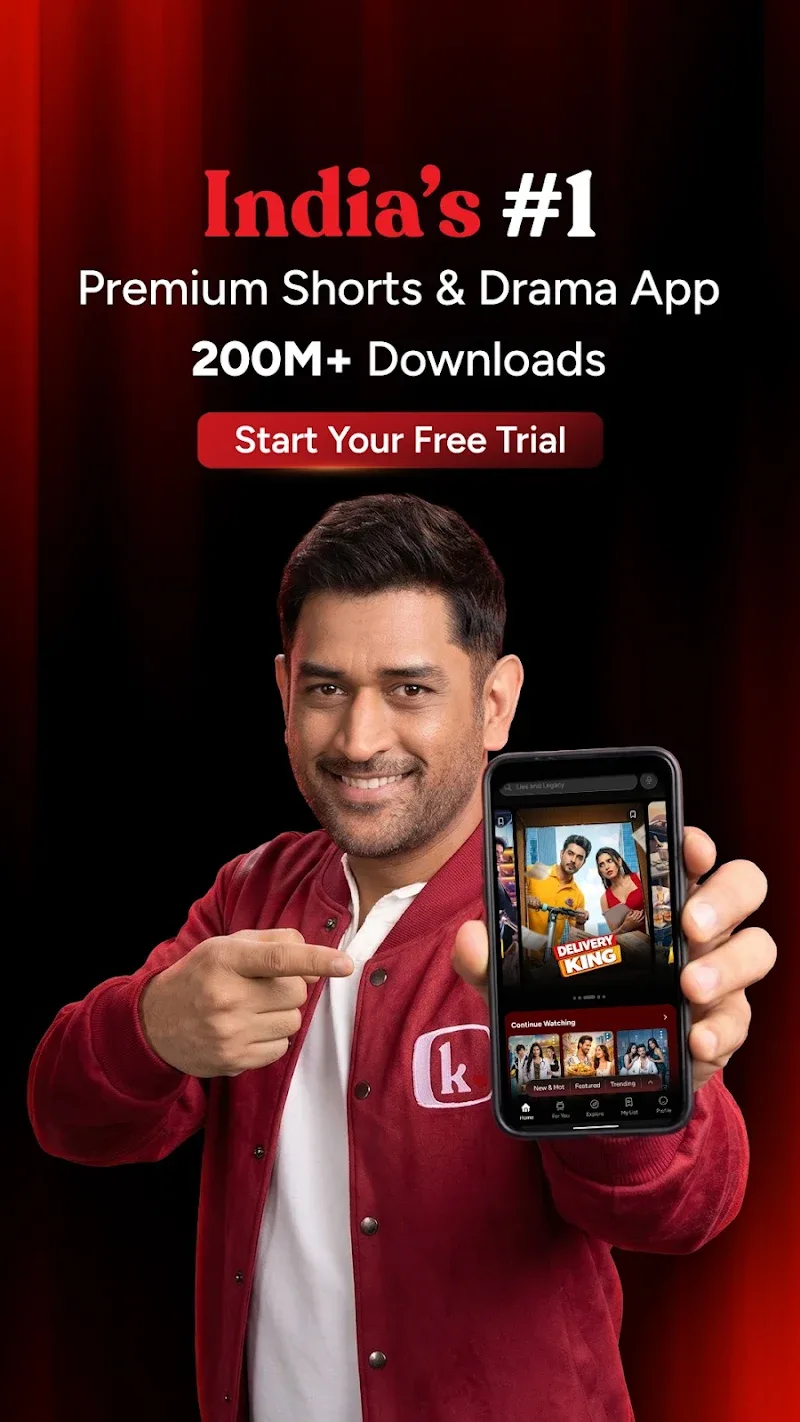
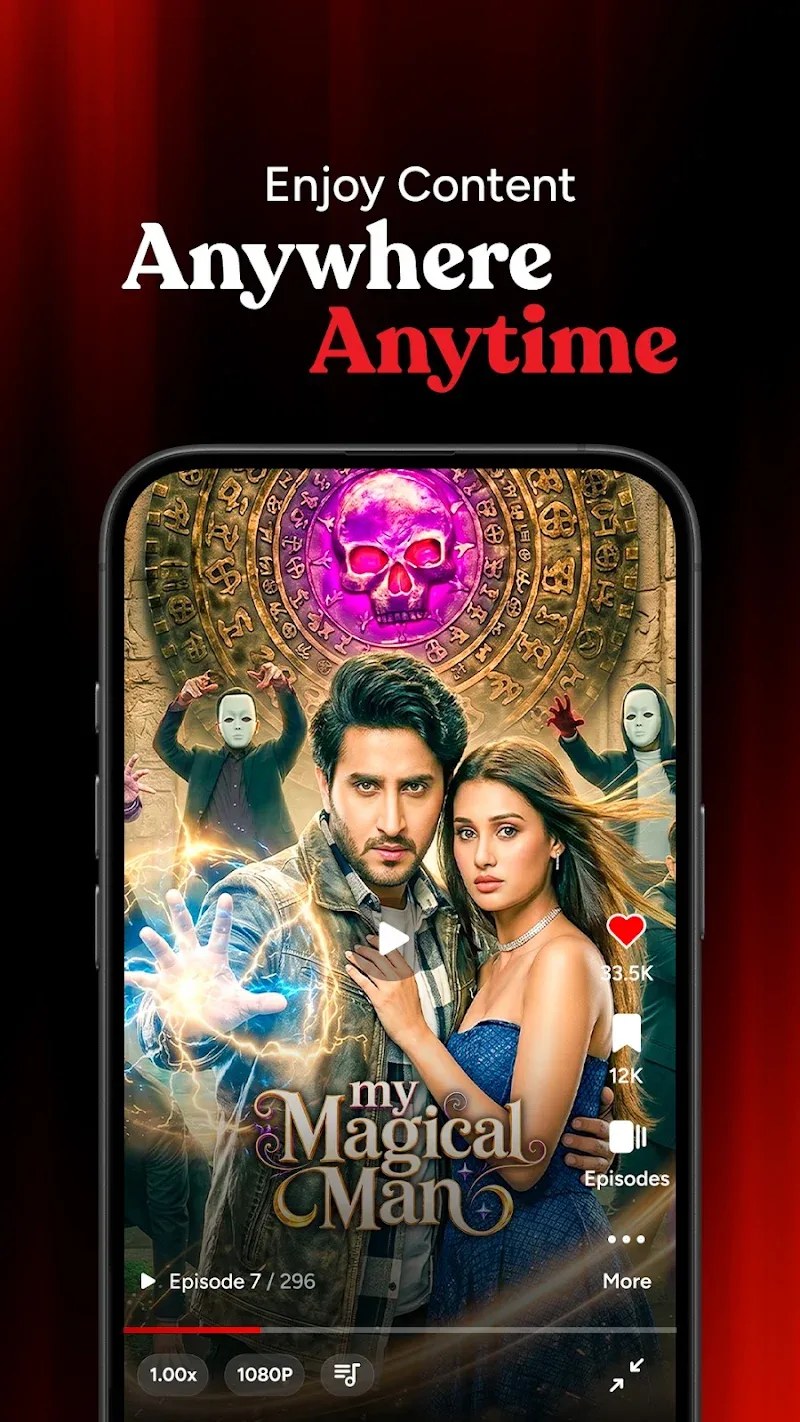
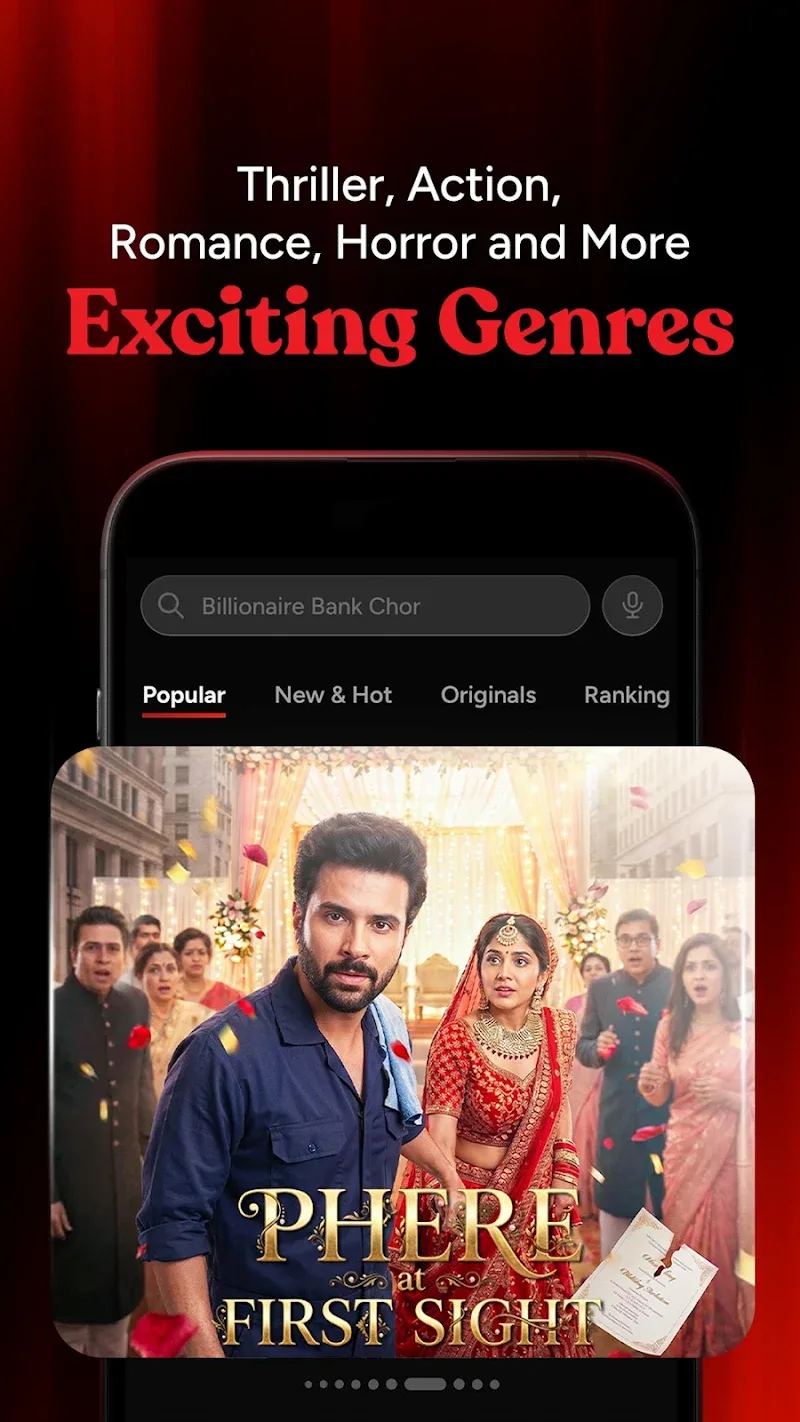

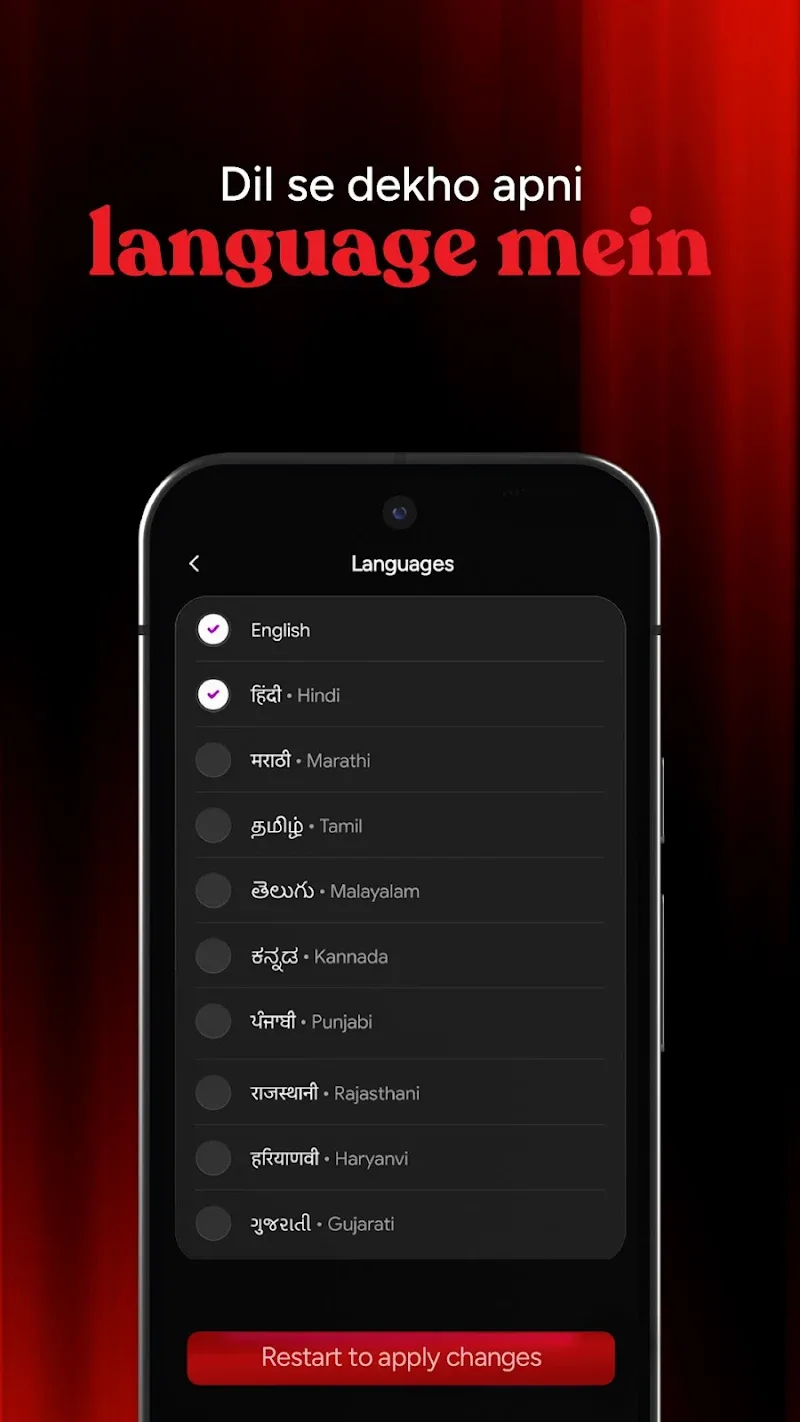
Real In-App Experience & Trending Shows
Kuku TV’s content library focuses heavily on fast payoff storytelling. You won’t wait 10 episodes for the plot to move—major conflict happens in the first 30 seconds.
Popular Story Genres You’ll Find:
- Billionaire & Secret Identity Romance: High-drama tropes featuring dramatic reveals and hidden heirs.
- Revenge & Urban Legends: Fast-paced underdog stories designed for quick emotional satisfaction.
- Suspense & Thrillers: Short mystery arcs built around sharp episode-ending cliffhangers.
Navigation Observations:
Opening the app drops you right into a full-screen vertical feed (much like TikTok or Reels). Swiping up instantly buffers the next clip. If you find a show you like, tapping the “Watchlist” icon saves your progress automatically so you don’t lose your spot when closing the app during a quick commute.
Should You Install Kuku TV?
Great Choice If: You want instant entertainment during short breaks, enjoy dramatic cliffhangers, and prefer single-handed vertical video navigation over landscape streaming apps.
Keep In Mind: Like most micro-drama platforms, full series bingeing requires engaging with the platform’s coin unlock system or daily reward ads after the initial free preview episodes.
How Episode Unlocking Works
Kuku TV uses a freemium viewing model so you can test shows before committing:
- Free Teaser Episodes: Typically, episodes 1 through 10 of any new series are unlocked for all users.
- Daily Bonus Coins: Claim coins by completing daily app launches, watching short promotional video clips, or joining seasonal check-in events.
- Instant Unlock Passes: For uninterrupted viewing, users can purchase virtual coin bundles directly inside the app to unlock entire story arcs.
Frequently Asked Questions (FAQ)
Is downloading the Kuku TV APK safe?
Yes. The official Kuku TV APK file provided here is scanned, untouched, and cryptographically verified against original publisher signatures to ensure it is 100% free from malware or unauthorized modifications.
Why download the direct APK instead of searching regional stores?
Direct APK packages allow Android users to install or update to the absolute latest build immediately, bypassing regional app store rollout delays or localized search restrictions.
How do I unlock locked episodes in Kuku TV?
Once you reach a locked episode (usually marked with a lock icon), you can redeem accumulated task coins or select a quick coin top-up to continue watching immediately.
Does Kuku TV require a high-speed internet connection?
Because videos stream continuously in short-form vertical feeds, a stable 4G/5G or Wi-Fi connection is recommended for smooth, buffer-free playback. Limited episode caching is supported in-app for active sessions.










Comments (0)
No comments yet. Be the first!