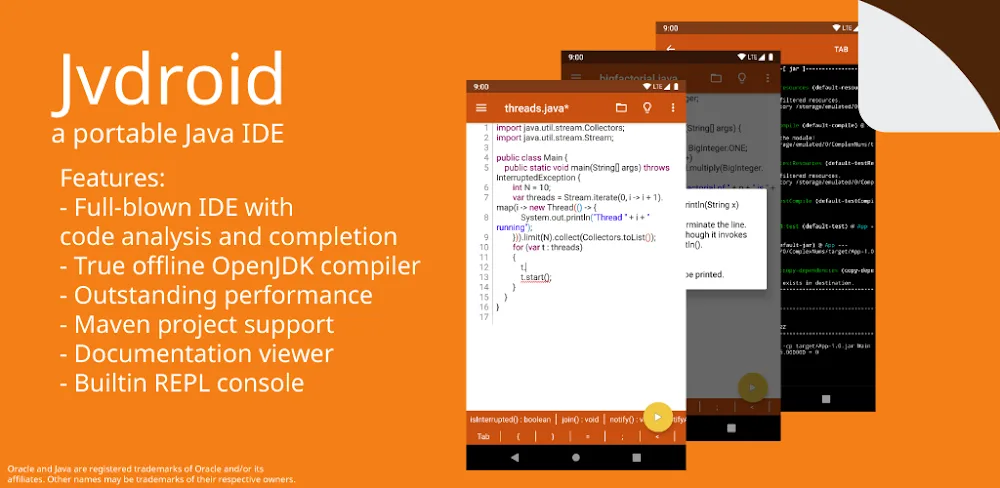

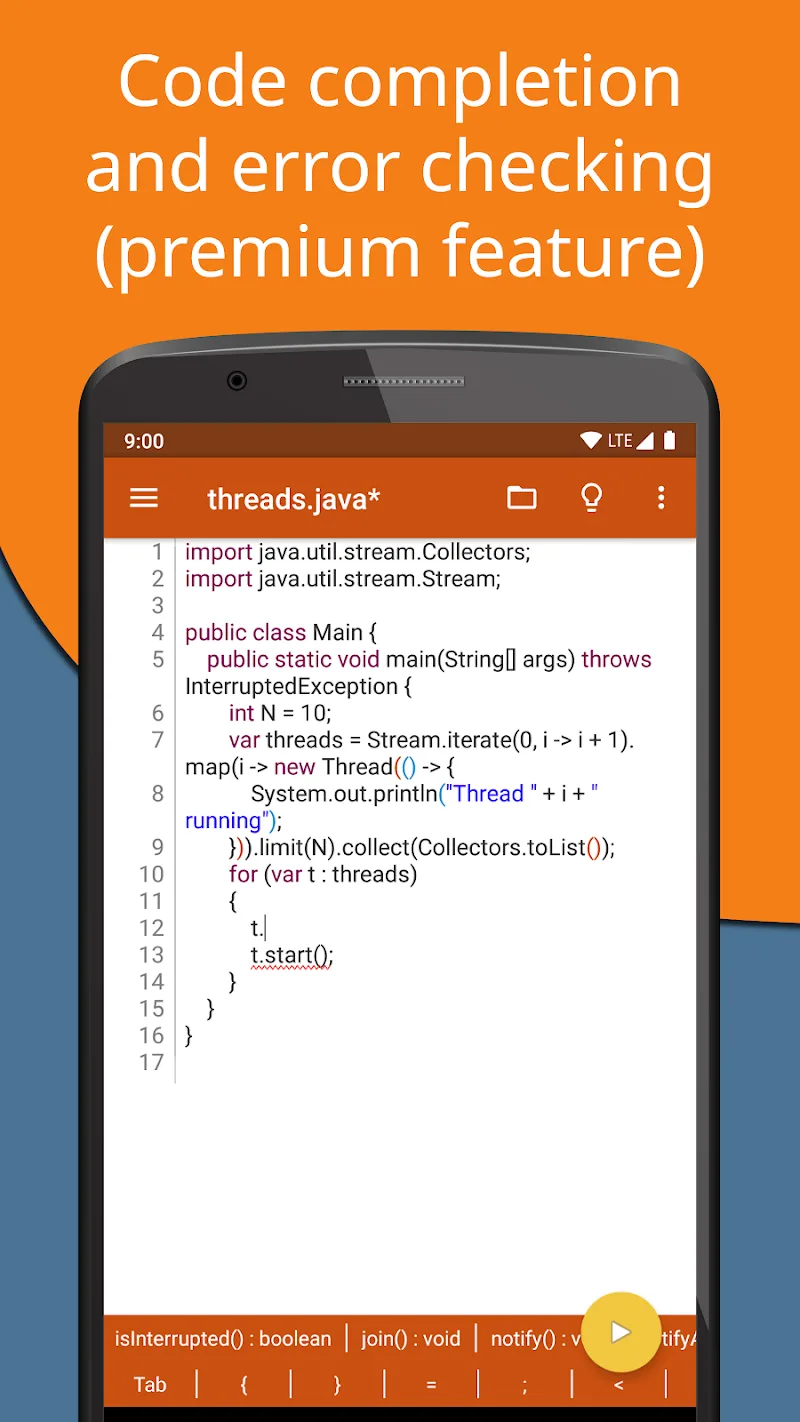
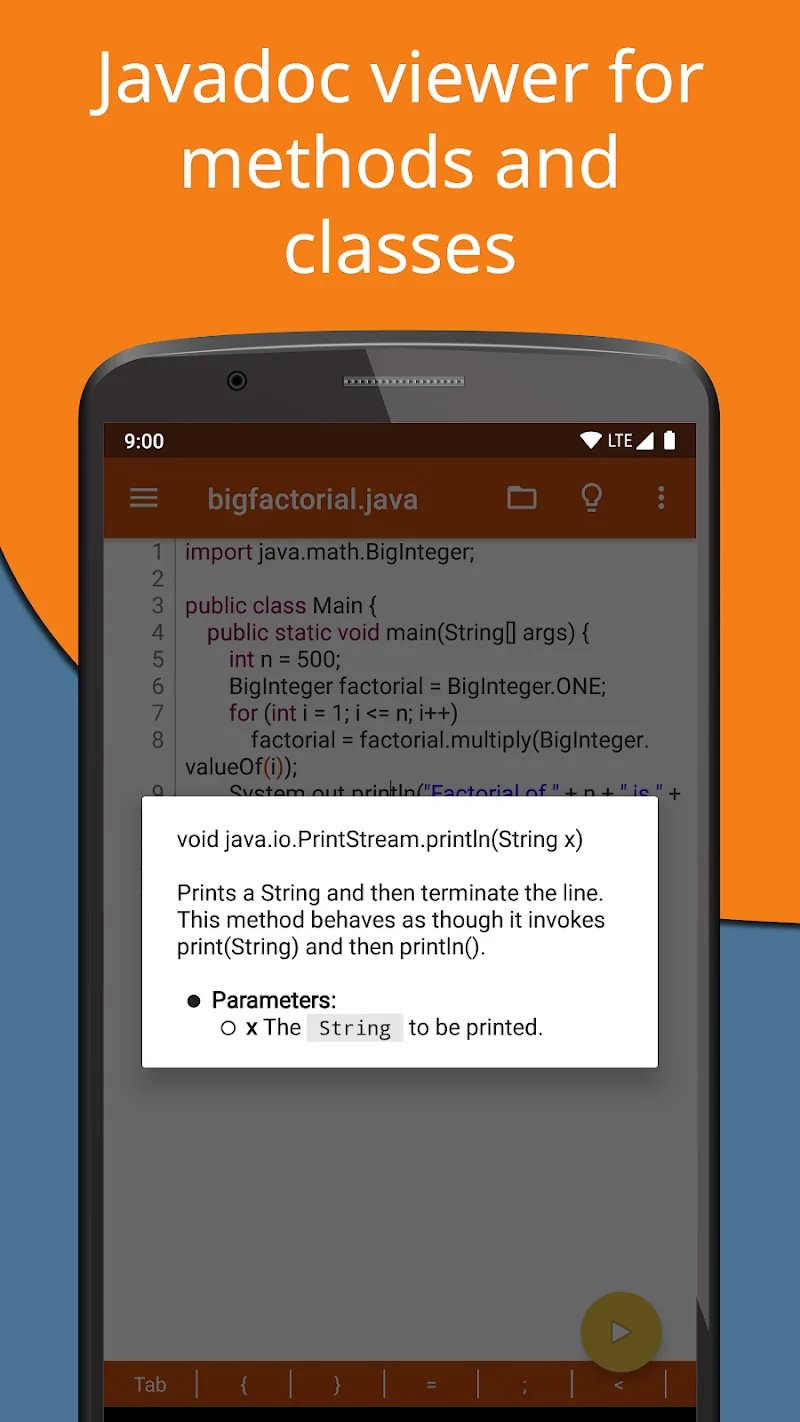
Jvdroid will transform your mobile device into the most convenient Java programming environment available today, allowing you to learn and practice directly on your Android device. This application provides a comprehensive Java IDE, optimally designed for learning, writing, running, and testing Java code directly on your Android phone or tablet. With our smart application, you can practice Java without a computer or internet connection.
SMART JAVA EDITOR UTILITY
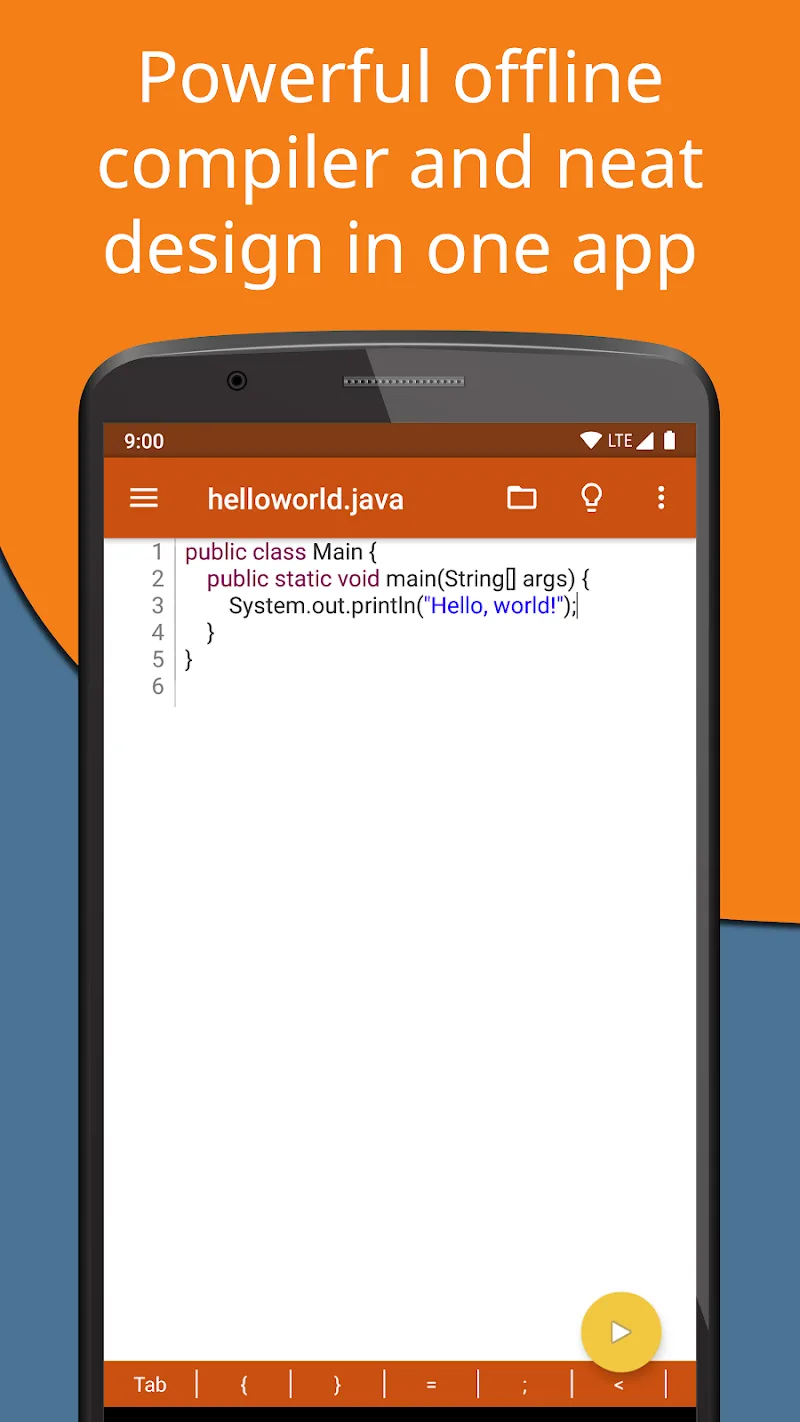
Our application allows users to write and test Java code offline without an internet connection. You can run Java programs offline.
This offline feature offers maximum convenience for users, suitable for any time and place: studying anywhere, suitable for environments without WiFi, or wanting to focus on coding without interruption…
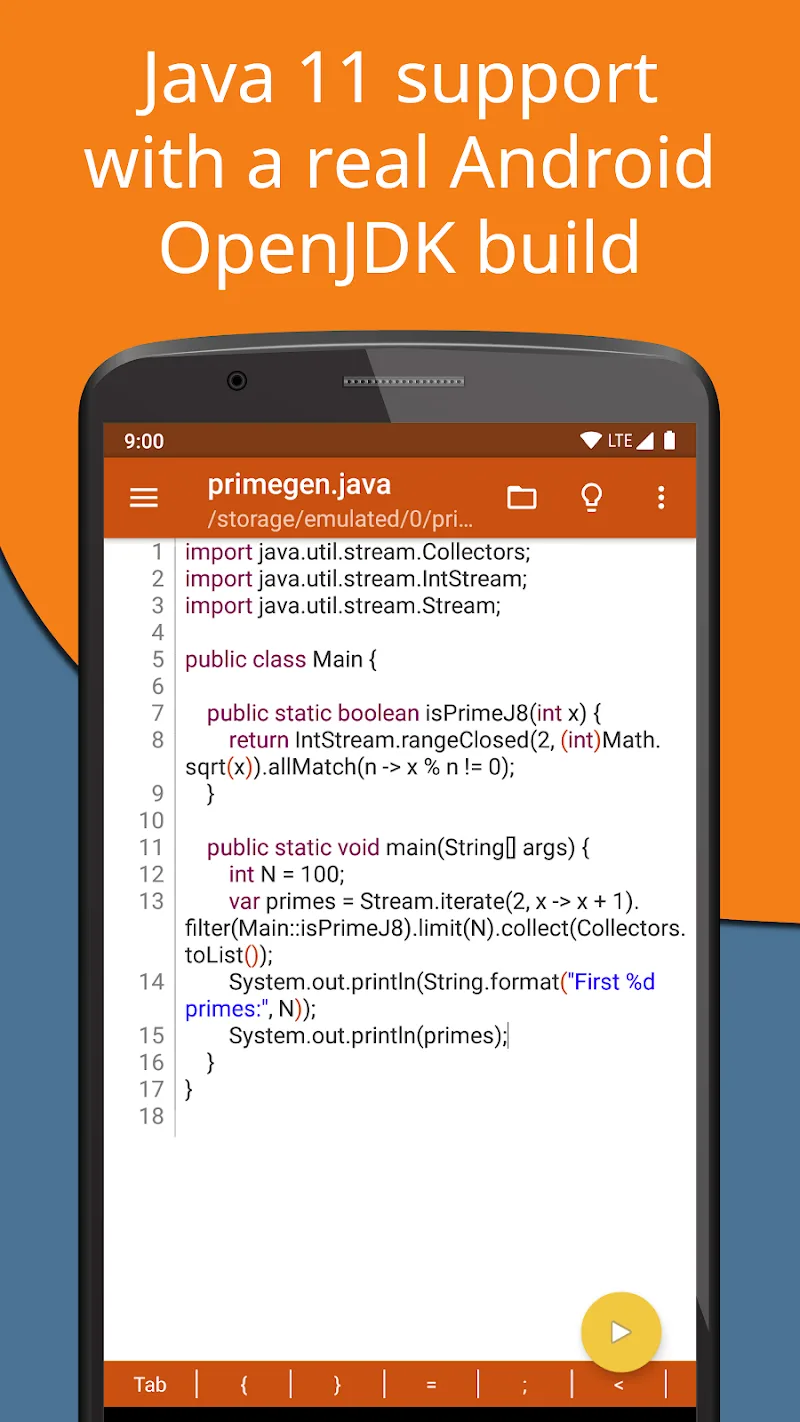
More importantly, Jvdroid integrates the independent OpenJDK 11, a modern Java standard that fully supports the latest Java syntax, allowing the use of any .jar library. These intelligent features ensure the learning and testing environment is as close to real-world Java as possible.
HIGHLIGHT FEATURES
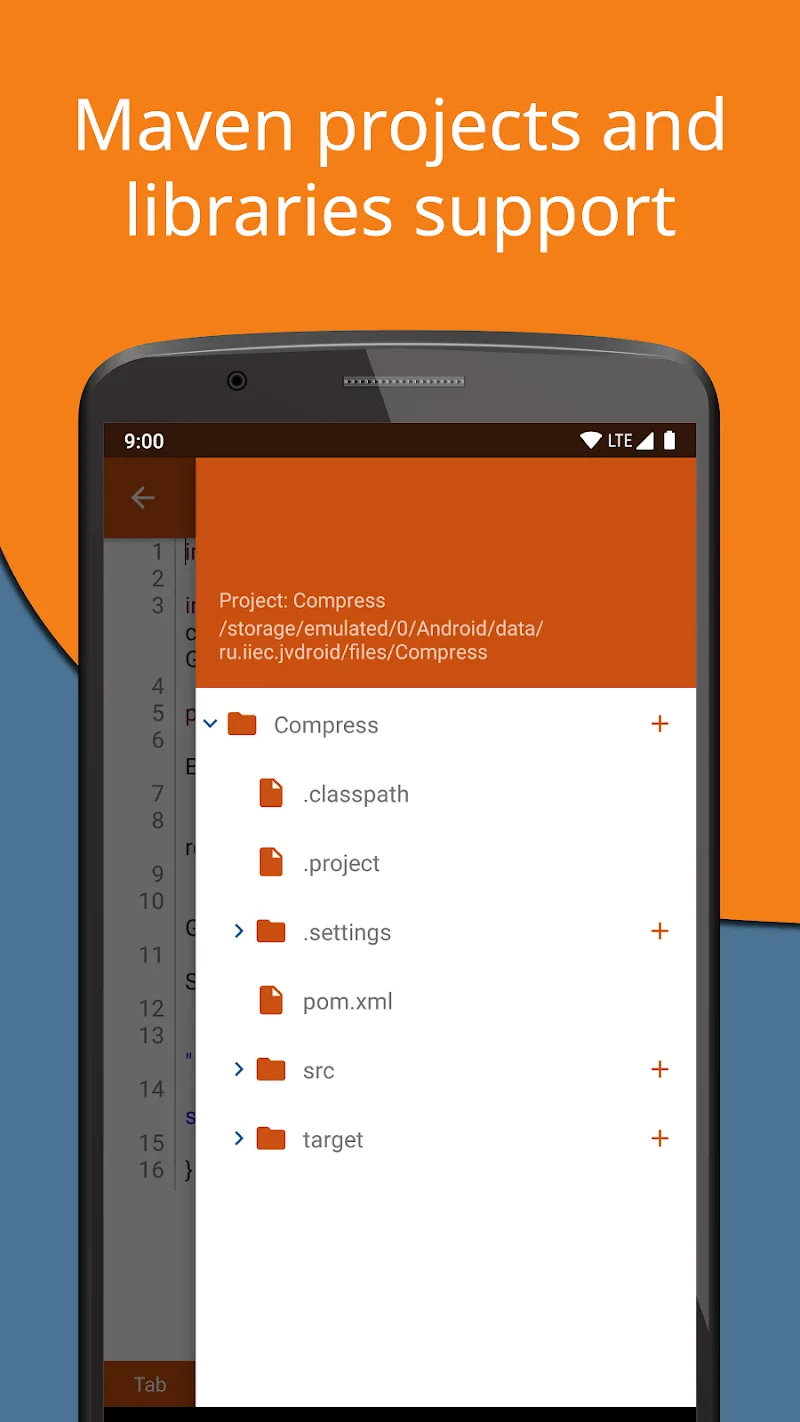
- The application supports Maven and professional project management.
- Allows the creation and management of multiple Java projects.
- Uses Maven to build: Kotlin, Scala, Clojure.
- The application provides many pre-built Java examples to help users quickly understand syntax and practice immediately without setup.
- A fully featured terminal simulator like a real command line.
- The code editor feature automatically completes code and analyzes syntax errors as you type.









Comments (0)
No comments yet. Be the first!