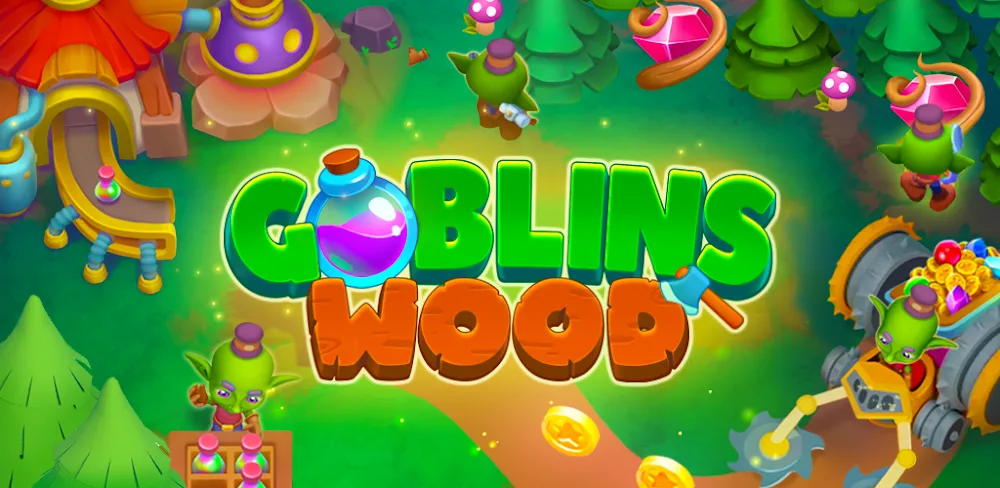

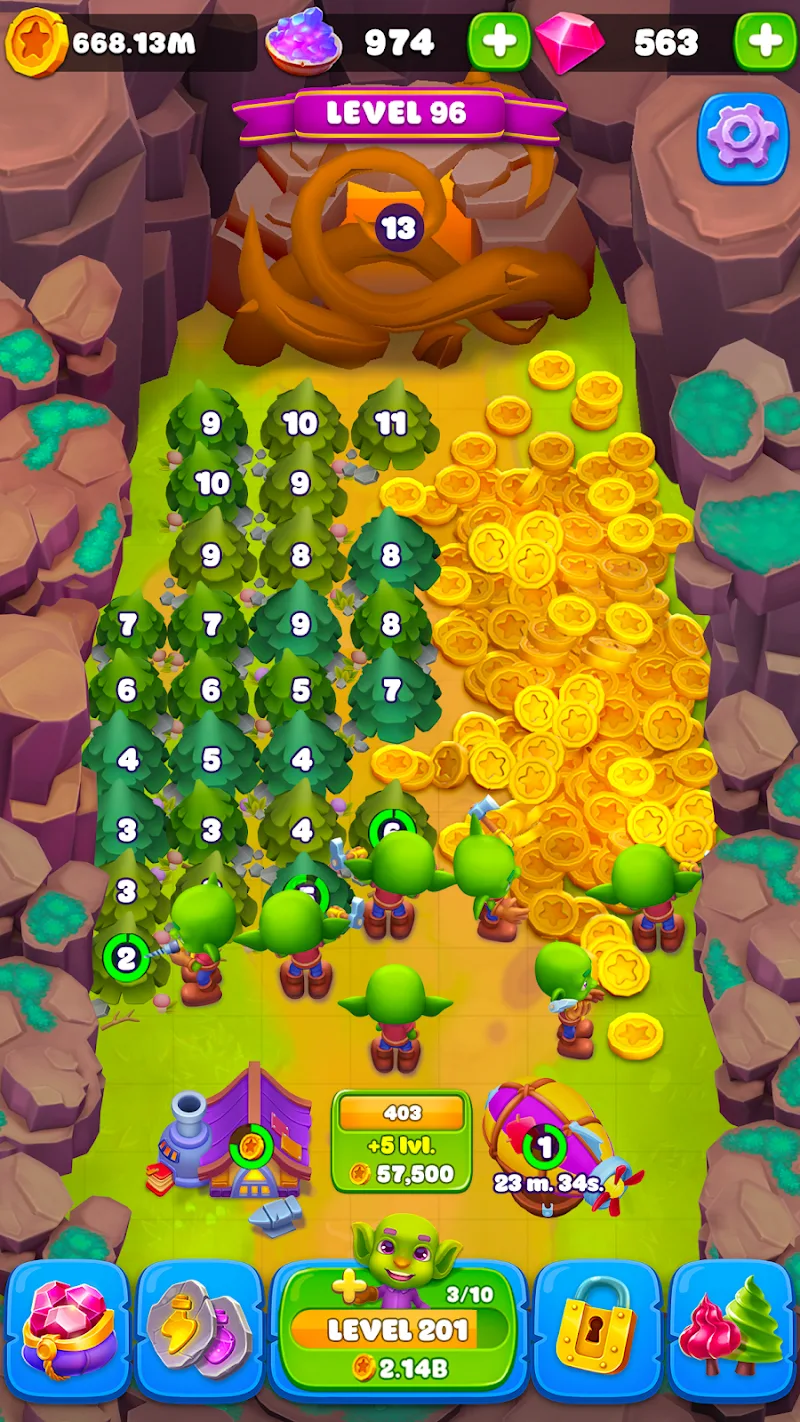


Goblins Wood: Tycoon Idle Sim is an entertaining game where your task is to help the goblins complete tasks and earn money. Players transform into the head of a business empire and try to increase its scale as much as possible. Your assistants will be hard-working goblins.
EXPAND TYCOON EMPIRE
In this game, you will build a business empire to create your own source of money. Complete tasks to expand your territory and increase the amount of money you can earn. When work becomes busier, you can hire more assistants to help you manage your business.
- Build a profitable empire: Reclaim and build your empire to earn money from it.
- Unlock new territories: Explore new lands and expand your territory.
- Hire more goblins: Find more powerful assistants to support you.
STRATEGIC MERGE GAMEPLAY
You alone cannot ensure the smooth operation of this huge empire, so you need talented and hard-working assistants. The lovely goblins will help you a lot. If you want to improve their speed and performance, you can combine two individuals to create a more wonderful individual. In addition, you can handle difficult questions to earn great rewards.
- Combine two goblins: Upgrade your assistants by combining two goblins to make them stronger.
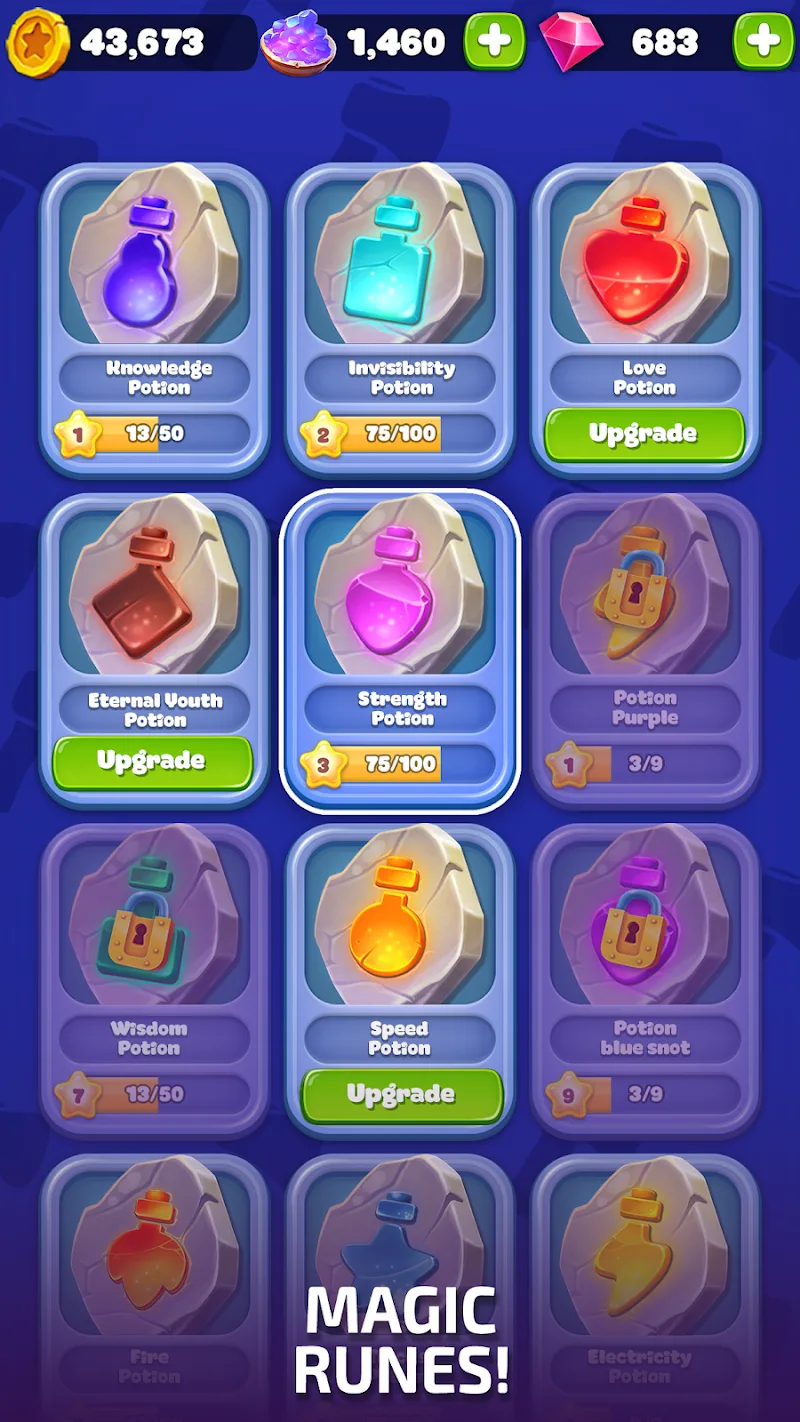
- Upgrade your units: Improve the stats to make your workers more agile.
- Solve puzzle challenges: Solve difficult puzzles and win more attractive rewards.










Comments (0)
No comments yet. Be the first!