
Glassify - Widgets & Themes

Glassify - Widgets Themes v1.6.0 MOD APK (Premium Unlocked)

MOD: Premium Unlocked

1.6.0
Version
21.2 MB
Size
Get it on
4
★
2 ratings
Download APK
VERSION
1.6.0
Latest
SIZE
21.2 MB
Total
DEVELOPER
REACHED
7.5K+
Views
UPDATED
Oct 29
2026

Screenshots

Screenshot 1 Screenshot 2 Screenshot 3 Screenshot 4 Screenshot 5

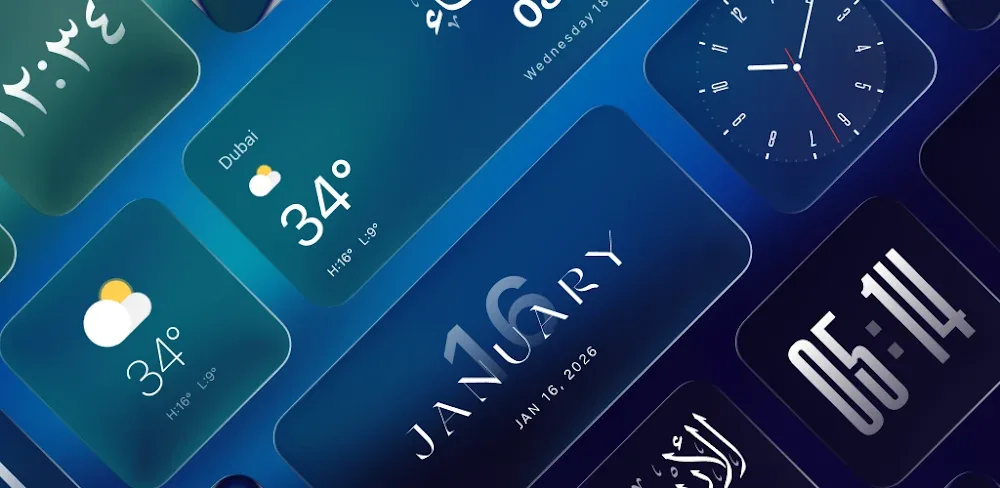
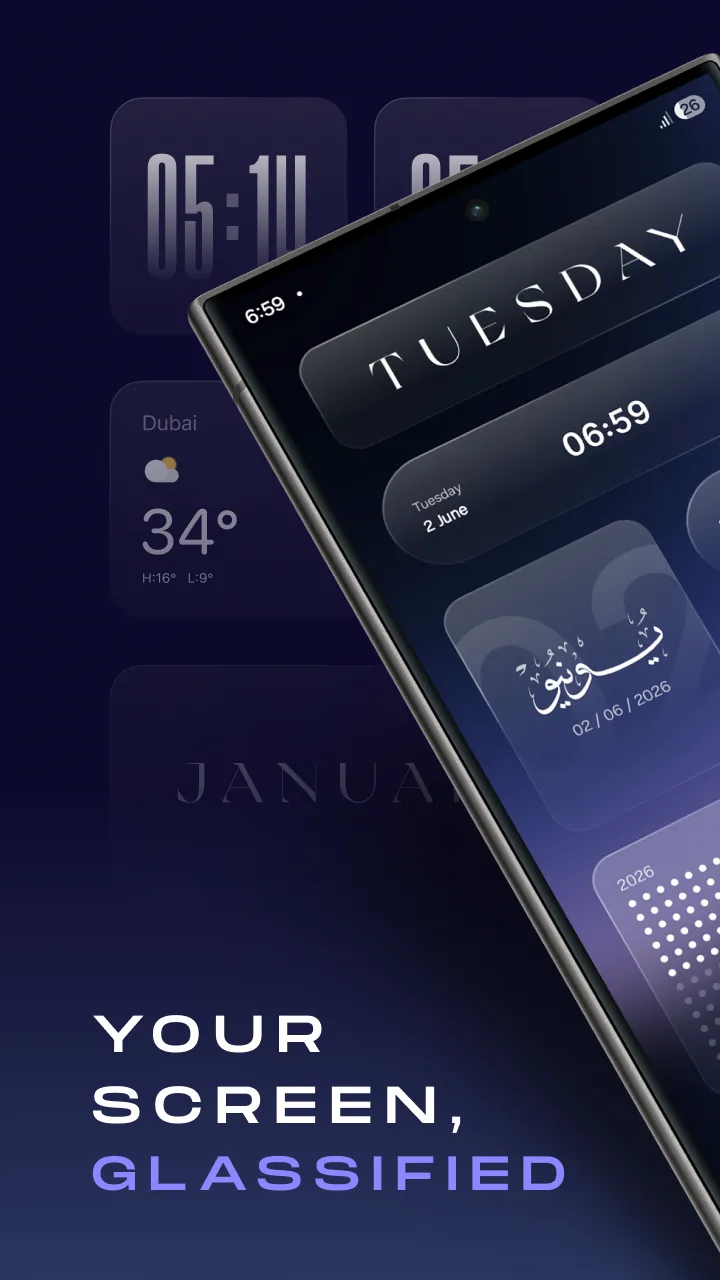
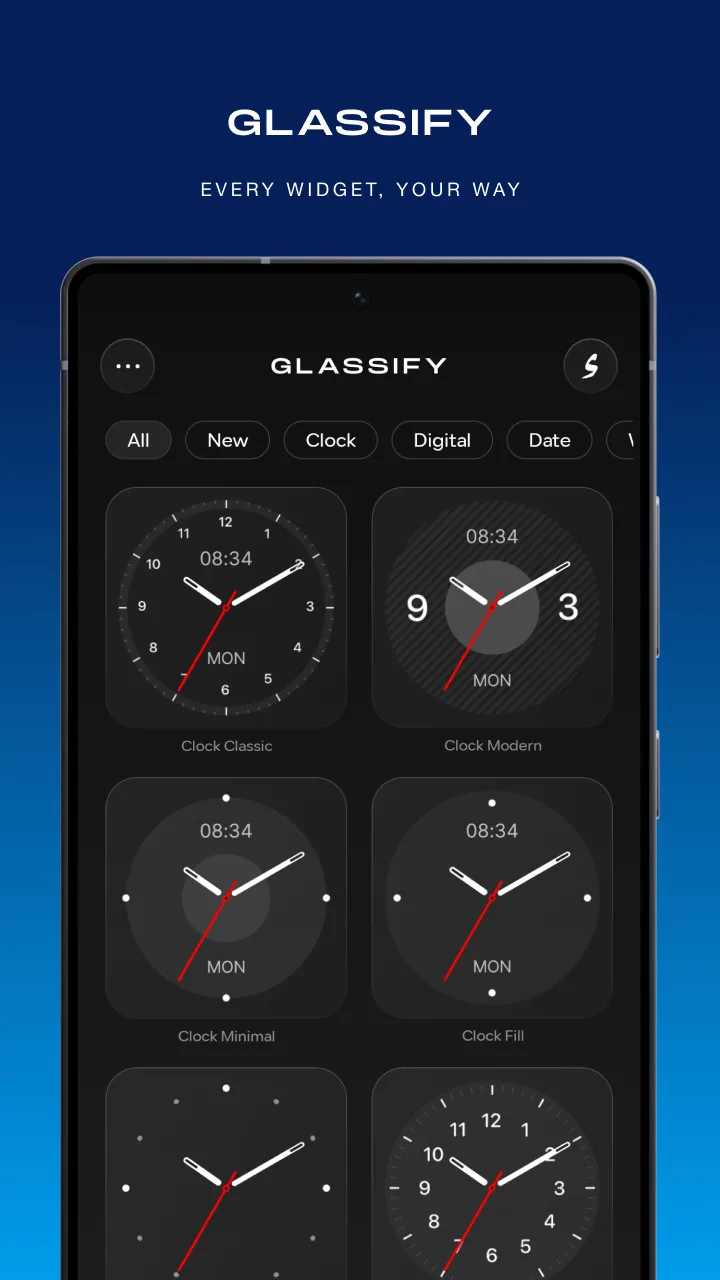
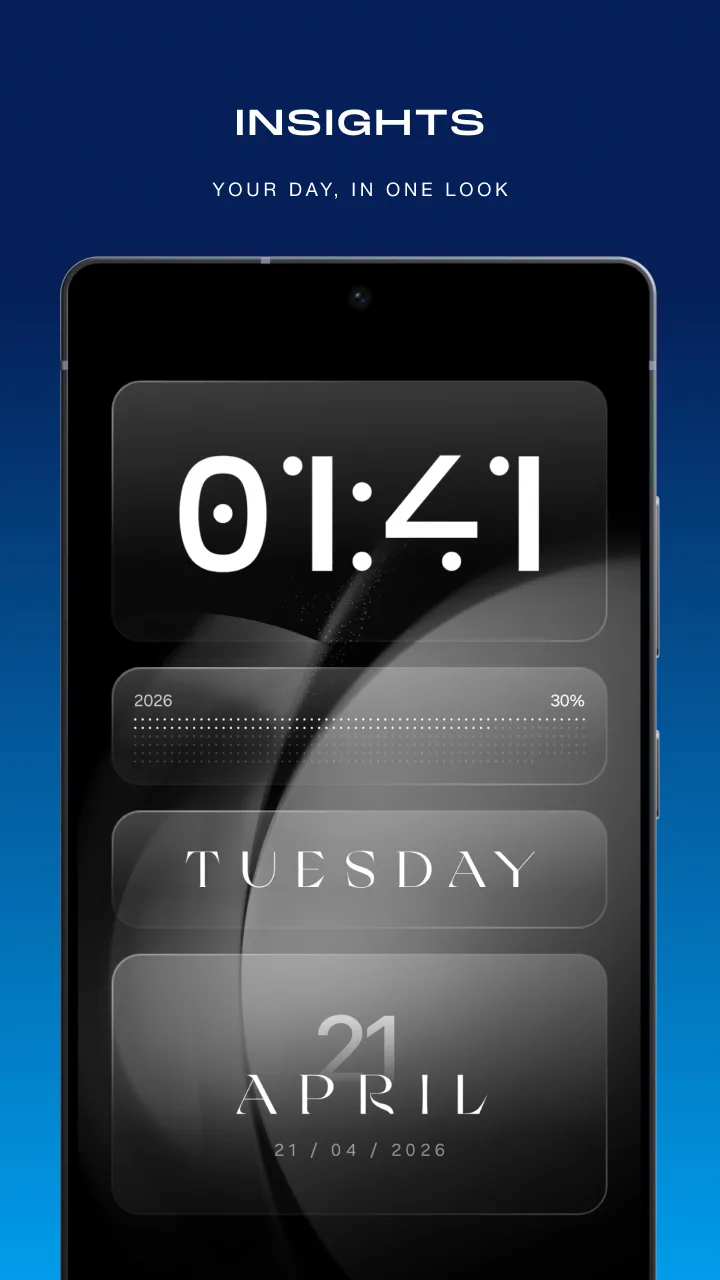
The ability to transform mobile interfaces with a refined translucent glass style is now extraordinarily smooth and sophisticated on the Android operating system. Glassify – Widgets & Themes clearly demonstrates its function right in its name by showing you that it will deliver a screen as transparent as glass. This provides users with the precise touch of luxury they need most. A series of unique widget templates was created to help users personalize every screen detail without needing complex editing applications. Fine-tuning colors or the sizes of information boxes happens extremely quickly without draining the battery or causing device lag.

OPTIMIZE AND CUSTOMIZE NATIVE WIDGETS ON GLASSIFY WIDGETS

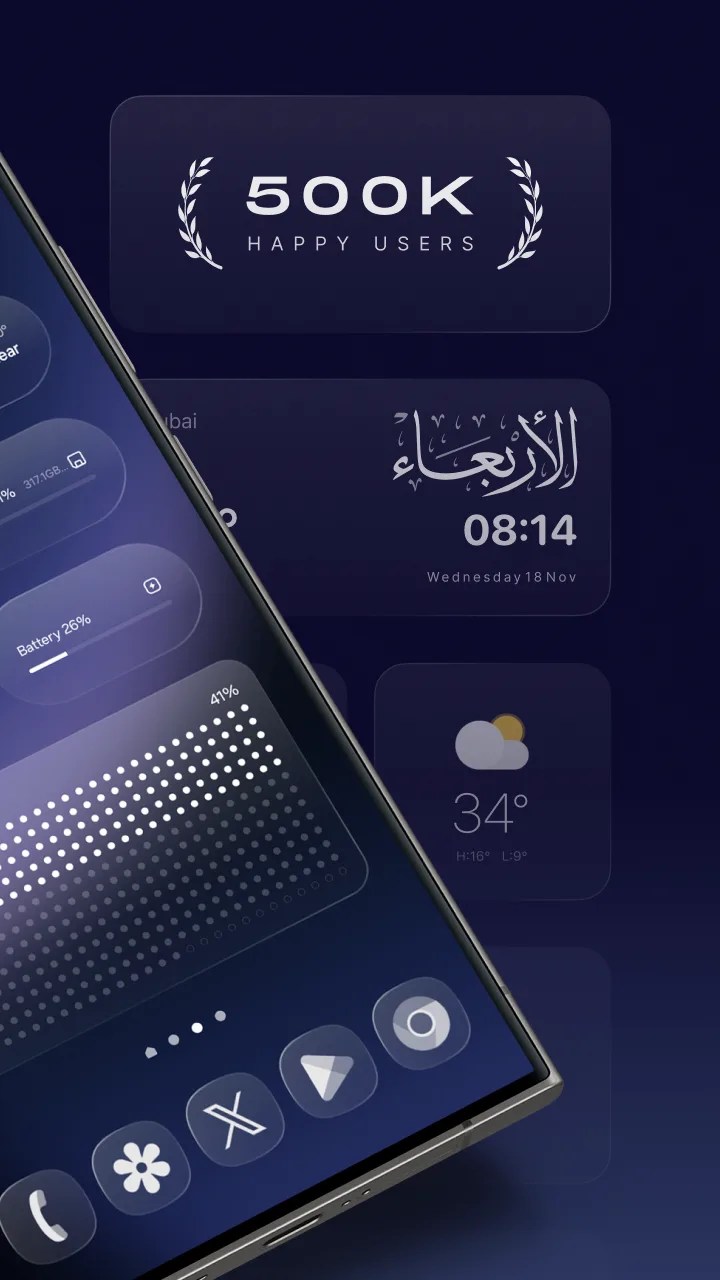
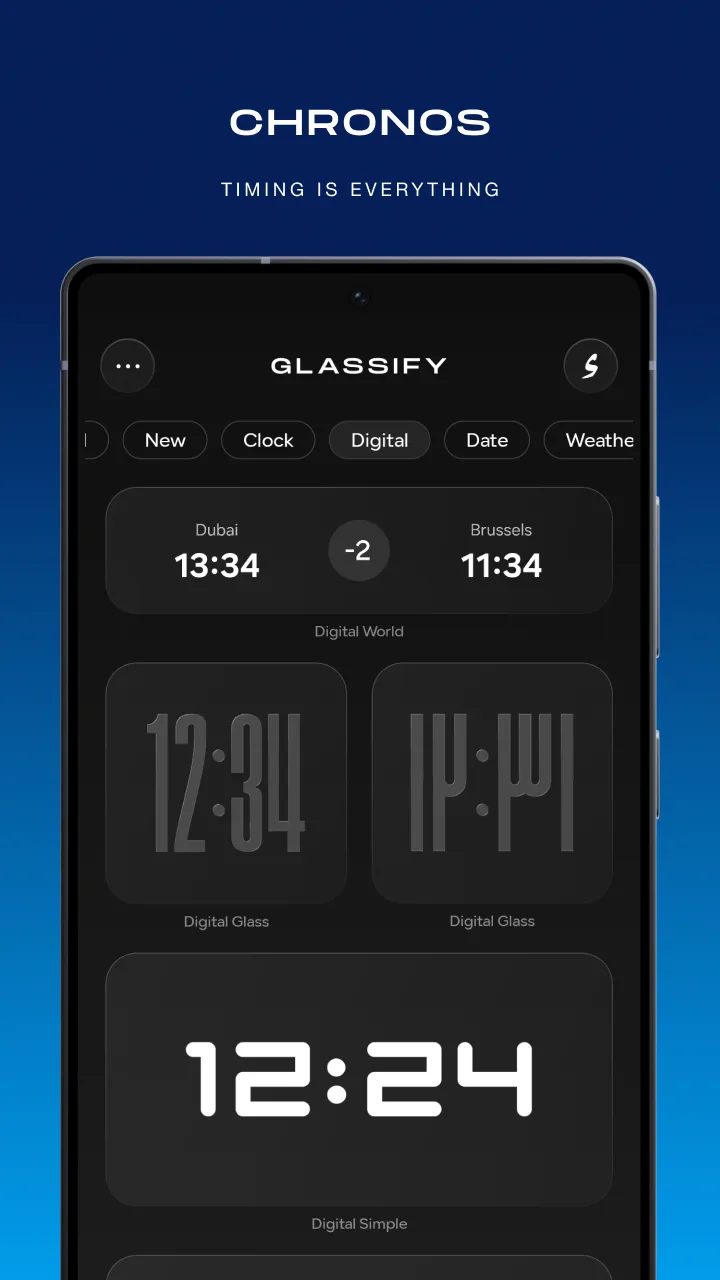
Fonts and number styles are modified directly on each display box to completely replace KWGT. Thanks to this, you can do everything much faster than before. In this way, users can fully experience an extremely accurate system of clock, weather, calendar, or system metrics widgets. Not stopping at simply organizing the home screen layout, you can also enjoy 14 lock screen widgets custom-designed for Samsung.

  • Customization: Fine-tune every component in detail
  • Speed: Native widgets operate smoothly
  • Exclusive: Samsung translucent glass effect

TRACK INFORMATION AND ENJOY REGULAR WIDGET CATEGORY UPDATES

Sports widgets updating live scores alongside event countdown timers always encourage users to organize their tasks efficiently. Nevertheless, the system that automatically detects location for weather forecasts proves to be no less impressive by delivering absolute accuracy. By upgrading to the premium Pro package, you will easily unlock the entire collection alongside countless new updates every month.

  • Tracking: Sports scores and countdowns
  • Weather: Automatic location detection
  • Upgrade: Unlock Pro catalog

Help & FAQ

What is APK INSTALLER? How to install?

APK INSTALLER is an Android game installer that includes .apk and .obb files attached to the same container. You just need to install the container like regular apk files. Then install the game through our installer.

What is XAPK? How to install?

XAPK is similar to APK INSTALLER, it includes apk and obb inside. To install the .xapk file, you need to use a third-party installer, for example, XAPKS Installer (a friendly tool of a friend of mine)

The download link is broken!

Please report it to us via social media, or email, we will fix it in a moment. Managing the links of tens of thousands of games and applications is difficult, sometimes we get tired and do something wrong. Please sympathize.

What causes mods not to work properly?

Team always do thorough testing before posting games and apps. Please read carefully before the instructions that include “MOD Info?” “How to?” in the post. If it still doesn’t work, report it back to us

How to fix "App not installed" error?

This error occurs when you install an original version or mod of another website in the device. Please delete them and reinstall our version

How to update mods without losing data?

It’s very simple, overwrite the new version without deleting the old version. However, this is only possible when you use the same mod version from LITEAPKS.COM

Data safety

Safety starts with understanding how developers collect and share your data.

No data shared with third parties

This app may collect these data types: Location, Personal info and 3 others

Data is encrypted in transit

You can request that data be deleted

4/5
2 reviews

Comments (0)

No comments yet. Be the first!