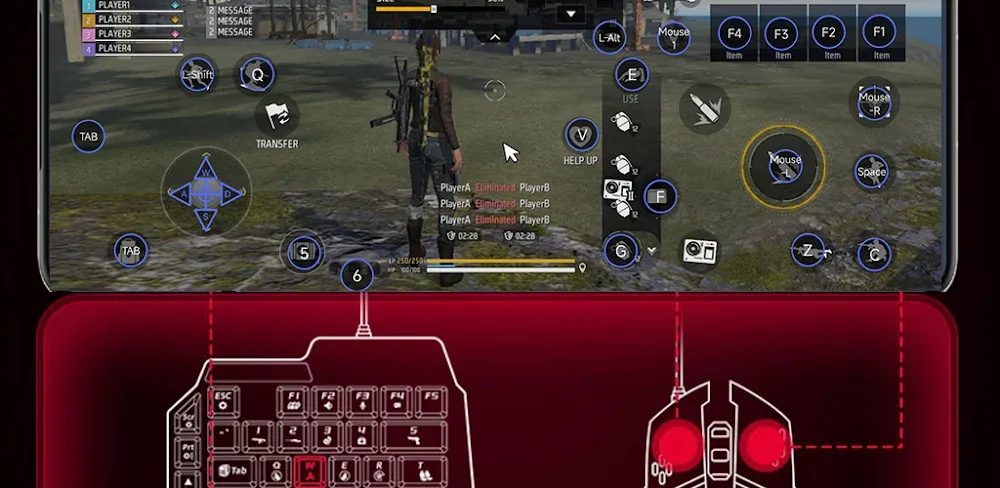

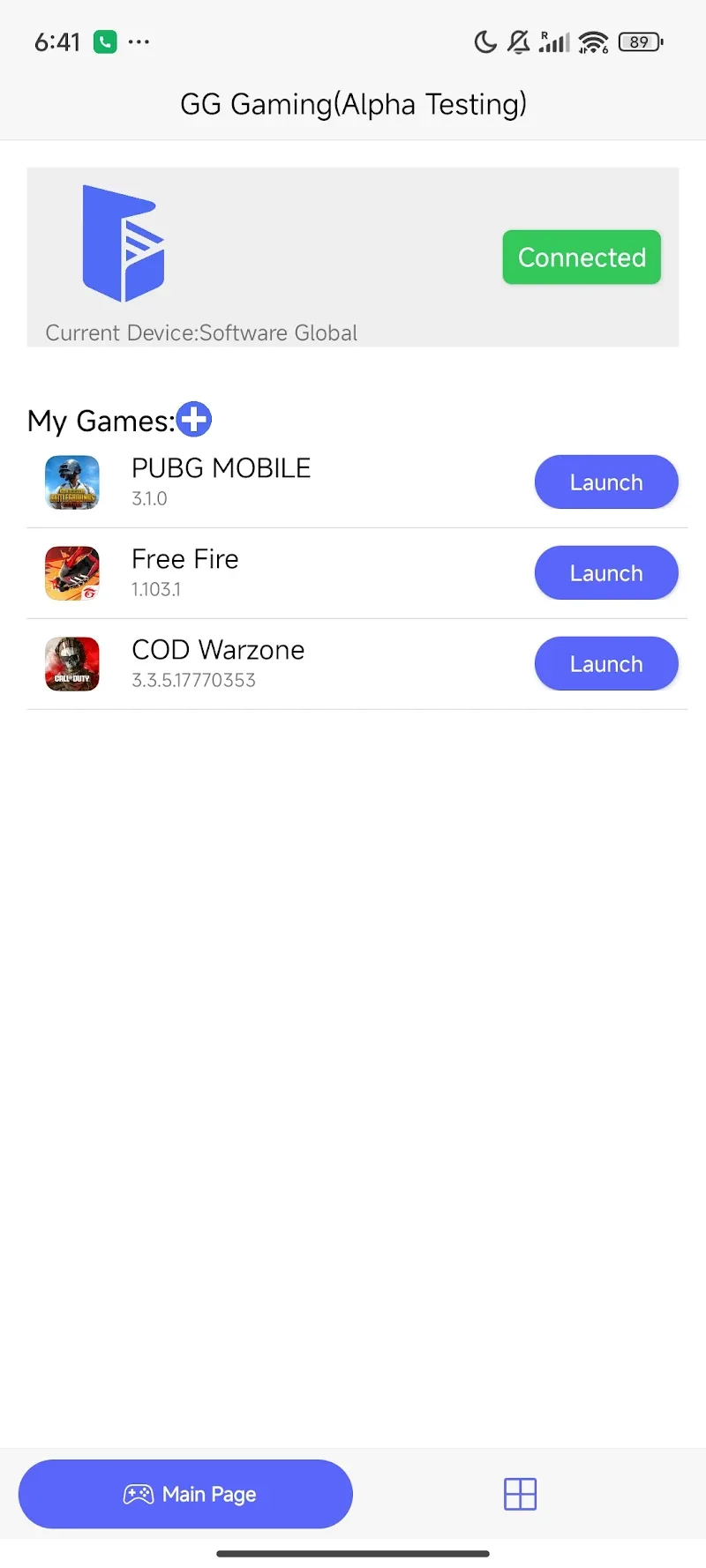
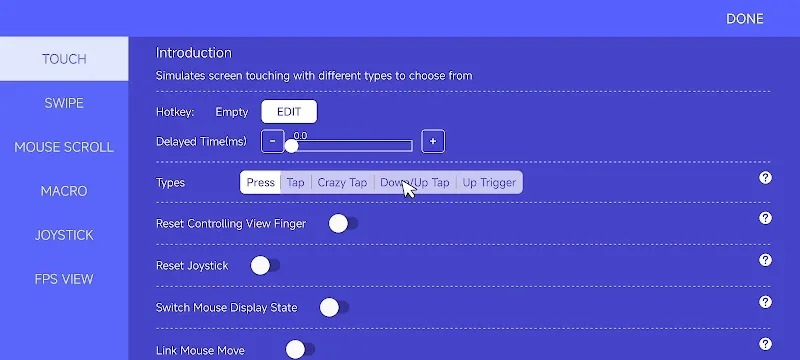
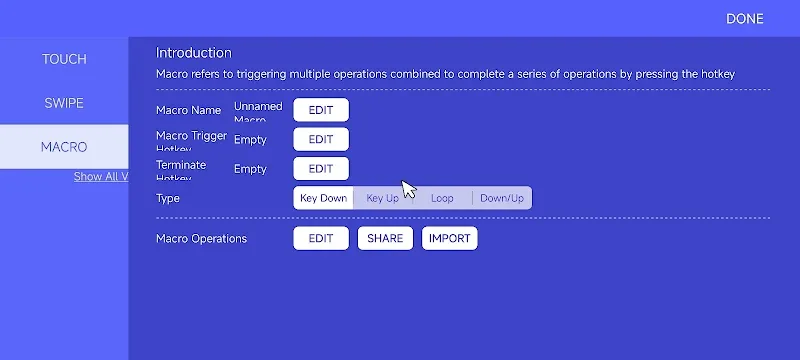
Become the king of all games and top the leaderboard by transforming your Android phone into a true FPS gaming machine with GG Mouse Pro 2. This application allows users to connect a keyboard and mouse to their phone to play any Android game. Gaming with supported gear provides a precise and familiar control experience, just like on a PC, and lets you master every game.
4 SMART CONNECTION METHODS
Connecting your gear to your Android device takes less than 5 minutes, and you can enjoy a perfect experience. Even better, our application also provides detailed video tutorials on how to connect:
- Shizuku Connection: This connection method is simpler and more widely used. You don’t need to root your device, and it offers faster and more stable setup, suitable for most users.
- Wireless Activation: This connection method doesn’t require a USB cable; you can enable Developer Options or USB Debugging for wireless connection.
- USB Activation: This is a traditional connection method, directly connecting Android to PC/Mac via USB cable, offering high stability and accuracy.
- Root Activation: This connection method is only for rooted devices and has no access restrictions.
FREE-PREMIUM FEATURES
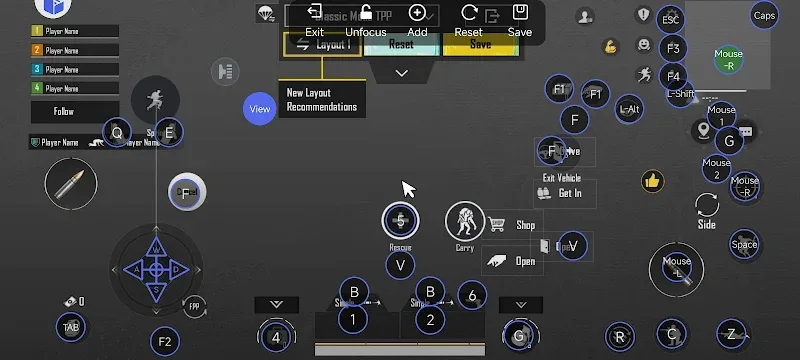
- Customize and create your own control layout for each game
- Freely create macros for complex operations
- Completely free to experience all Premium features
- Flexible controls, not limited by touch
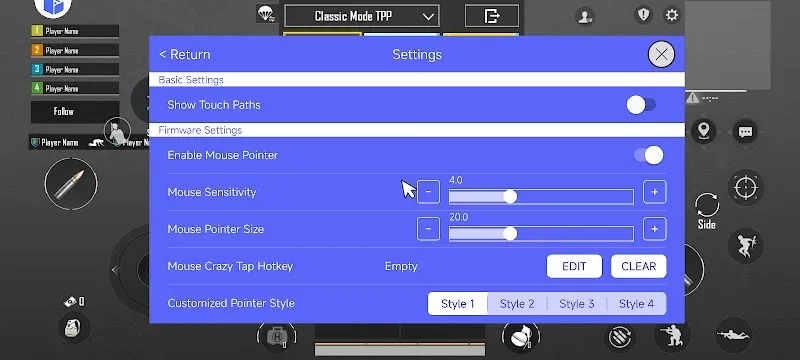
- Quick setup, freely choose your own configuration for each game
- The application has an intuitive interface, easy to use and master in just a few minutes










Comments (0)
No comments yet. Be the first!