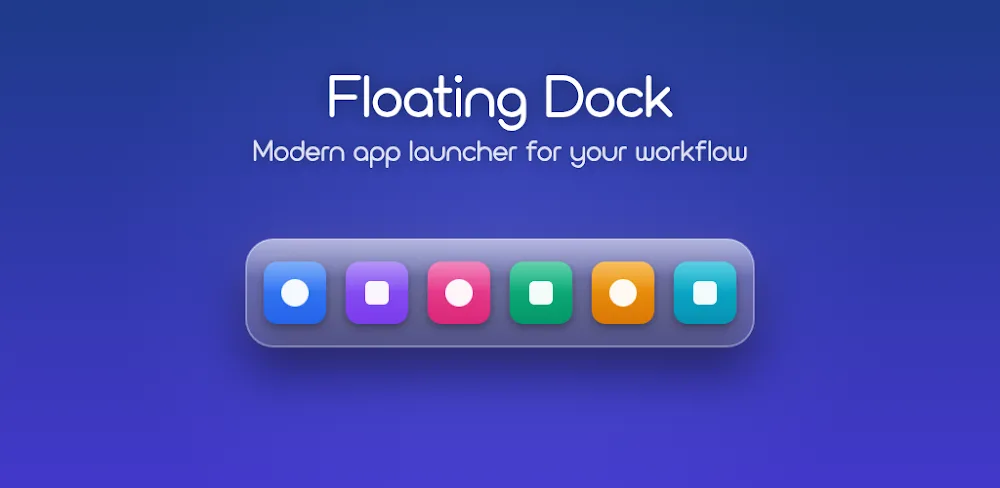





Owning a streamlined, smooth Android interface that maximizes every touch interaction has always been the ultimate goal for modern mobile technology enthusiasts. Among the countless customization apps available on the market today, Floating Dock stands out as the most innovative and comprehensive solution for elevating your personal experience. By redefining the way you interact with your device, this app allows you to take complete control with nothing more than a few simple swipe gestures.
SMART NAVIGATION AT YOUR FINGERTIPS
Your phone interaction experience will reach a whole new level thanks to the intuitive navigation system powered by the taskbar. With its highly intelligent adaptive capabilities, the app always knows how to stay discreetly hidden without interrupting your entertainment activities. You no longer need to perform repetitive swipe gestures or manually search for apps as you did before.
- Flexible taskbar: Integrates a dock displaying battery status, date and time, along with a customizable gesture activation button.
- Floating app menu: Full-screen swipe search panel with press-and-hold to quickly pin or unpin apps.
- Auto-hide & Privacy: Automatically hides during gaming, landscape mode, and screen lock while guaranteeing that no data is collected.
POWERFUL MULTITASKING & MAXIMUM PERSONALIZATION
More than just an app switcher, Floating Dock delivers comprehensive management capabilities that help you work more efficiently. The app opens up limitless creative possibilities, allowing you to freely build an interface that reflects your personal style. The perfect combination of control utilities and theme customization completely transforms the way you use your phone.
- Quick control panel: Swipe to access the music player, adjust volume, brightness, and toggle connectivity settings.
- Smart Clipboard: Manage content across 4 tabs (Notes, To-Do, Clips, Favorites) and edit everything directly with ease.
- Design & Settings: Syncs with Material You colors, features a frosted glass effect, and provides management through an intuitive 4-tab system.










Comments (0)
No comments yet. Be the first!