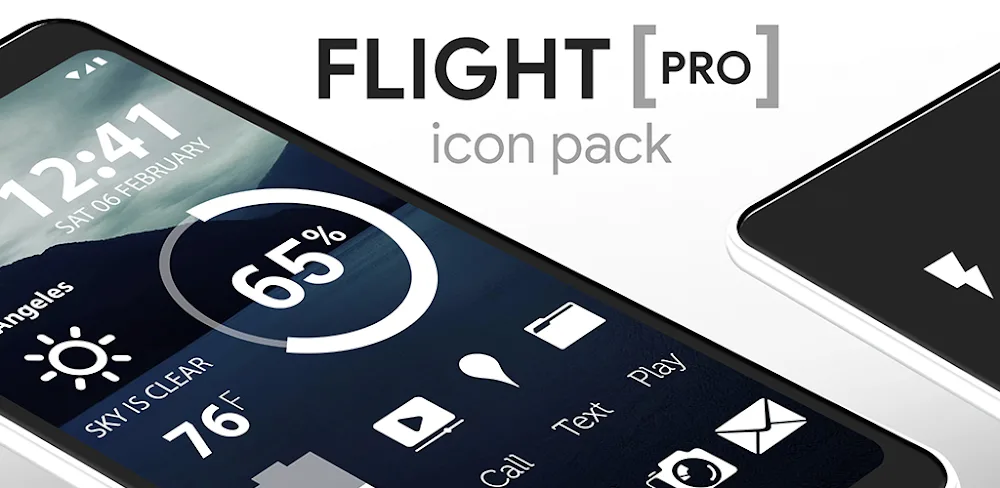
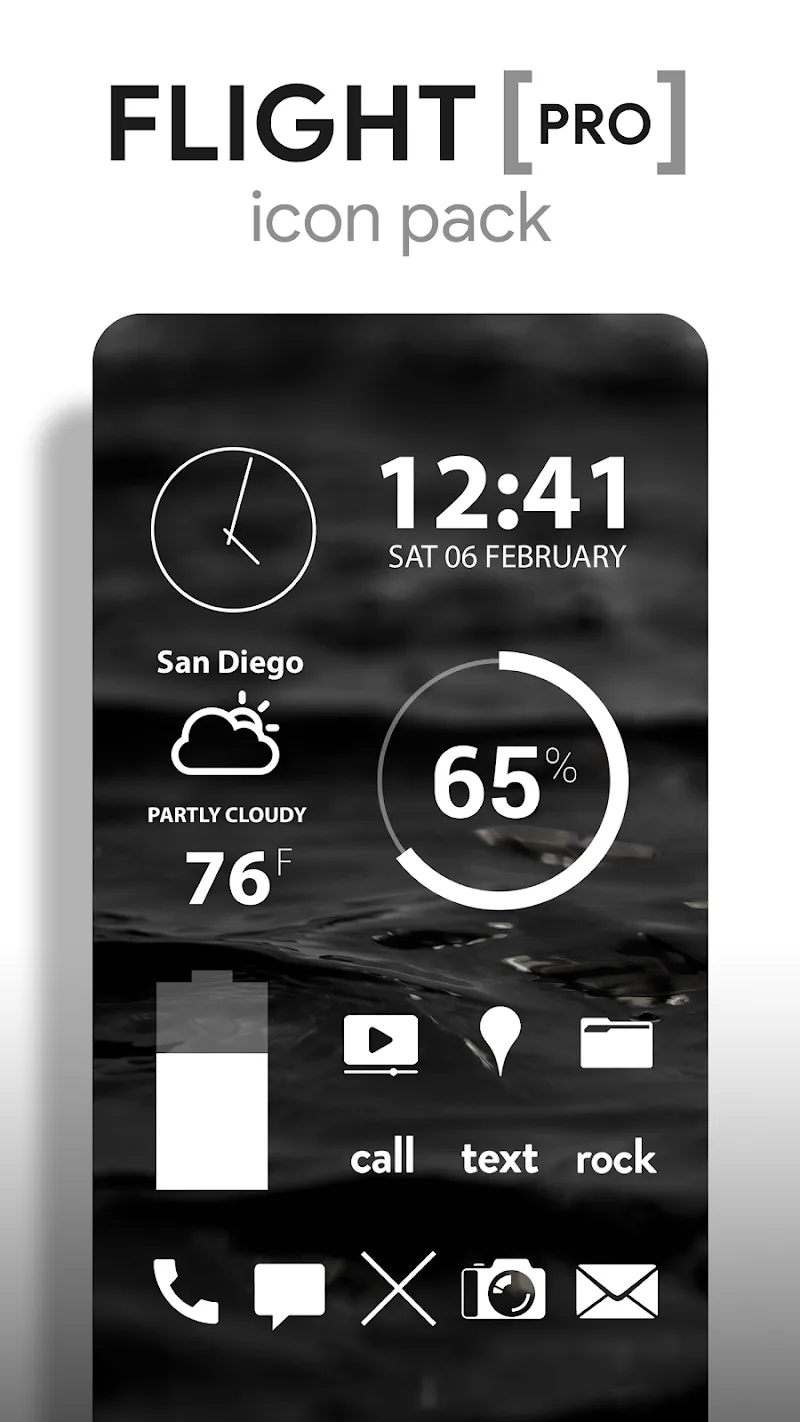


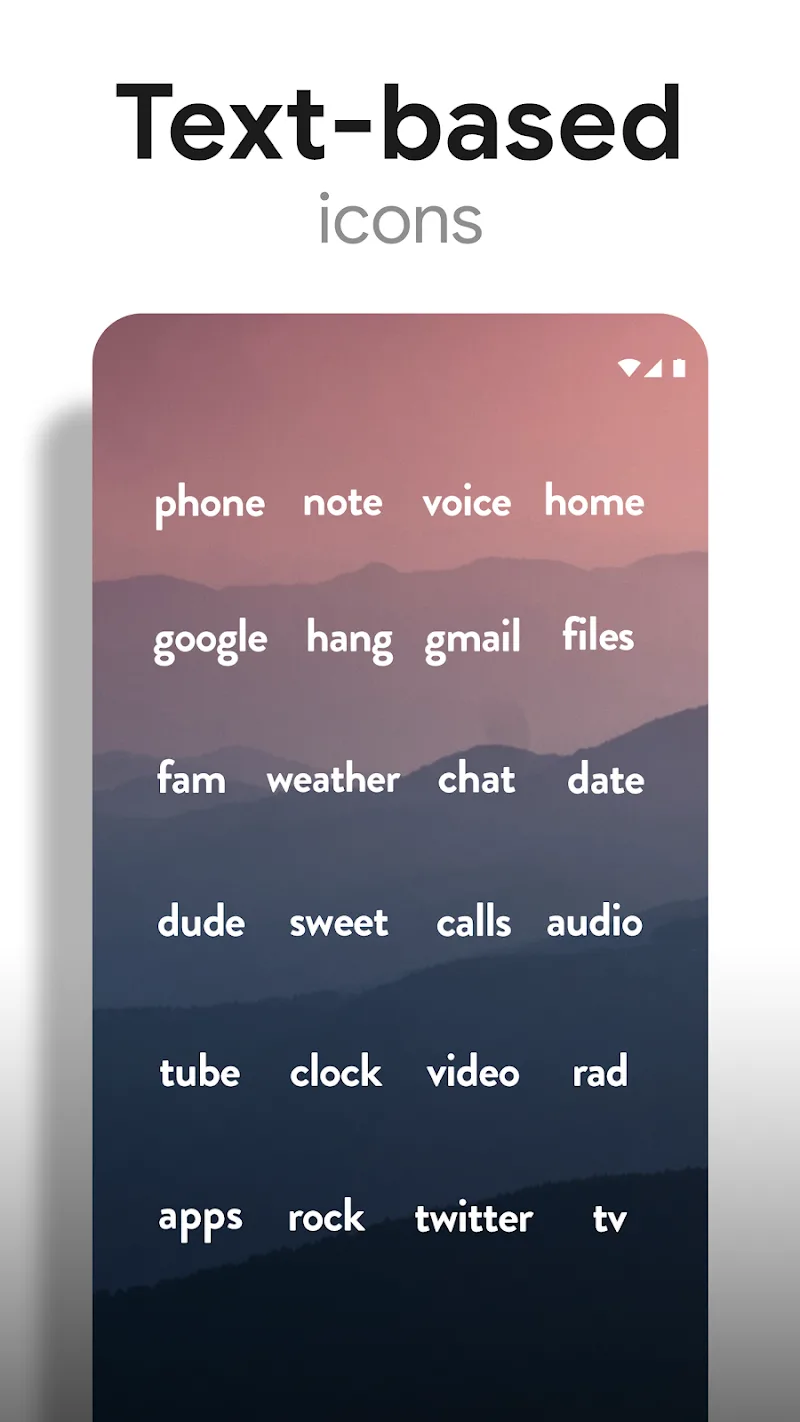

Flight Pro – Icon Pack provides icon packs and many other details to upgrade the device interface. Users can apply icons with a simple style and many wallpapers with the same theme. The widgets will be rearranged to make the space tidier.
MINIMALIST WHITE ICONS
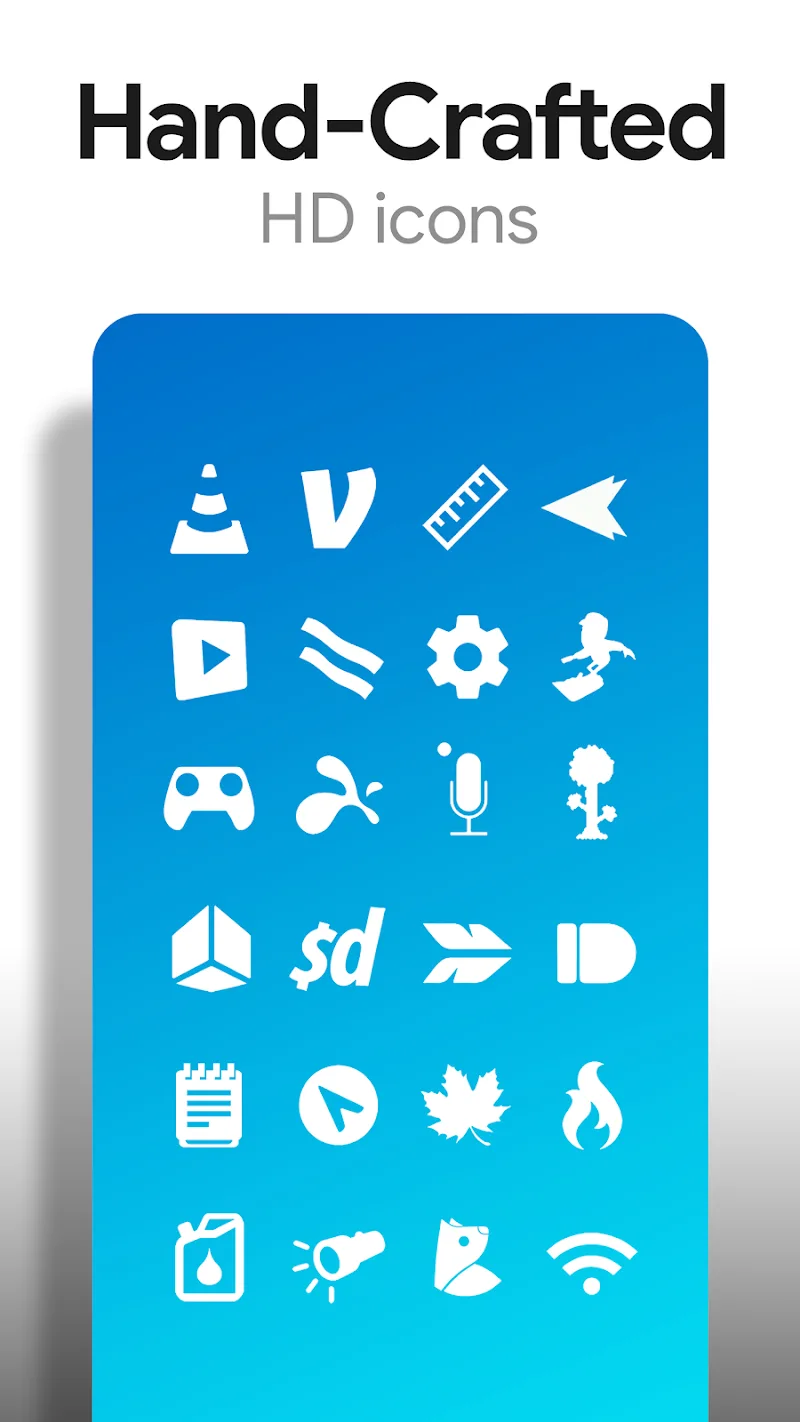
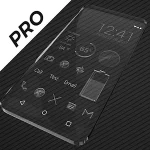
The application’s main feature is to provide icon packs with the same style. Users will use flat icon packs with high definition. All icons are produced in the same size. They will glow when combined with the typical dark wallpaper set provided by the application.
- Handcrafted Icon Count: The application provides more than 5,300 different icons in this icon pack. All are designed in a typical style. They are flat icons without shadows. However, the brightness and contrast of the wallpaper will help the icons stand out.
- Transparent Icon Design: Minimalism is preferred in this application. Users can explore unique icon designs of familiar applications. The consistency in design style makes the icon pack attractive. The size of the icons is kept at 192×192 to create a uniform feel.
- Dark Background Compatibility: In addition to the featured icon pack, the application also provides a minimalist wallpaper pack. The theme of the wallpaper pack is peaceful sky and landscape photos. Most of the wallpapers have dark colors to highlight the icon pack. 250 unique landscape wallpapers will be provided to users.
CUSTOMIZABLE WIDGETS
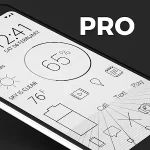
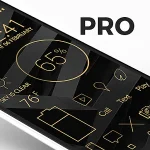
Users can rearrange the widgets’ position on the home screen. They will display in the mode selected by the user. Many widget templates will flexibly change according to user needs. The new, neater layout will help personalize the user’s device.
- Widget Types Included: All widgets will be rearranged to increase synchronization. Users can choose the clock style they like. Weather information is also constantly updated. The device’s battery level is always displayed. Users are allowed to arrange them according to many available templates.
- Personalization Options Available: The widget position adjustment activity helps users create a personalized space. Each position is set by default, and users have control over them. They can rearrange the space in the device to increase the perfection of the interface.
- Widget Format Flexibility: Icon packs appear to have certain limitations. Users can send requests for the application to fix. Muzei will be used by the application to make the wallpaper rotate in many directions. Some widgets will be added by users to the main widget group on the screen.











Comments (0)
No comments yet. Be the first!