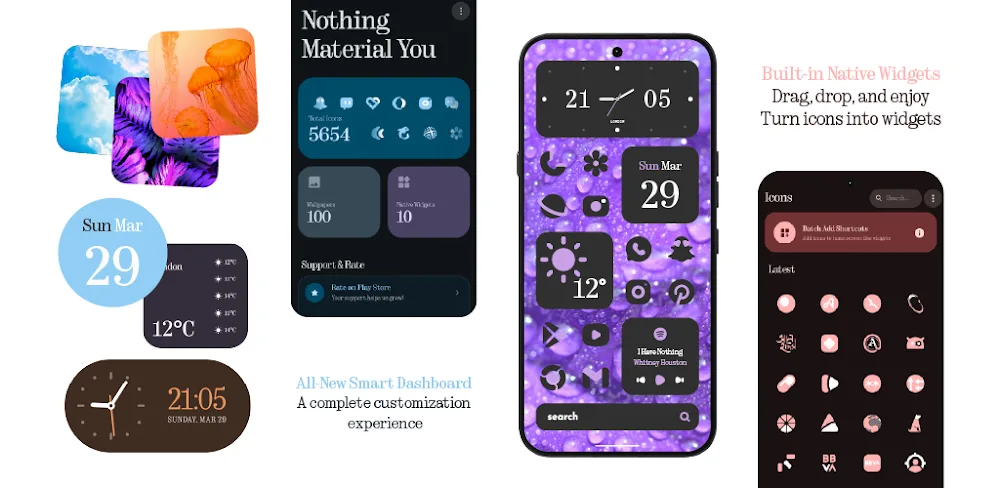

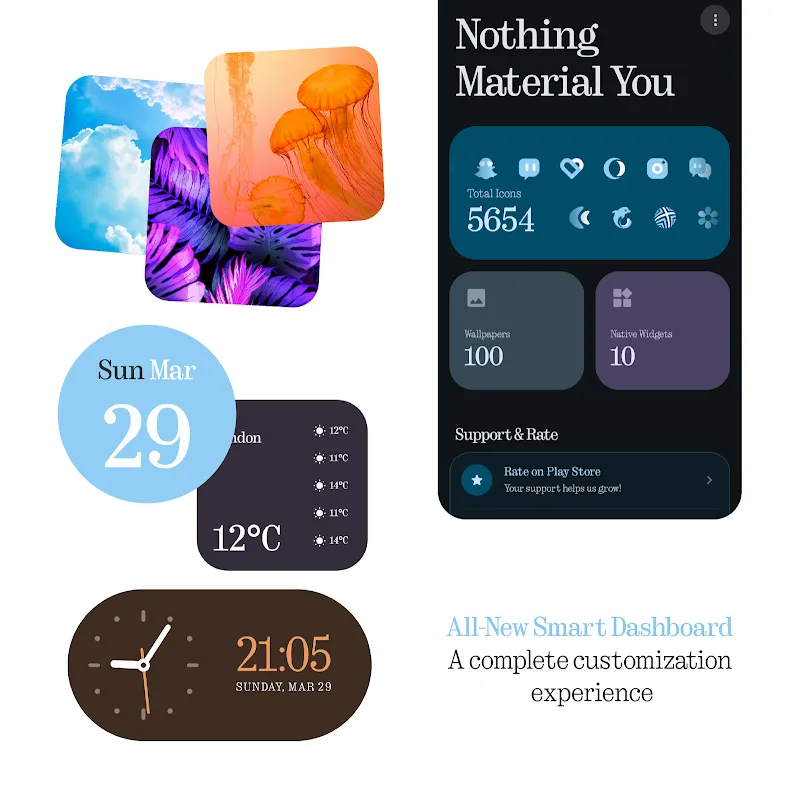
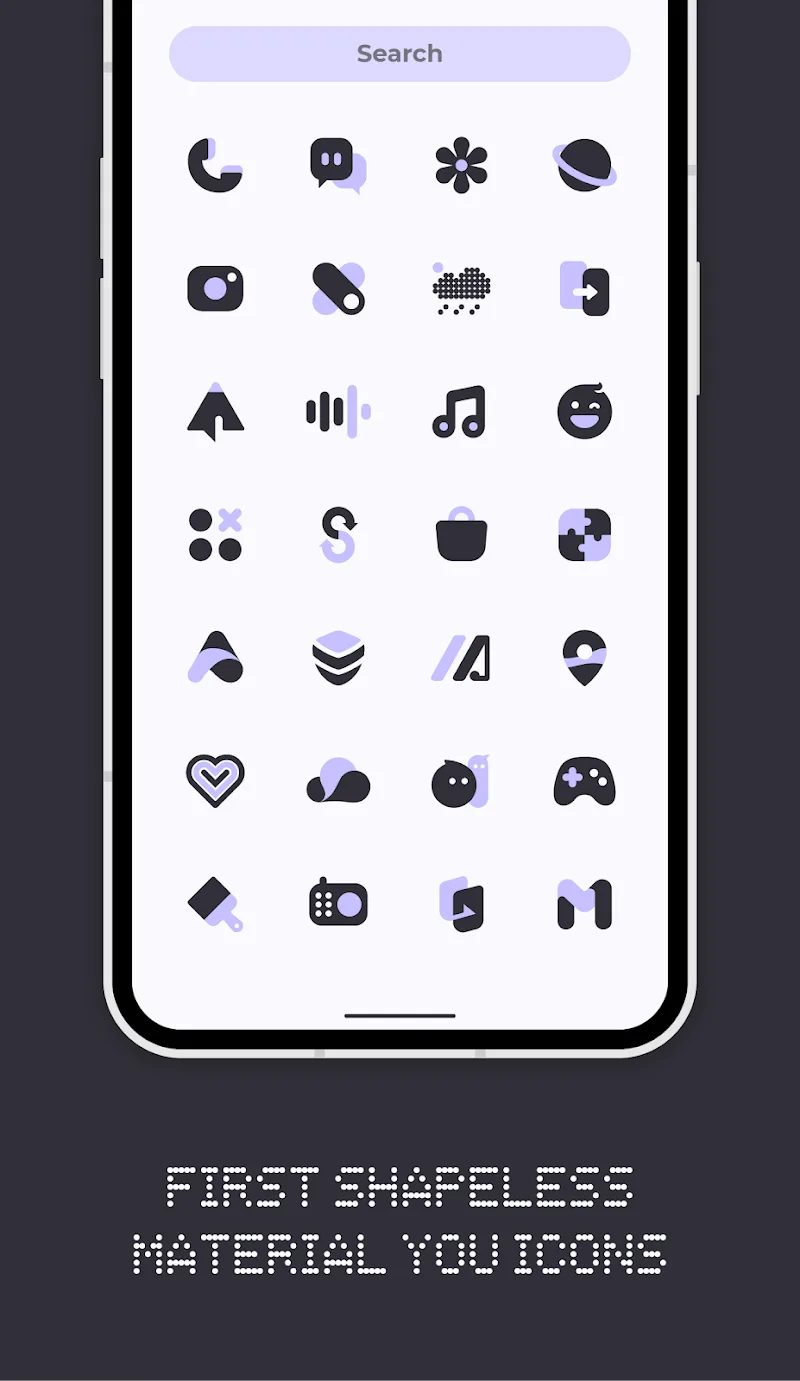
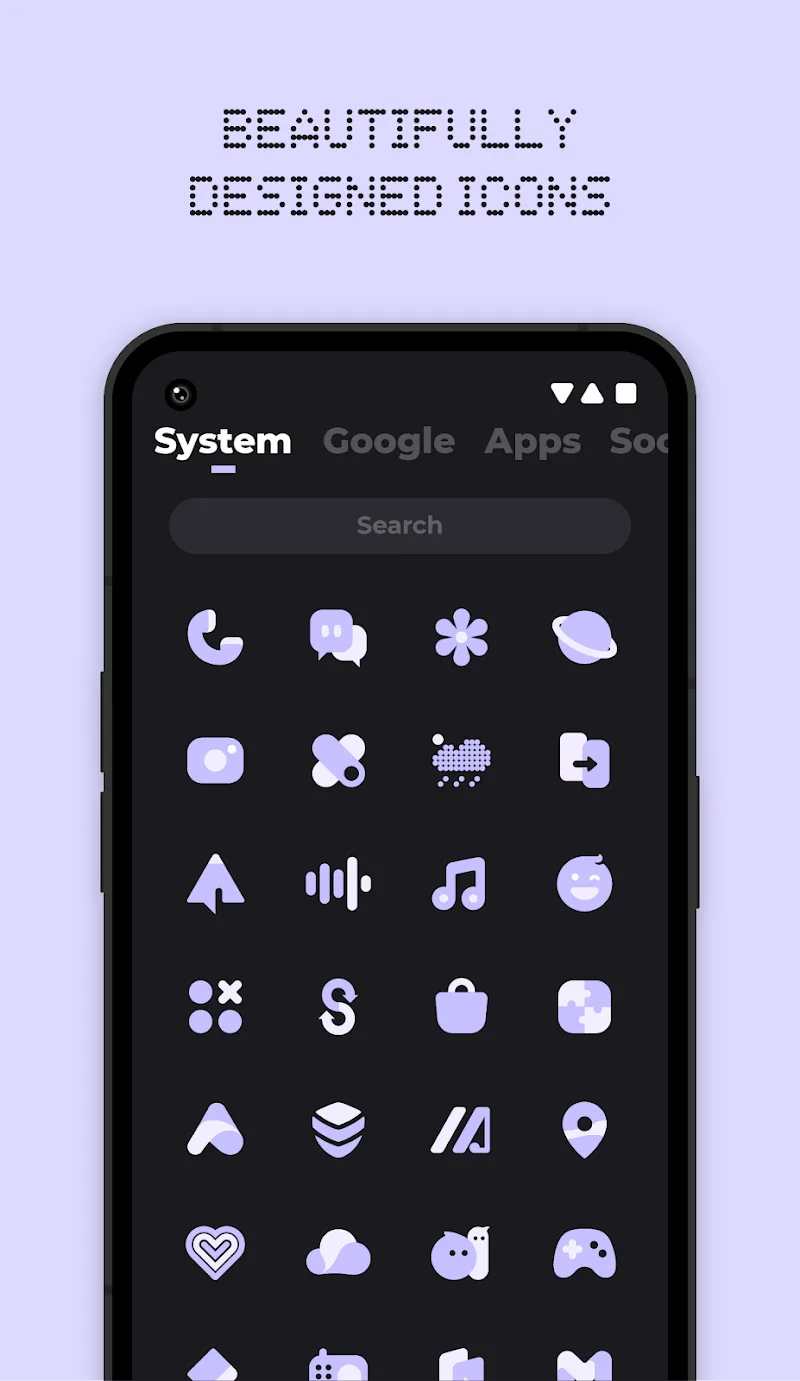
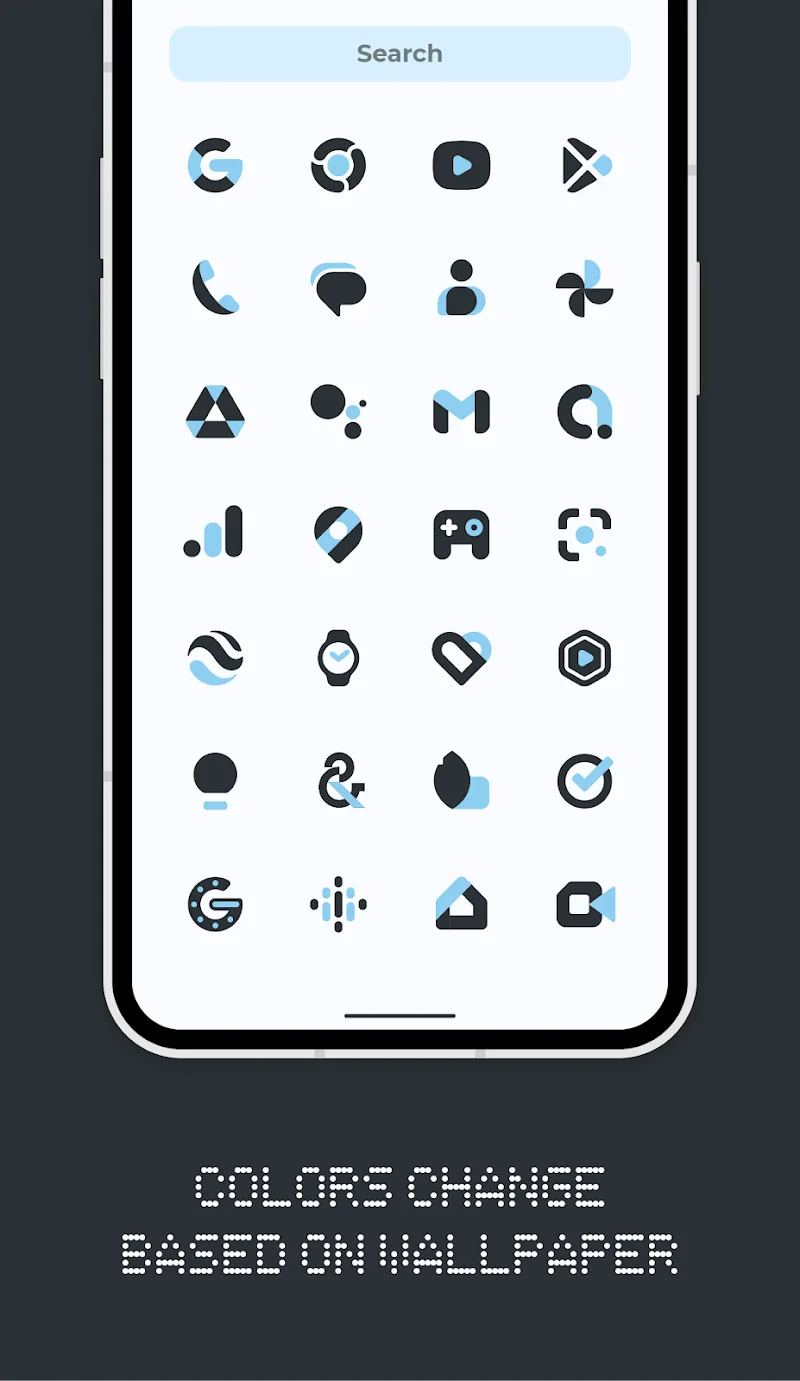
If you are looking for a way to “transform” the Android interface in a minimalist style but still full of futuristic vibes, Everything You Icons & Widgets is exactly the missing piece. Not following the beaten path of rigid framed icon sets, this application brings the breath of Material You design language with the ability to transform colors flexibly according to the wallpaper. I am truly impressed with the way these “shapeless” icons automatically blend into the system, creating a feeling as if they inherently belonged to your phone right from the factory.
ADAPTIVE VISUAL EXPERIENCE
The most “money” point of the application lies in the ability to customize colors based on the native technology of Android 12 and above. It is not just changing the outer coat but a comprehensive synchronization from icons to the system.
- Massive icon library: With more than 5600 meticulously designed icons, you almost do not miss any popular application on the home screen.
- Dynamic color adaptation: The icon and widget system will automatically “jump” color tones every time you change the wallpaper or switch between light/dark mode.
- Premium request service: If by chance discovering a “strange” app not yet supported, the premium request service ensures that icon will appear in the earliest updates.
NATIVE CUSTOMIZATION TOOLS
Instead of having to install additional complex and heavy third-party applications, this application has integrated everything you need to create a “clean” and modern interface.
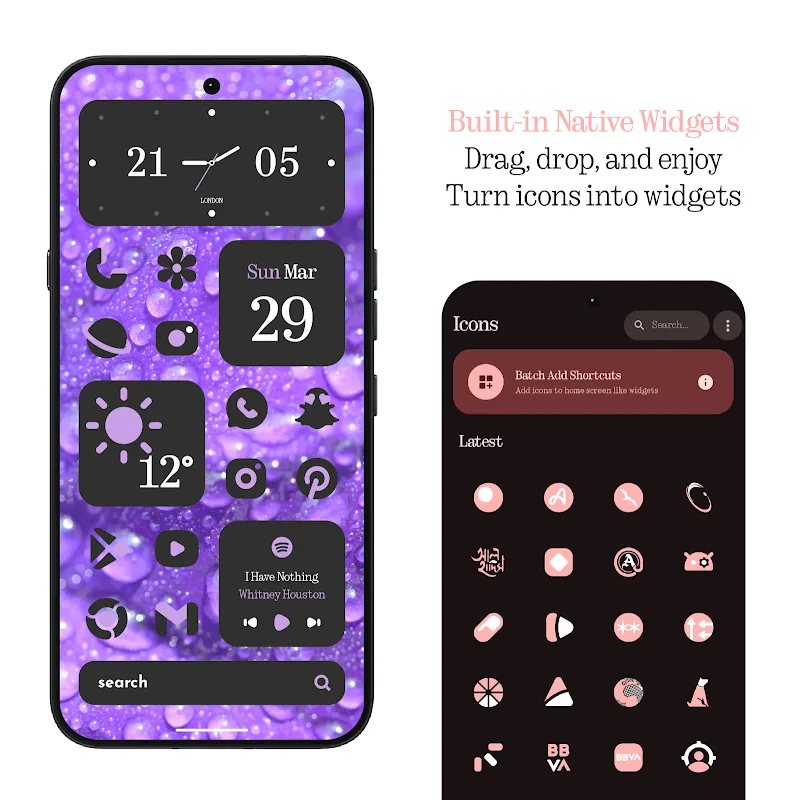
- Built-in native widgets: You no longer need KWGT because the application provides available clock, weather, calendar, and battery widgets that are extremely eye-catching.
- Exclusive live wallpapers: The collection of live wallpapers and cloud wallpapers is specifically optimized to honor the beauty of Material You icons.
- Direct icon widgets: This feature is extremely useful for Pixel Launcher users, allowing adding directly each application icon to the screen as an independent widget.














Comments (0)
No comments yet. Be the first!