
Furthermore, this application can change and add extremely interesting and useful features to your devices to make them more luxurious. Enjoy this tool’s great convenience for anyone who owns an Android device.
 |  |
CHANGE THE UNLOCK STYLE AS WELL AS OTHER HAND GESTURES
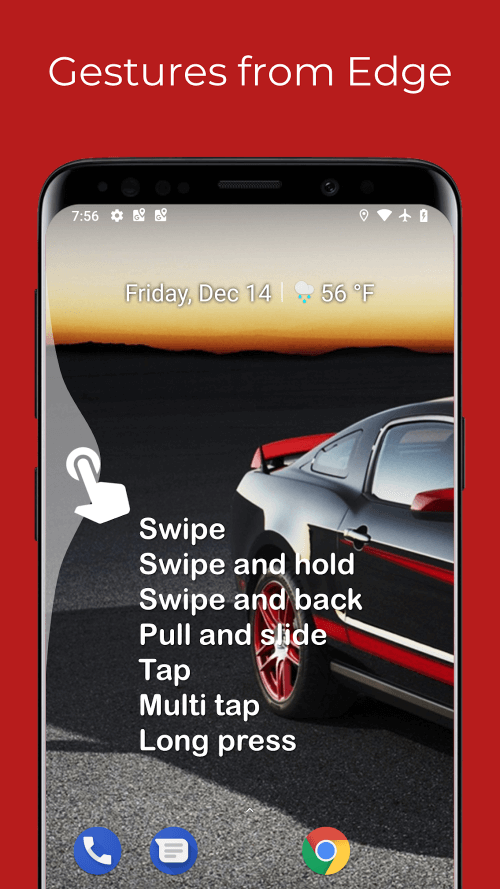
This fantastic application allows users to change their unlocking gestures into other interesting hand gestures. The default unlocking gestures on your smartphone device can sometimes become tedious and inconvenient. Edge Gestures has now appeared to bring you even more interesting unlocking methods. They are programmed to swipe the screen left or right, in conjunction with other gestures such as pressing, holding the screen and pressing repeatedly, or dragging, amongst many other interesting actions. The application will enhance your unlocking function so that you can select any unlocking operation that makes you feel the most comfortable.
 |  |
ADD COOL AND USEFUL GESTURES TO YOUR DEVICE
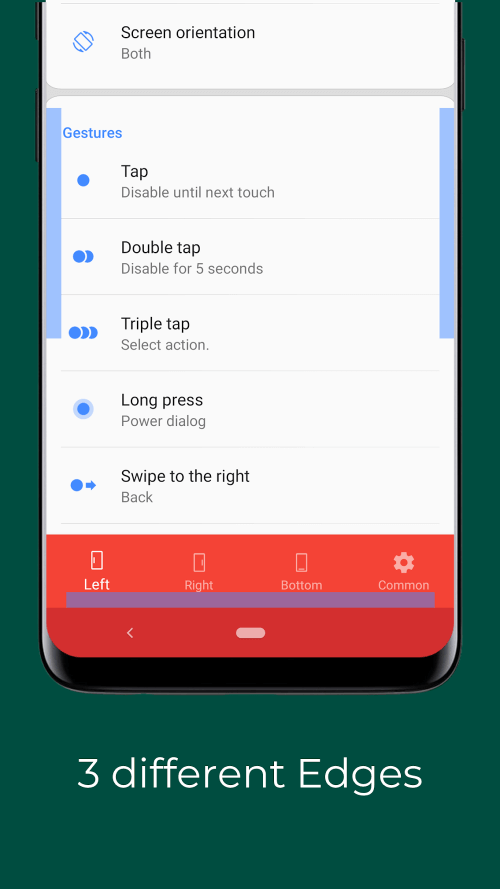
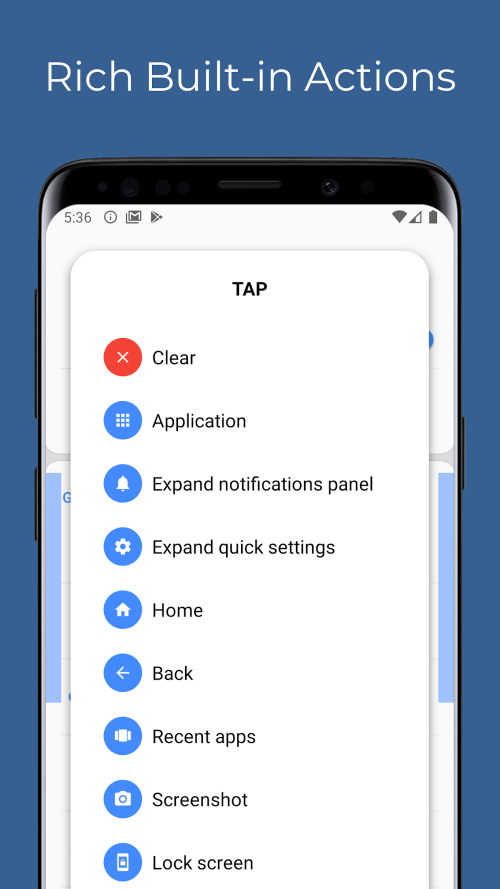
Users can set up hand gestures to perform actions quickly by adding extremely smart gestures. When you access the gesture interface from the application’s interface screen, you will see an extremely diverse list of gestures from which to choose. Users can perform actions like double-clicking, triple-clicking, side-scrolling, long-pressing, and more. Set up an action by selecting a hand gesture and then selecting from a list of actions to associate with that gesture. As a result, users can perform device functions with just a few gestures. There are also tools for turning on the flashlight, changing settings, opening the calculator, and various other useful functions.
 |  |
START THE APPLICATION AS SOON AS POSSIBLE
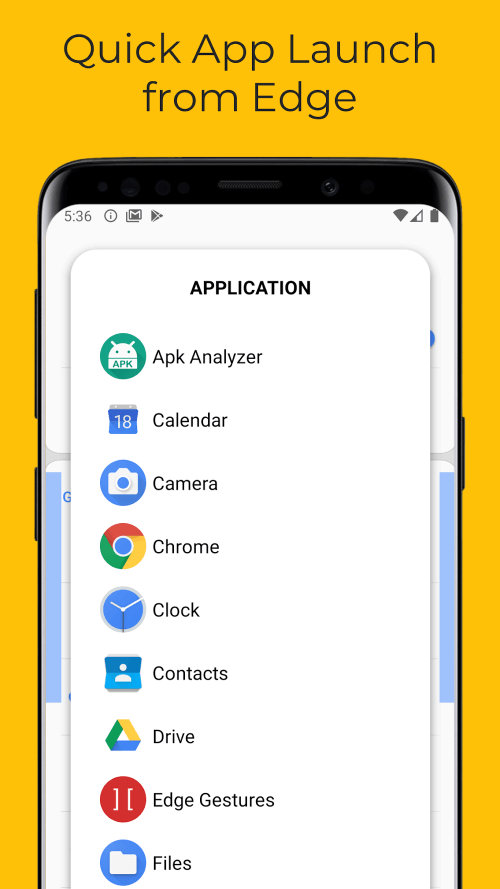
If you have an excessive number of applications and starting them all takes an unreasonable amount of time, your users may become frustrated. Edge Gestures is now available to help quickly solve the issue you were having with opening apps. After you have completed the process of installing it, the application will perform a scan of your device to collect and store data for all of the applications that are currently installed on your phone. The apps are then arranged in a list and minimized to the bottom of your screen by the app, making it possible for you to access them at any time. Click on the icon that looks like a list, and then search for the application you want to open in the list that is neatly organized. Thanks to this ingenious feature, you will now be able to cut down on the amount of time it takes to locate and launch applications.
YOU CAN ADJUST THE SCREEN BRIGHTNESS AND MANY OTHER FEATURES
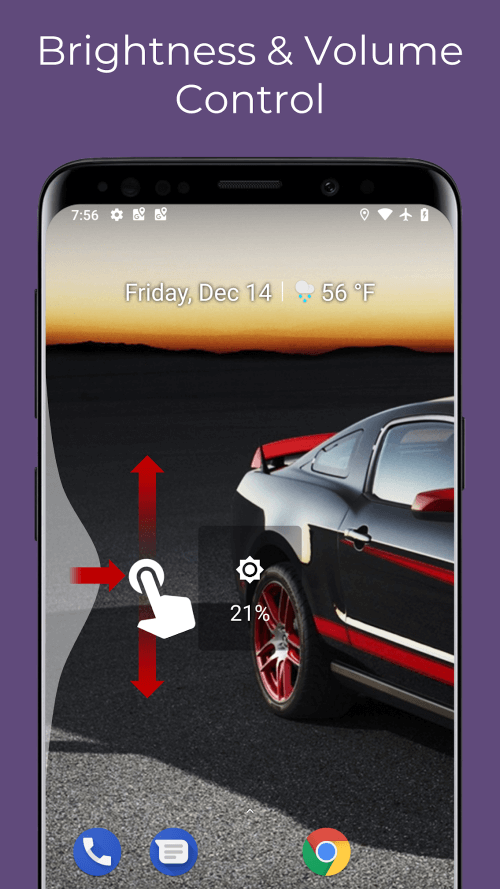
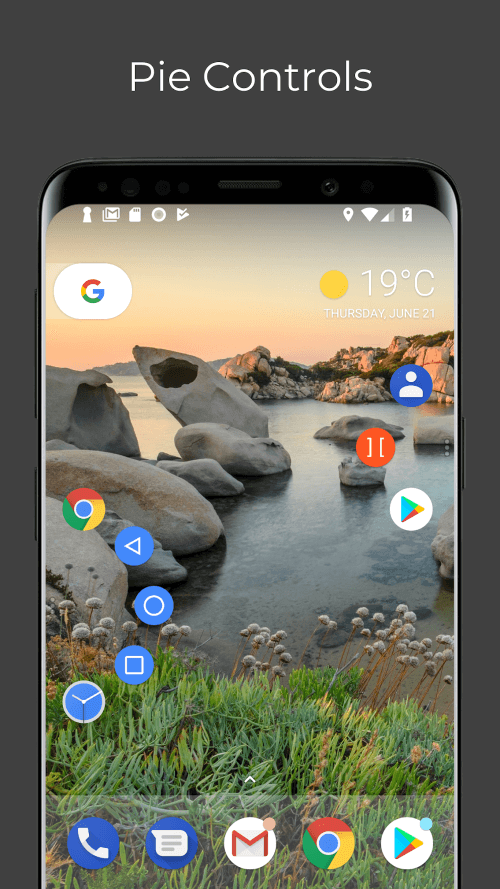
This helpful tool provides its users with many other remarkable functions, including intriguing gesture and manipulation features that users can take advantage of. You have complete control over the brightness of the display as well as the volume of your device when you use hand gestures on the screen. When watching movies, you have complete control over the sound, and when you go into different lighting environments, you can easily adjust the screen’s brightness. This is an extremely helpful feature. In addition, there is a one-of-a-kind control panel in the shape of a donut, complete with a submenu and numerous immediately usable pre-set functions.













Comments (0)
No comments yet. Be the first!