


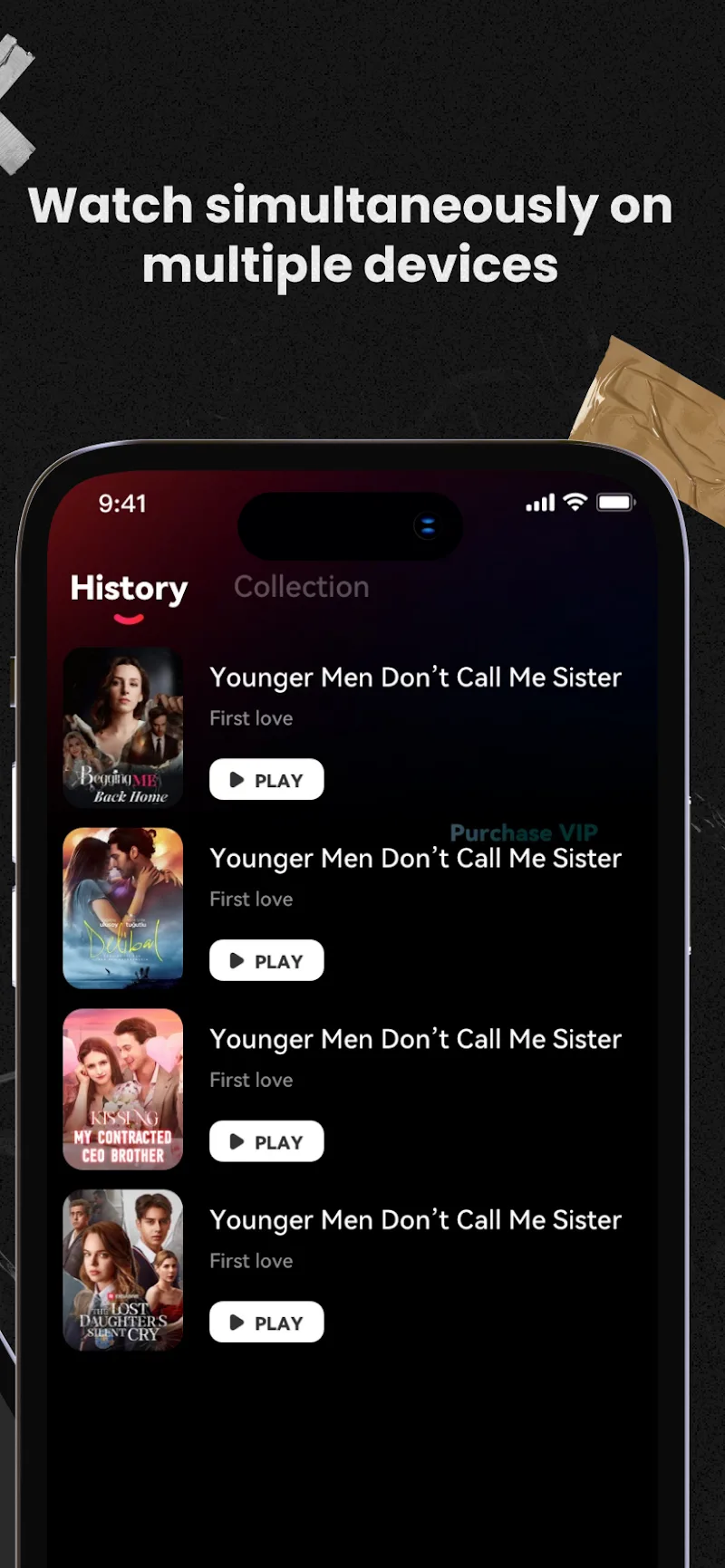

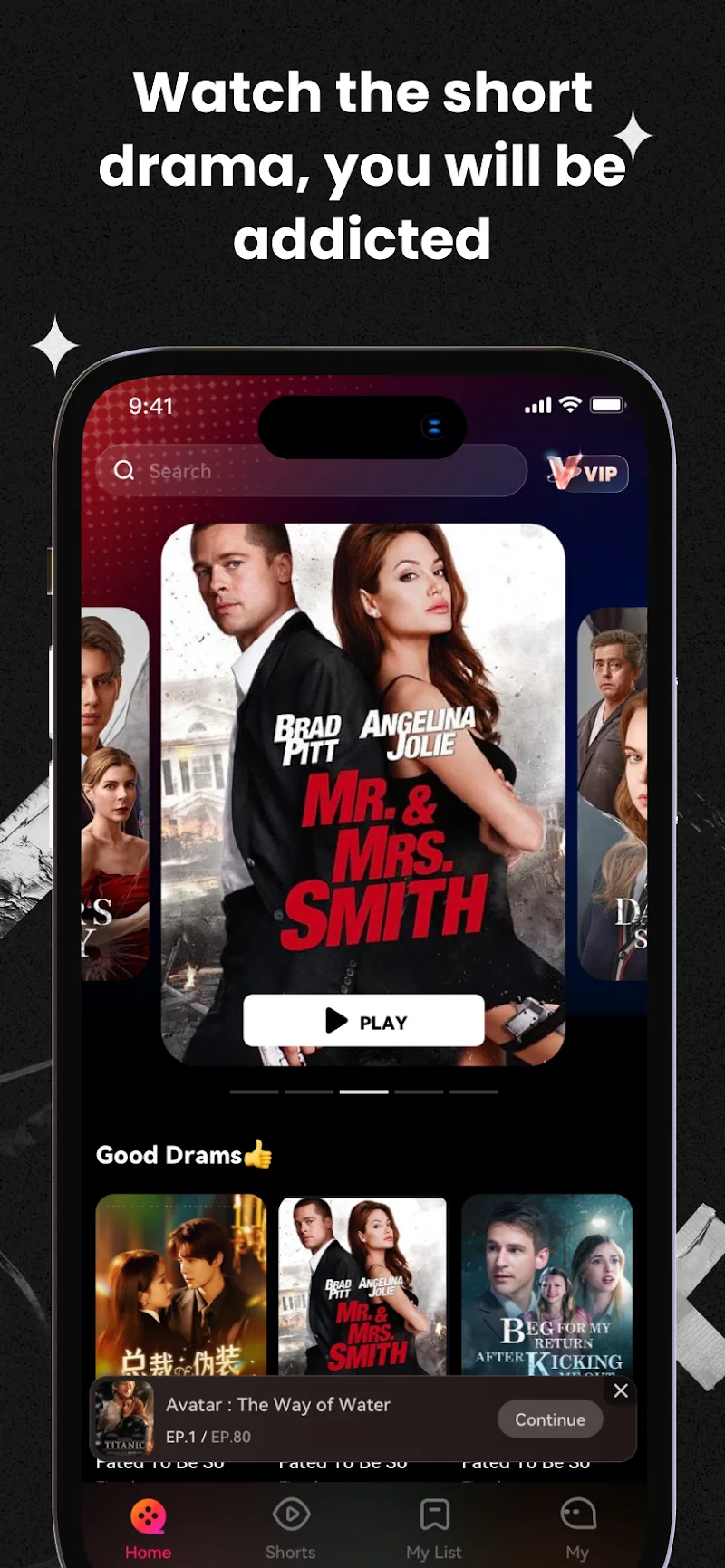
DramaOL is an Android streaming app built around short dramas, with stories ranging from CEO romances and sweet love affairs to revenge plots and historical power struggles. Its compact episodes are meant to fit into a break or a commute. Alongside the shows, recommendations and synchronized viewing history help you find something new and return to a story you’ve already started.
Choose a Story for the Time You Have
The selection leans into recognizable dramatic hooks. Romance gives you relationships to follow, revenge brings conflict, and suspense adds uncertainty about what happens next. That range makes the app worth considering if you already enjoy these themes and want them in shorter installments.
You don’t need to reserve an entire evening just to start a series. A brief viewing window can be enough for an episode, although the app doesn’t publish a single runtime that applies to every show. Pick according to the story that interests you and the time available.
The developer advertises daily additions to the library. Personalized suggestions also draw on your viewing history and interests, offering another way to choose your next drama. The practical appeal is having somewhere to start when you finish a series and don’t have another title in mind.
Keep Your Place Across Screens
DramaOL supports smartphones and tablets, with automatic viewing-history synchronization. You can start watching on a phone and continue on a tablet later without having to remember your place yourself. That continuity matters when a series becomes something you follow across several short sessions.
Guest access is available under the service’s account terms. The operator recommends using an approved sign-in method to reduce the risk of losing access to your account. If you expect to return regularly, especially after making purchases, account continuity deserves attention before you build up a viewing history.
The app advertises 1080p picture quality. That’s a useful specification for watching on a larger screen, though it doesn’t establish that every connection will deliver uninterrupted playback. Judge the picture and loading behavior on the device and network you actually use.
Check What a Purchase Includes
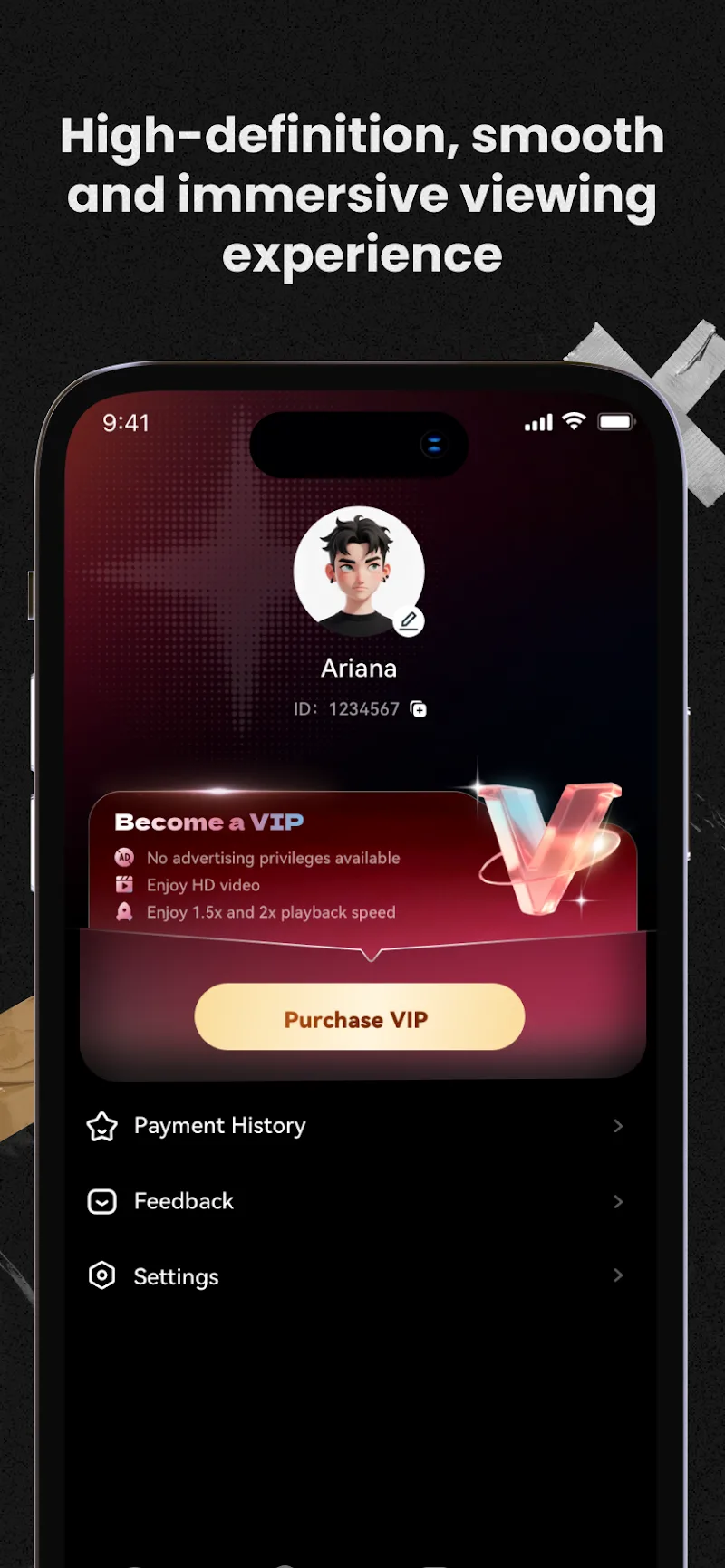
DramaOL contains advertising and offers in-app purchases. Its service terms describe paid viewing and virtual coins used for purchases, so it’s worth checking the access conditions before committing to a longer series. The cost of getting started may not tell you what continuing will involve.
One detail is particularly relevant: the terms say paying for a service or feature doesn’t automatically exempt viewers from advertisements. Don’t assume a purchase removes every interruption. Read the specific offer to see what it includes, how long access lasts, and whether it covers the content you want.
For a short-drama app, those details affect the rhythm of watching as much as episode length does. Try a story that catches your interest, see how its access options work, and check the price before paying to continue. The useful decision is whether following that particular series feels worth the time and any charge involved.










Comments (0)
No comments yet. Be the first!