


Document Scanner will help you create any crucial documents by scanning the physical documents available with the highest possible quality in different manners. The app also supports more actions or features, so interacting with scanned documents will be easier, including document management that help you track all your scanned content.
SCAN ANYTHING WITH YOUR CAMERA
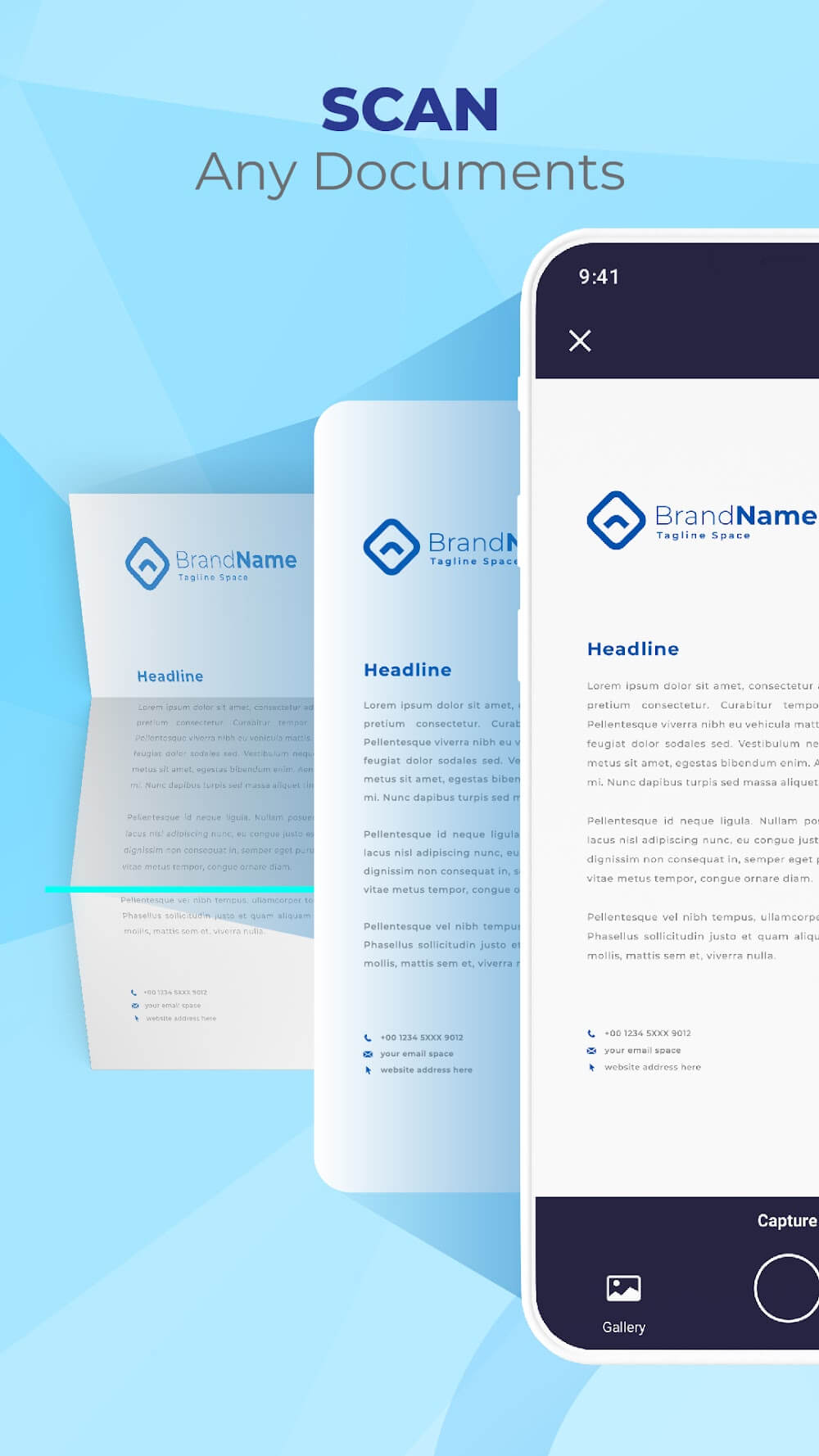
Every physical document within your reach may be scanned and converted to digital format using your smartphone’s camera. By intelligently trimming and automatically improving scanned documents, it can guarantee that their text and images will be crisp and high-resolution. The scan can also be performed at any angle, as the app has a built-in perspective adjustment, ensuring your scanned content will be straight and sharp, just like a real document with the best quality.
INTERACT WITH THE DOCUMENTS’ TEXTS
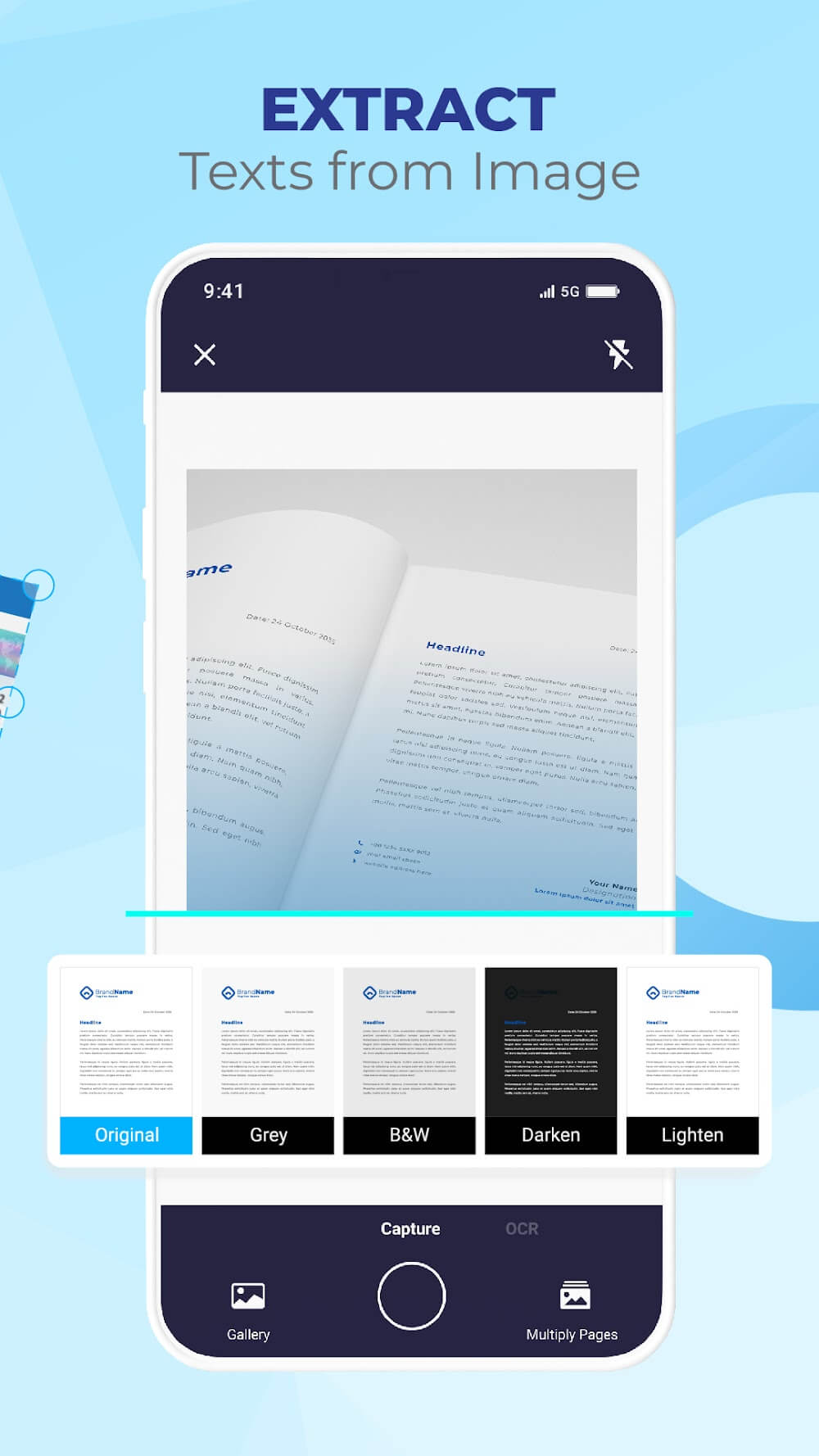
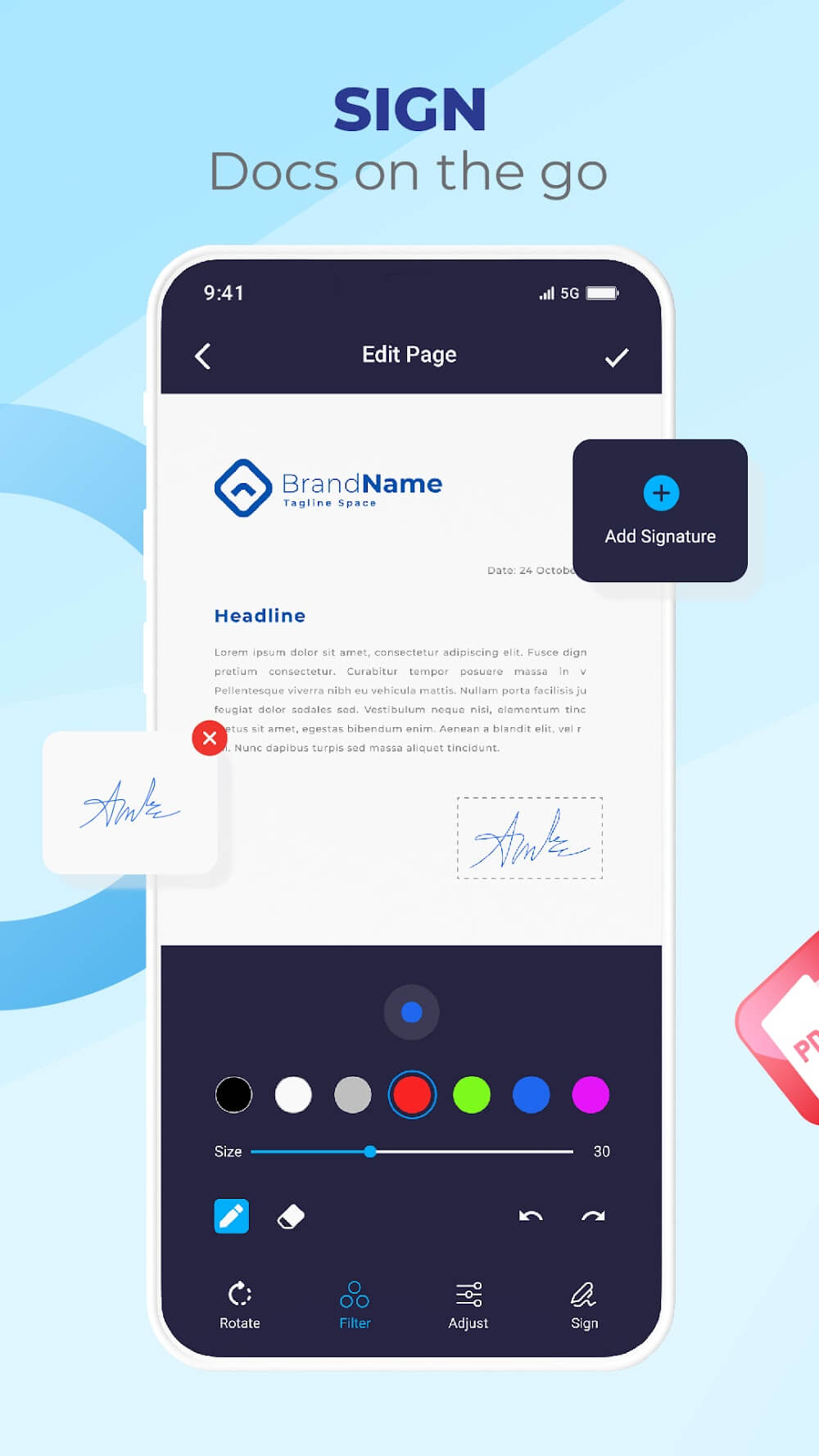
The OCR scanner app can extract information from a picture for text, which can transform scanned images and PDFs into editable, searchable text that may be used in various other programs. Besides, you can import an image of your signature or draw one and put then onto the documents. While signing a PDF, you can perform it with hand gestures. Your signature and initials may be created quickly and easily, eliminating the need for printing or faxing. In addition to translating signatures, the app also supports rotating and scaling them.
WORK WITH ANY PDF FILES WITH GREAT AFFINITY
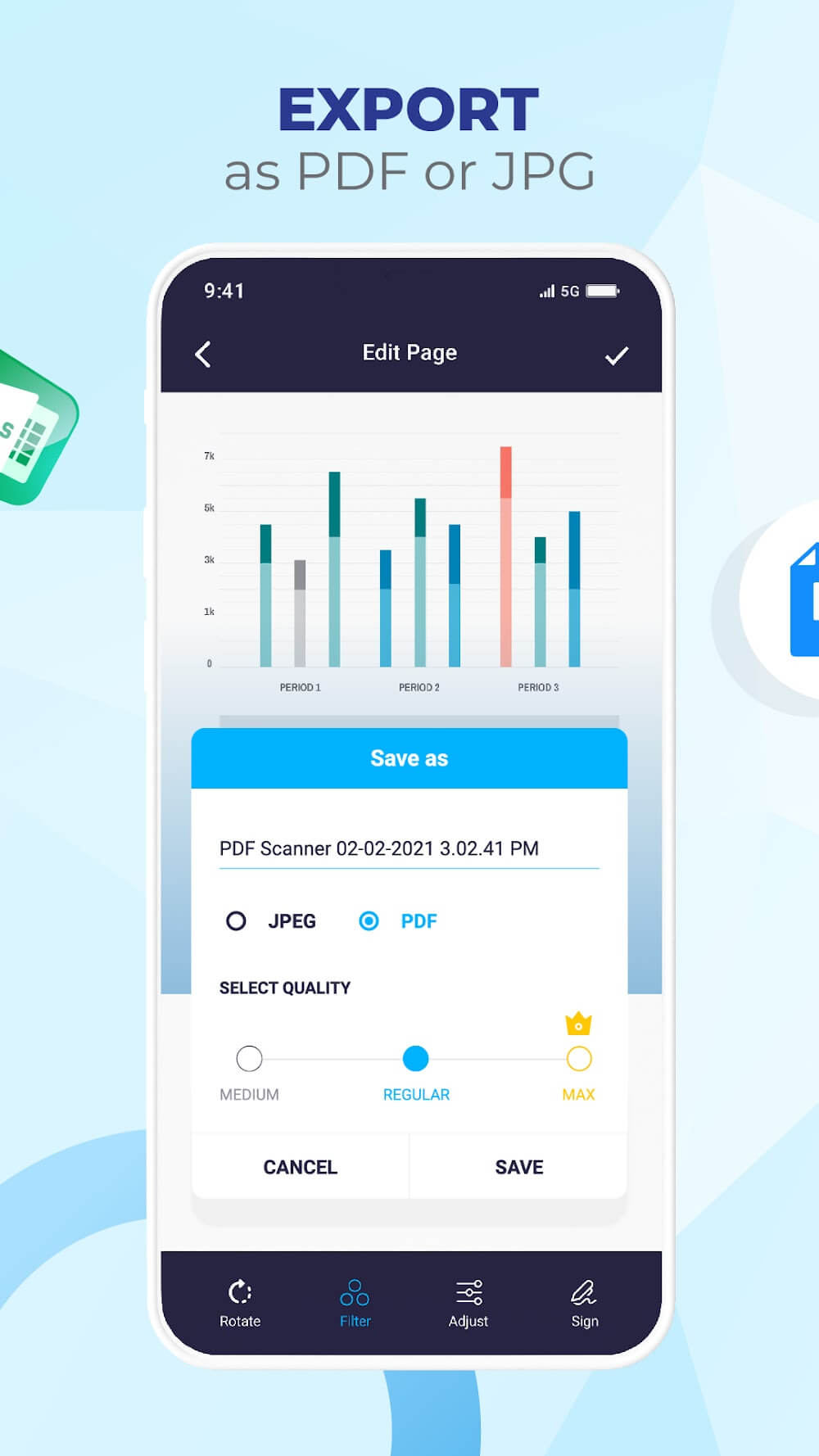
Thanks to the app’s built-in capabilities and other basic functions, you may start perusing PDF files in a flash. A basic catalog of PDF documents. PDF with the zoom functions with hand gestures. Scan paper documents or import multiple pictures to create a PDF. Aside from viewing the files, you can alter the images’ size, shape, color, and orientation. Not only that, images should be optimized for PDF export so you can have the best file quality.
KEY FEATURES
- Turn your device into a portable document scanner with OCR text recognition capabilities
- Quickly digitize all kinds of paper documents with your phone camera
- Smart cropping and auto-enhancing for clear and sharp scanned documents
- Extract text from images with OCR scanner and convert to PDF or editable text
- E-Signature feature to sign PDFs and documents with your finger
- PDF reader and viewer to open, view, and edit PDF files
- Convert multiple images to PDF and optimize them for better output
- Scan documents in color, grayscale, or black & white with automatic page edge detection
- Fast scanner optimized for quick performance
- Additional features include scan to text, high-quality PDF export, support for multiple file formats, copy and paste text, and easy-to-use interface.












Comments (0)
No comments yet. Be the first!