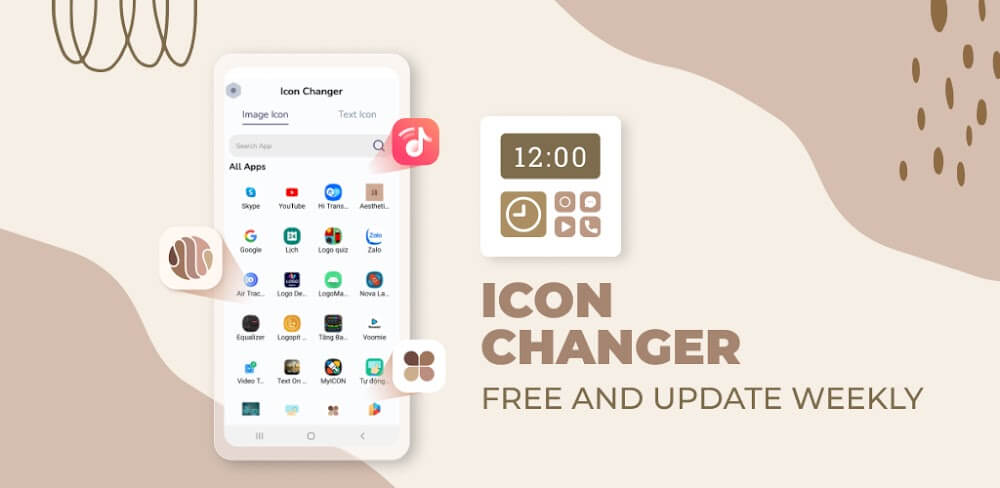

Icon Changer is a flexible and free app that lets Android phone users change the icons and names of their favorite apps for a more tailored experience. Icon Changer simplifies assigning new icons to shortcuts on the home screen by providing a large library of custom icon packs. With Icon Changer, you can ditch your boring home screen and dive into a sea of originality.
 |  |
THE POWER TO PERSONALIZE ANYTHING
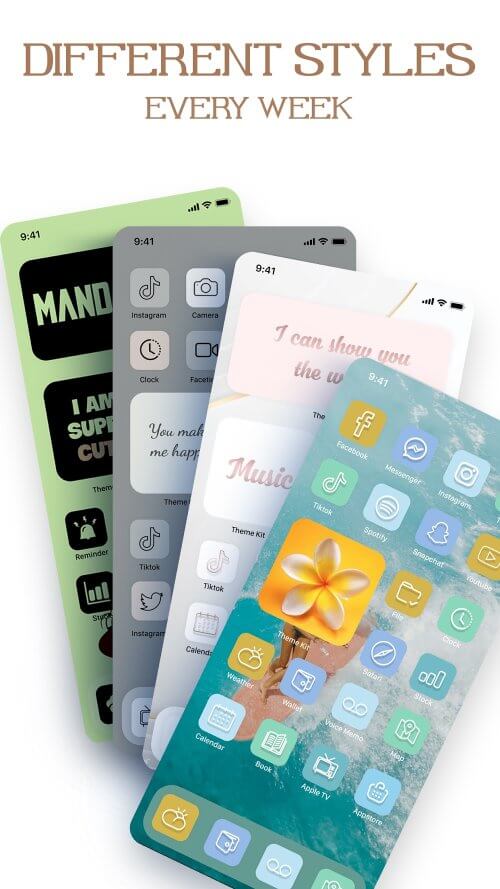
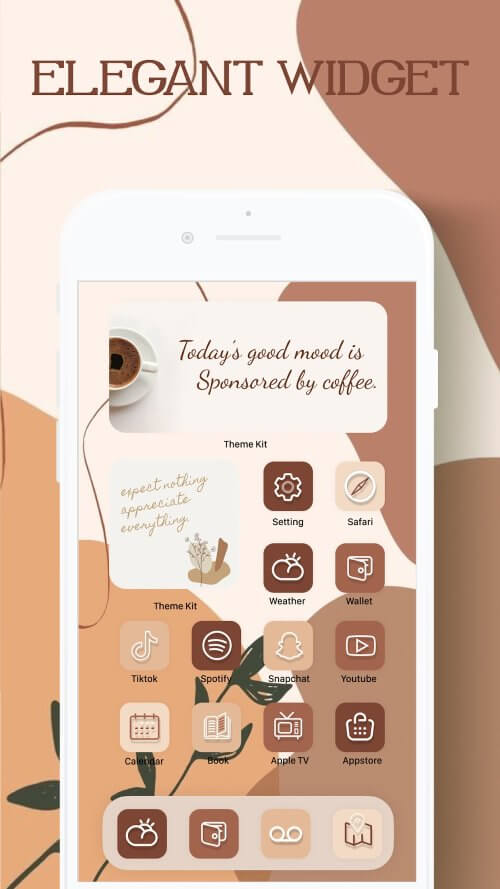
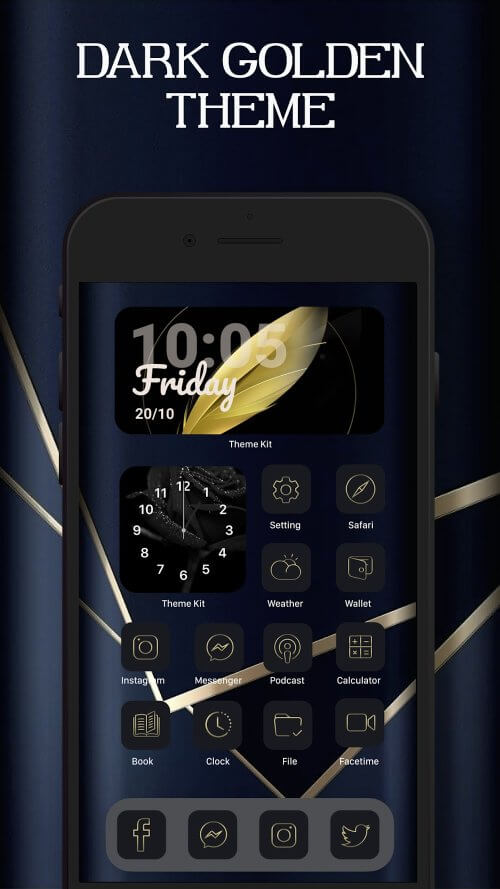
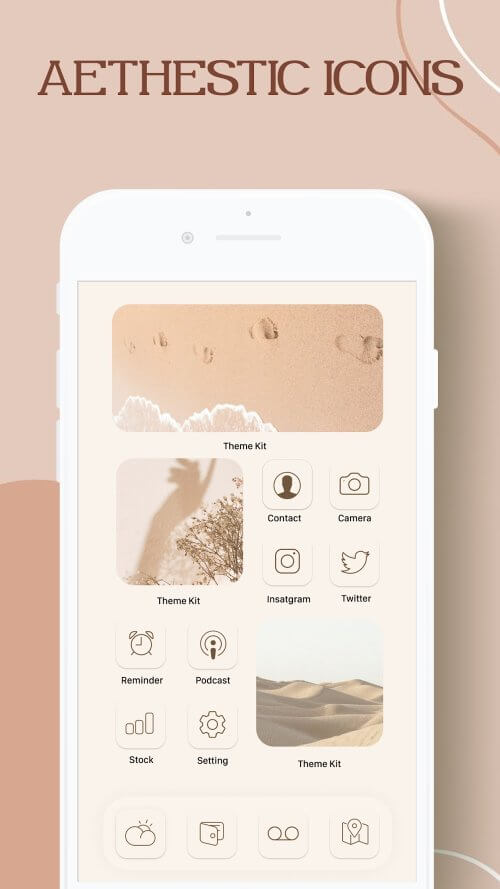
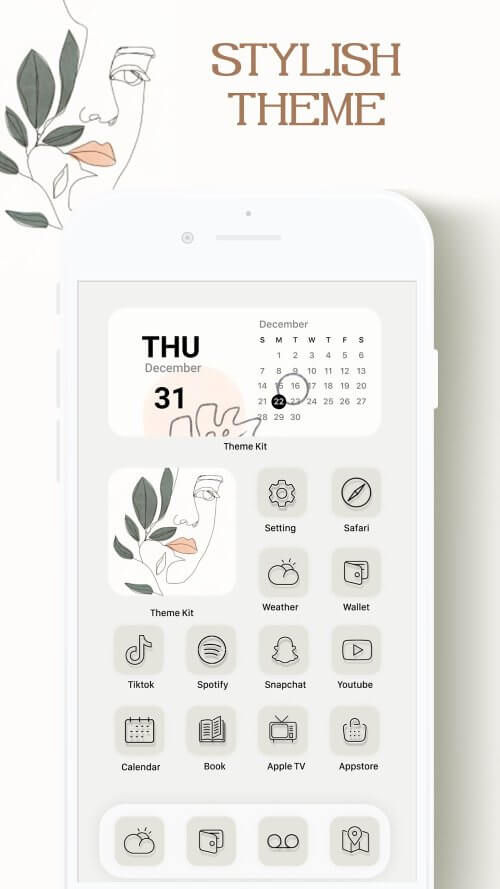
With Icon Changer’s many available icon packs, it’s easy for everyone to find a visual style that suits them. You can swap out the standard app icons for ones that match one of several available themes, such as Minimal, Galaxy, Cotton Candy, Navy, Christmas Wreath, and many more. Apply complete icon packs with Icon Changer’s built-in rapid install tool, or save individual icons to your camera roll for use in the Shortcuts app. Icon Changer has a wide variety of themes available, each with its own widgets, icons, and wallpapers designed to fit a certain aesthetic. Users can browse through theme categories, including Minimal, Nature, Neon, Gradient, and Aesthetic, to get the appropriate appearance for their home screen.
 |  |
KEY FEATURES: 3000+ ICONS, UNMATCHED VARIETY, AND SIMPLICITY OF USE
Icon Changer’s main selling points are its humongous library of over 3000 editable app icons and its plethora of icon graphics. Fresh, futuristic, landscape, and gorgeous are just some of the icon and screen layout options available to users. For a unique experience, users can rename apps and even create their icons by uploading photos from their galleries. Icon Changer’s one-click customized theme installer simplifies applying new icons to apps. Icon Changer makes customizing the home screen of your Android phone a breeze with its intuitive design. Why not give your phone a facelift and explore the artistic possibilities with Icon Changer right now?
 |  |
MAKE YOUR APPS STAND OUT WITH APP CUSTOMIZATION.
Icon Changer is the best tool for customizing the look and name of any program’s icon. Icon Changer gives users unique control over their home screen by letting them swap out the default program icon for a picture of their choice. Enhancing the visual appeal of an Android device is as easy as customizing its app icons. Icon Changer not only lets you change the icons and titles of your apps, but it also provides a wide variety of wallpapers. Pick from various styles to select a wallpaper that goes well with your new icons and makes your home screen look polished and professional.











Comments (0)
No comments yet. Be the first!